Leveraging OpenAI's Large Language Models in Chatbots
 By Suraj Rao4 min read
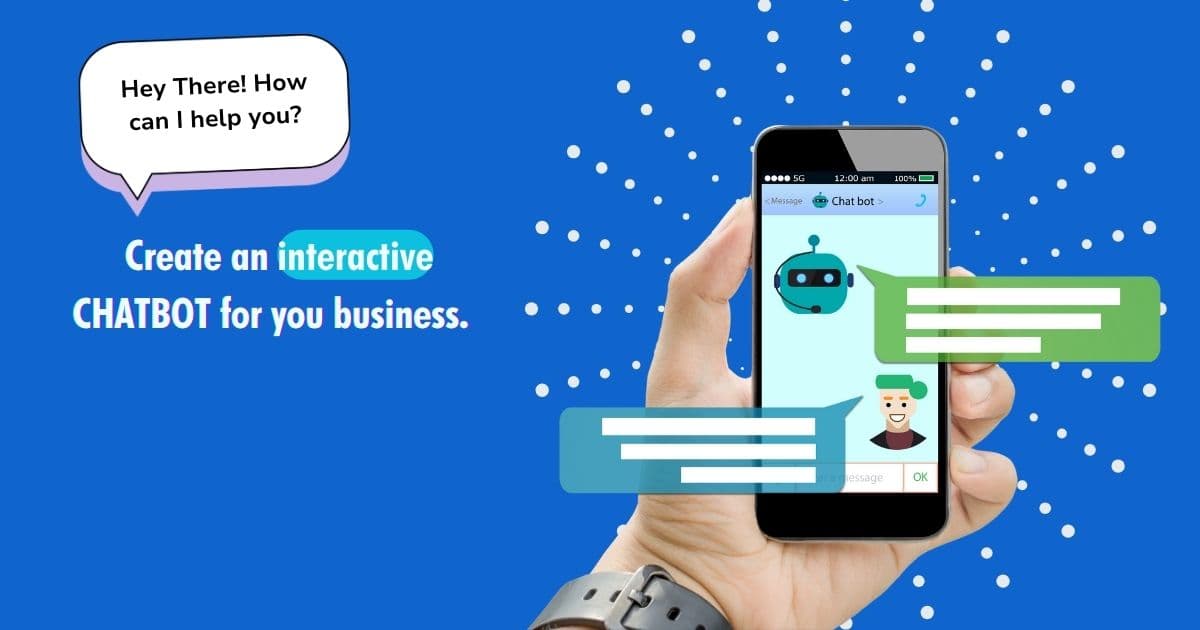
In the rapidly evolving landscape of artificial intelligence, Large Language Models (LLMs) have emerged as a transformative force in how we interact with technology
Introduction
OpenAI's models, especially GPT-3, are at the forefront of this revolution. This blog will explore the fundamentals of OpenAI's LLMs, their architecture, the process of integrating them into chatbots, and best practices for effective implementation.
What are OpenAI's Large Language Models?
Definition of LLMs
Large Language Models are neural networks trained on extensive text data to understand and generate human-like text. OpenAI's LLMs can comprehend context, respond intelligently, and even mimic various writing styles.
Key Features of OpenAI's LLMs
Advanced NLU: Capable of interpreting user queries and extracting intents.Fluid NLG: Generates coherent, contextually appropriate responses.Contextual Understanding: Remembers previous interactions for more meaningful conversations.
Popular OpenAI Models
GPT-3: One of the largest LLMs with 175 billion parameters, known for its versatility in handling diverse language tasks.
The Architecture of OpenAI's LLMs
Transformer Architecture
The transformer architecture is pivotal in the functionality of LLMs. It includes:
Self-Attention Mechanism- Enables the model to focus on different words when processing input, enhancing its ability to understand context.
- Adds information about the position of words in a sentence, allowing the model to retain the order of words.
Layers and Parameters
OpenAI's models are built with multiple layers, each containing numerous parameters. These parameters are adjusted during training to minimize prediction error.
# Example of loading a model (code snippet)
import openai

openai.api_key = 'YOUR_API_KEY'
The Training Process of OpenAI's LLMs
Pre-training Phase
- The model is trained on diverse text corpora to predict the next word in a sentence, learning grammar, facts, and reasoning.
Fine-tuning Phase
- After pre-training, the model is fine-tuned on a narrower dataset to specialize it for specific tasks, such as conversational agents.
Integrating OpenAI's LLMs into Chatbots
Overview of Chatbot Development
Building a chatbot using OpenAI's LLMs involves several key steps. This process allows for the creation of intelligent systems capable of understanding and responding to user inquiries effectively.
Step 1: Create an OpenAI Account
Sign Up: Go to OpenAI and create an account to access the API.
Step 2: Obtain API Key
Get API Key: Navigate to the API section in your OpenAI account to generate your API key.
Step 3: Set Up the Development Environment
Install necessary libraries to interact with the OpenAI API.
pip install openaiStep 4: Build the Chatbot Logic
Initializing the ChatbotStart by creating a class to handle interactions with the OpenAI API.
class Chatbot:
    def __init__(self):
self.messages = [] # To store conversation historyImplement a method to send user input to the OpenAI API and retrieve a response.
def get_response(self, user_input):
    self.messages.append({"role": "user", "content": user_input})
    response = openai.ChatCompletion.create(
        model="gpt-3.5-turbo",
        messages=self.messages
    )
    return response['choices'][0]['message']['content']
Step 5: Implementing Context Management
Managing Conversation HistoryMaintain a history of messages to provide context in conversations.
if len(self.messages) > 5:
    self.messages = self.messages[-5:]  # Keep the last 5 messages
Step 6: Adding Fallback Mechanisms
Implement fallback responses for when the model fails to provide a relevant answer.
def fallback_response(self):
    return "I'm sorry, I didn't quite understand that. Can you rephrase?"
Enhancing User Experience with OpenAI LLMs
Personalization
- OpenAI's models can adapt responses based on user input, making interactions feel more personalized.
Human-Like Conversations
- The ability of LLMs to generate coherent and context-aware responses enhances the overall user experience.
Scalability
- LLMs can handle multiple conversations simultaneously, allowing businesses to serve numerous users without delays.
Best Practices for Developing Chatbots with LLMs
1. Define Clear Use Cases
Identify specific applications for your chatbot, whether for customer support, lead generation, or informational purposes.
2. Continuous Training and Updating
Regularly update your model with new data to ensure it stays relevant and effective.
3. Monitor User Interactions
Track user interactions to identify common queries and improve the chatbot's responses.
4. Data Privacy Considerations
Implement robust security measures to protect user data and comply with regulations.
5. User-Friendly Design
Ensure that the chatbot interface is intuitive, guiding users through interactions seamlessly.
Challenges and Solutions
1. Misinterpretation of Queries
LLMs may occasionally misunderstand user inputs, leading to irrelevant responses. Implement fallback mechanisms to address this.
2. Cost Management
Using OpenAI's API incurs costs based on usage. Monitor API calls to optimize expenses.
3. API Limitations
Be aware of the limitations of the API regarding rate limits and response times. Optimize your queries to fit within these constraints.
Conclusion
OpenAI's Large Language Models have reshaped the chatbot landscape, enabling businesses to offer more intelligent and engaging customer interactions. By leveraging the capabilities of OpenAI's models, developers can create chatbots that not only understand user intent but also maintain meaningful dialogues.
At Tristiks Technologies, our experts have successfully integrated businesses with chatbot solution for customer interactions. Whether you’re a small business looking to scale or a large enterprise seeking to optimize your operations, We chatbots offer a flexible and scalable solution that can drive long-term success.
Category: AI
Suraj Rao
Suraj Rao is the founder of Tristiks, the team behind Tristiks Grow and its desktop time tracker OneTrack. He writes about time tracking, client work and getting paid, and about DevOps, cloud and AI from years of building software.