Google Calendar integration for your client work
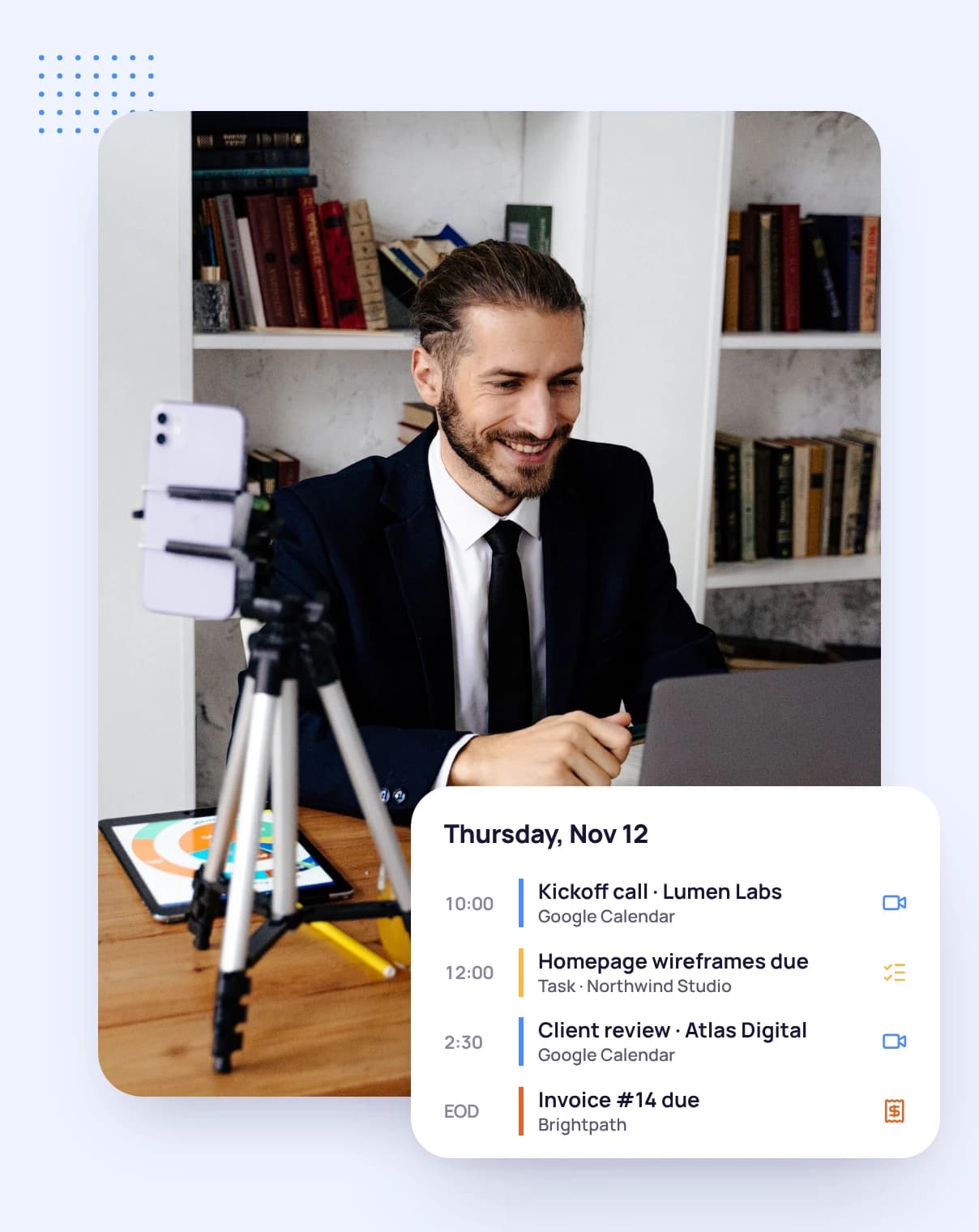
See your Google Calendar events on the Tristiks Grow calendar, next to task due dates and invoice dates, so you plan the week with everything in view.
No credit card required
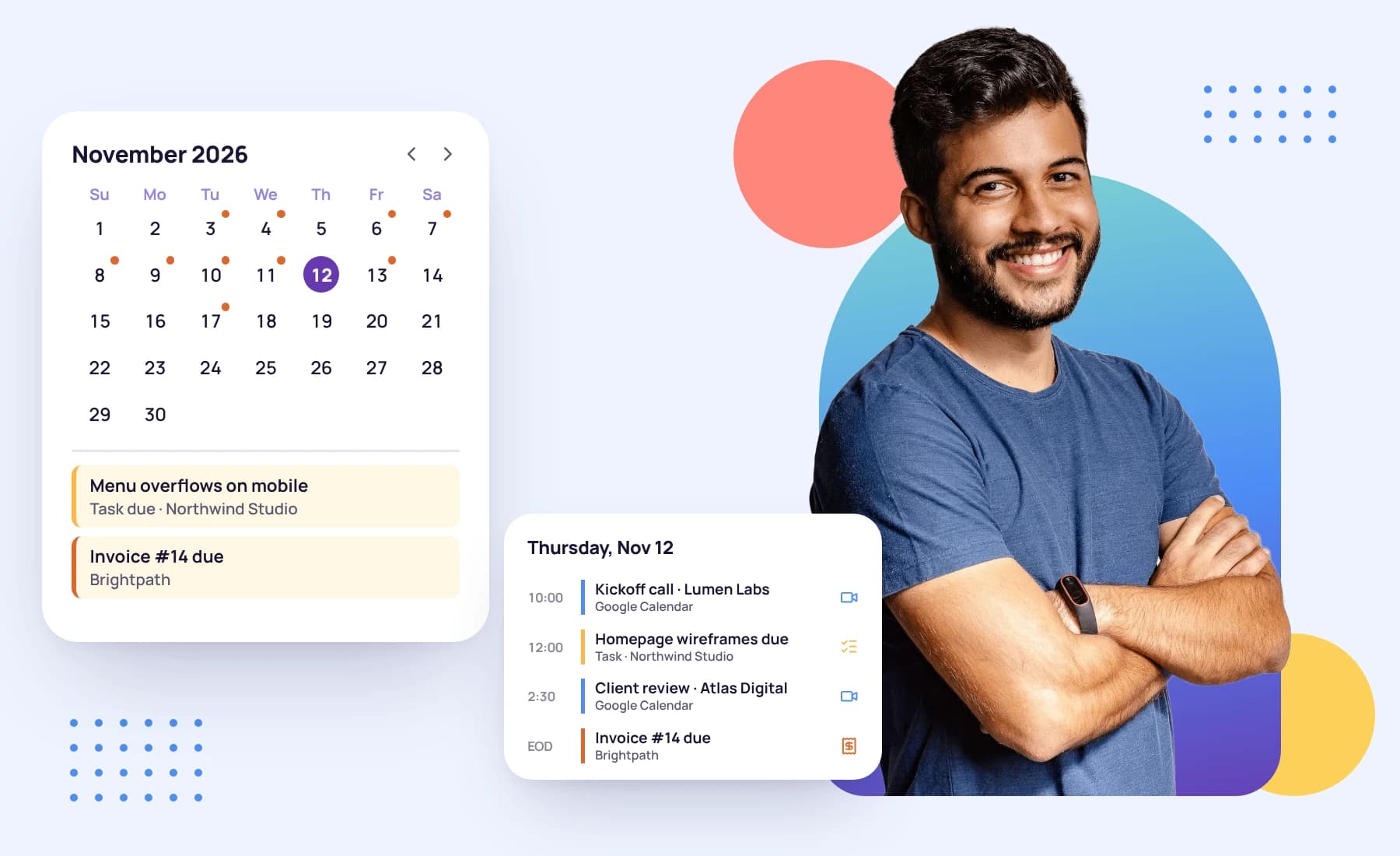
See your Google Calendar events on the Tristiks Grow calendar, next to task due dates and invoice dates, so you plan the week with everything in view.
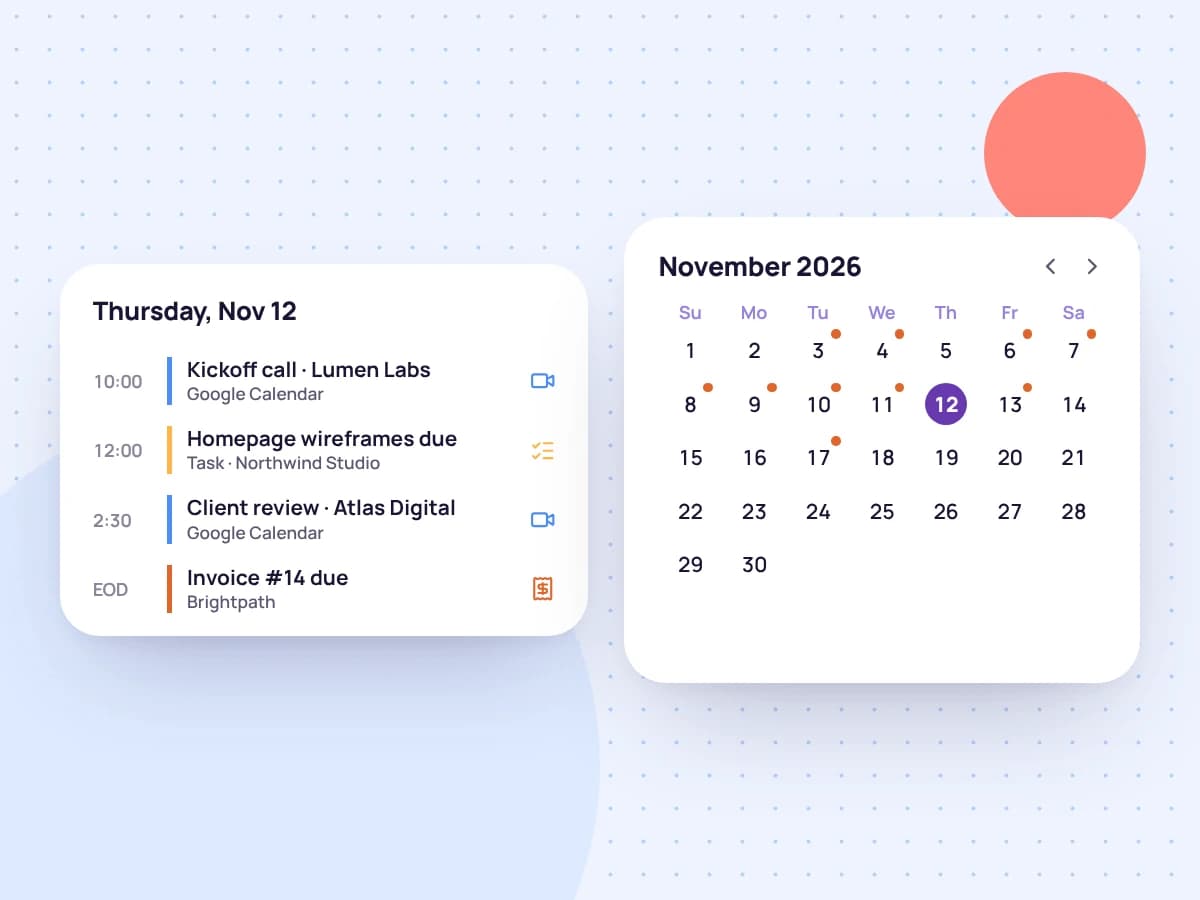
The Tristiks Grow calendar shows task due dates and invoice dates. Connect Google Calendar and your events appear beside them, month by month.
Spot the week where a client workshop lands on the same day as three due dates, before it happens.
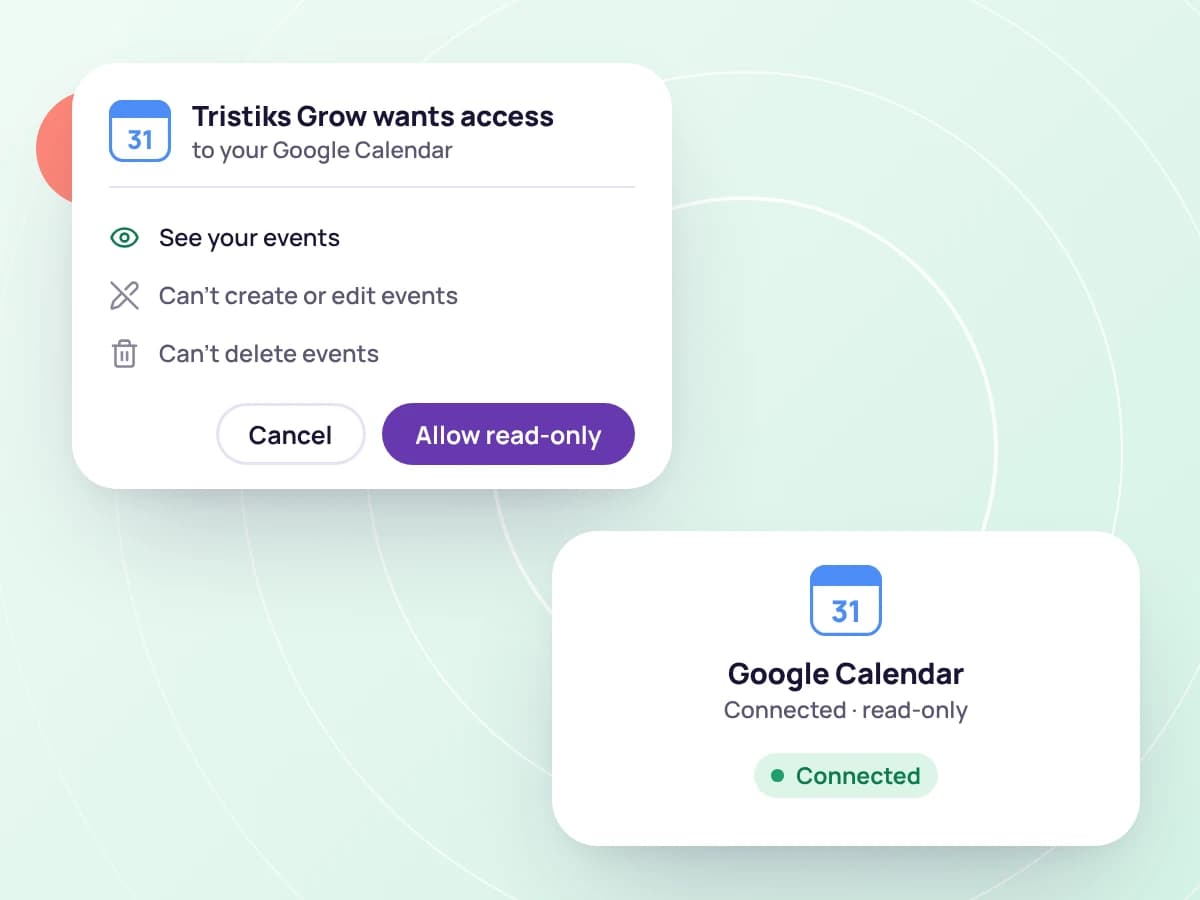
Tristiks Grow asks for read-only access to your calendar. It shows your events and never adds, edits or deletes them.
Your Google access token isn't stored by Tristiks Grow: it's held by the sign-in service and refreshed as needed. If access lapses, reconnect with one click.
Go to the calendar in Tristiks Grow.
Allow read-only access to your calendar when Google asks.
Your events appear next to task due dates and invoice dates.

FAQ
Still have questions? Talk to our team.
It shows your Google Calendar events on the Tristiks Grow calendar, next to your task due dates and invoice dates.
No. It asks for read-only access and never adds, edits or deletes events.
No. Events are shown for planning. Track time for a meeting with the timer or a manual entry.
No. The sign-in service holds it and refreshes it when needed. If access lapses, you're offered a reconnect button.
Yes. Every plan starts with a free 14-day trial, and you don't need a credit card to sign up.
Start a free 14-day trial and connect Google Calendar, or book a demo to see the calendar with your tasks and invoices.