Expense tracking software that reads your receipts for you
Scan a receipt and let AI fill in the expense, keep every cost in the right category and currency, and bill expenses back to your clients when you invoice.
No credit card required
Scan a receipt and let AI fill in the expense, keep every cost in the right category and currency, and bill expenses back to your clients when you invoice.
Receipts pile up in wallets, inboxes and camera rolls, and the ones you meant to charge a client for are the easiest to forget. In Tristiks Grow each expense is recorded once, with its receipt, and billable ones wait for the client's next invoice.
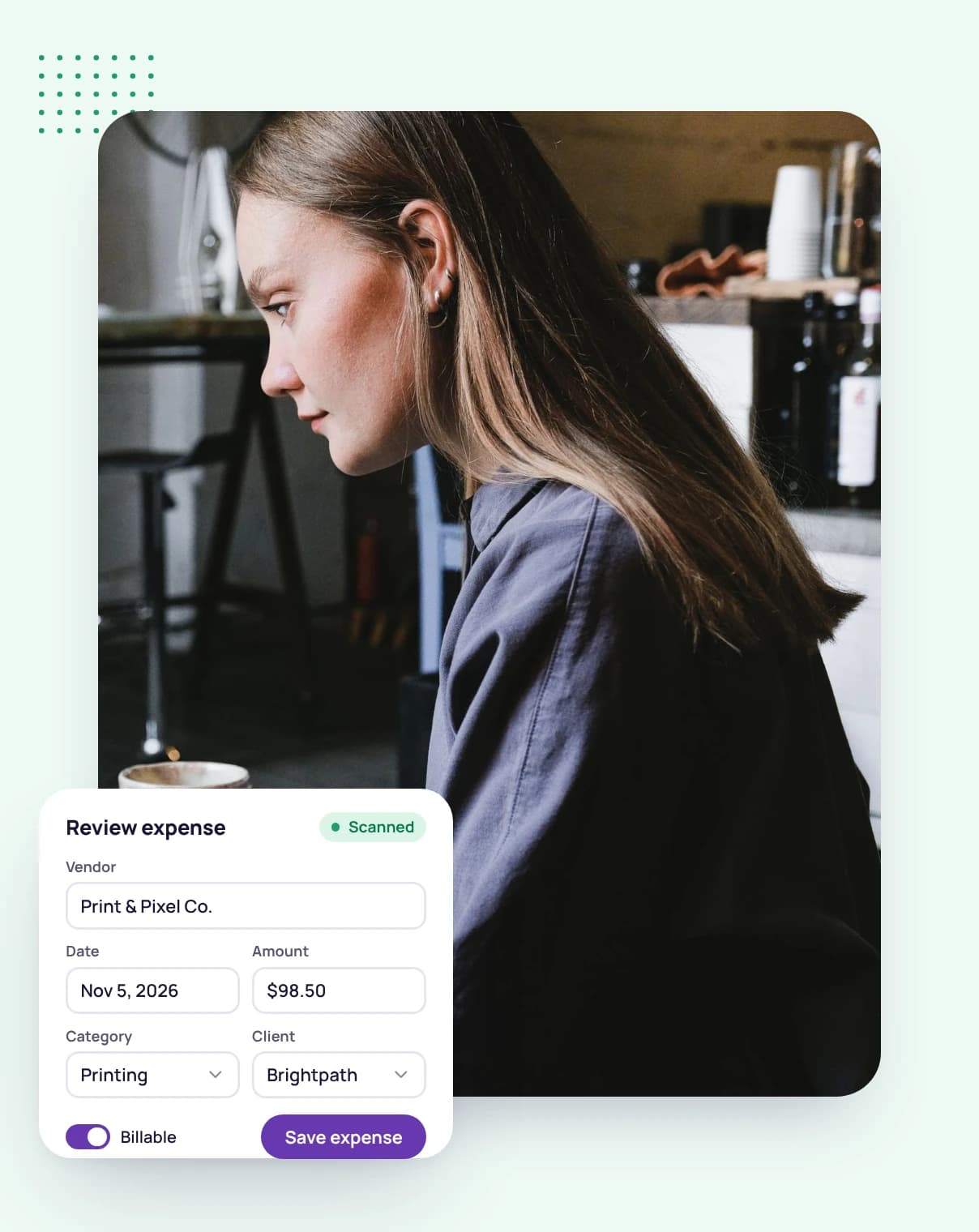
Upload a photo or PDF of a receipt and Tristiks Grow's AI reads it for you: the merchant, date, line items, taxes, total, currency and payment method, with a suggested category.
If it isn't sure about something, it highlights the field and asks you about it in a short chat, so you answer a question instead of hunting for the mistake.
Northside Print Co.
Sep 12, 2026
Business cards ×50084.00
A2 posters ×236.00
Tax9.60
TOTAL USD129.60
Paid · Visa •• 4242
Scan a photo or PDF of a receipt and the expense fills itself in for you to check.
Every field the AI filled in can be changed before you save. A scanned expense stays a draft until you confirm it, so nothing unchecked reaches your totals.
Prefer to type it? Add an expense by hand with its own line items and taxes, and attach the receipt yourself.
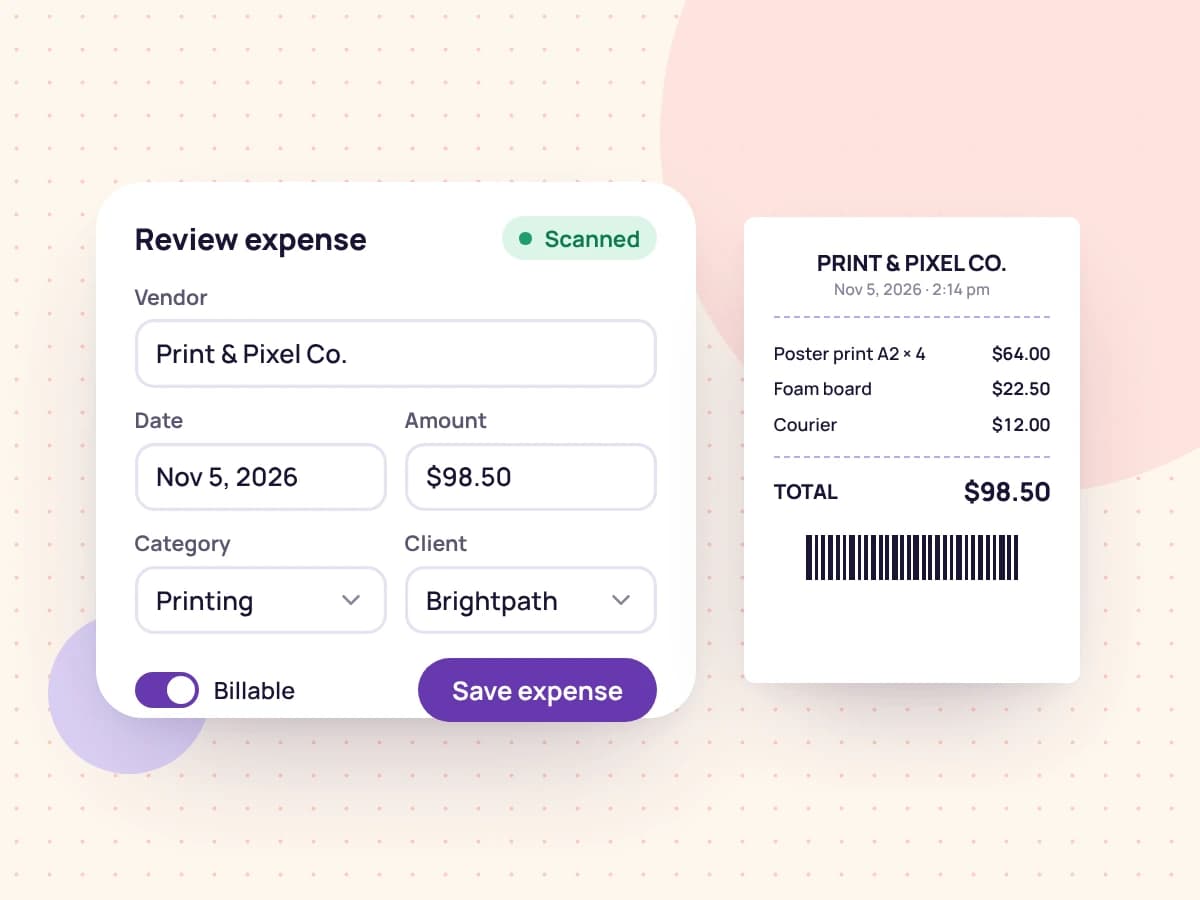
Mark an expense as billable, link it to a client and project, and add a markup if you charge one.
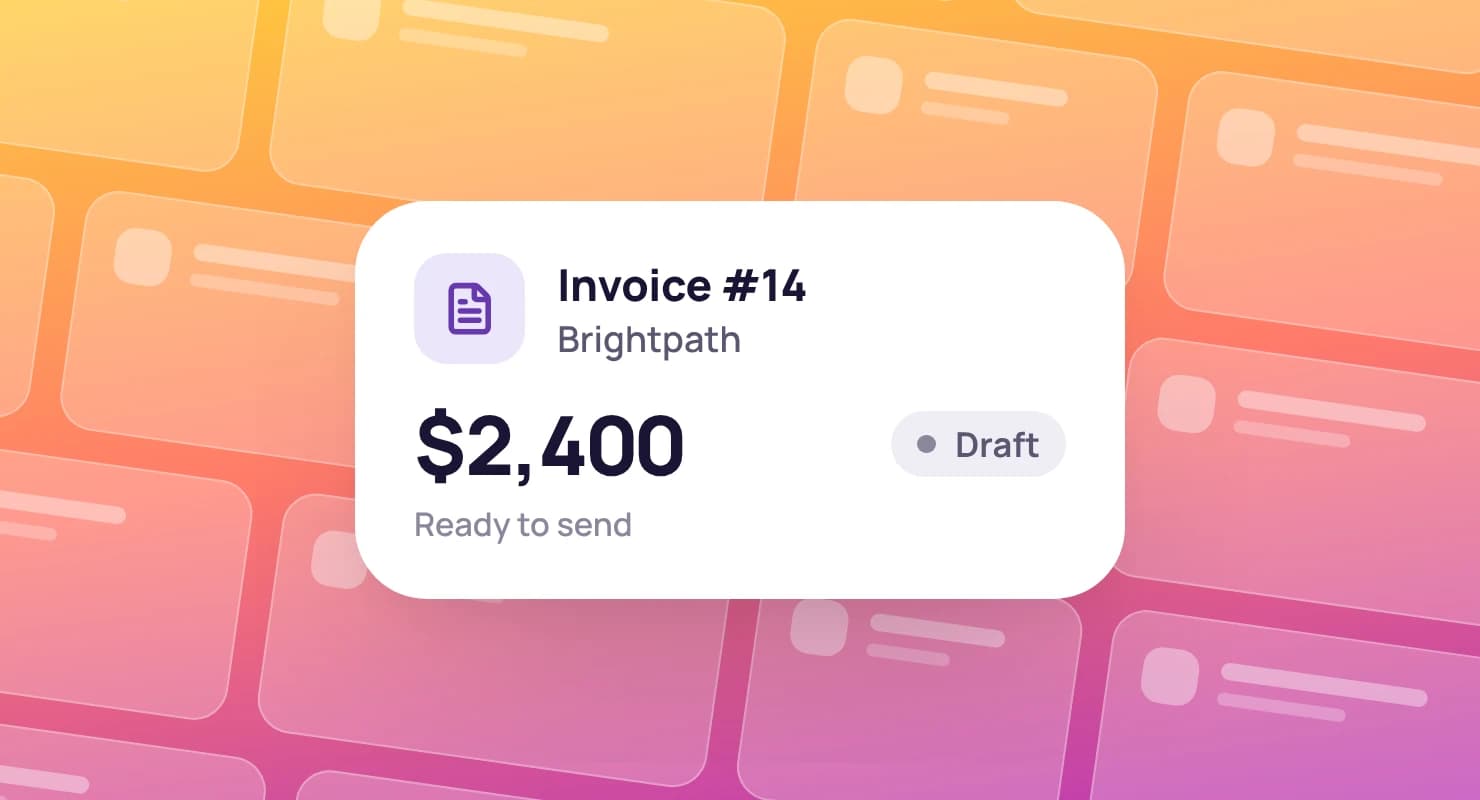
When you build the client's next invoice, add their unbilled expenses as line items in a click. Each expense shows the invoice it was billed on, so nothing is charged twice or forgotten.
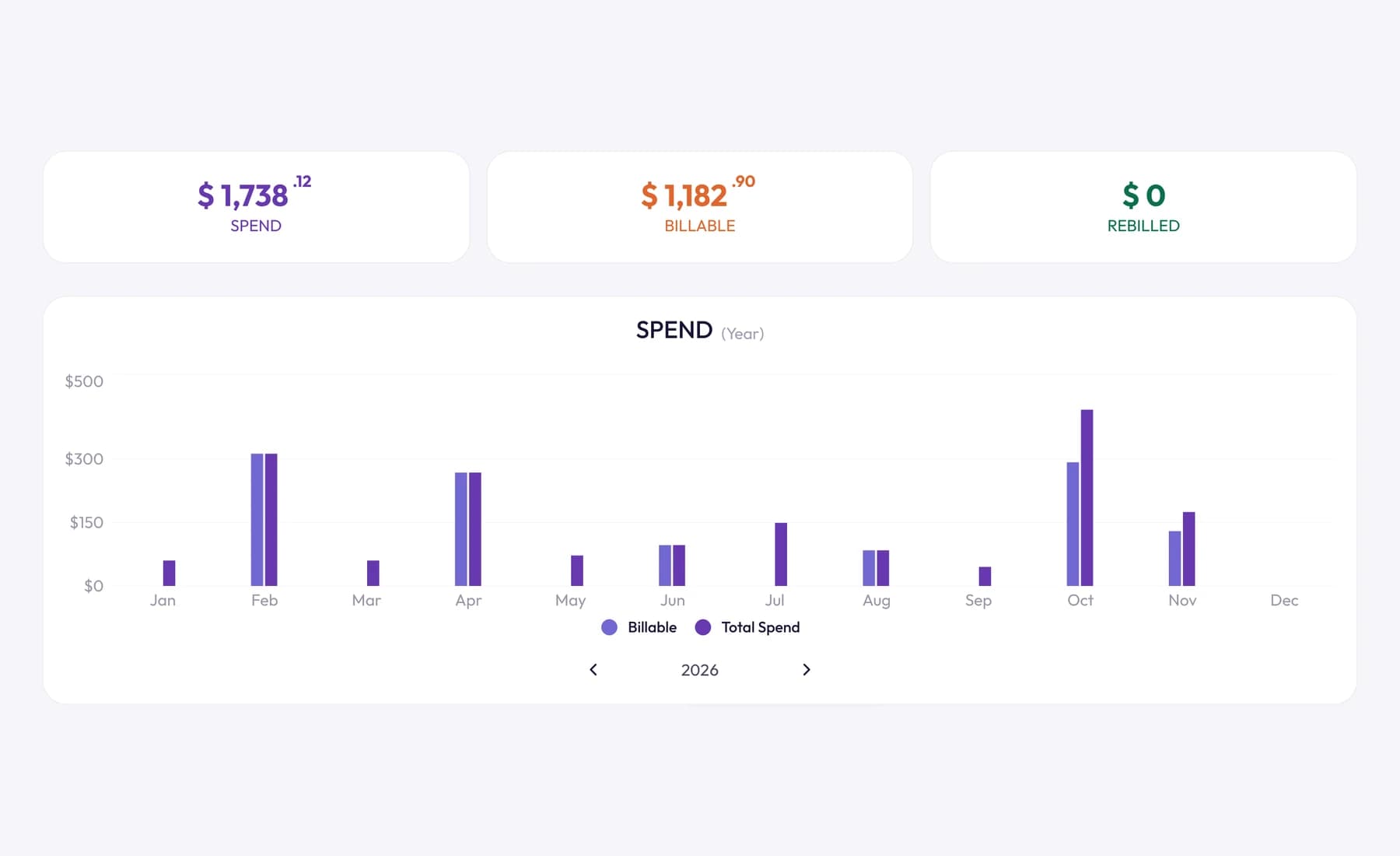
Totals, categories and currencies that sort themselves out as you record.
Spend
$4,860
Billable
$1,920
Rebilled
$1,450
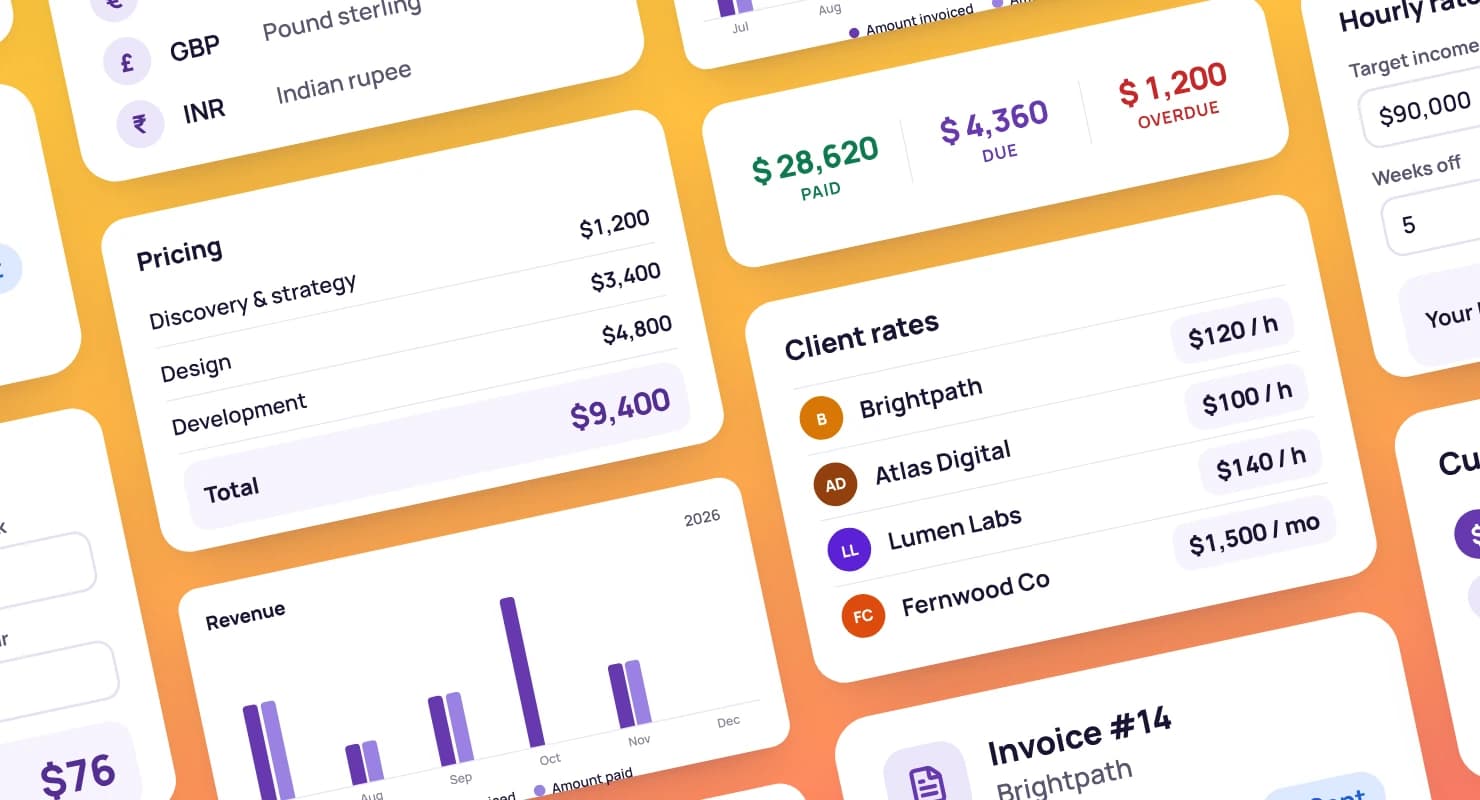
Three running totals and a chart of your spending, filtered by client, project, category, status or dates.
Twelve built-in categories, from Software to Travel, which you can rename, plus your own with a color and icon.
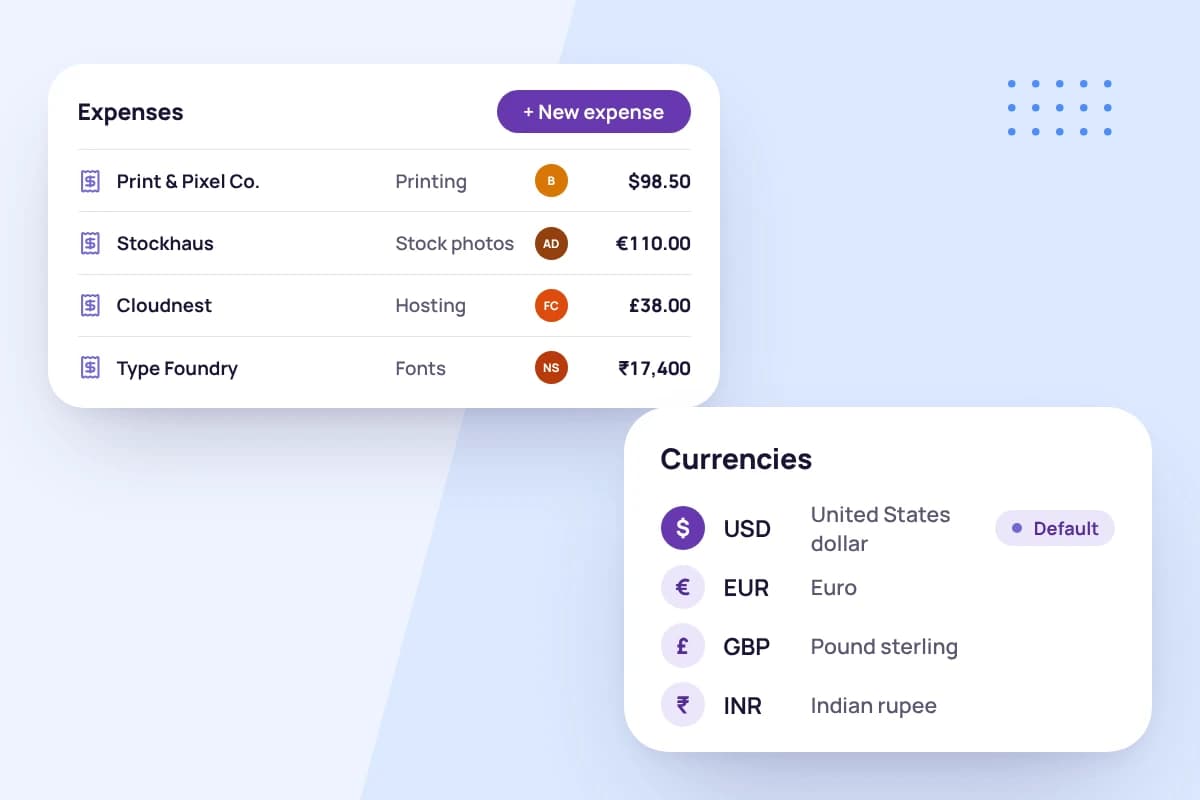
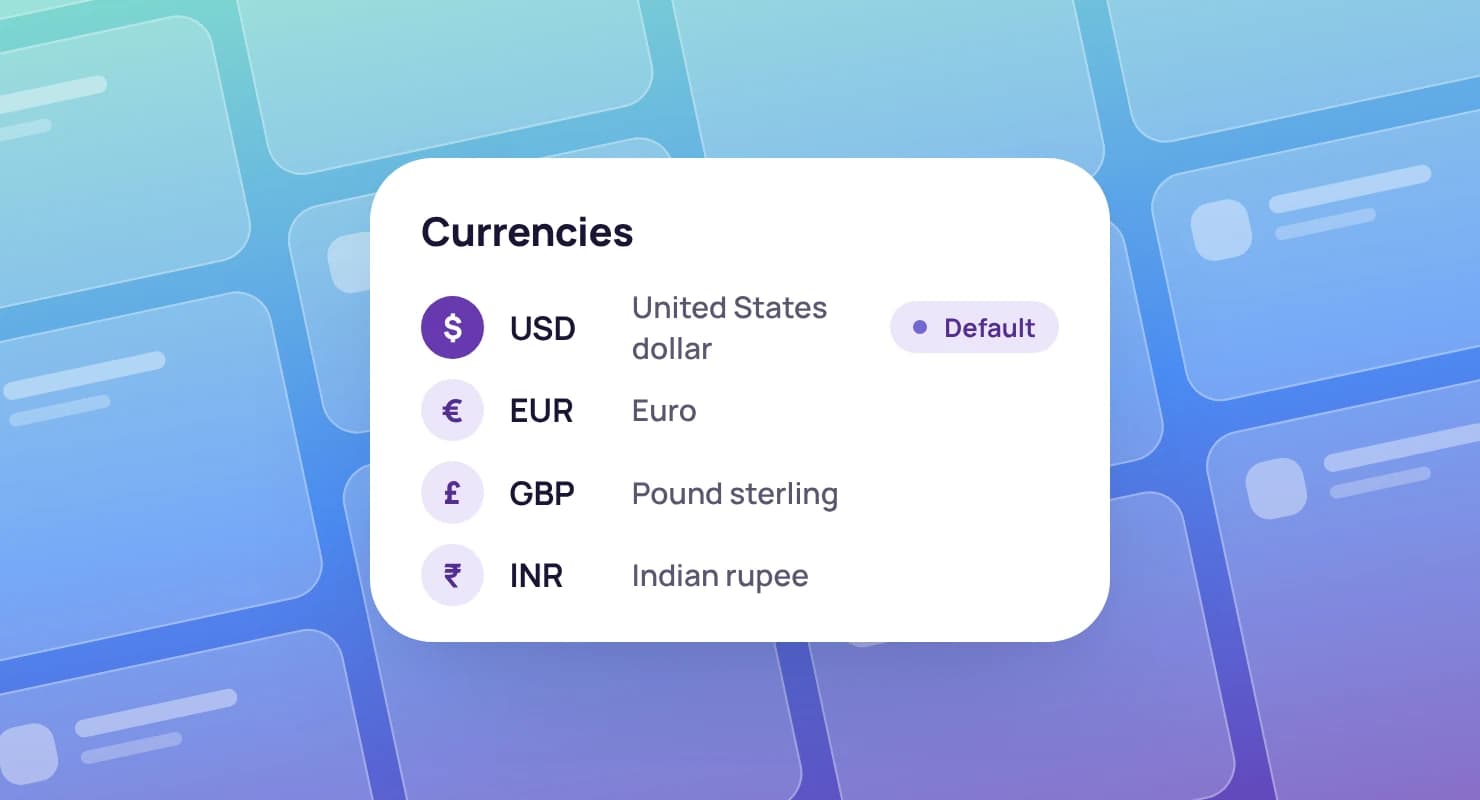
Record each expense in the currency you paid, and totals convert at the rate for the day you spent it.
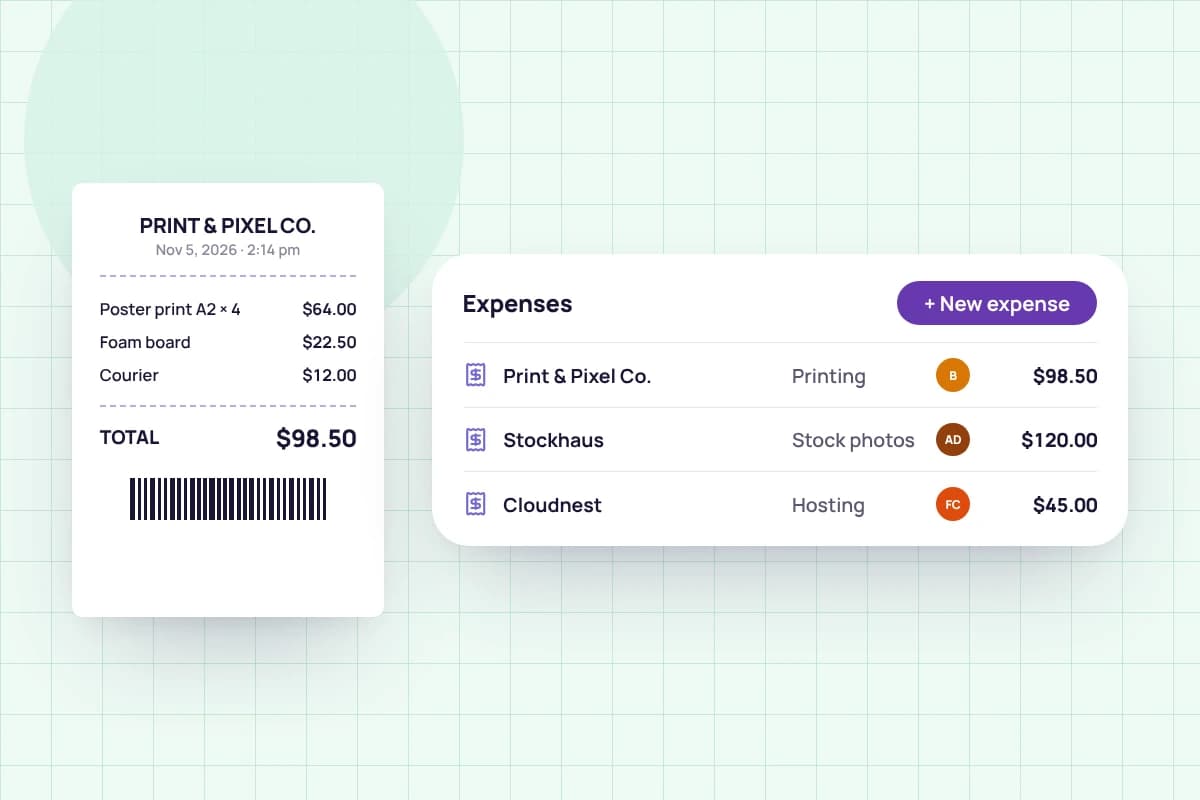
The receipt stays attached to its expense, so it's there when your accountant asks.
Upload a receipt for the AI to read, or enter the expense yourself.
Answer any question the AI has, pick the category and client, mark it billable if you'll charge for it, and save.
Add unbilled expenses to the client's next invoice, with your markup, in a click.

FAQ
Still have questions? Talk to our team.
It's software for recording what your business spends, with receipts, categories and totals, so you know where the money goes and can charge clients for costs you incurred for them. Tristiks Grow keeps expenses next to your time, clients and invoices.
Upload a photo or PDF of the receipt. The AI reads the merchant, date, line items, taxes, total, currency and payment method and suggests a category. If it's unsure about a field it highlights it and asks you, then you review everything and save.
Change it before you save. Every field stays editable, and a scanned expense is kept as a draft, out of your totals, until you confirm it.
Yes. Mark an expense as billable, link it to a client and add a markup if you like. When you create that client's next invoice, you can add their unbilled expenses as line items, and each expense then shows the invoice it was billed on.
Yes. Record each expense in the currency you paid. Your totals convert them using the exchange rate for the date of the expense.
Yes. Tristiks Grow starts you with twelve categories, such as Software, Travel and Equipment, which you can rename. Add your own with a color and an icon.
No. You can add any expense by hand, with its own line items and taxes, and attach the receipt yourself.
Yes. Every plan starts with a free 14-day trial, and you don't need a credit card to sign up.
Start a free 14-day trial and scan your first receipt in minutes, or book a demo to see expenses, time tracking and invoices working together.