Tristiks

For agencies

Time tracking and billing for agencies

Track your team's hours against every client and project, set the tracking rules for each person, and bill everyone's time on one invoice.

  • Free 14-day trial
  • No credit card required
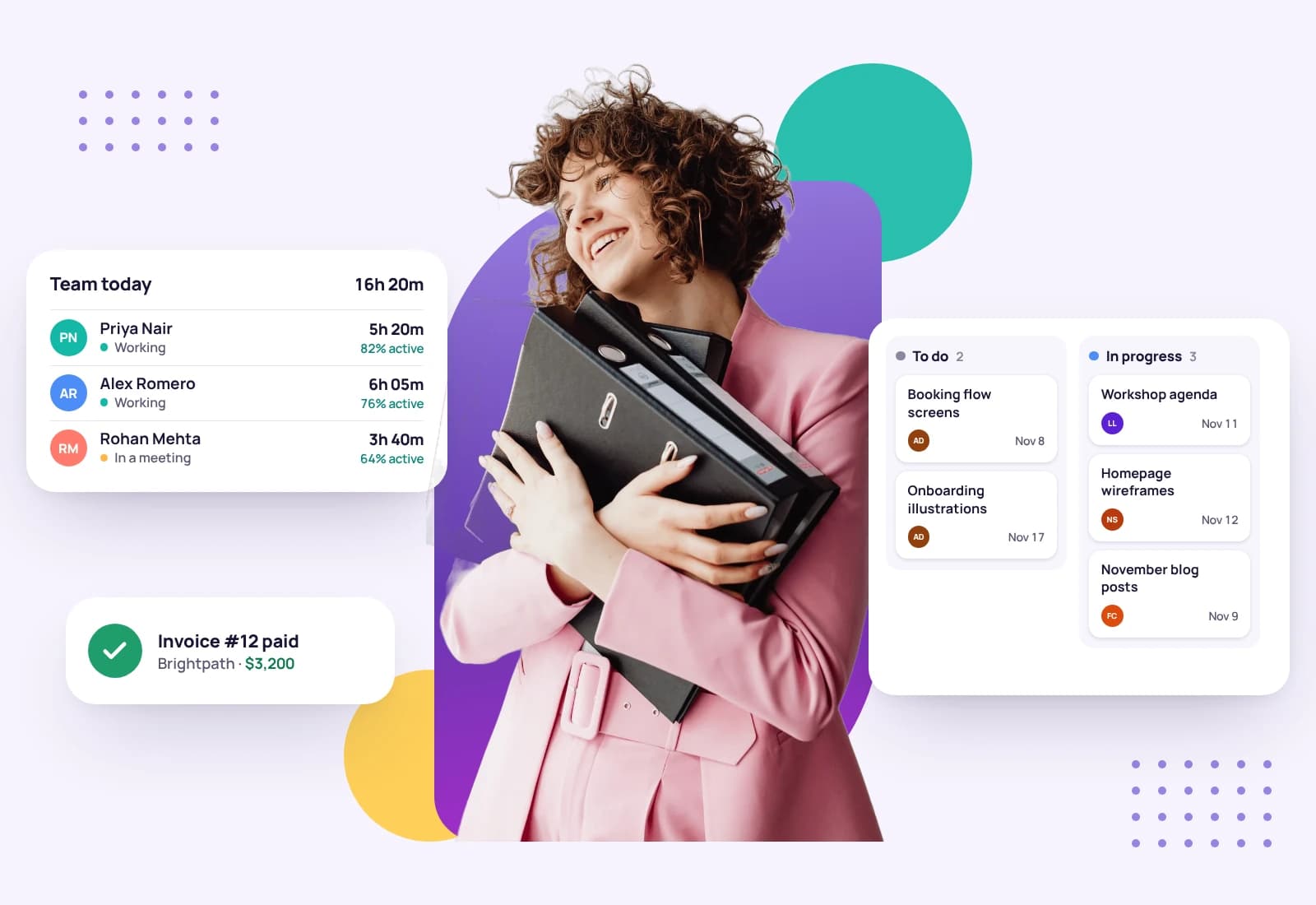
A woman holding binders, between her team's tracked hours and the task board
Invoice sent$8,640.00

One workspace for the whole team

Agency margins disappear in the gaps: hours nobody logged, costs nobody billed, a teammate working from an old brief. Tristiks Grow puts your team's time, tasks, clients and invoices in one account, with access and tracking rules you set.

How your team works in Tristiks Grow

From the first invite to the invoice that bills everyone's hours.

  1. 01

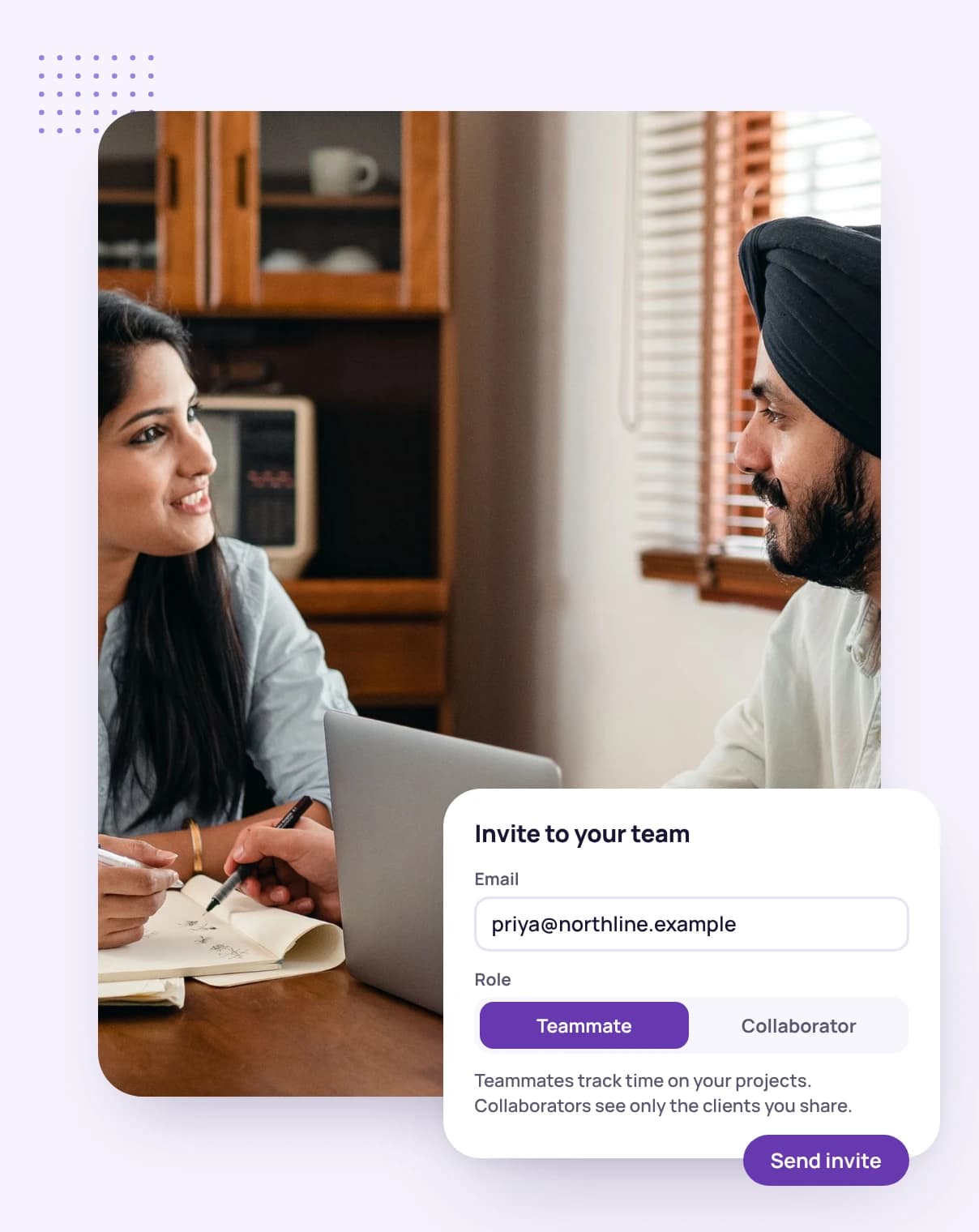
    Invite people with the right access

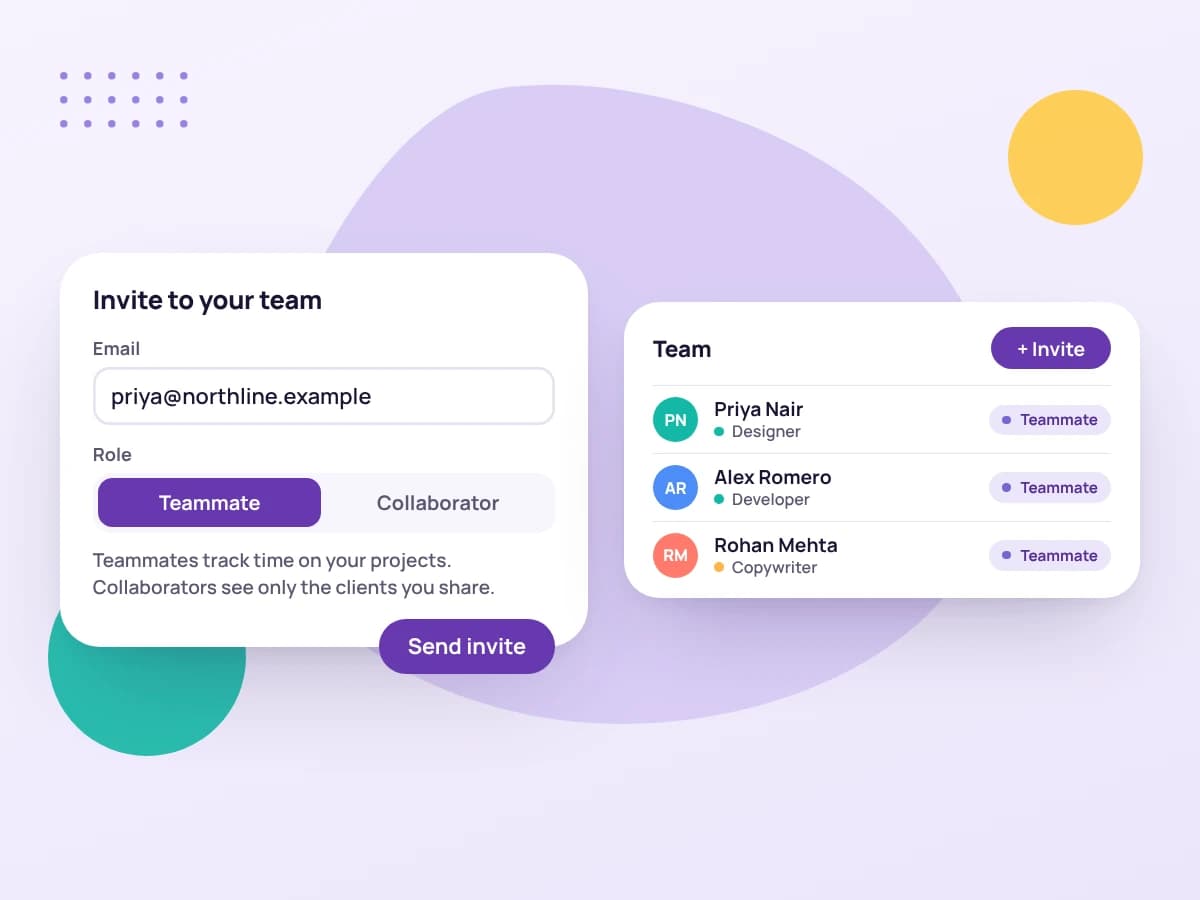
    Invite teammates, who work across your whole account, or collaborators, such as freelancers you bring in, who see only the clients and projects you share with them.

    Inviting a teammate by email, beside the team list with roles
  2. 02

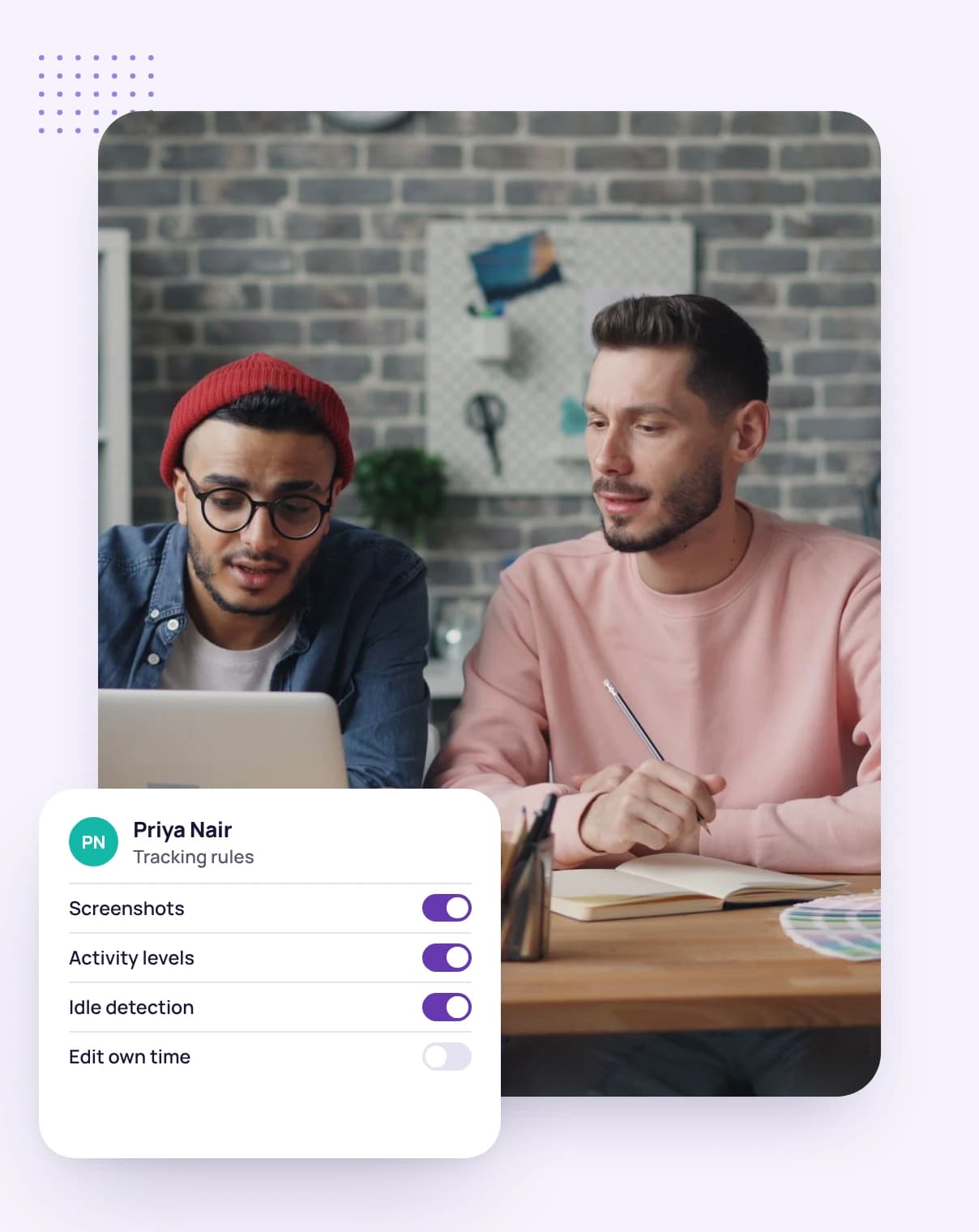
    Set the tracking rules for each person

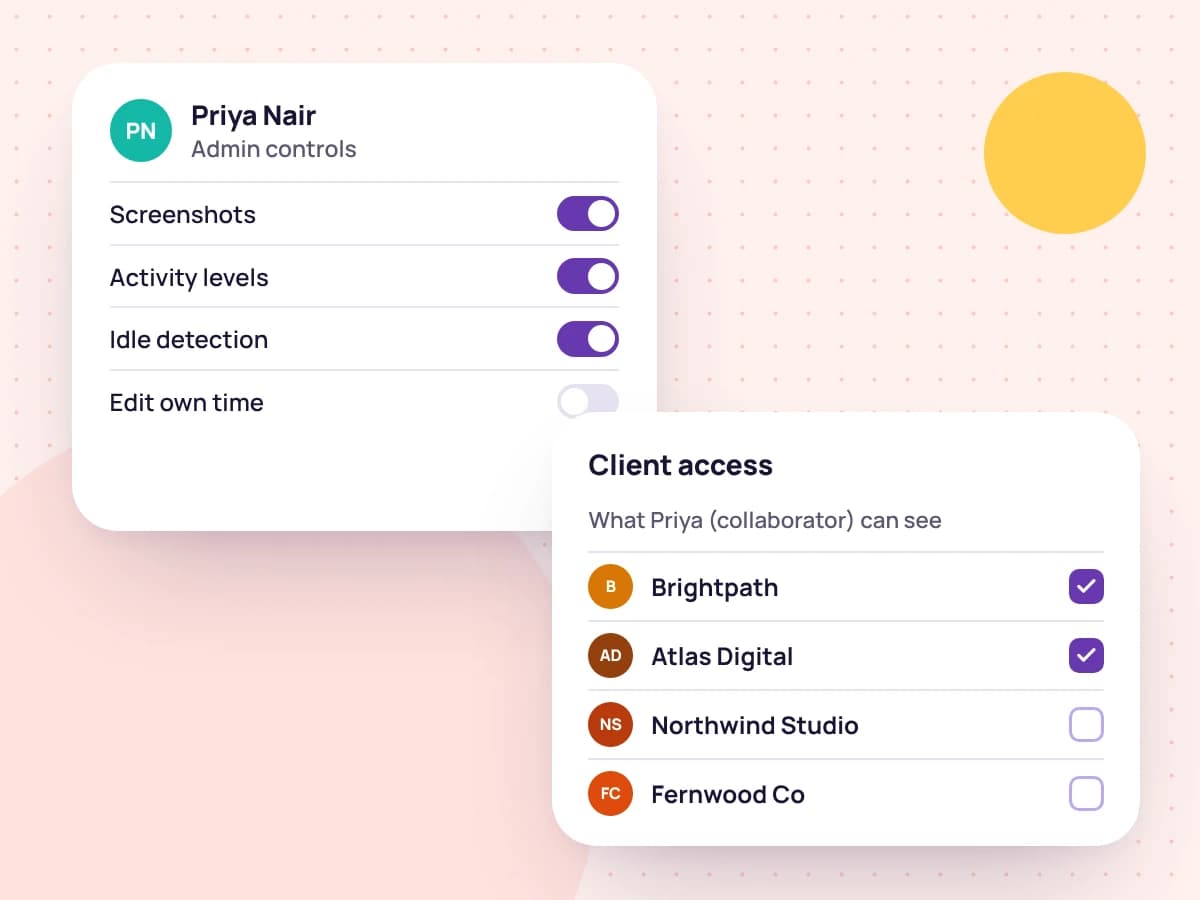
    Choose how often someone's desktop app takes screenshots, lock screenshots and keyboard and mouse activity on, set when they count as idle, or require the desktop app instead of the web timer.

    Admin controls for one team member and the clients they can see
  3. 03

    See the team's day

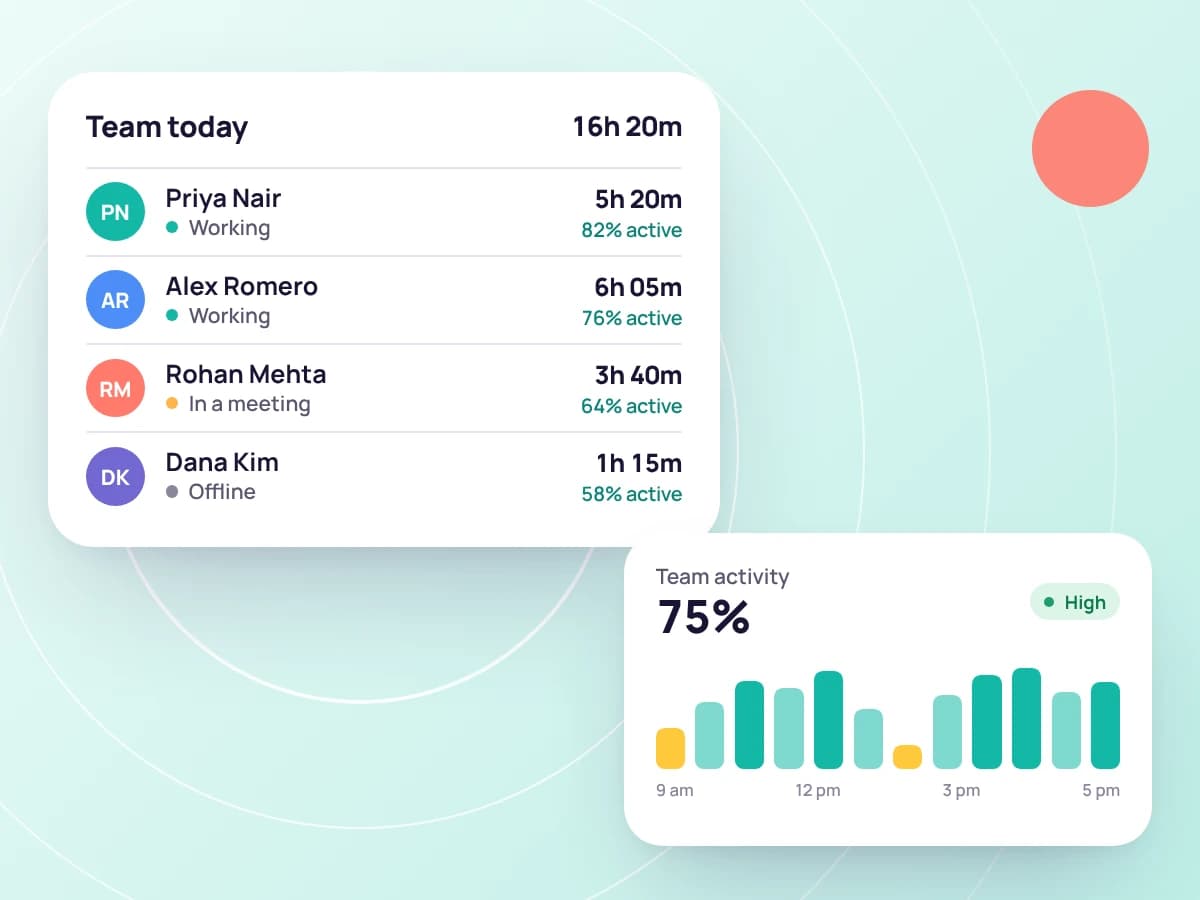
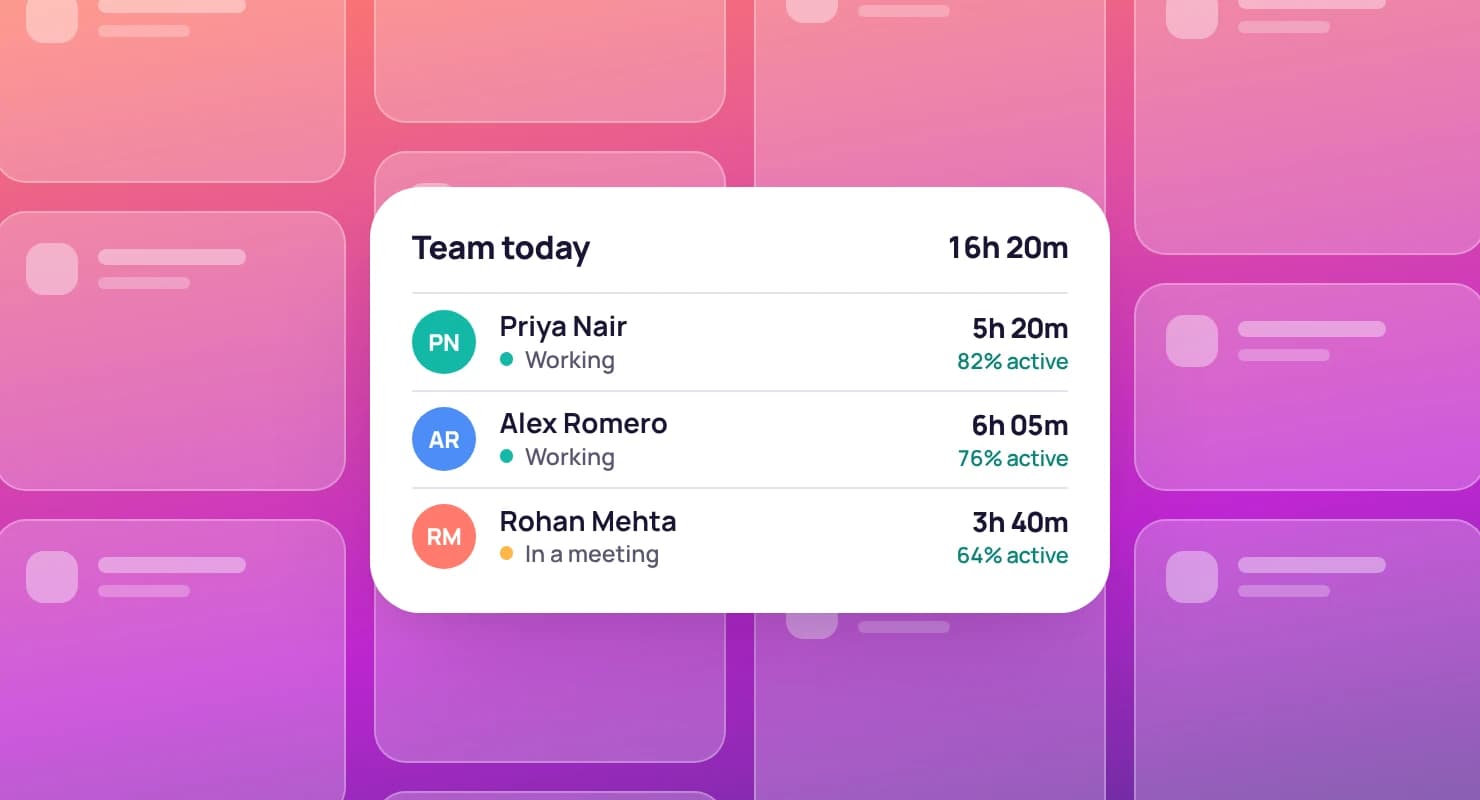
    As the owner you see the whole team and can open anyone's day, with their tracked time, activity levels and screenshots. Teammates see only their own.

    The team's tracked hours for the day and their activity
  4. 04

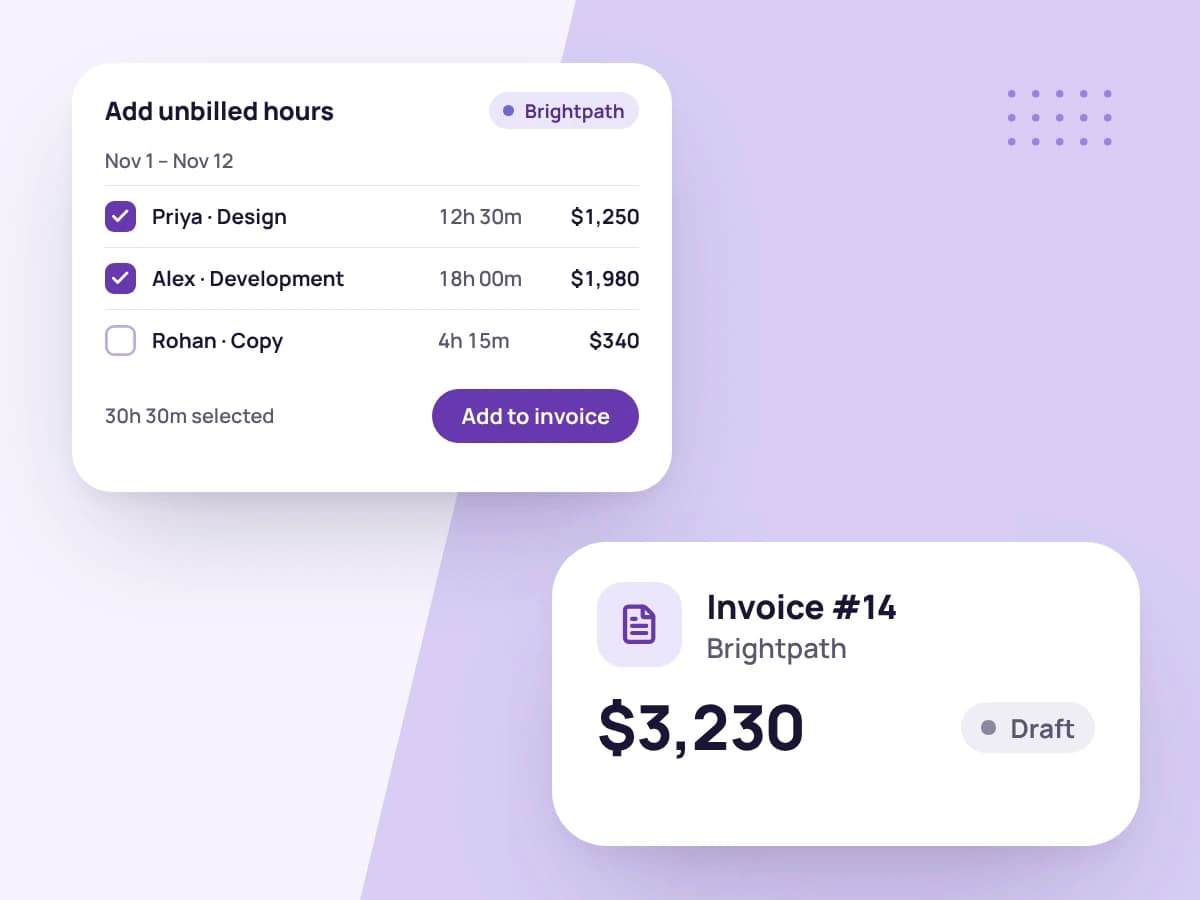
    Bill everyone's hours on one invoice

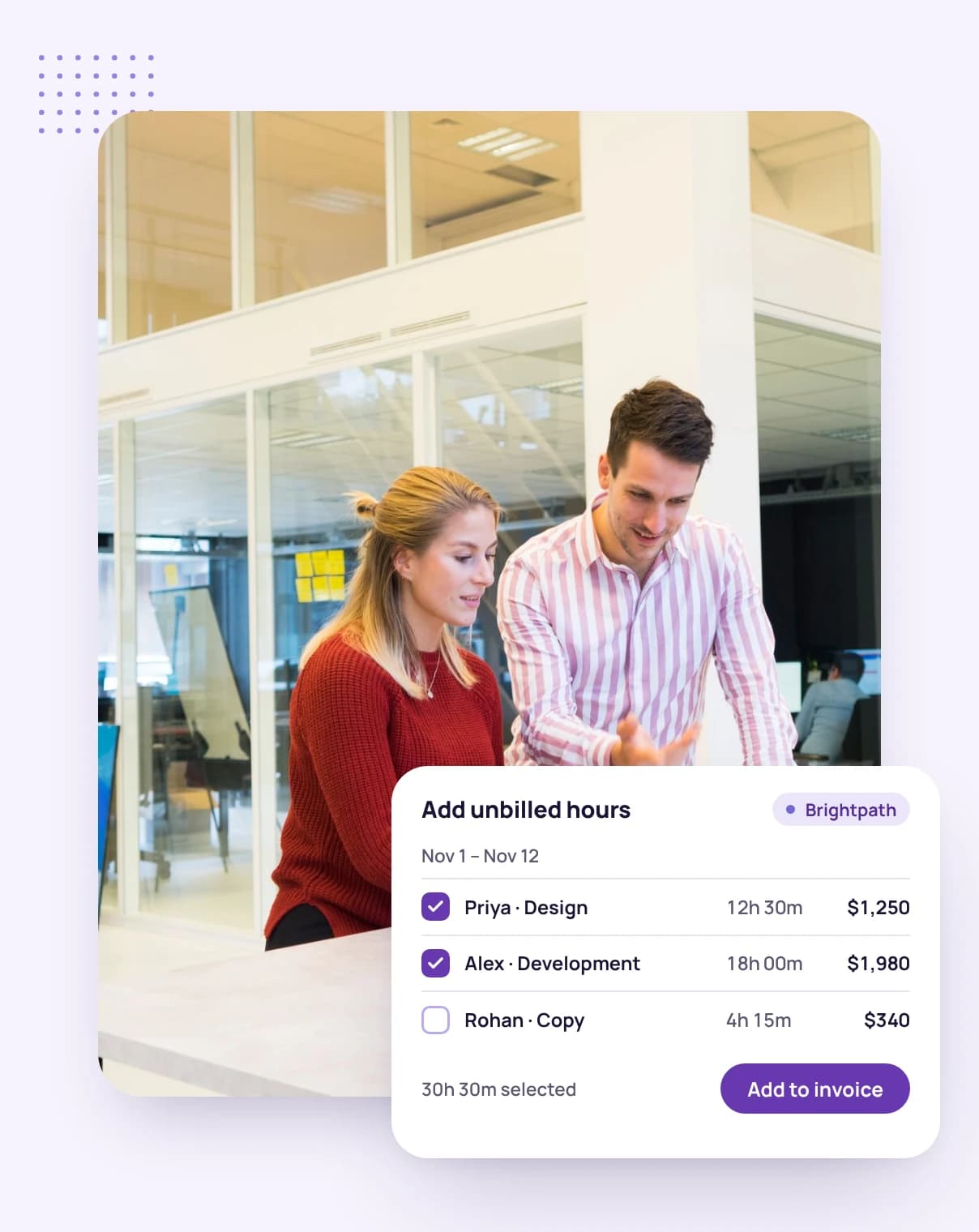
    When you invoice a client, choose which teammates' tracked hours and expenses to include alongside your own.

    Choosing which teammates' hours go on a client's invoice

Built for client service teams

The details that keep a small agency's work, rules and money in order.

Tasks
  • NWD-31TaskTodayMC

    Campaign landing page

  • NWD-34TaskThuAP

    Ad set for the spring launch

  • NWD-35BugThuJR

    Tracking pixel not firing

  • NWD-38TaskNext weekSK

    Monthly report

Work shared out, and tracked

Assign tasks and subtasks to teammates with due dates, and track time straight from the task.

Admin controls · Maya Chen

Screenshots

  • FrequencyEvery 10 minutes
  • Screenshots per period2 screenshots

Enforce in the desktop app

  • ScreenshotsOn
  • Keyboard activityOn
  • Mouse activityOff
  • Idle after5 minutes

Tracking method

  • Require the desktop appOn

Tracking rules per person

Screenshot frequency, locked settings, idle time and whether the web timer is allowed, set for each member.

Teammate · Alex Park

Can change

  • BrandingOff
  • Invoice defaultsOn
  • Import dataOff

Your settings stay yours

Teammates can't change your branding, invoice defaults or imports unless you switch it on for them.

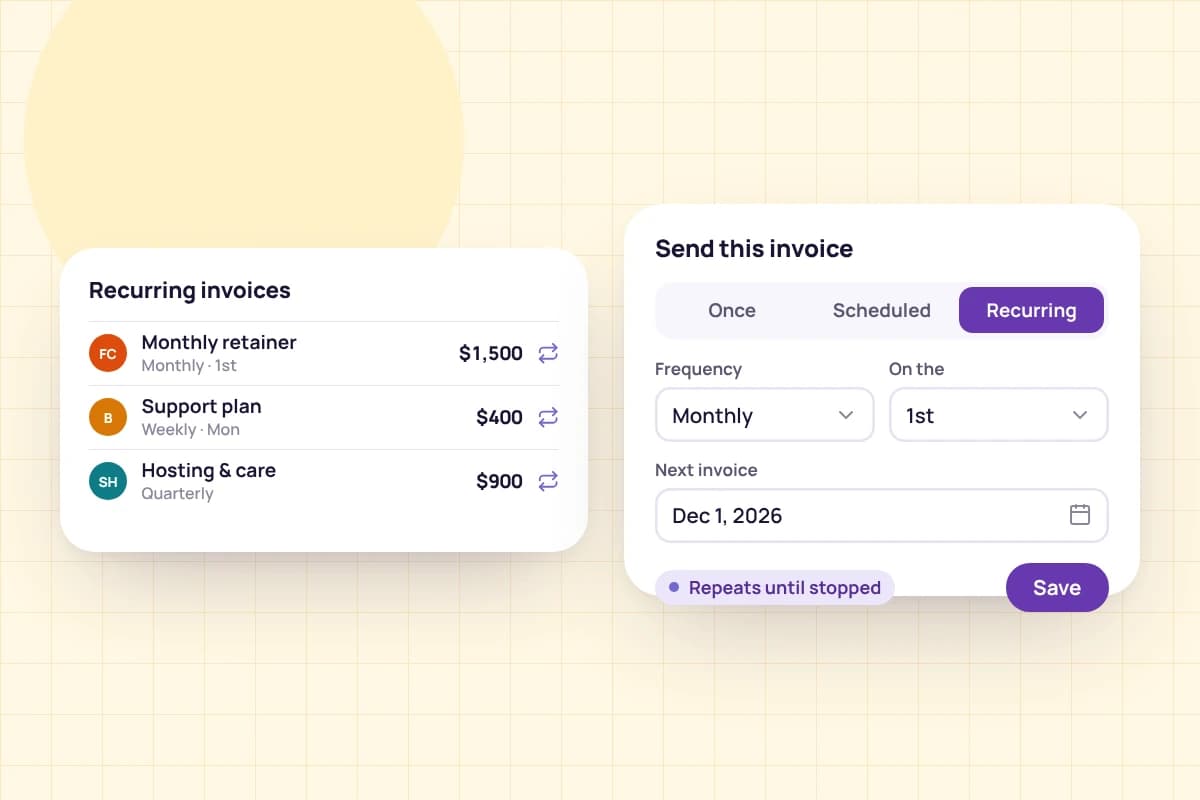
A monthly retainer invoice on a recurring schedule

Retainers on autopilot

Schedule recurring invoices and let payment reminders follow up on late ones.

Priced for small agencies

Advanced covers a team of up to 10, with help moving your data across. Smaller teams can start on Professional, with 3 seats.

Compare all plans

Advanced plan

$39a month · 10 seats

Perfect for the collaborative freelancer who operates like a small agency.

  • Everything in Professional PLUS
  • Account migration support
Start your free trial

Set up your agency in three steps

  1. 1

    Add your clients and invite your team

    Enter your clients' billing details once, then invite teammates and collaborators by email.

  2. 2

    Set access and tracking rules

    Share clients and projects with collaborators, and set each person's screenshot and tracking rules.

  3. 3

    Track, then bill together

    Everyone tracks against the right client and task, and you bill the team's hours on one invoice.

Two colleagues at a laptop, inviting a teammate by email

FAQ

Agency questions, answered

Still have questions? Talk to our team.

What's the difference between a teammate and a collaborator?

Teammates work across your whole account. Collaborators, such as freelancers you bring in for a project, see only the clients and projects you share with them.

Can I set screenshot rules for each person?

Yes. For each member you can choose how often their desktop app takes screenshots and how many, lock screenshots and keyboard and mouse activity on, set when they count as idle, and require the desktop app instead of the web timer.

Can teammates see each other's screenshots?

No. Teammates see only their own activity and screenshots. The account owner sees the whole team and can open anyone's day.

Can I bill my team's hours to a client?

Yes. When you create an invoice, choose which teammates' tracked hours and expenses to include alongside your own.

Can teammates change my branding or invoice settings?

Only if you let them. Branding, invoice defaults and data imports are each a switch you can turn on for a teammate; they're off by default.

How many people can use one account?

Professional includes 3 seats and Advanced includes 10. Every plan starts with a free 14-day trial.

Bring your agency's work into one place

Start a free 14-day trial and invite your team, or book a demo to see how Tristiks Grow fits the way your agency works.