Tristiks

Time tracking and invoicing software for fast, accurate billing

Tristiks Grow turns your tracked hours and expenses into branded invoices, sends them on schedule and follows up with reminders, all from one place.

Free 14-day trialNo credit card required
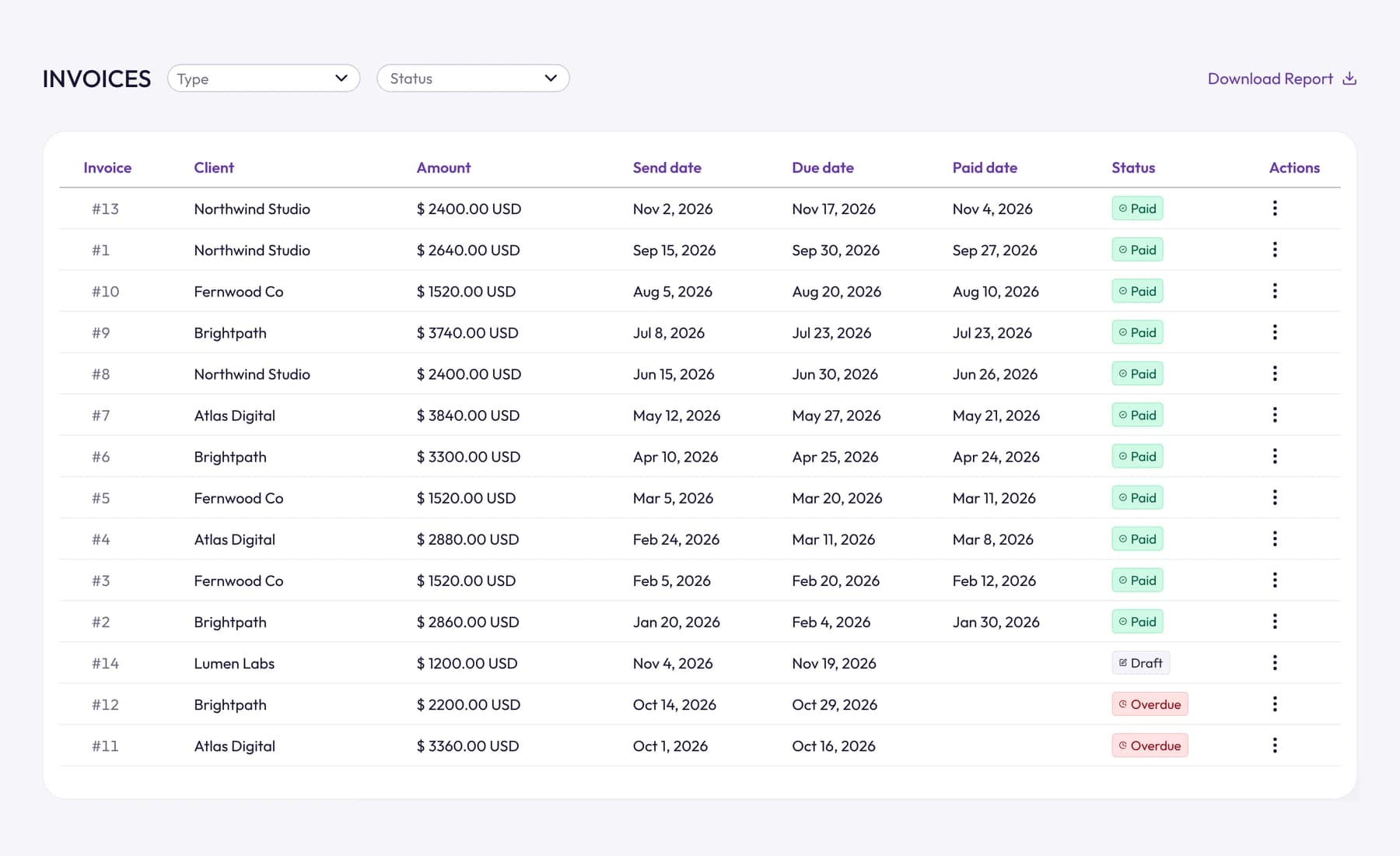
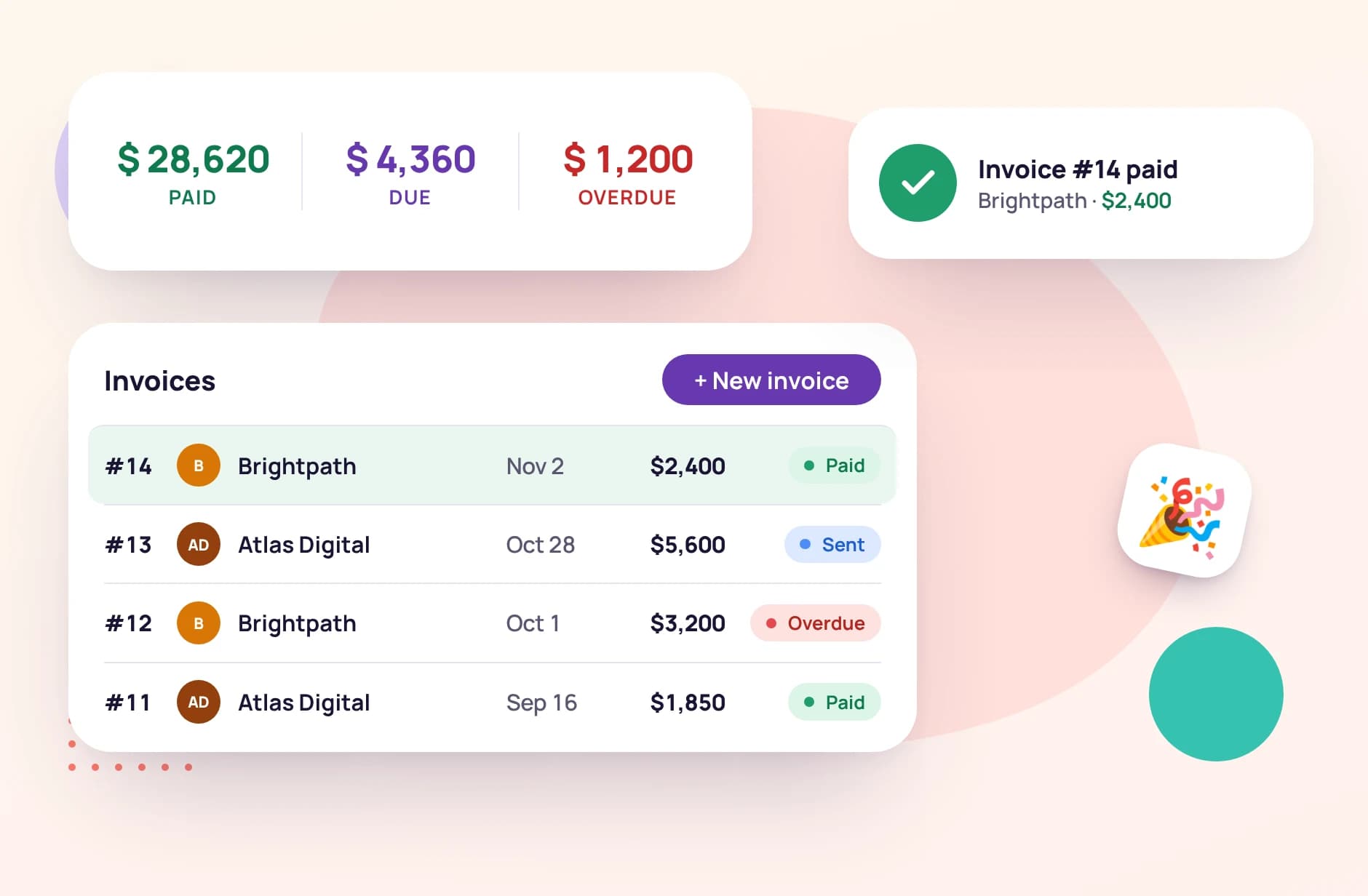
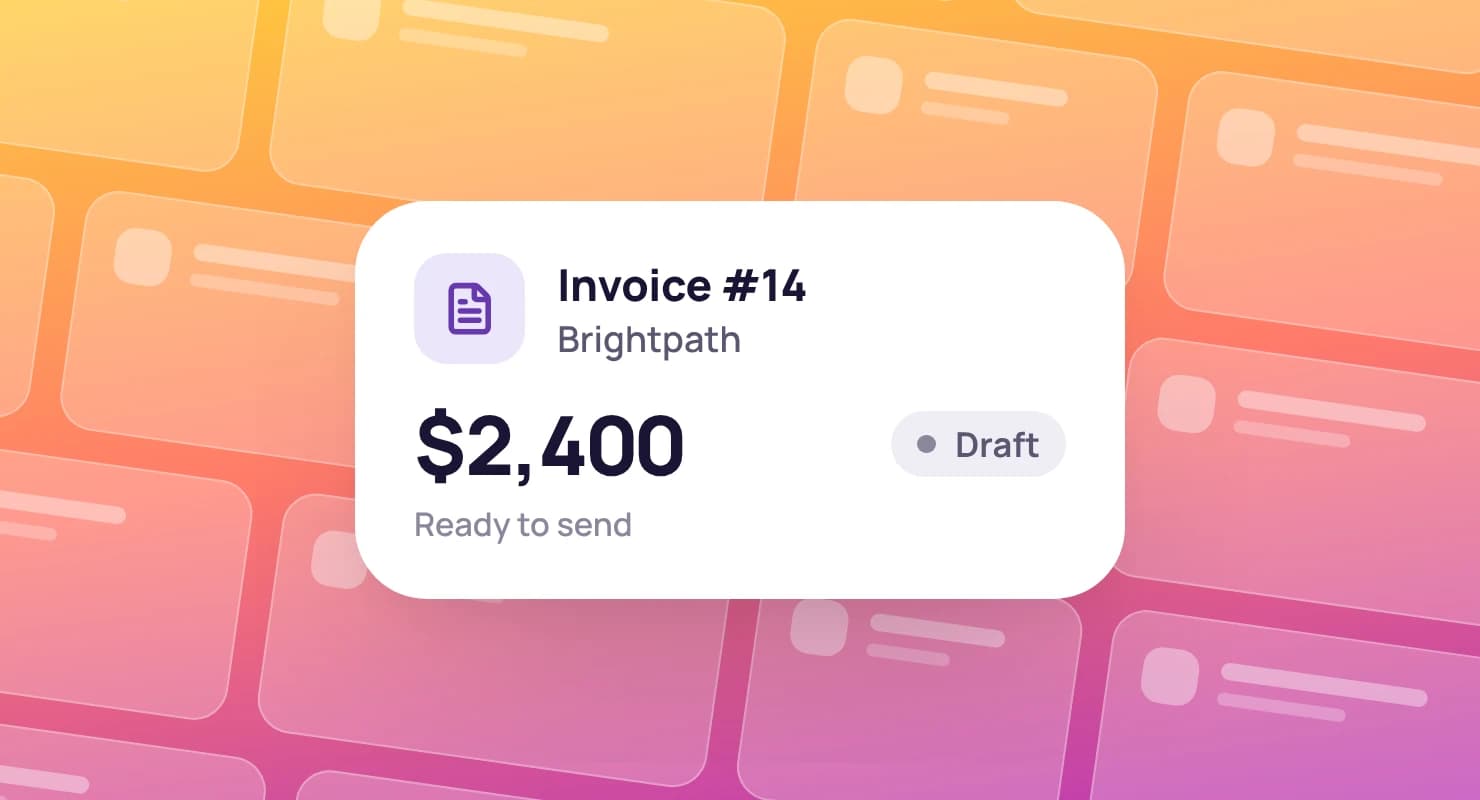
The Tristiks Grow invoice list: each invoice's client, amount, send, due and paid dates and its status

Time tracking and invoicing features for client billing

Track billable hours, add expenses, send invoices and collect payments in one connected workflow.

Track billable time across clients and projects

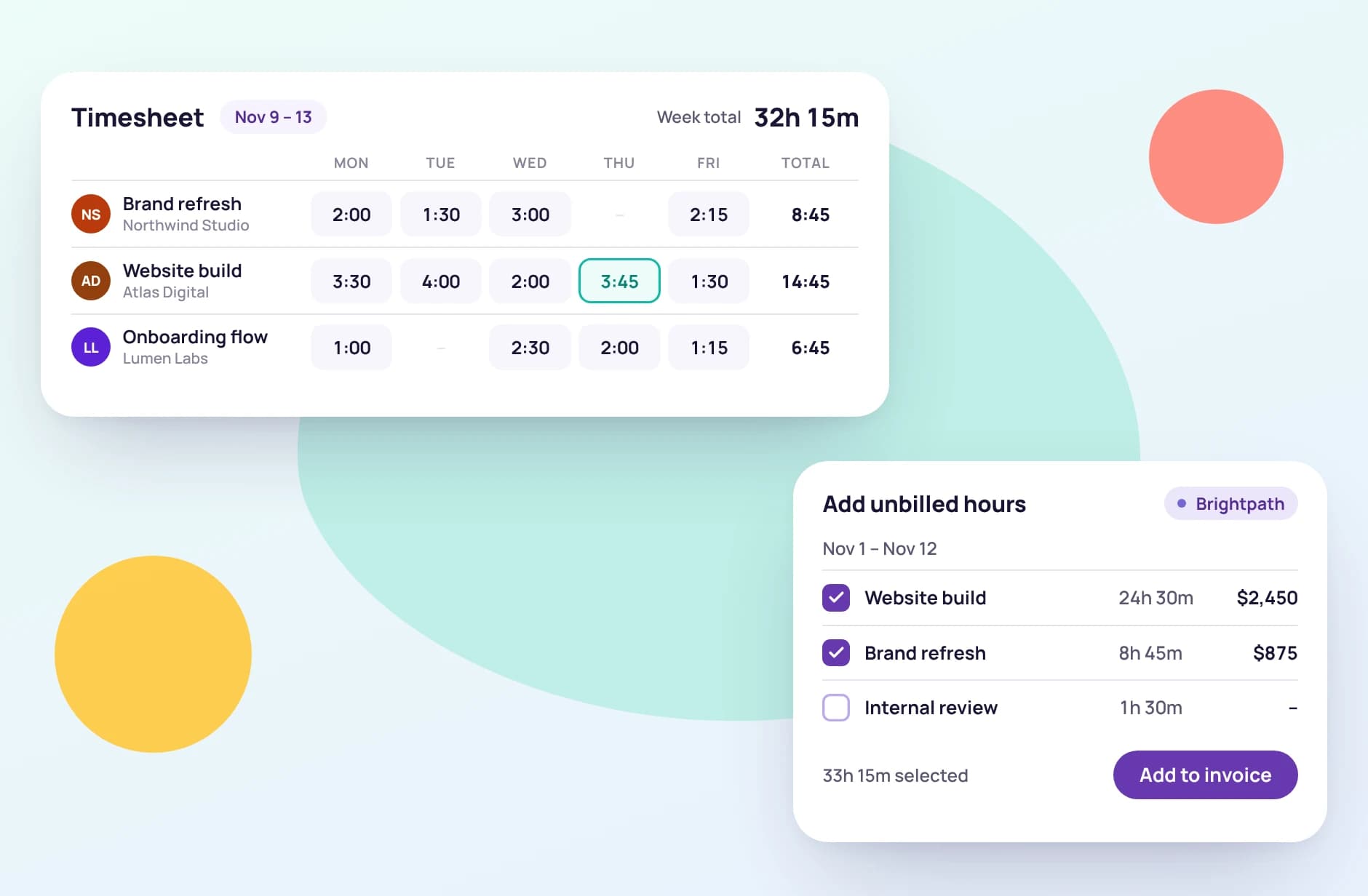
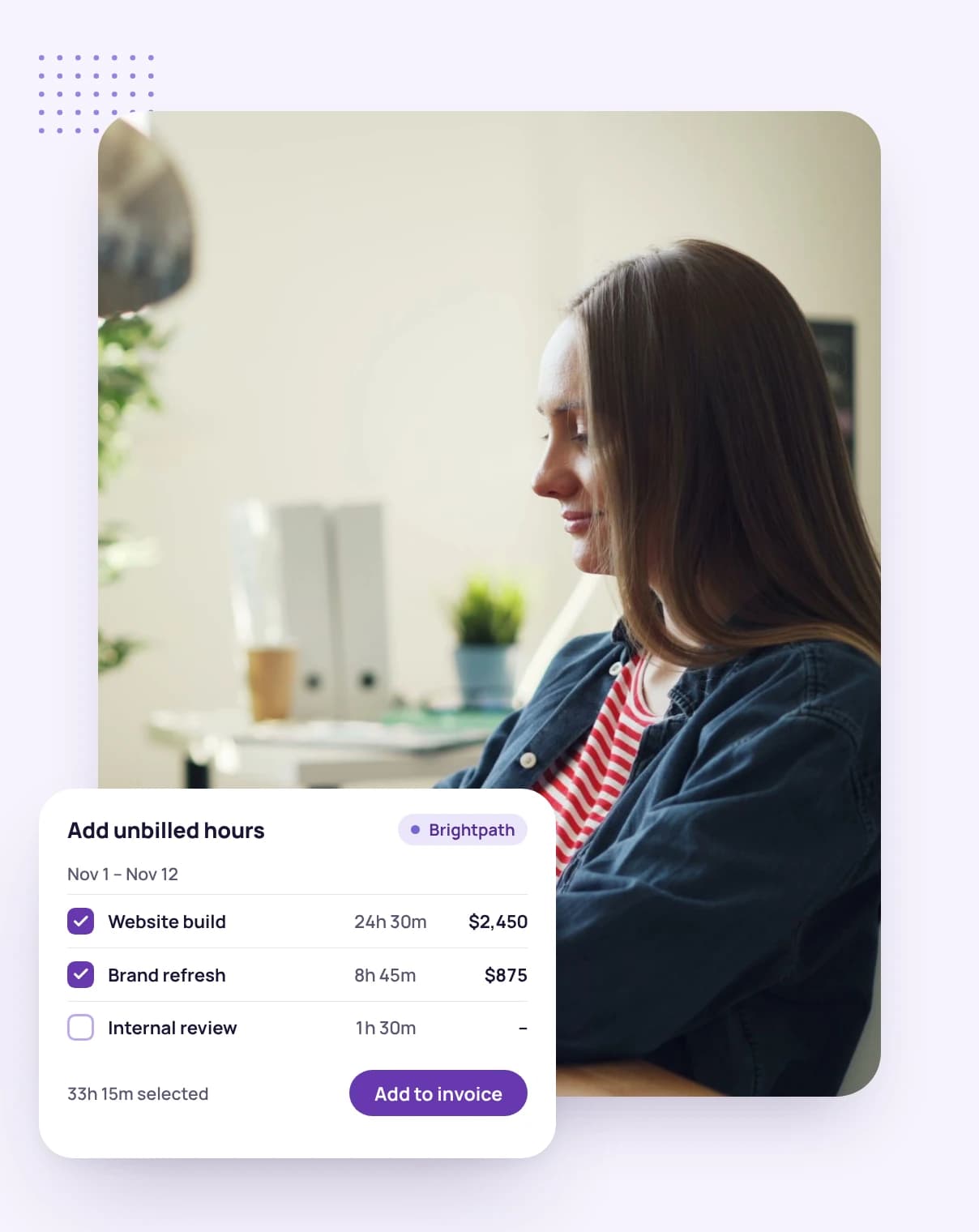
Track time in the desktop app or the web timer and every hour lands on the client's timesheet with its project and task. When you invoice, add the unbilled hours for a date range in one click and set your rate; entries already billed are locked.

A week's timesheet with the unbilled hours being added to an invoice

Try it

Build an invoice from your hours

Add a client's unbilled time and expenses, set your rate, then choose one invoice, scheduled payments or a recurring series. It's sample data, so click anything.

Create Invoice

Send to Maya Chen · maya@northwind.example

Invoice line items

DescriptionRateQtyTaxTotalRemove
No lines yet. Start with Add Time.
Subtotal
$0.00
$0.00
Total
$0.00

Payment details

Send Oct 5 · Net 15 · due Oct 20

A working copy of Create Invoice with sample data: add a client's unbilled hours and expenses, set your rate, add tax, choose one-time, scheduled or recurring, then save and send.

How Tristiks Grow's time and billing software works

  1. 1

    Track time and expenses

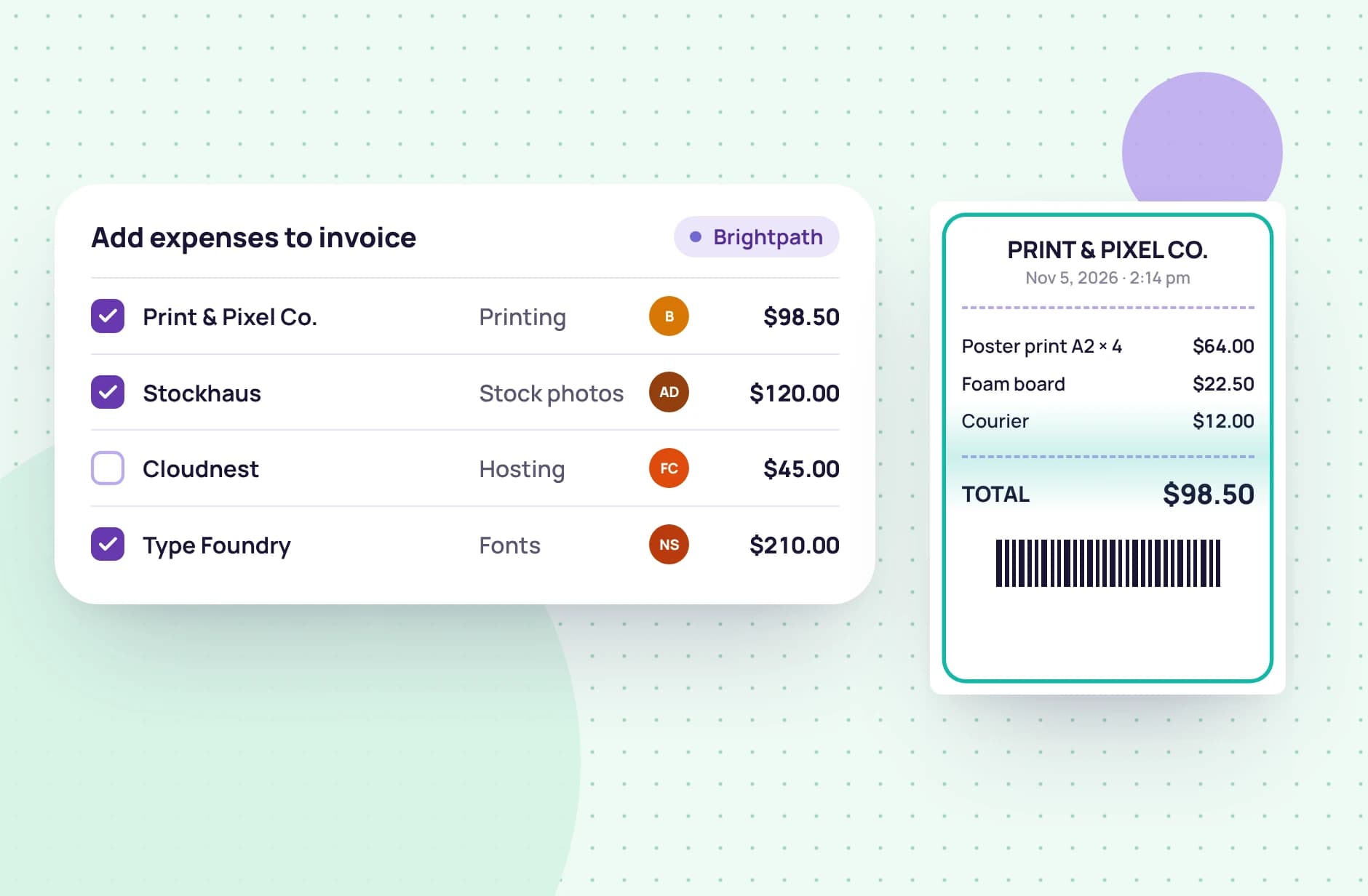
    Track hours in the desktop app or the web timer, and log expenses against each client as they come up. Invite teammates so their hours are ready to bill too.

  2. 2

    Create invoices from hours worked

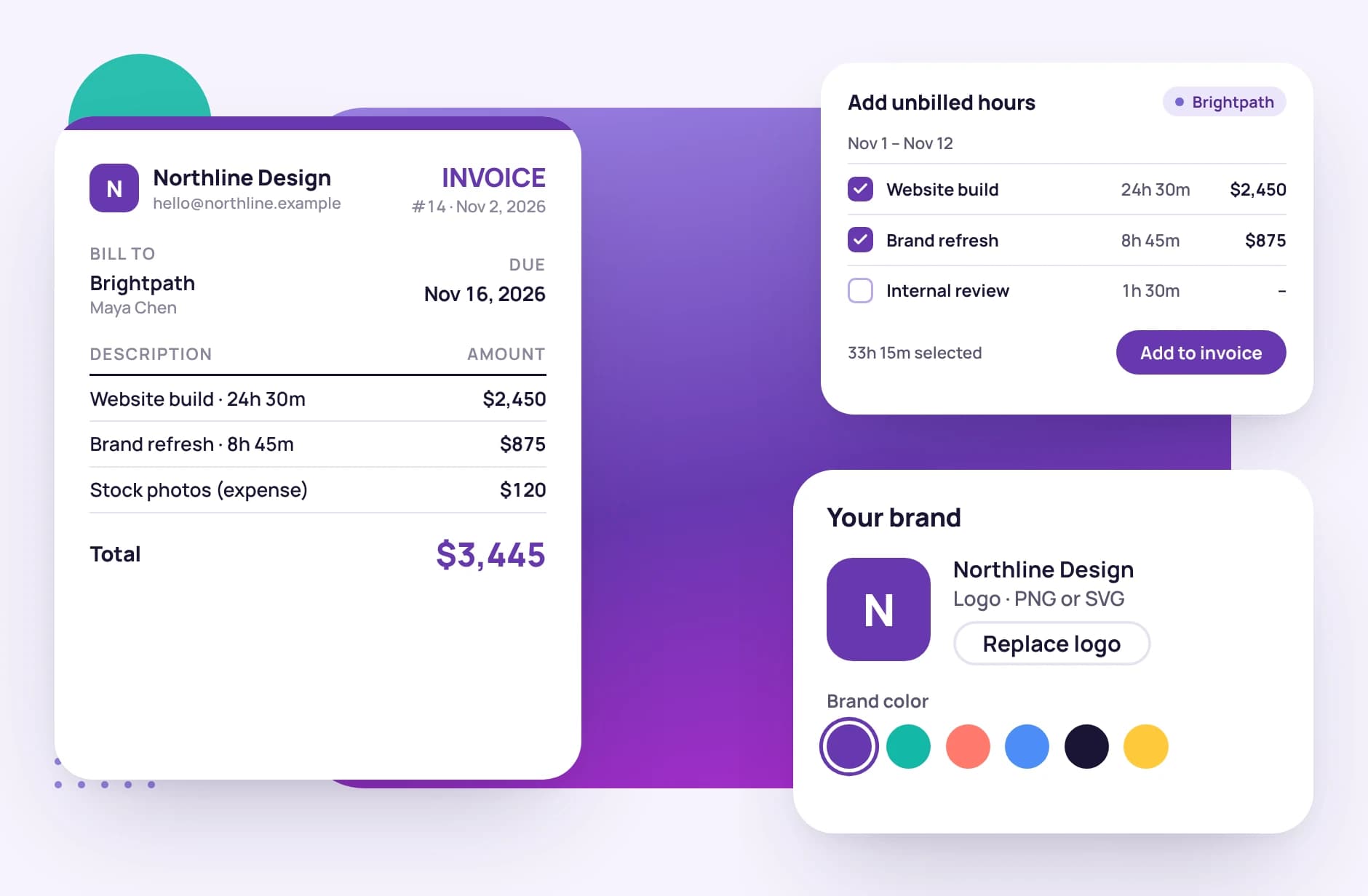
    Pick a client and the tracked hours and unbilled expenses to include. Tristiks Grow adds them as line items at your rates; add taxes, payment terms and a note.

  3. 3

    Send invoices and get paid

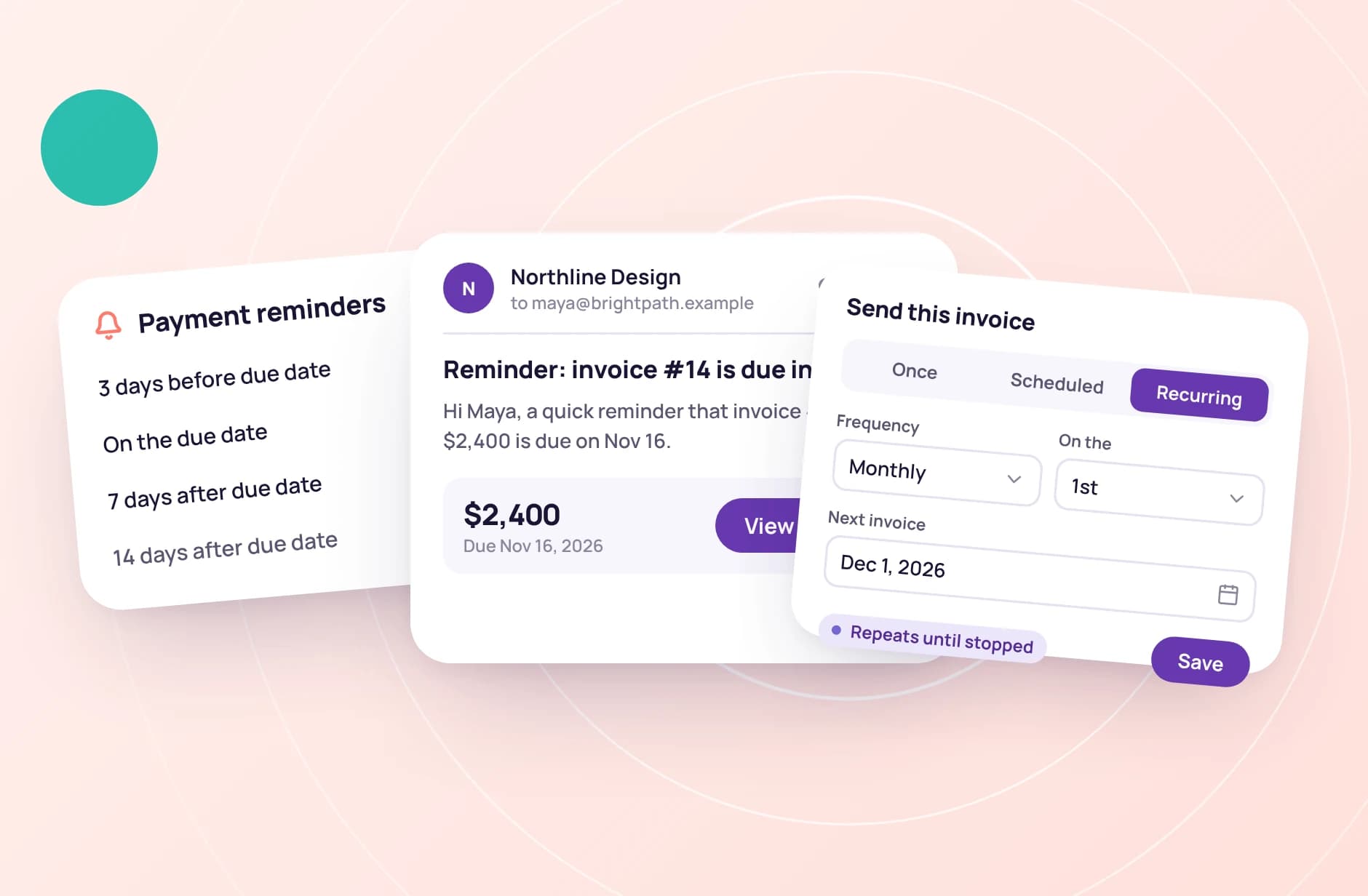
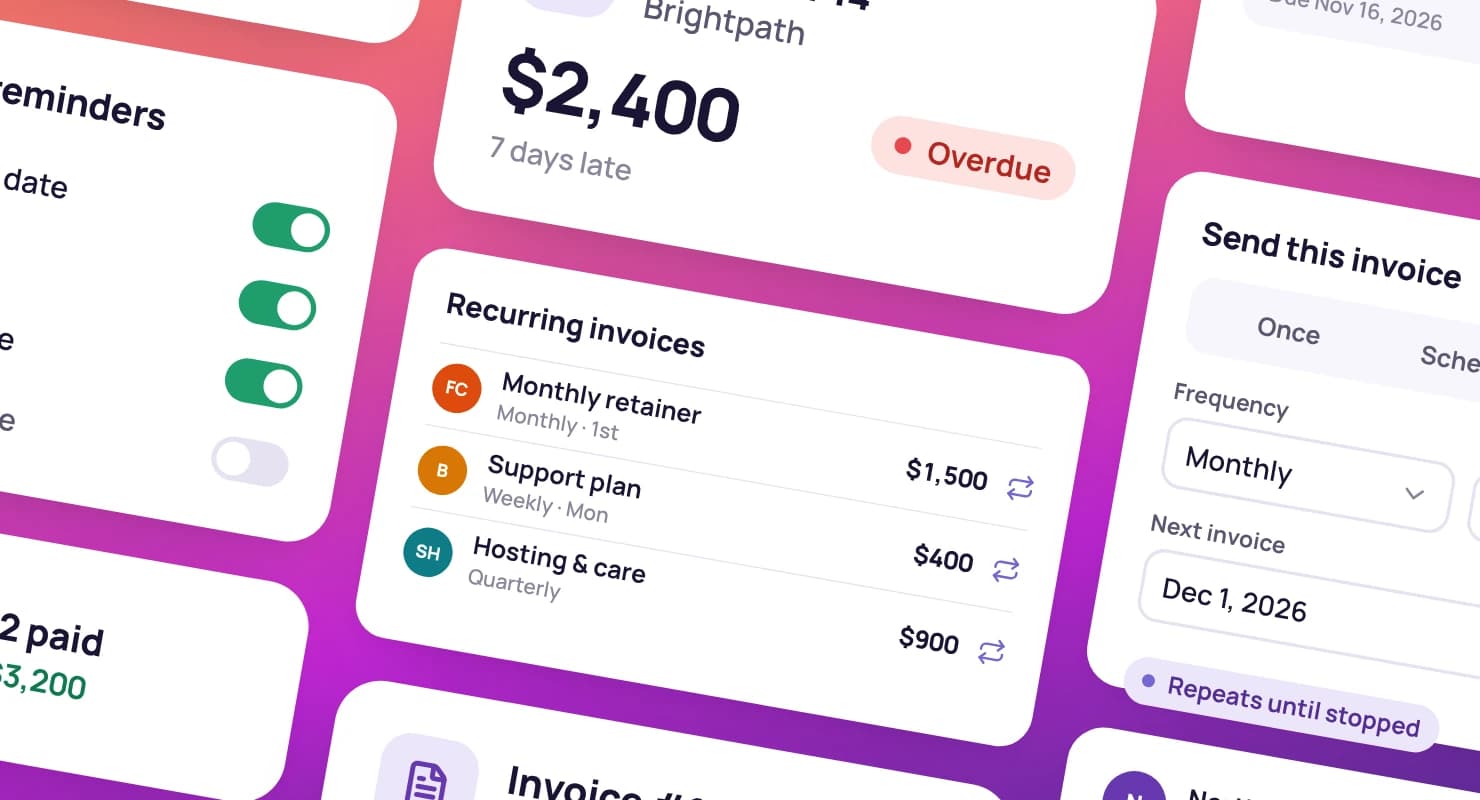
    Email the invoice with a link to view it online, attach a PDF if you like, or schedule it for later. Reminders follow up for you until it's paid.

A woman typing on her laptop, with a timer running on a task

FAQ

Frequently asked questions

Still have questions? Talk to our team.

What is time tracking and invoicing software?

It's software that records the hours you work for each client and turns them into invoices, so you don't have to copy time from a spreadsheet into a separate billing tool. Tristiks Grow does both, and also handles expenses, recurring invoices and payment reminders.

Can I turn tracked hours into an invoice automatically?

Yes. Choose a client and the tracked hours to bill, and Tristiks Grow adds them to the invoice as line items at your rates. Hours that are already invoiced are locked so they can't be billed twice.

Can I customize my invoices?

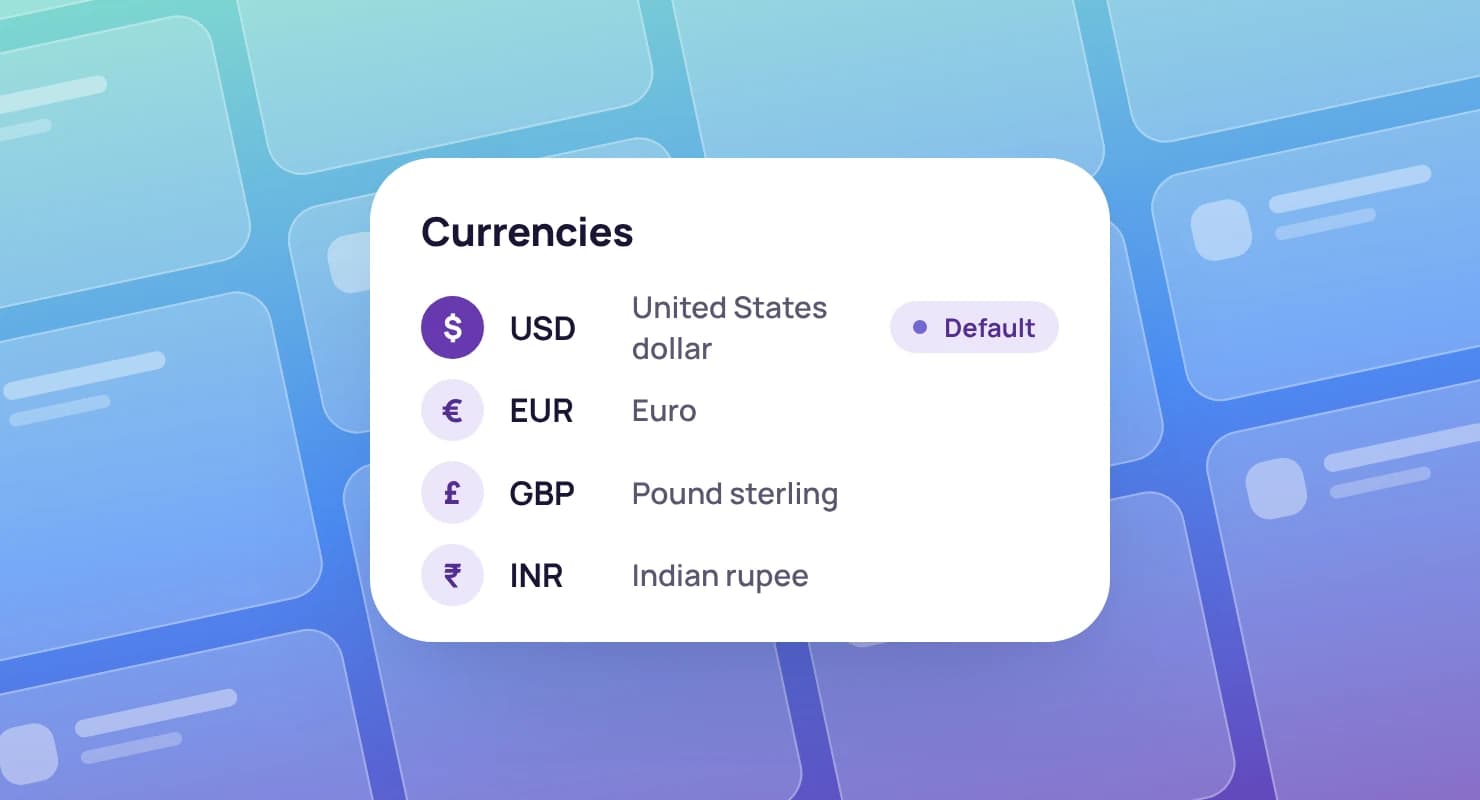
Yes. Invoices carry your logo, business details and brand colours, and you can set the currency, taxes, payment terms, invoice numbering and a message to the client.

How do clients pay my invoices?

Each invoice you send includes a secure link where the client can view it and download the PDF. When they pay by bank transfer or any other way, mark the invoice paid in one click. Card payments through Stripe and PayPal are coming soon.

Can Tristiks Grow send payment reminders?

Yes. You can turn on reminders for 3 days before the due date, on the due date, and 7, 14 and 30 days after it. Clients are only emailed for the reminders you switch on.

Is Tristiks Grow suitable for freelancers?

Yes. It's built for freelancers and small teams who bill clients by the hour or by the project, with plans for one person and for growing teams, and a free 14-day trial with no credit card needed.

Try Tristiks Grow's online invoicing free

Start a free 14-day trial and send your first invoice from tracked hours today, or book a demo with our team.