Tristiks

Activity tracking software that shows the work behind the hours

OneTrack, the desktop app, gives every ten minutes of tracked time an activity level from keyboard and mouse use, so you and your clients can see how the time was spent. It never records what you type.

No credit card required
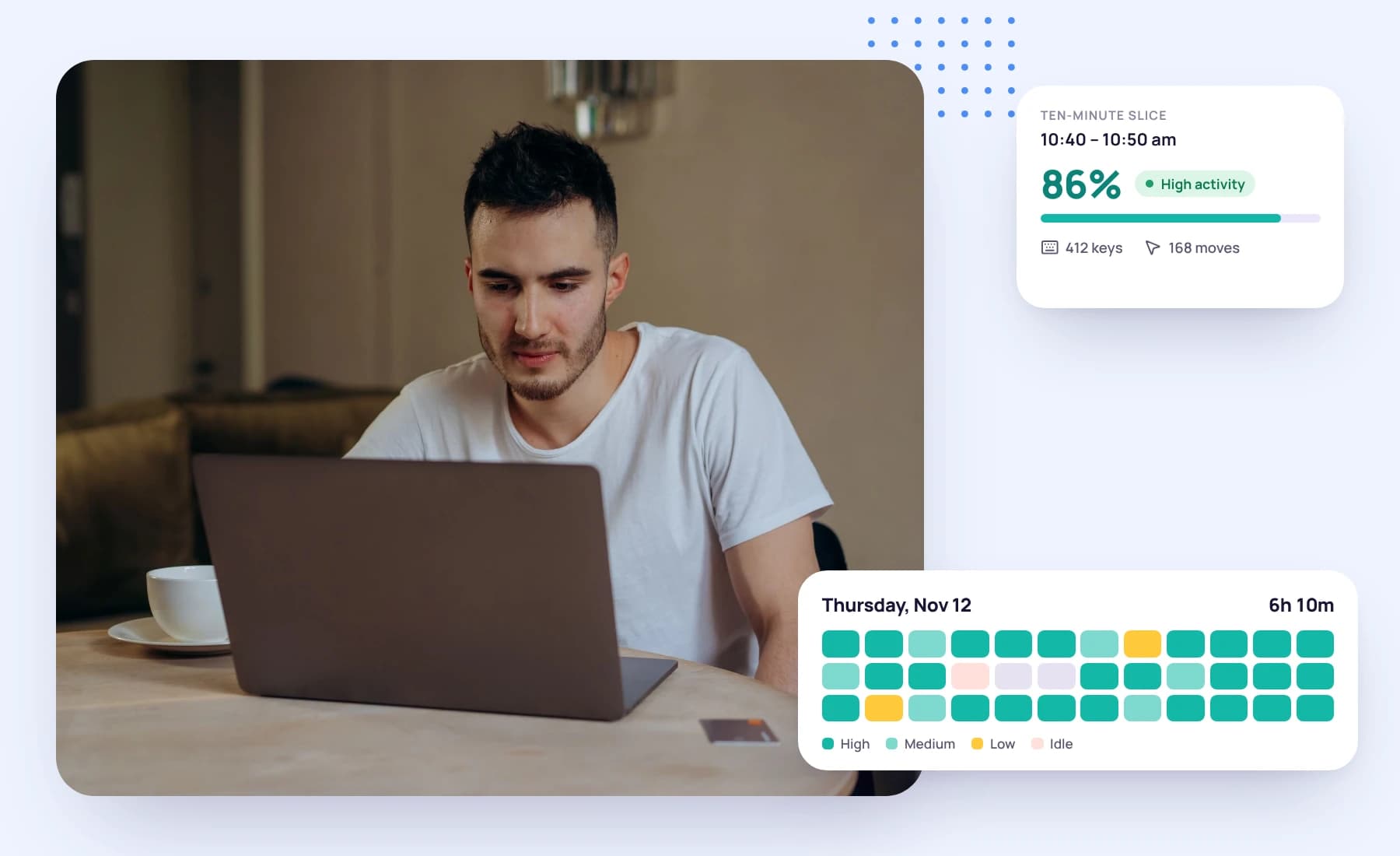
A young man working on a laptop, beside a day's activity timeline and one slice's activity level

Proof of work, without reading over anyone's shoulder

When you bill by the hour, a number on a timesheet only goes so far. Activity levels add a simple signal to each stretch of tracked time, how much of it someone was at the keyboard or mouse, and sit beside the screenshots and the task the time was tracked against.

How an activity level is worked out

Four steps, all of them on your own computer until the slice is saved.

  1. 01

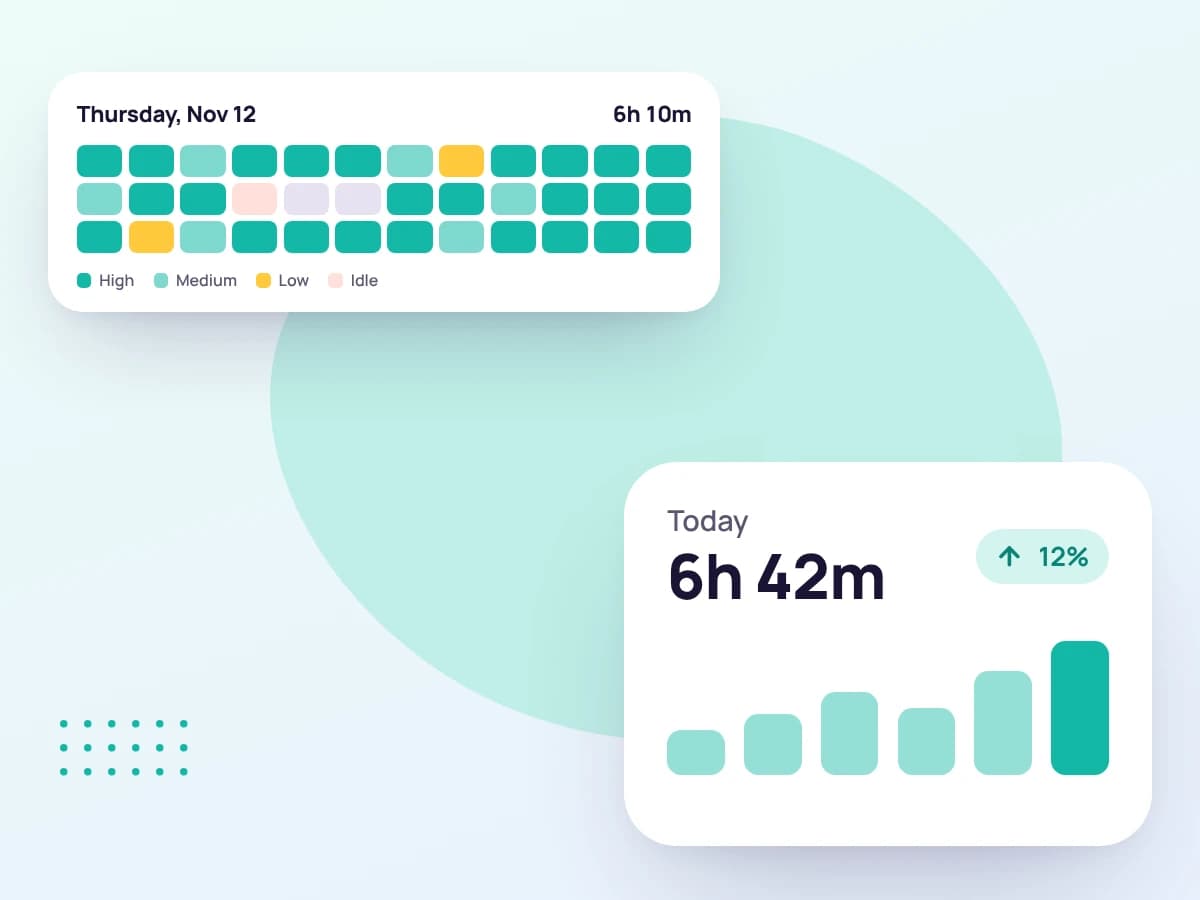
    Tracked time is cut into ten-minute slices

    While the desktop timer runs, the day is recorded ten minutes at a time. Each slice is saved the moment it ends, so closing the laptop never loses work already done.

    A day split into ten-minute slices coloured by activity
  2. 02

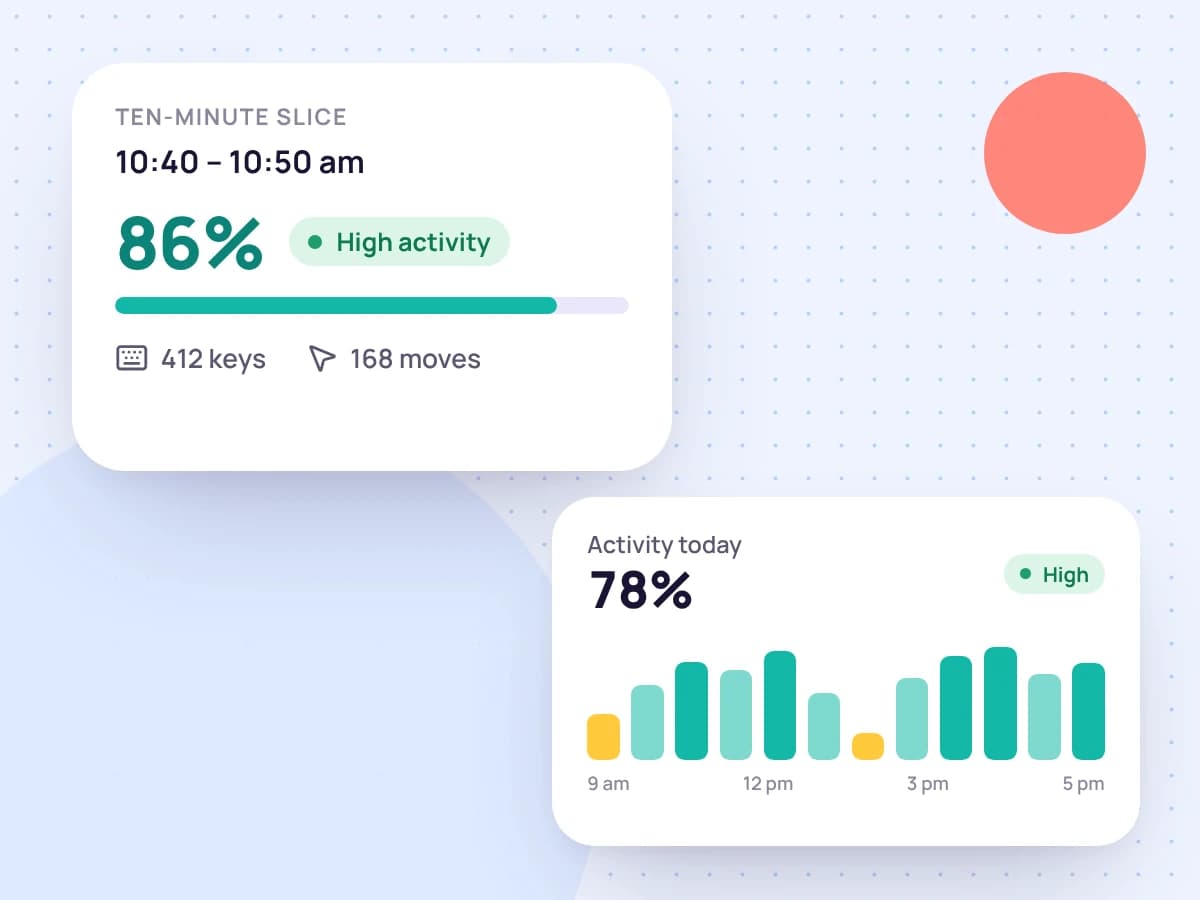
    Keyboard and mouse use, not keys

    In each slice the app checks your computer's record of when the keyboard or mouse was last used. It learns that you were there, never which keys you pressed or what you wrote.

    One ten-minute slice with its activity level, key presses and mouse moves
  3. 03

    The slice gets a percentage

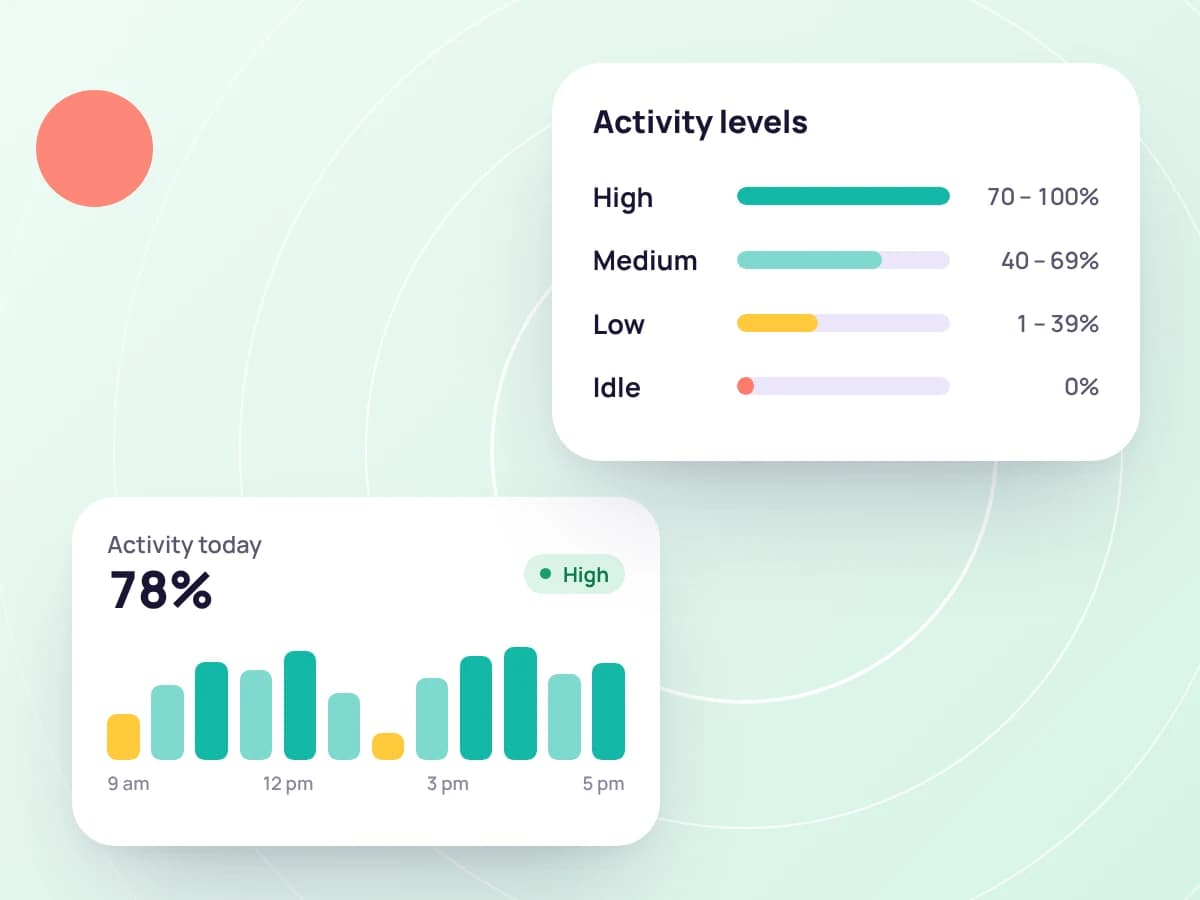
    The activity level is the share of the slice you were at the keyboard or mouse. Tristiks Grow shows it as High from 75%, Medium from 40% and Low below that, and marks a slice with no input as Idle.

    High, medium, low and idle activity levels and their ranges
  4. 04

    The day adds up

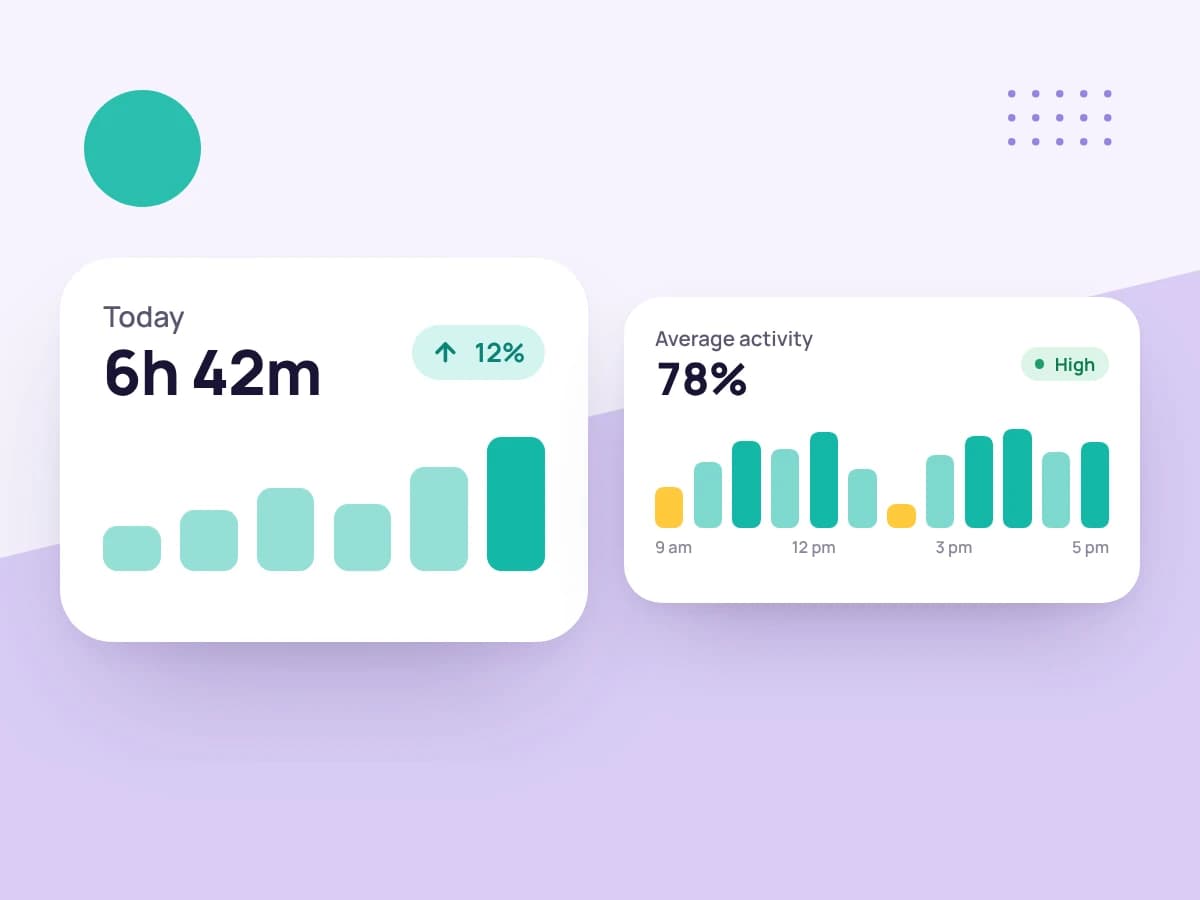
    Your timeline shows each slice with its screenshots, and above it the day's tracked time, average activity and number of screenshots.

    A day's tracked time and its average activity

The whole team's day in one table

As the account owner you see everyone on the team in one table: time tracked, average activity, screenshots taken and when each person's tracker was last seen. A green dot marks who is tracking right now.

Open a name to see that person's day, slice by slice. Teammates see only their own.

See team management
Team · Today
MemberTrackedActivity
Tracking nowMaya Chen2 devices6h 40m78%
Alex Park1 device5h 10m62%
Jo Rivera1 device3h 50m34%

An hour, slice by slice

Every slice carries its own level, so a quiet ten minutes doesn't hide inside a busy hour and a busy one isn't averaged away.

A low level isn't always a problem: a call, a long read or a sketch on paper all look quiet. Read it beside the screenshots and the task, not on its own.

See time tracking with screenshots
Activity & Screenshots
1h 0mTracked
64%Average activity
8Screenshots

Each card is ten minutes of work. Open one.

A working copy of the Activity & Screenshots page with sample data: a day of ten-minute screenshot groups with activity levels. Open a capture, switch monitors, or delete it to see its ten minutes come off the tracked time.

You decide what's recorded

On your own account the choice is yours: whether keyboard and mouse activity is recorded is one of your tracking preferences.

When you track for someone else's account, its owner can lock activity tracking on. That rule applies only while you track for that account.

See how tracking works
Admin controls · Alex Park

Enforce in the desktop app

  • ScreenshotsOn
  • Keyboard activityOn
  • Mouse activityOn
  • Idle after10 minutes

What activity tracking does and doesn't record

Activity comes from the desktop app, and only while its timer is running.

Recorded

  • Whether the keyboard or mouse was in use, checked every few seconds
  • How much of each ten minutes you were active, as a percentage
  • Time you were away, which you choose to keep or discard

Never recorded

  • The keys you press or anything you type
  • Anything while the timer is stopped or paused
  • A log of the websites you visit
  • Activity for time tracked in the web timer or added by hand

More on tracking time fairly

Guides and pages to help you win work, run it well and get paid on time.

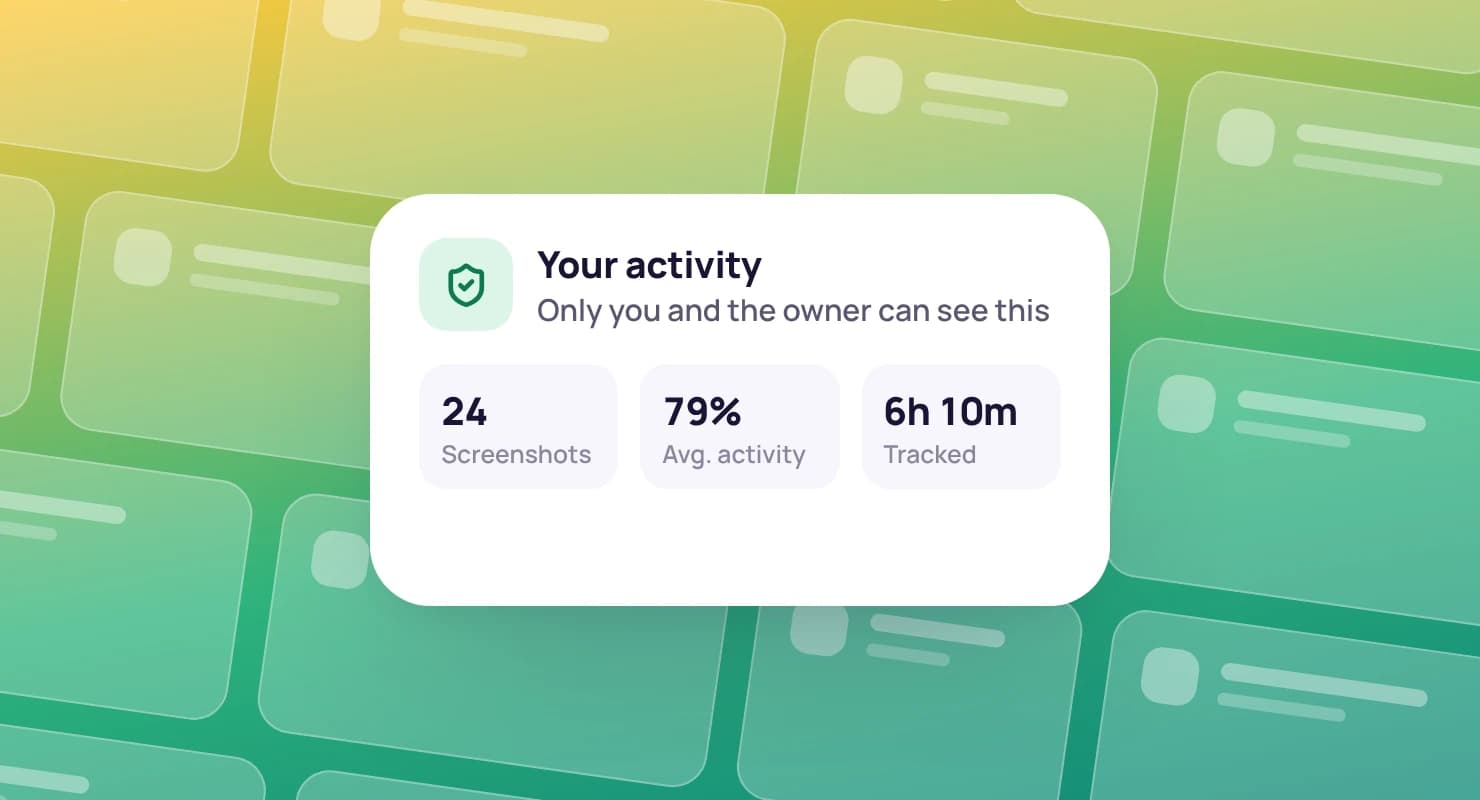
A member's own activity summary, over rows of blank dashboard cards

How tracking works

Exactly what the desktop app records, what it never records and who can see it.

Read how tracking works

Idle time tracking

What happens when you step away, and how you keep or discard that time.

See idle time tracking

Time reports

Activity levels for each day, in a PDF you can send to a client.

See time reports

How to track your time at work

Seven methods compared, from paper timesheets to automatic trackers.

Read the guide

FAQ

Activity tracking questions, answered

Still have questions? Talk to our team.

What is activity tracking software?

It measures how active someone was during tracked time, usually from keyboard and mouse use, so hours can be backed up with evidence. Tristiks Grow gives every ten minutes of desktop-tracked time an activity level and shows it beside the screenshots for that time.

How is the activity level calculated?

Tracked time is recorded in ten-minute slices. For each slice the desktop app checks, every few seconds, whether the keyboard or mouse was in use, and the activity level is the share of that slice you were active. A day's average covers all its slices.

What counts as high, medium or low activity?

Tristiks Grow shows 75% and above as High, 40% to 74% as Medium and 1% to 39% as Low. A slice with no keyboard or mouse input is shown as Idle.

Does Tristiks Grow record what I type?

No. The desktop app only reads when you last used the keyboard or mouse. It never records which keys you pressed or what you wrote.

Who can see my activity levels?

You can see your own. Teammates can't see each other's. The account owner can see the whole team's and open anyone's day.

Can I turn activity tracking off?

On your own account, yes: whether keyboard and mouse activity is recorded is one of your tracking preferences. If you track for someone else's account, its owner can require it while you track for them.

Do I need the desktop app?

Yes, for activity levels. The desktop app runs on macOS, Windows and Linux. The web timer records time only.

Is there a free trial?

Yes. Every plan starts with a free 14-day trial, and you don't need a credit card to sign up.

See the work behind every hour

Start a free 14-day trial and install the desktop app, or book a demo to see activity levels, screenshots and timesheets together.