Team management software for client work
Invite teammates and collaborators, decide who sees which clients and projects, set tracking rules for each person, and bill the team's time together.
No credit card required
Invite teammates and collaborators, decide who sees which clients and projects, set tracking rules for each person, and bill the team's time together.
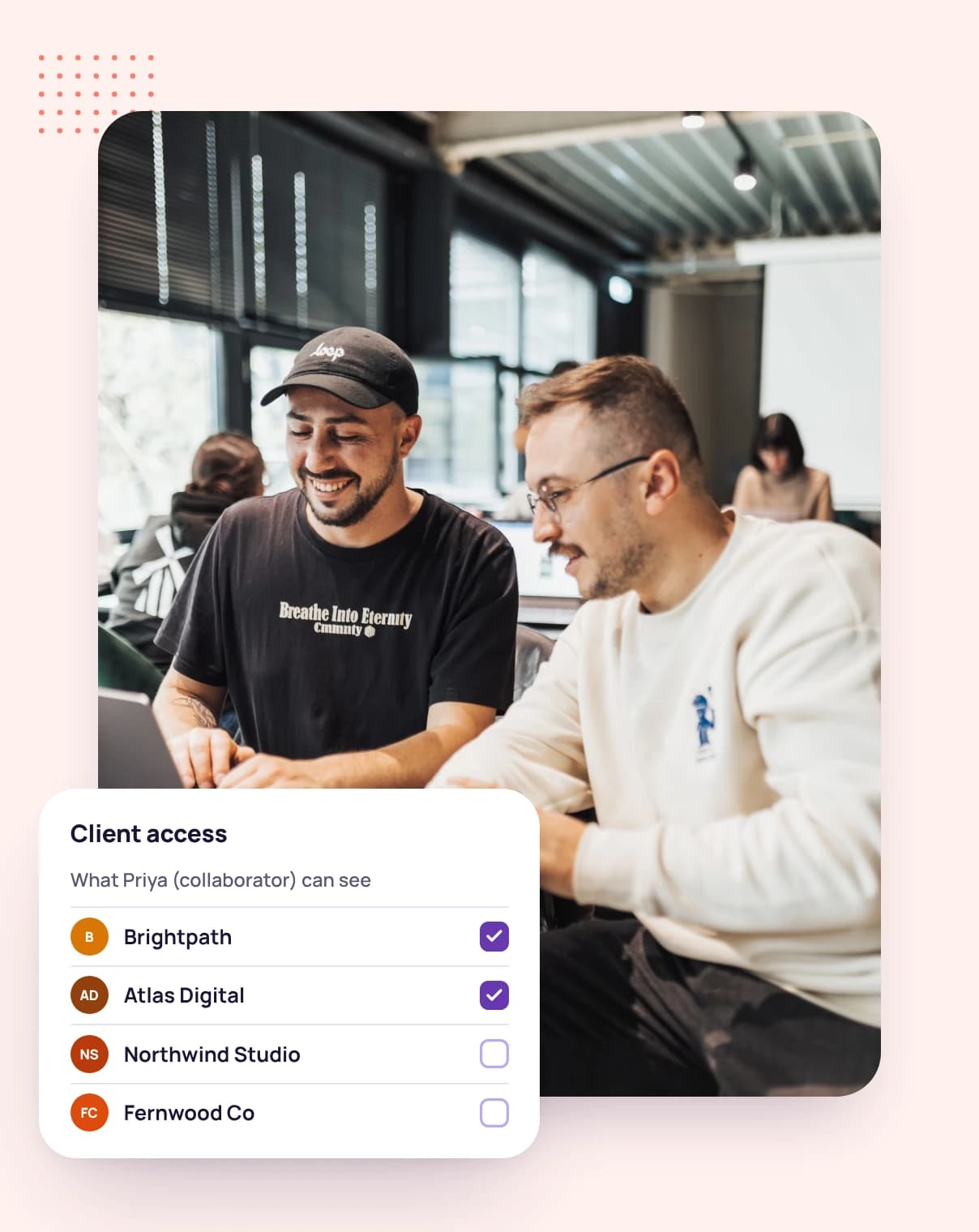
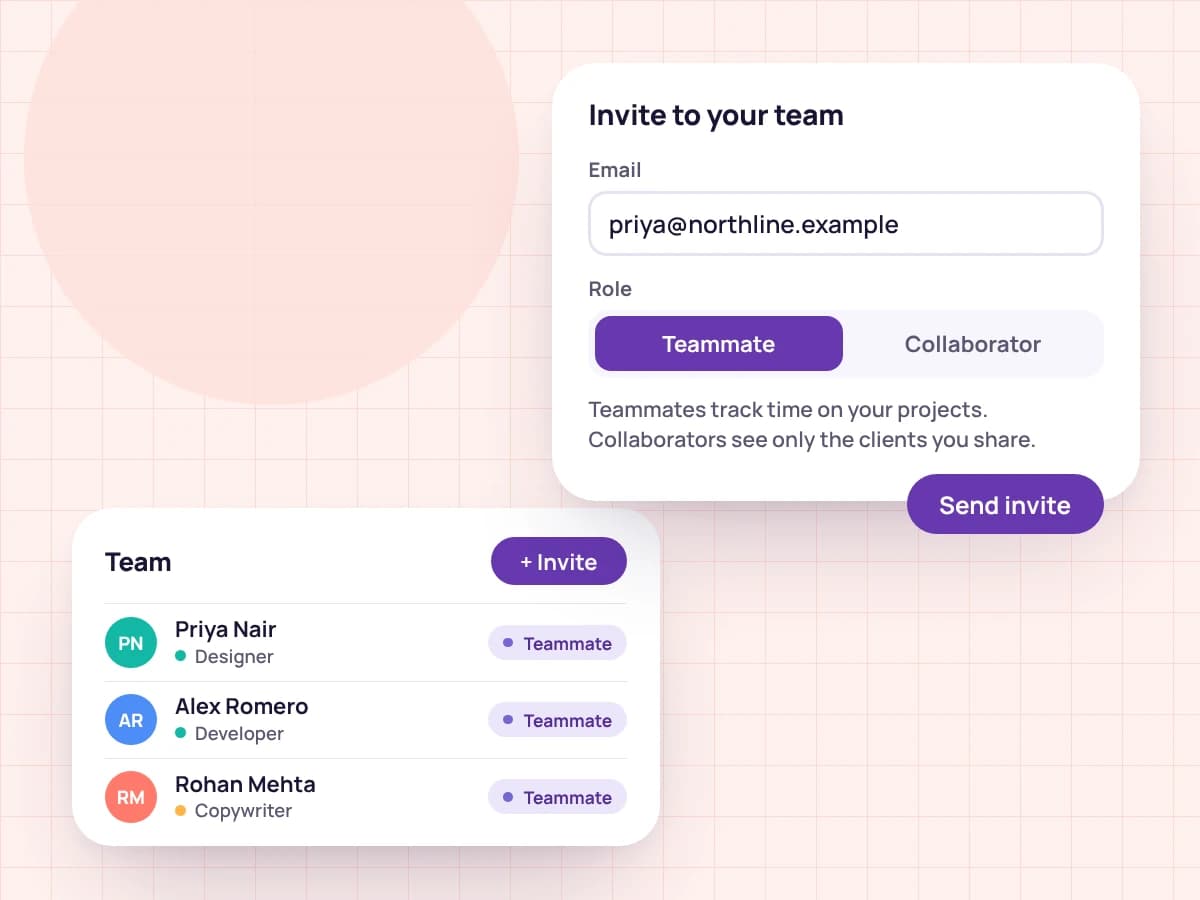
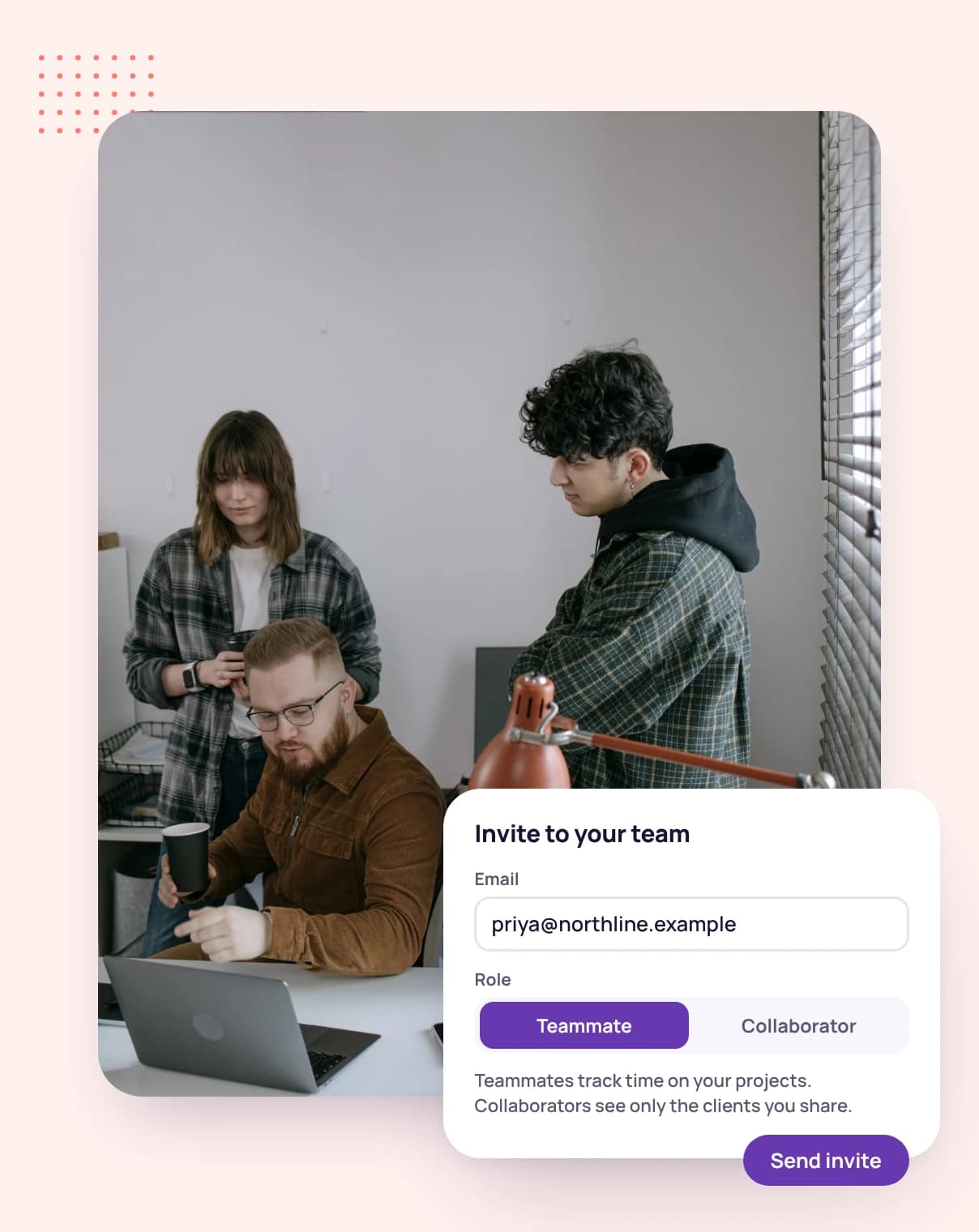
You own the account. Invite teammates, who work across your whole account, and collaborators, such as freelancers you bring in, who see only the clients and projects you share with them.
Change a member's role later, or deactivate them and reactivate them when they're back.
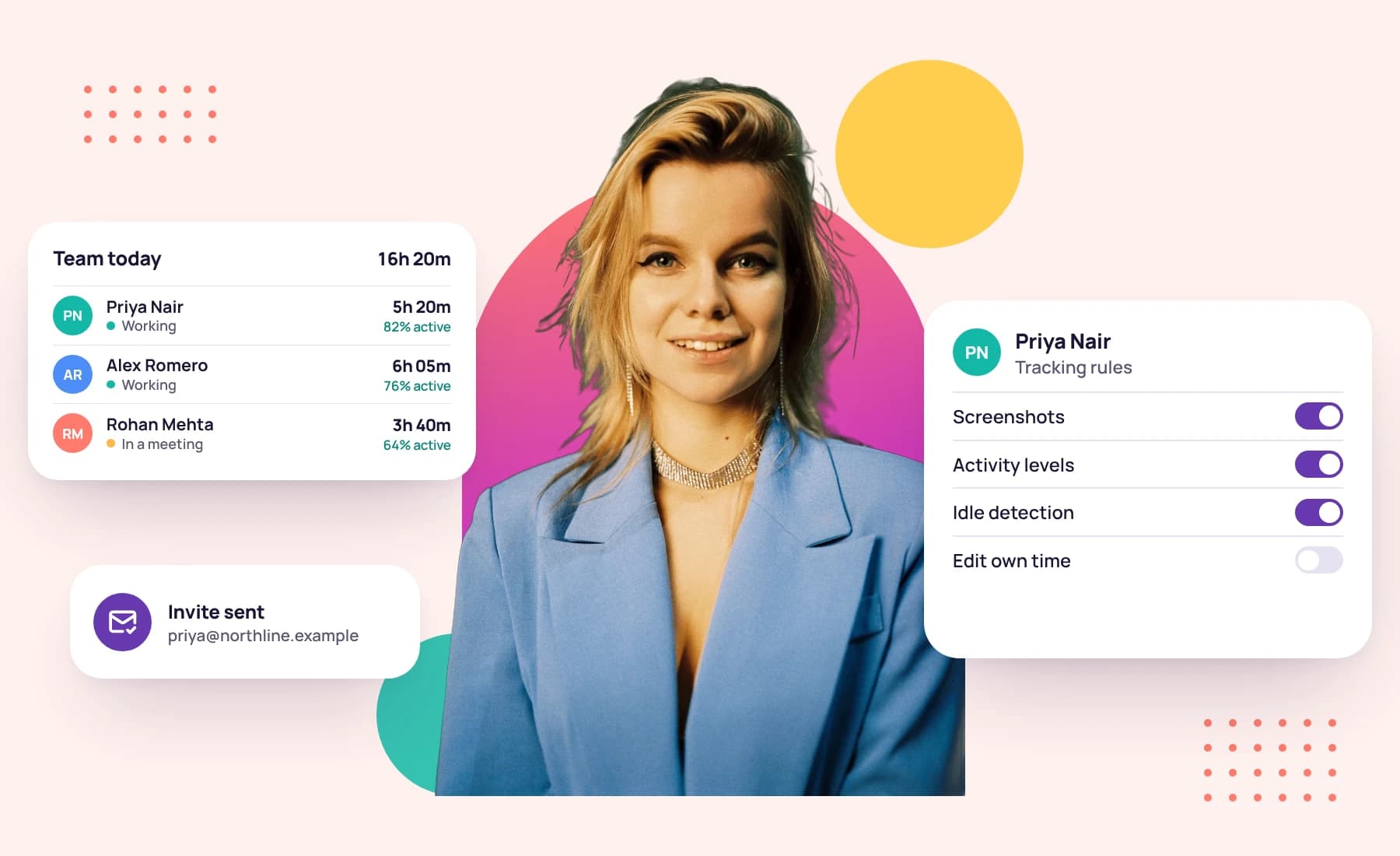
Set how often each person's desktop app takes screenshots and how many, lock screenshots and keyboard and mouse activity on, set their idle time, and require the desktop app instead of the web timer.
Screenshots
Enforce in the desktop app
Tracking method
Teammates can read your business and invoice settings but can't change them. Let a teammate manage your branding, your invoice defaults or data imports, one switch at a time.
Can change
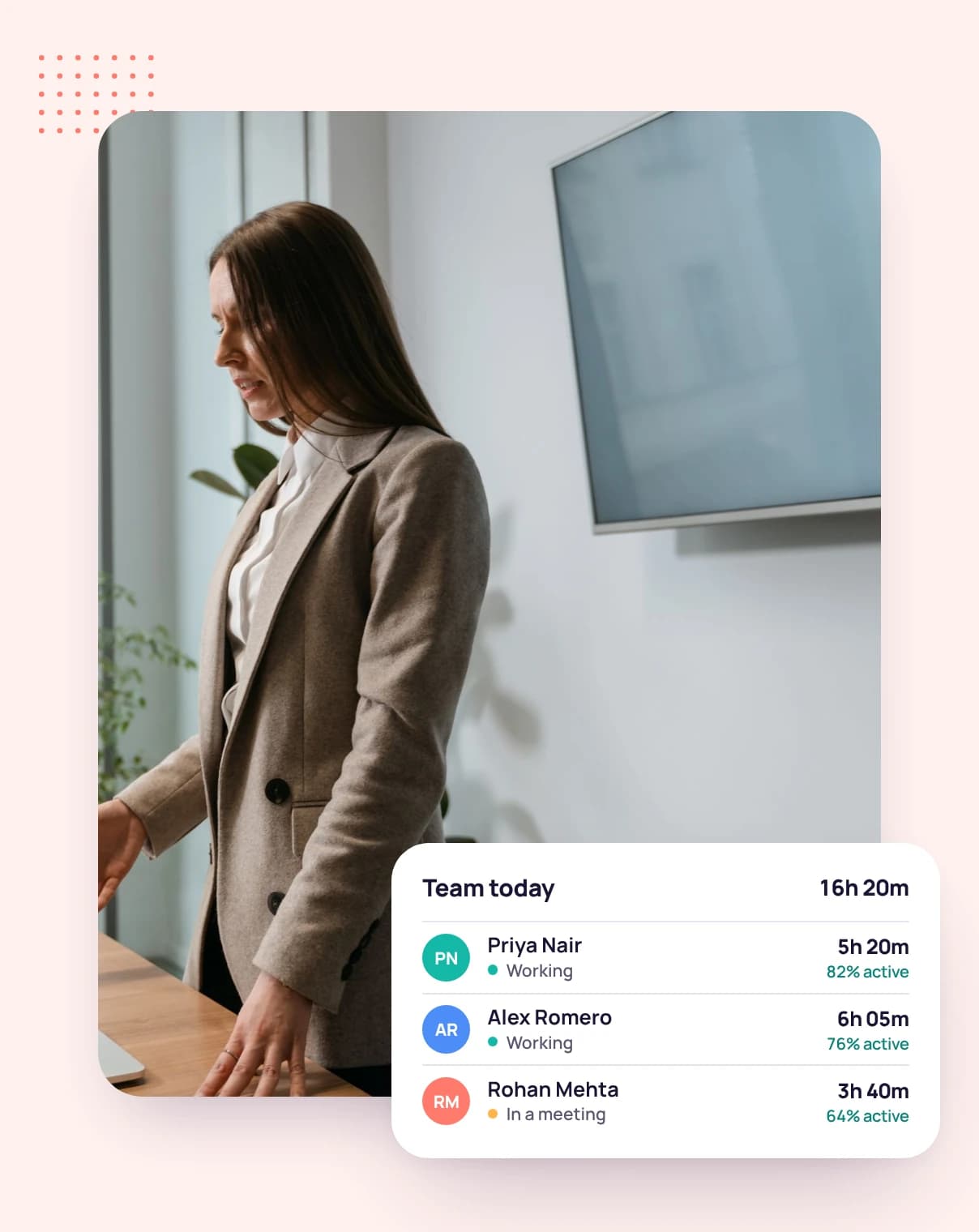
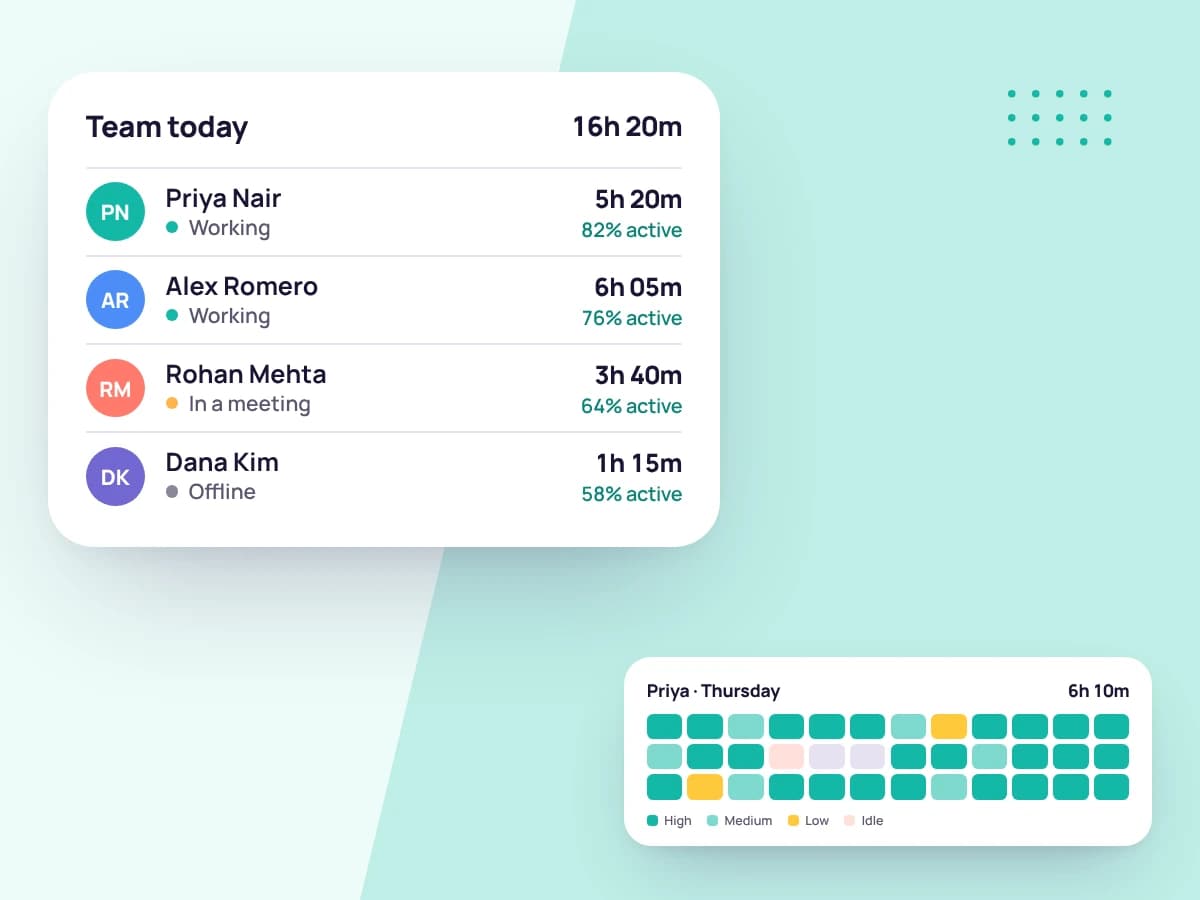
As the owner you see the whole team and can open anyone's day, with their time, activity levels and screenshots. Teammates see only their own.
When you invoice a client, choose which teammates' tracked hours and expenses to include alongside your own.
Choose teammate or collaborator for each person you invite.
Share clients and projects with collaborators, and set each person's tracking rules.
Everyone tracks against the right client and task, and you bill the team's hours on one invoice.
FAQ
Still have questions? Talk to our team.
Teammates work across your whole account. Collaborators see only the clients and projects you share with them.
Yes. Deactivate a member to end their access, and reactivate them if they come back.
Only if you let them. Branding, invoice defaults and data imports are each a switch you can turn on for a teammate.
Yes. The account owner can open any member's day, with their tracked time, activity levels and screenshots.
Professional includes 3 seats and Advanced includes 10. Every plan starts with a free 14-day trial.
Start a free 14-day trial and invite your team, or book a demo to see roles, access and tracking rules in action.