A business dashboard for your clients, tasks and cash flow
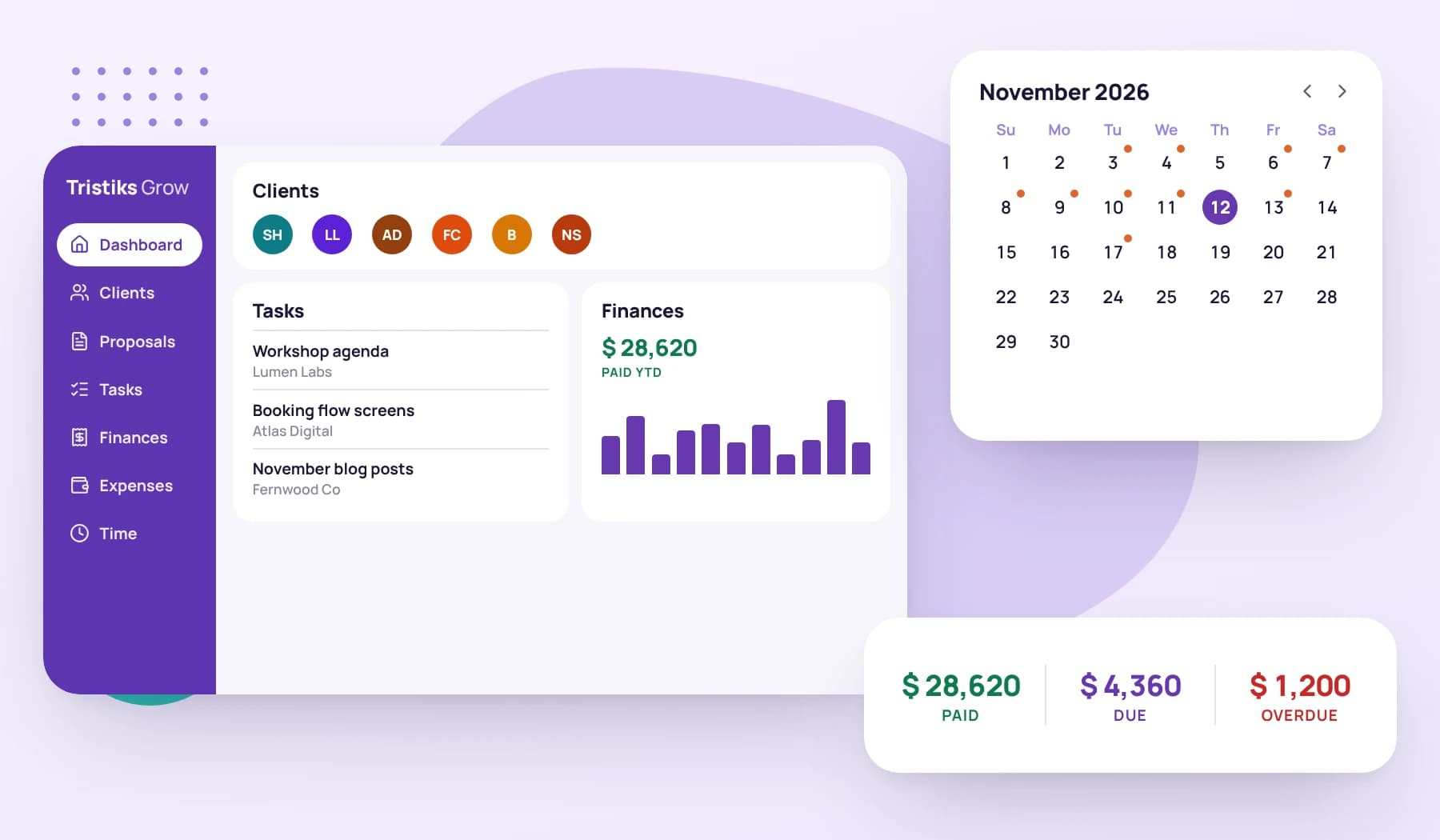
Open Tristiks Grow and see who you're working with, what's due next, what you've been paid this year and what's still owed, beside your calendar.
Free 14-day trial
No credit card required
Tristiks Grow · Dashboard
Search...CreateSK
ClientsView All
NSNorthwind Studio
BBrightpath
FCFernwood Co
ADAtlas Digital
LLLumen Labs
SHSolace Health
TasksView All
OCT7Homepage wireframesNorthwind Studio · Website redesign
OCT7Menu overflows on mobileNorthwind Studio · Website redesign
OCT9Content reviewNorthwind Studio · Website redesign
OCT15Invoice list APIBrightpath · Client portal
Finances
PAID YTD$47,050UNPAID YTD$6,400
JanFebMarAprMayJunJulAugSepOct
Calendar
October 2026
SMTWTFS
Oct 07
Northwind design reviewGoogle Calendar · 11:00 AM
Homepage wireframesTask due
Menu overflows on mobileTask due
Start the timer, filter clients, switch currency or pick a day.
A working copy of the Tristiks Grow dashboard with sample data: clients, tasks due, paid and unpaid totals for the year, and a calendar with meetings beside task due dates. Start the timer, filter clients, switch currency or pick a day.
Tracked today6h 42m
Invoice paid$2,400.00
Fourcards,onescreen
The dashboard is the first thing you see when you sign in. Each card opens the full page behind it.
Clients
Your clients and prospects in one list. Filter by active clients, active prospects or archived ones, and open a profile in a click.
Dashboard · Clients
Northwind StudioPriya NairActive client
Lumen StudioSam OkoroActive client
BrightpathDana WellsActive prospect
FernwoodLee TanArchived client
Tasks
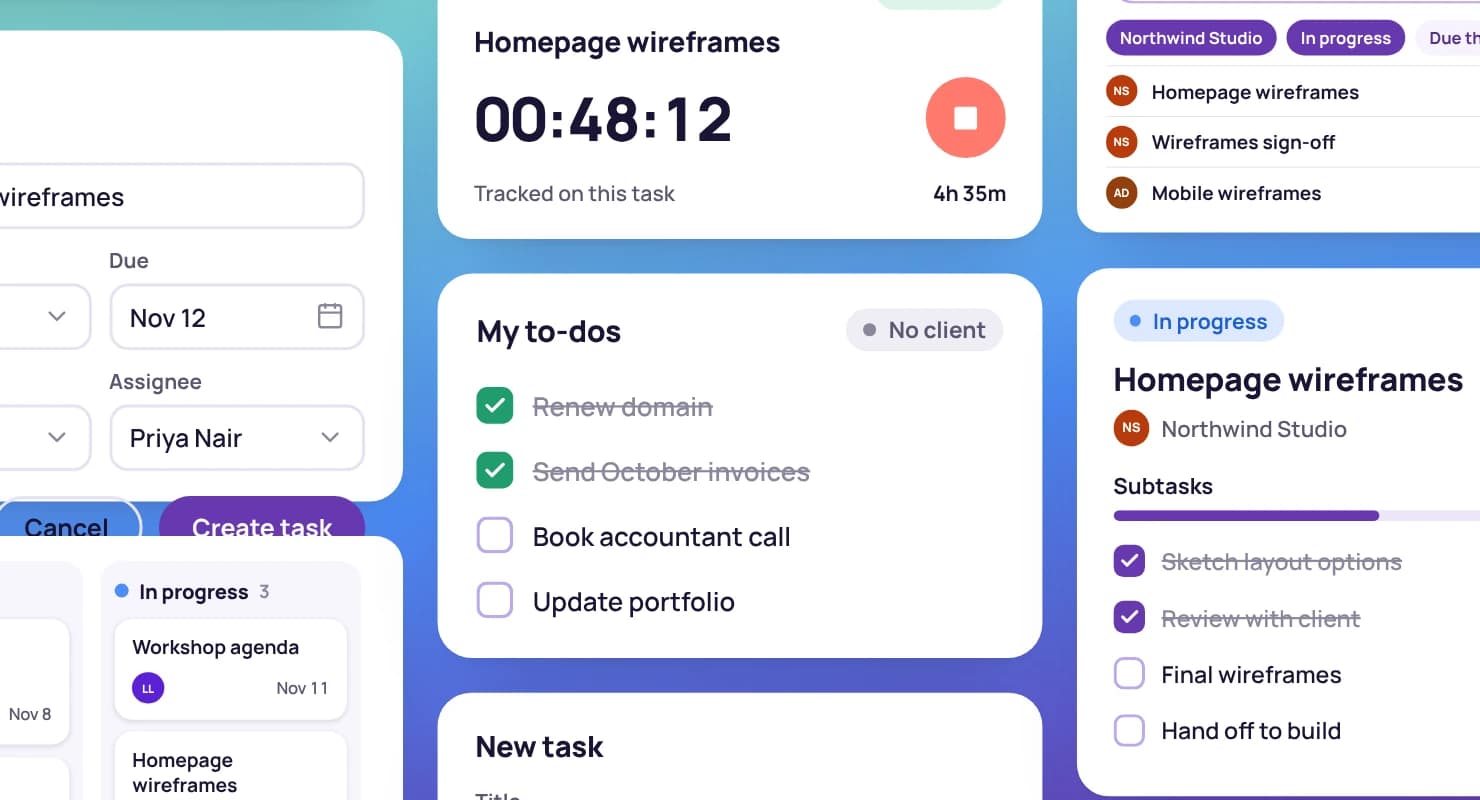
The open tasks with the nearest due dates, soonest first, each with its client. Open one to update it without leaving the dashboard.
Tasks
ALV-14TaskTodayMC
Review homepage copy
LUM-8TaskTomorrowMC
Send brand options
ALV-21TaskNext weekJR
Launch checklist
Finances
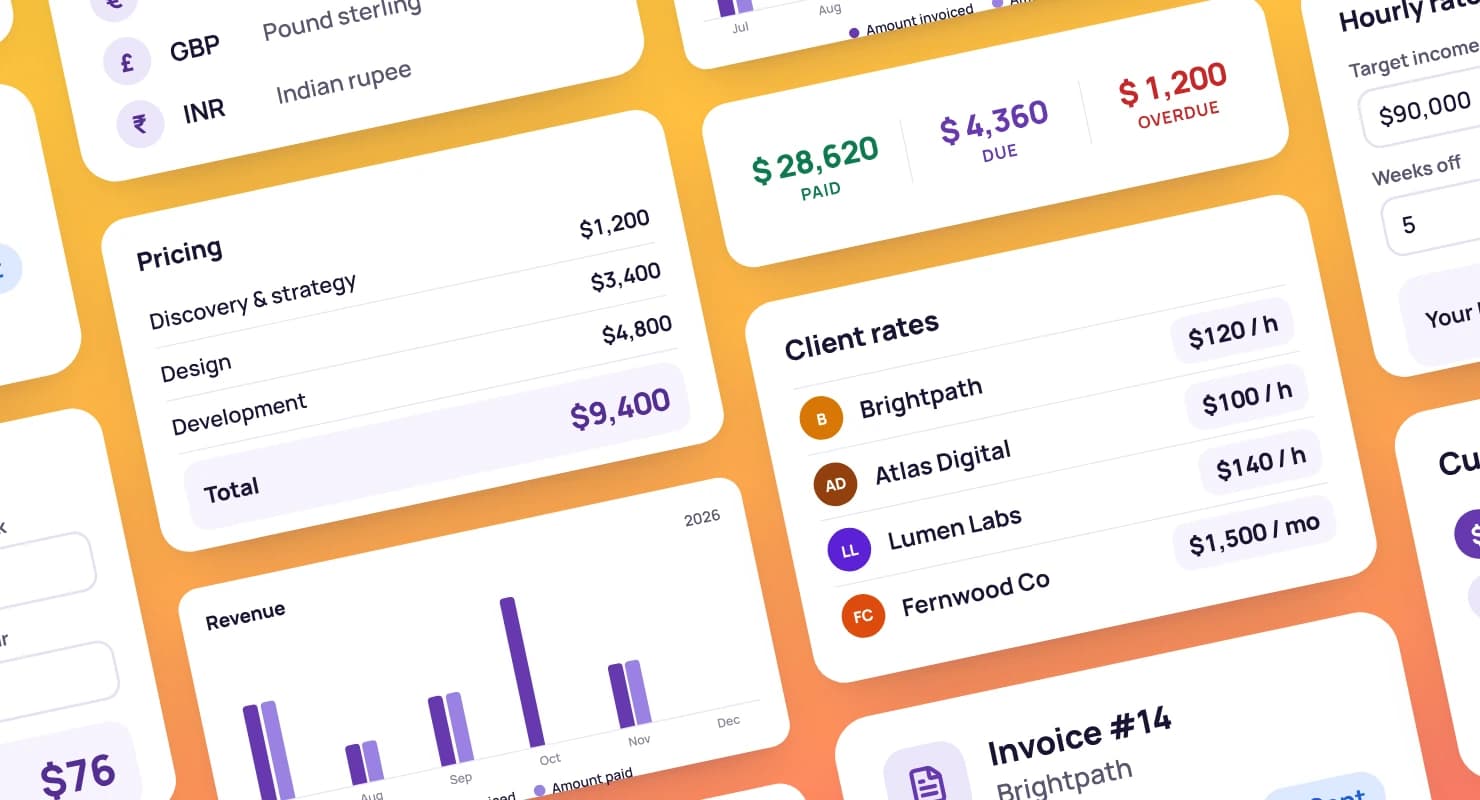
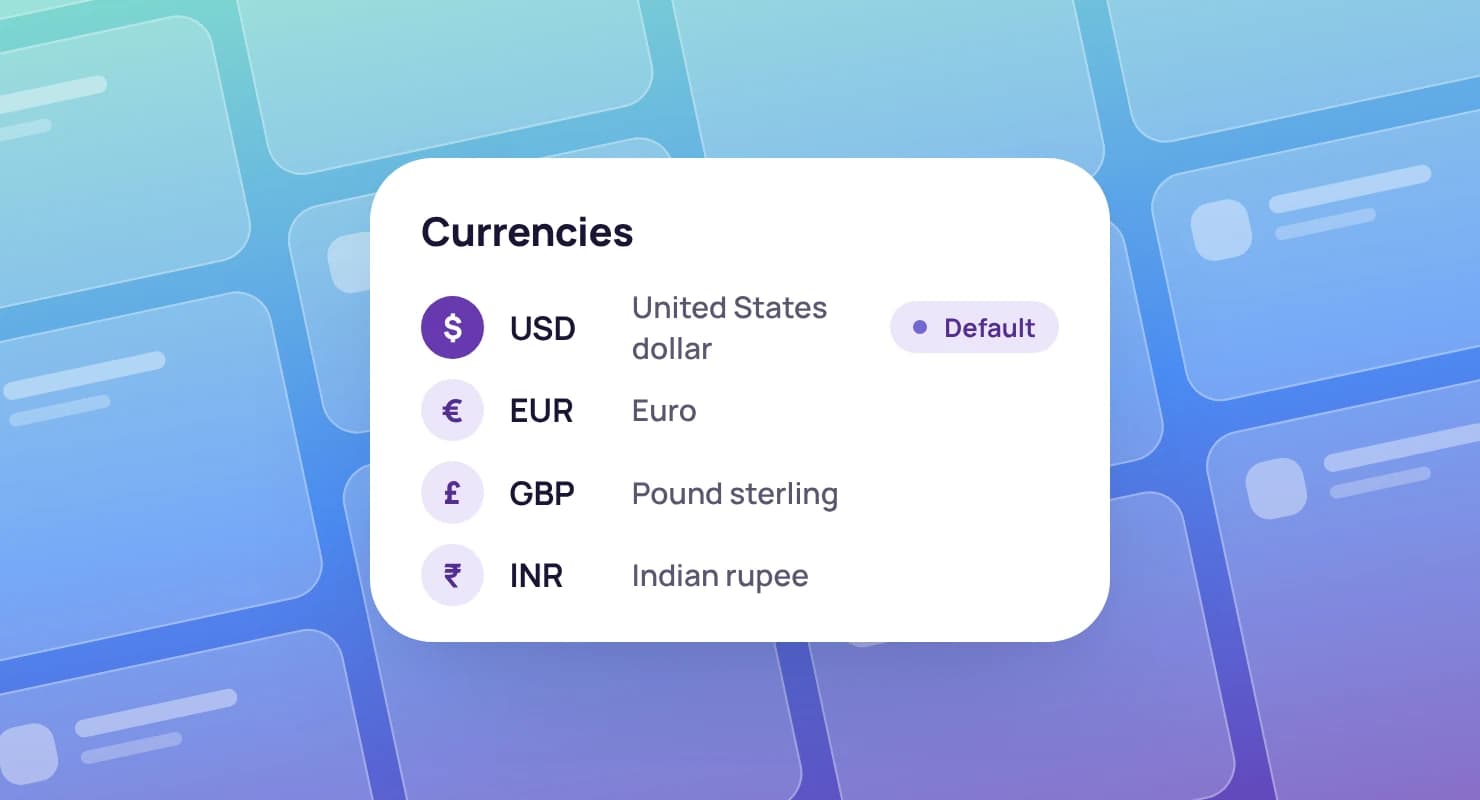
What you've been paid this year and what's still unpaid, with a chart of the year so far. Amounts in other currencies are converted into the one you choose.
Dashboard · Finances
Paid this year
$48,200
Unpaid this year
$6,350
Invoice #1045$2,640Paid
Invoice #1046$1,800Sent
Invoice #1047$950Sent
Calendar
Task due dates and invoice dates on a calendar. Connect Google Calendar and your events appear beside them.
Dashboard · Calendar · Mon, Sep 21
Northwind weekly callEvent · 10:00
Review homepage copyTask · Due today
Invoice #1046Invoice · Today
Brightpath intro callEvent · 15:30
Your week, your clients and your cash flow.
Everything on the dashboard comes from work you've already done in Tristiks Grow: the clients you added, the tasks you planned and the invoices you sent.
Four cards: your clients and prospects, your open tasks with the nearest due dates, what you've been paid and what's unpaid this year, and a calendar with task due dates, invoice dates and your Google Calendar events.
Which tasks appear on the dashboard?
Open tasks that have a due date, soonest first. The full board, with every task, is one click away.
What if I invoice in more than one currency?
Choose the currency you want the dashboard in, and paid and unpaid amounts from invoices in other currencies are converted into it.
Do I have to connect Google Calendar?
No. The calendar shows task due dates and invoice dates on its own. Connecting Google Calendar adds your events, and Tristiks Grow only reads them.
Is there a free trial?
Yes. Every plan starts with a free 14-day trial, and you don't need a credit card to sign up.
See your business on one screen
Start a free 14-day trial and your dashboard fills in as you add clients, tasks and invoices, or book a demo and we'll walk you through it.