Tristiks

Client management software that keeps every client in one place

Give every client one profile with their contacts, billing details, projects, tasks, notes, files, proposals and invoices, so you never go digging for what you need.

No credit card required
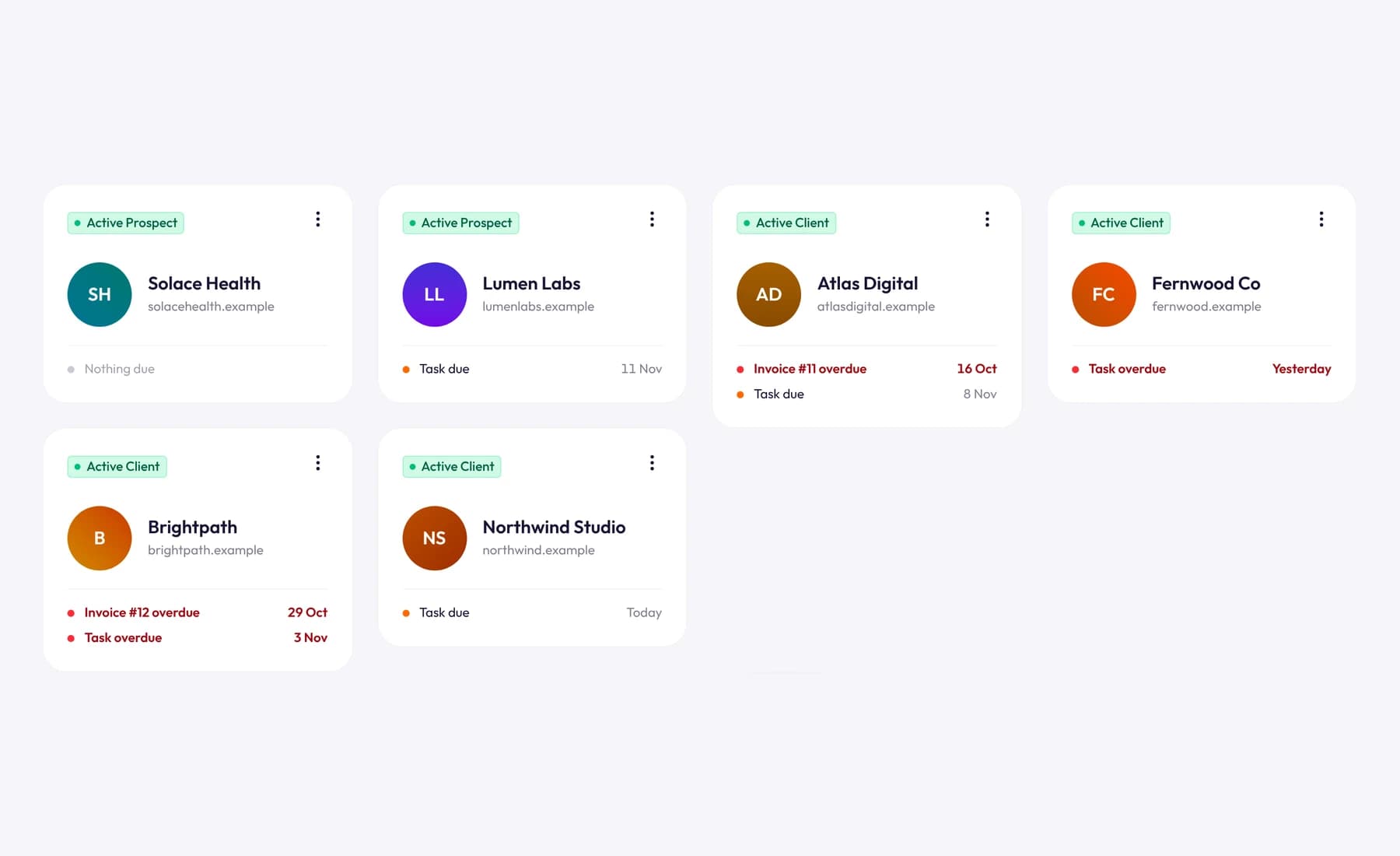
Tristiks Grow clients: a card per client with its status, website and what's due or overdue

One consolidated view for every client

Client work spreads across inboxes, spreadsheets and folders. In Tristiks Grow each client has a single profile that everything else hangs off: the time you track, the proposals you send and the invoices you're paid, all where you'd look for them.

Everything about a client, on one profile

Open a client and the whole relationship is on one screen.

  1. 01

    Contacts and details

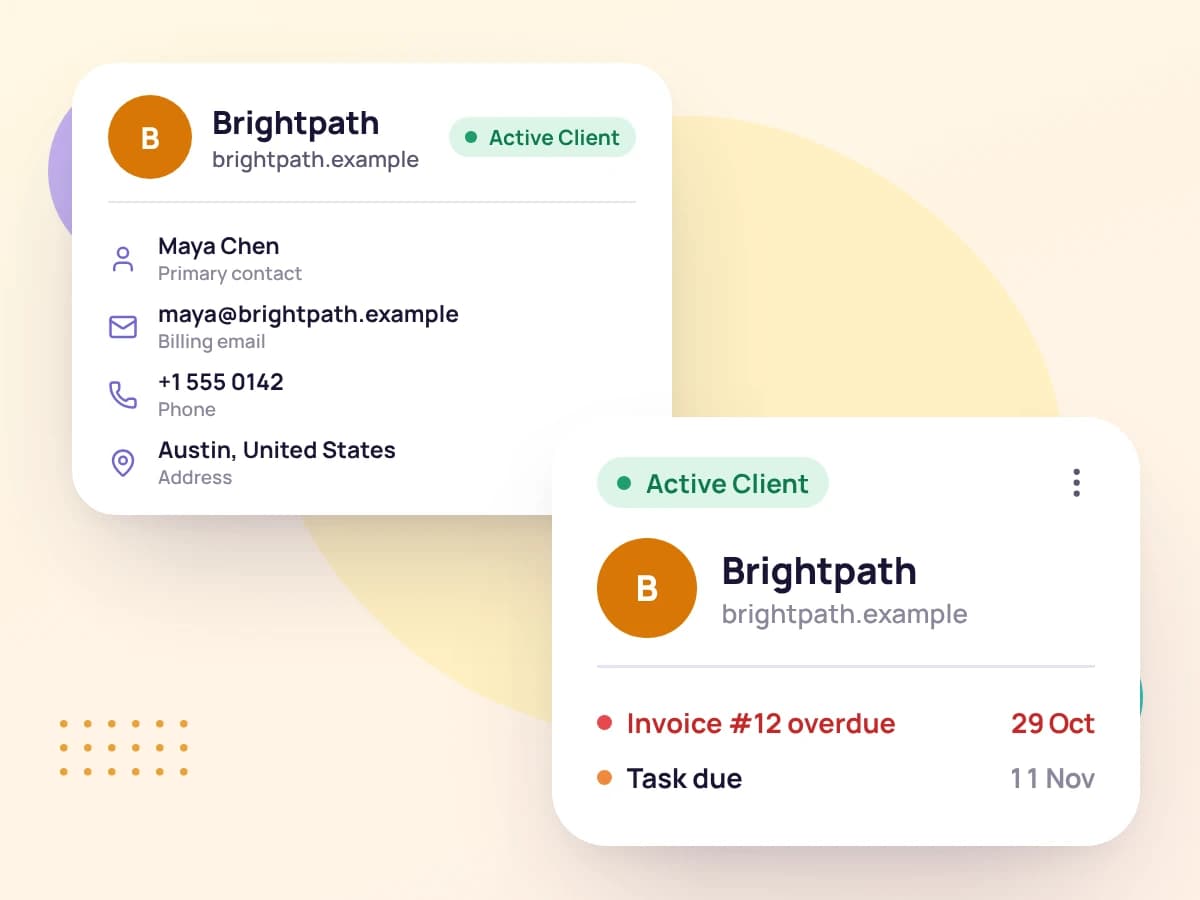
    Keep the client's logo, website and address, and as many contacts as you work with, each with their own details.

    A client's contact details beside their client card
  2. 02

    Projects and tasks on track

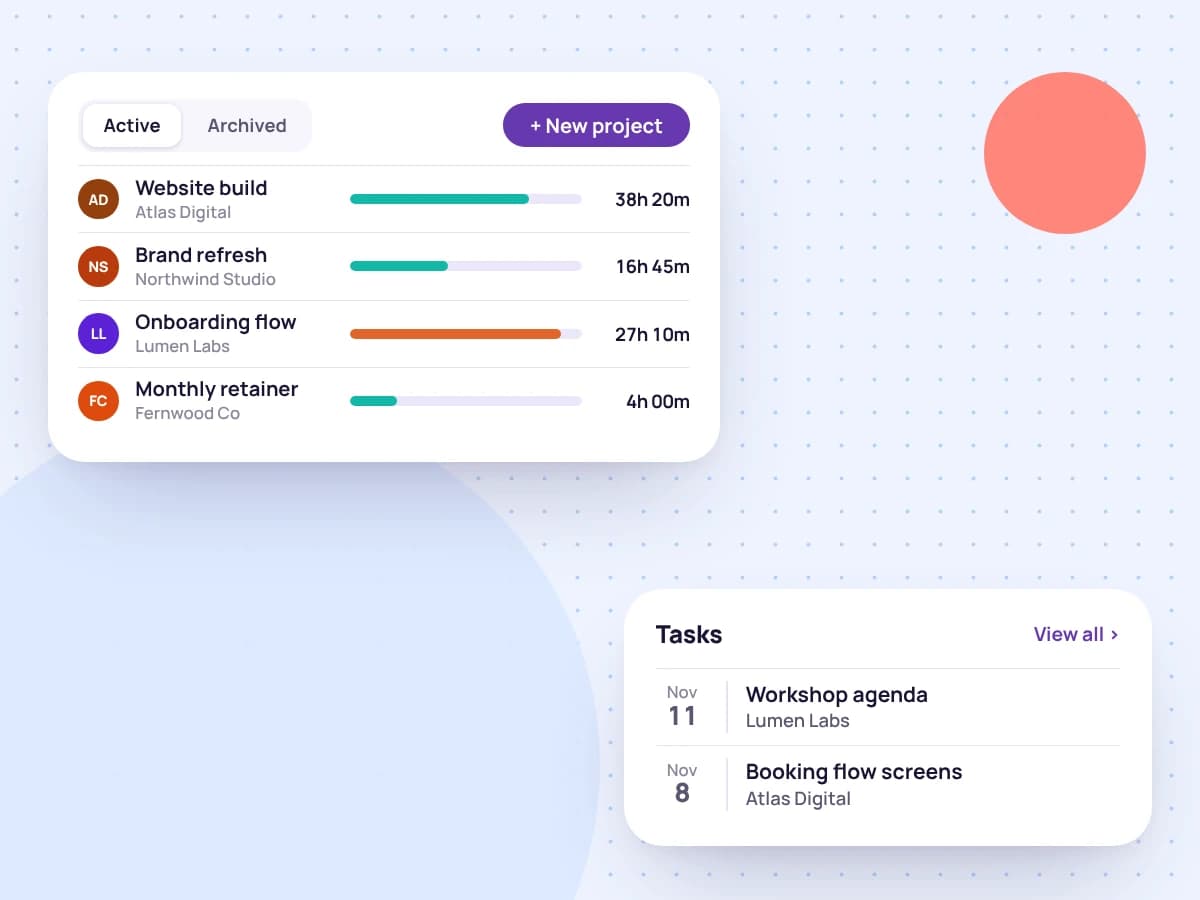
    See the client's projects and tasks, with due dates, in one place, and add new ones without leaving the profile.

    A client's projects with tracked time, and their upcoming tasks
  3. 03

    Know your financial health

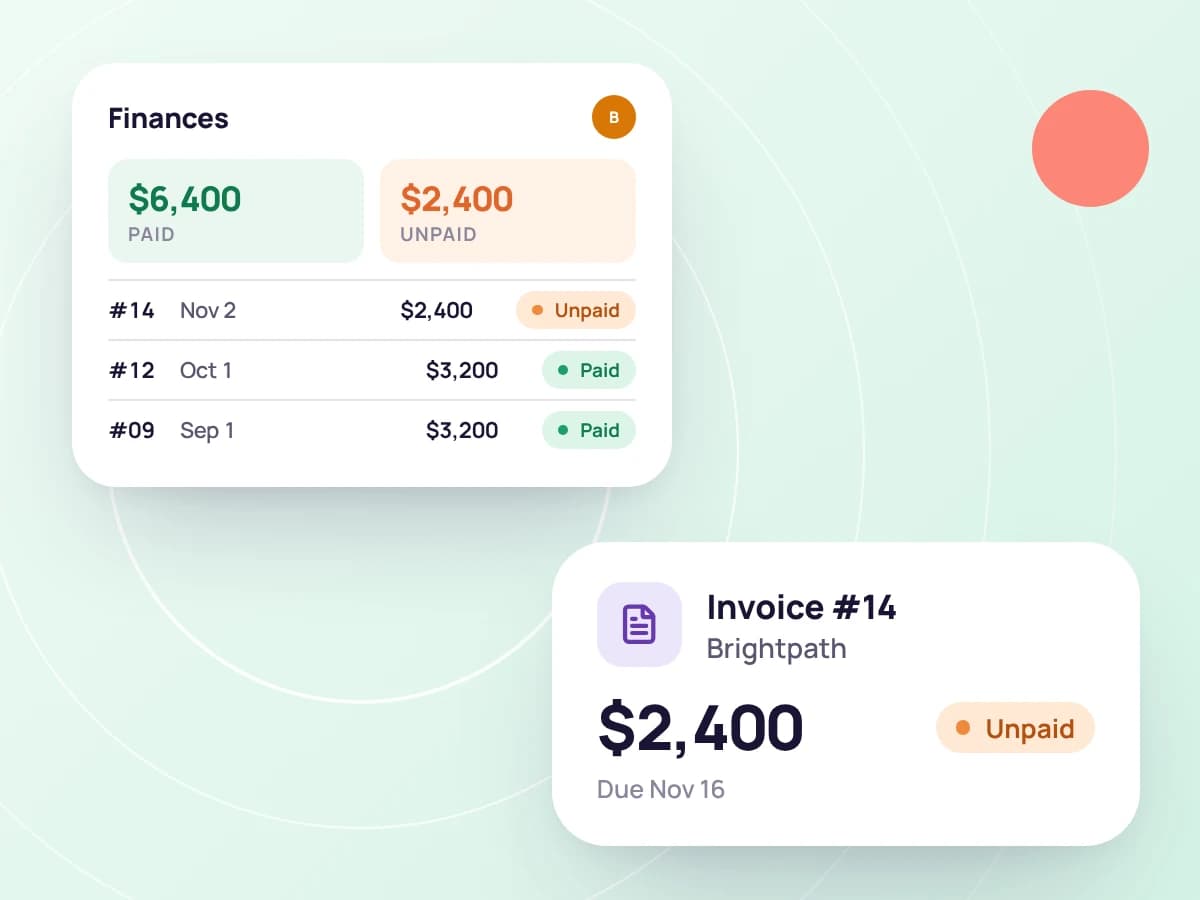
    See what the client has paid and what's still unpaid this year, alongside their invoices, proposals and contracts.

    A client's paid and unpaid totals and their invoices
  4. 04

    Notes and documents together

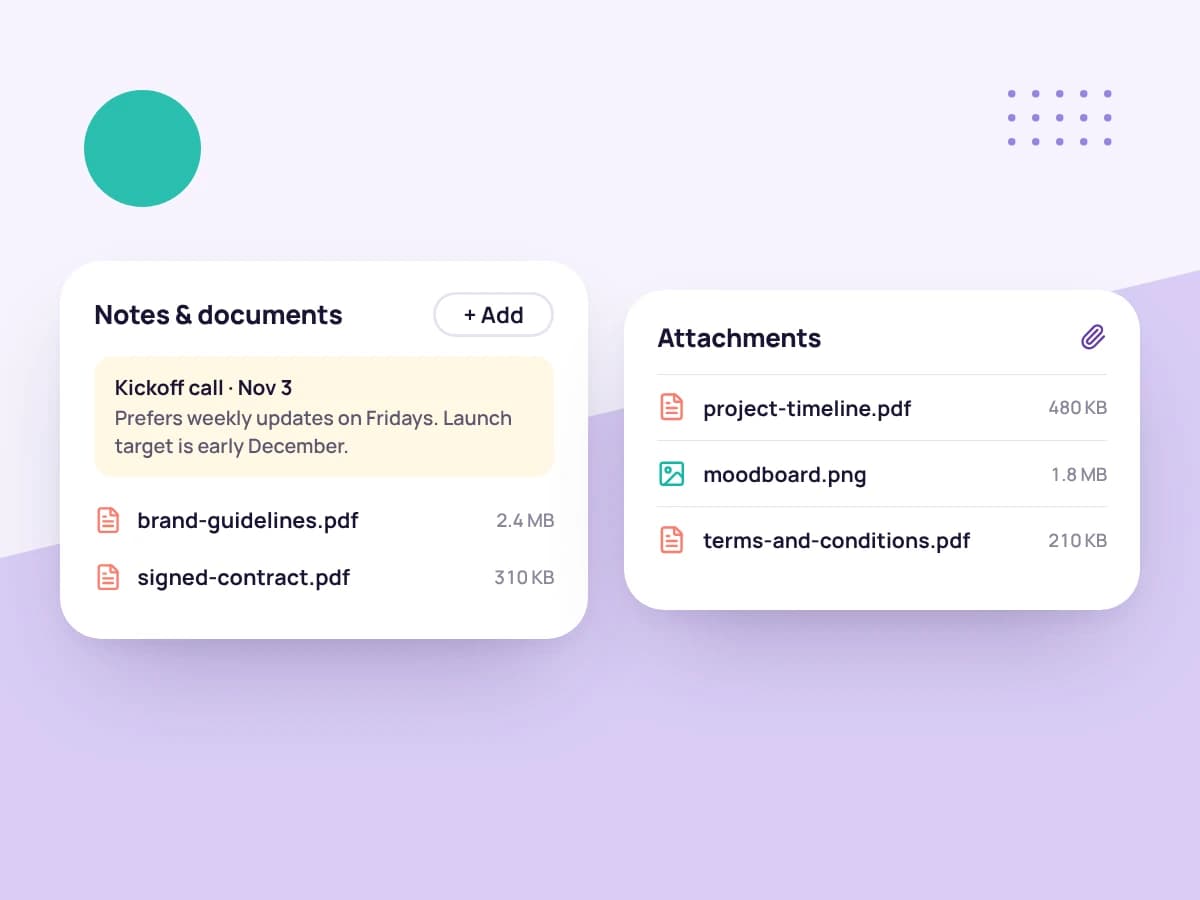
    Write notes as you go and keep the client's files and links on their profile, so everyone works from the same information.

    Notes from a kickoff call and documents saved on a client profile

Built for how you work with clients

The details you'd otherwise keep in a spreadsheet, saved where you use them.

Northwind Studio · Finances

Paid this year

$18,400

Unpaid this year

$2,350

  • Invoice #1044$2,350.00Sent
  • Invoice #1041$4,800.00Paid
  • Invoice #1036$3,200.00Paid

Client finances at a glance

Paid and unpaid totals for the year, with every invoice and its status.

Northwind Studio · Billing details
Hourly rate
$120
Currency
USD
Tax rate
8%
Payment terms
Net 15

Billing details set once per client

Save each client's hourly rate, currency, tax rate and payment terms on their profile, so they're in one place when you bill them. Reports use the rate to show what your hours earned.

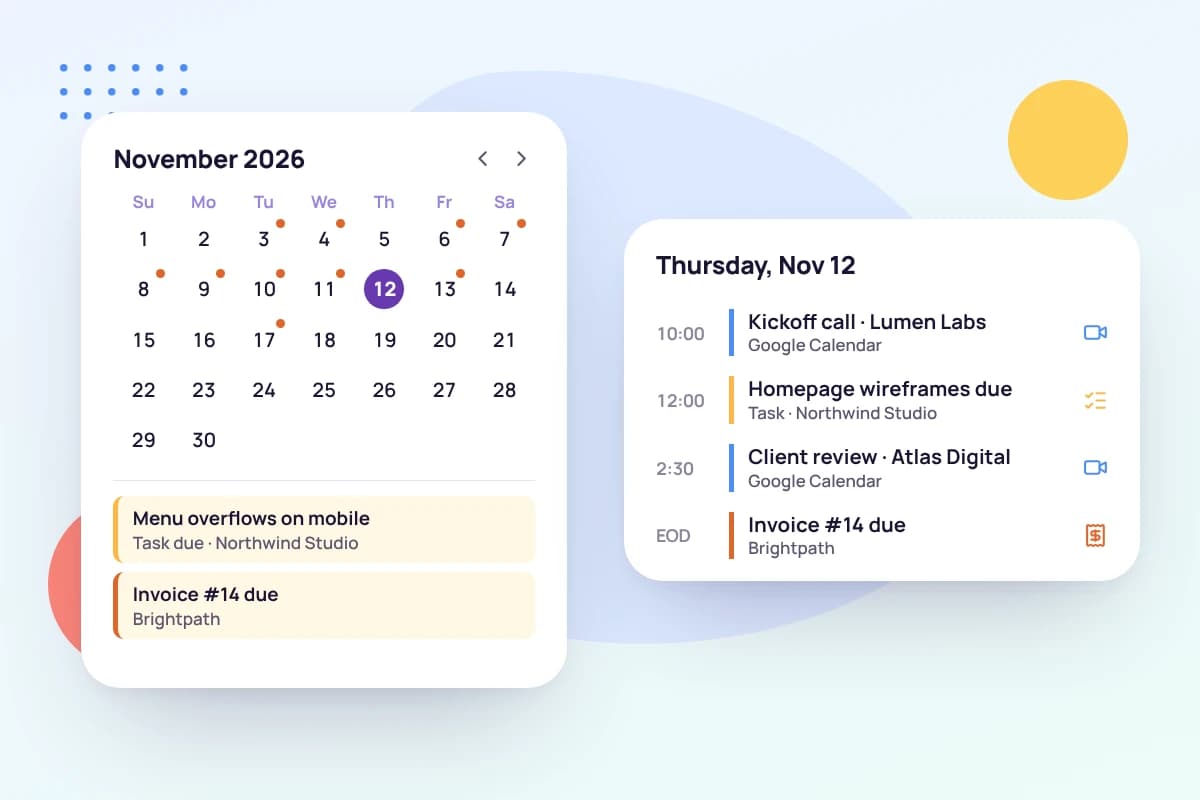
A month calendar with due dates and the day's deadlines

A calendar for every client

Task due dates and invoice dates on one calendar, next to your Google Calendar events.

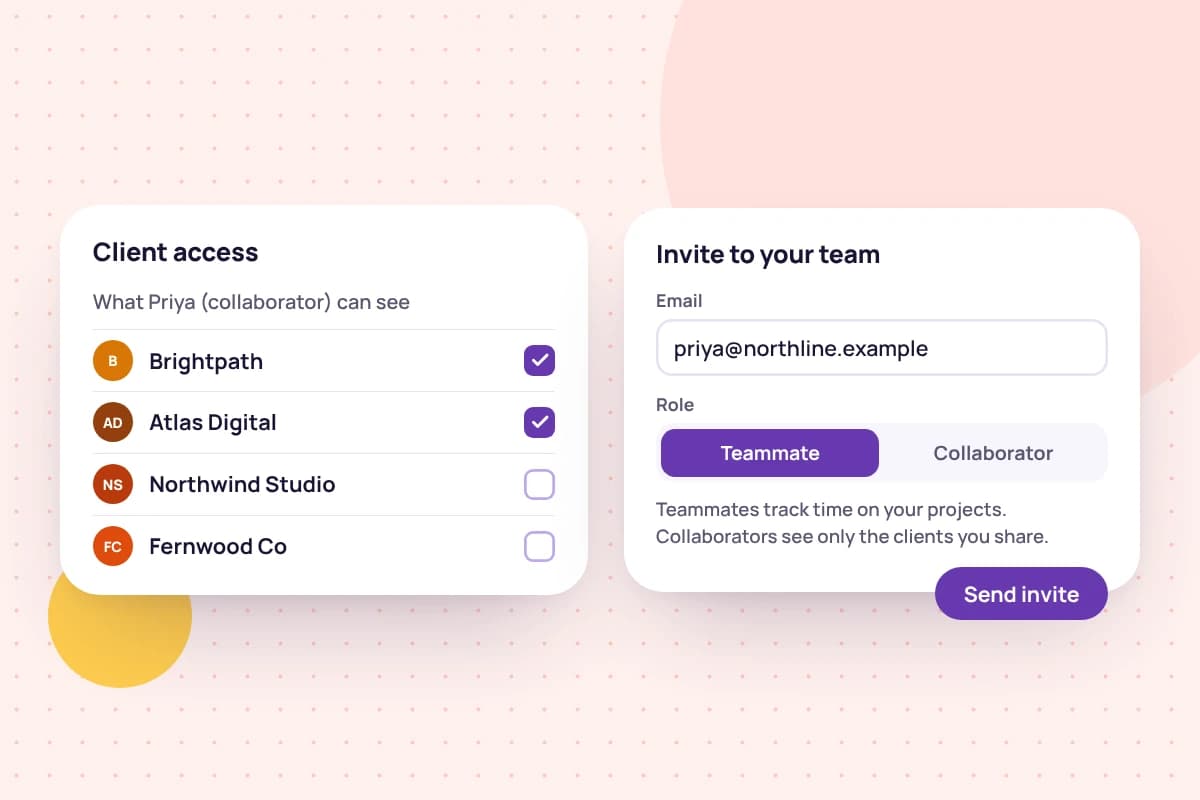
Choosing which clients a collaborator can see

Share clients with your team

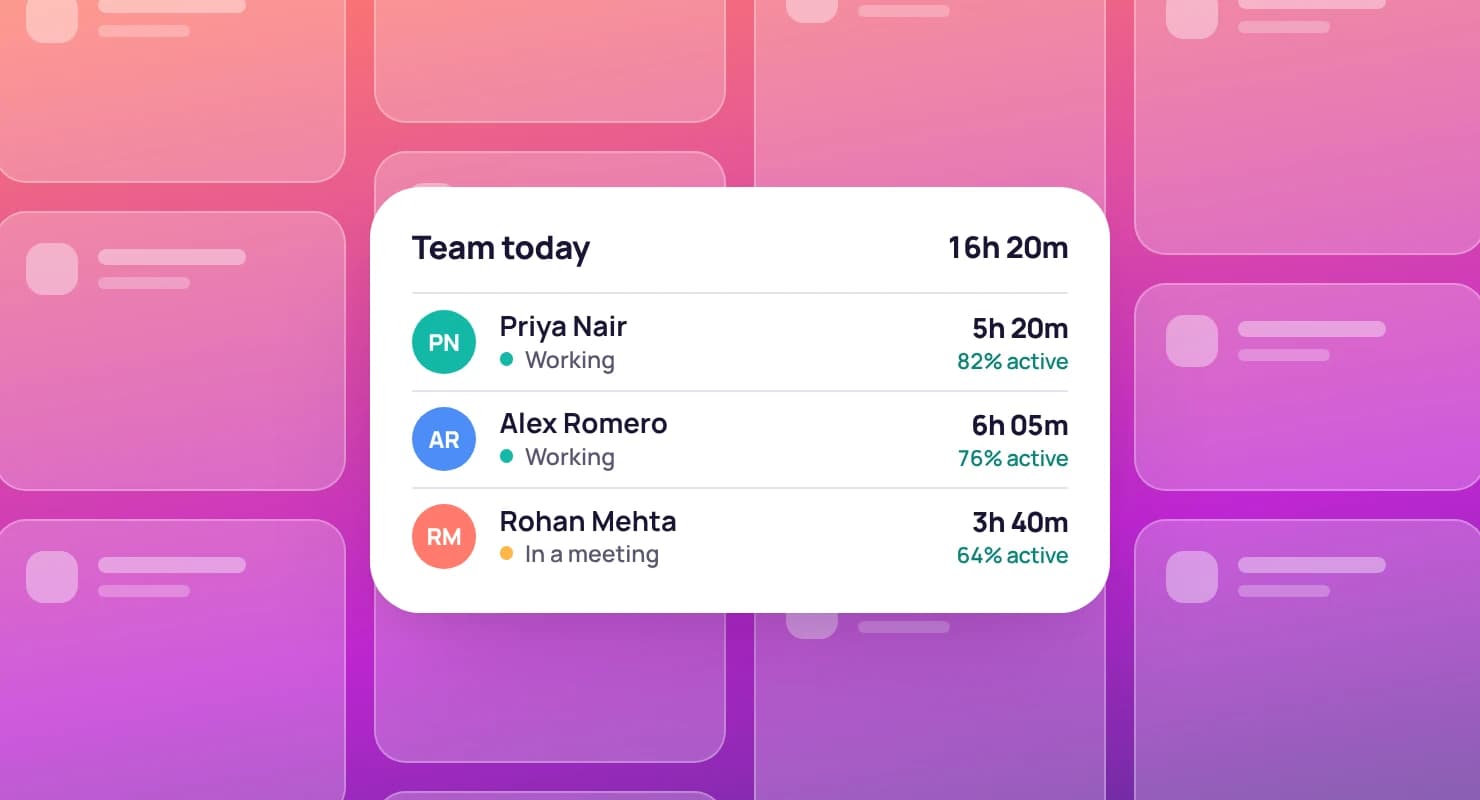
Invite teammates to work across your account, or collaborators who see only the clients and projects you share.

How to set up a client in Tristiks Grow

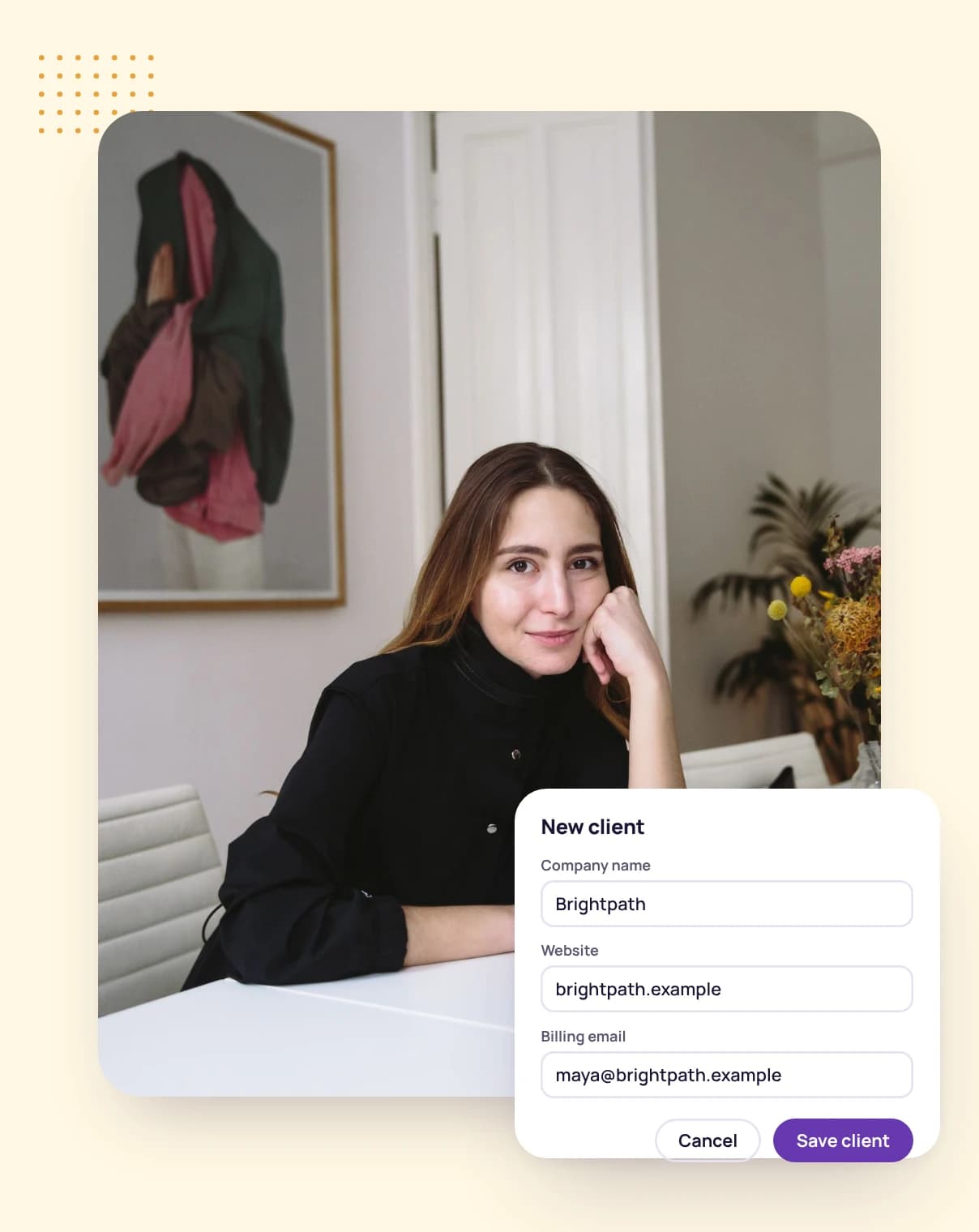
  1. 1

    Add the client

    Enter their name, logo, website and address, and add the people you work with there.

  2. 2

    Set their billing details

    Choose the hourly rate, currency, tax rate and payment terms you use with this client.

  3. 3

    Start the work

    Create a project and tasks, track time against them, and send a proposal or an invoice from the same place.

A woman at her desk, adding a new client

FAQ

Client management questions, answered

Still have questions? Talk to our team.

What is client management software?

It's software that keeps everything about your clients in one place: their contacts and details, and the work, documents and money that go with them. Tristiks Grow gives each client one profile linked to their projects, tasks, tracked time, proposals, contracts and invoices.

What can I keep on a client's profile?

Their logo, website, address and contacts; their billing details; notes; files and links; and their projects, tasks, proposals, contracts and invoices.

Can I set different rates for different clients?

Yes. Save each client's hourly rate, currency, tax rate and payment terms on their profile. Time reports use each client's rate to show what your hours earned, and you set the rate on each invoice.

Can I see how much a client owes me?

Yes. A client's profile shows what they've paid and what's unpaid this year, with each of their invoices and its status.

Can my team work with my clients?

Yes. Invite teammates, who work across your whole account, or collaborators, who see only the clients and projects you share with them. A collaborator given only one project sees that project, not the client's other details.

Does it work with Google Calendar?

Yes. Connect Google Calendar and your events appear on the client calendar, next to task due dates and invoice dates.

Is there a free trial?

Yes. Every plan starts with a free 14-day trial, and you don't need a credit card to sign up.

Keep every client organized with Tristiks Grow

Start a free 14-day trial and set up your first client in minutes, or book a demo to see client profiles, proposals and invoices working together.