Tristiks

Download OneTrack

  • macOS (.dmg) — Apple silicon and Intel

    macOS 12 Monterey or later
    Download
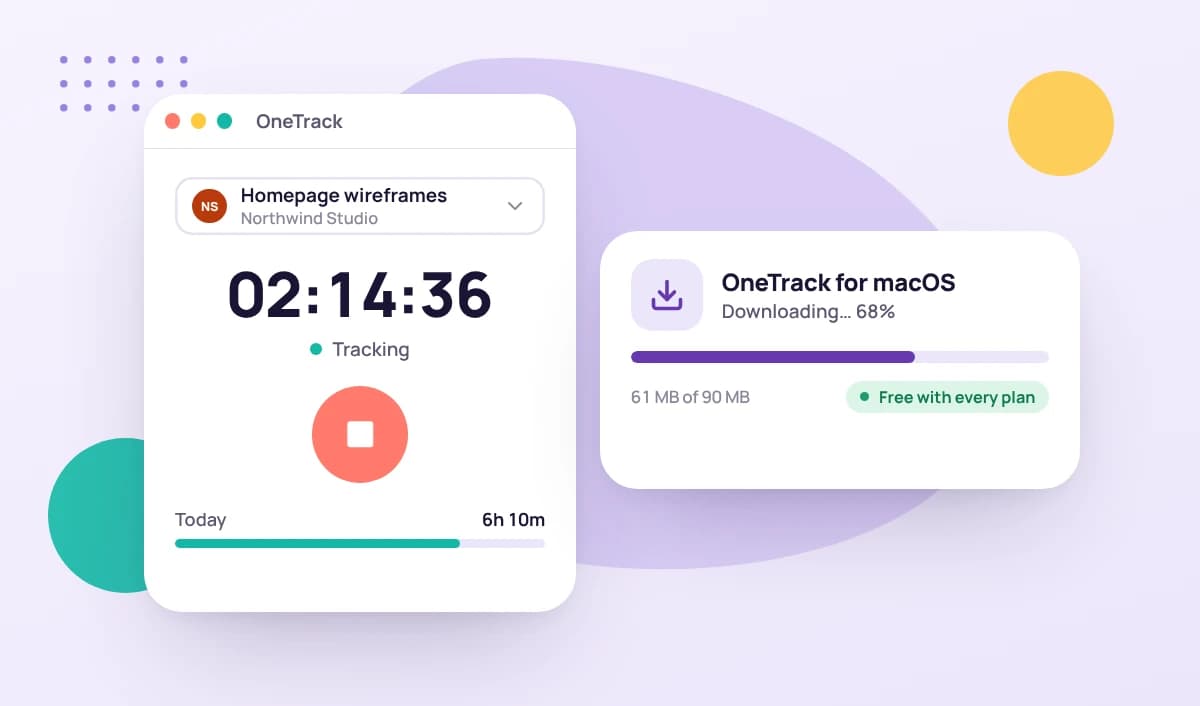
The OneTrack desktop app for macOS, tracking time while it downloads

How does the app work?

With OneTrack, you're always in control of your data. Learn more about what it tracks and how easy it is to use.

See how it works

Desktop time tracking apps for Mac, Windows & Linux

OneTrack, the desktop app for Tristiks Grow, gives freelancers and teams one-click time tracking on Mac, Windows and Linux. Track hours against clients, projects and tasks, and every hour syncs to Tristiks Grow, where you turn it into invoices and reports.

What you can do with the desktop app

OneTrack runs quietly in the background while you work, and syncs with your Tristiks Grow account:

  • One-click timers. Start and stop a timer on any client, project or task. Forgot to start it? Add the time by hand in Tristiks Grow.
  • Timesheets that fill themselves. Every entry lands on the client's timesheet, ready to review and bill.
  • Invoices from tracked time. In Tristiks Grow, turn billable hours into an invoice in a few clicks, in your client's currency.

Desktop apps for every computer

Mac time tracking app

Track time from your Mac's menu bar, running natively on Apple silicon and Intel.

Download for Mac

Time tracking app for Windows

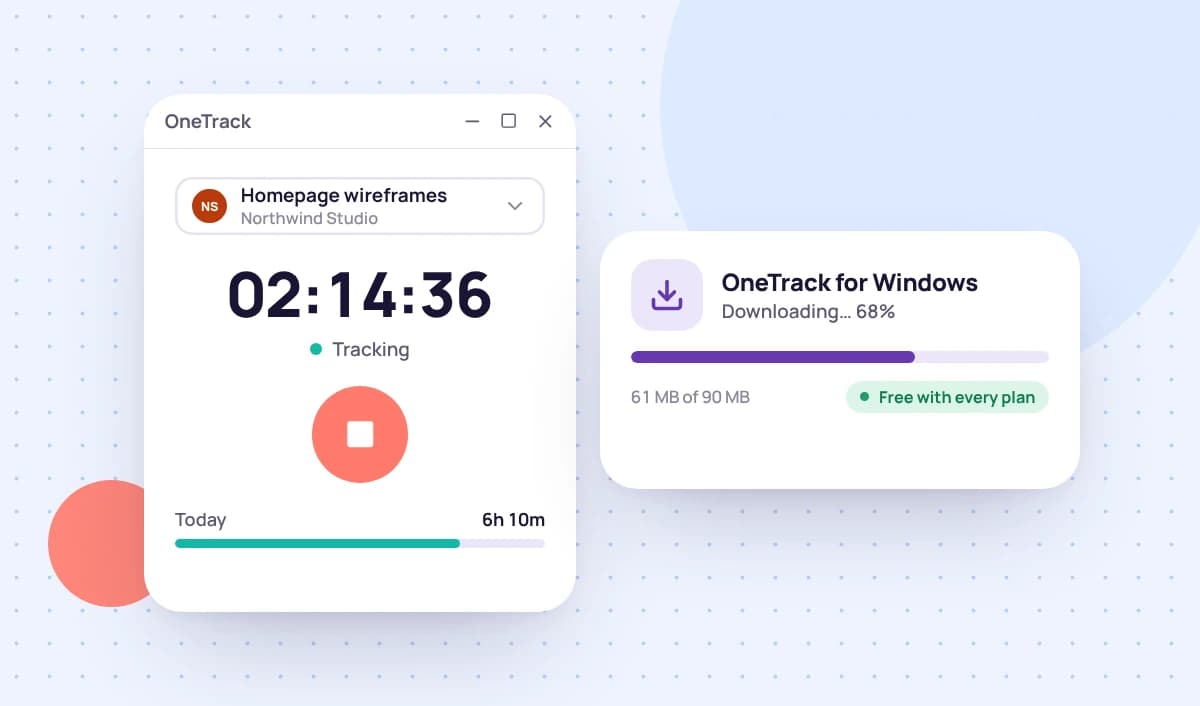
A lightweight Windows app that keeps your timer one click away in the system tray.

Download for Windows

OneTrack for Linux

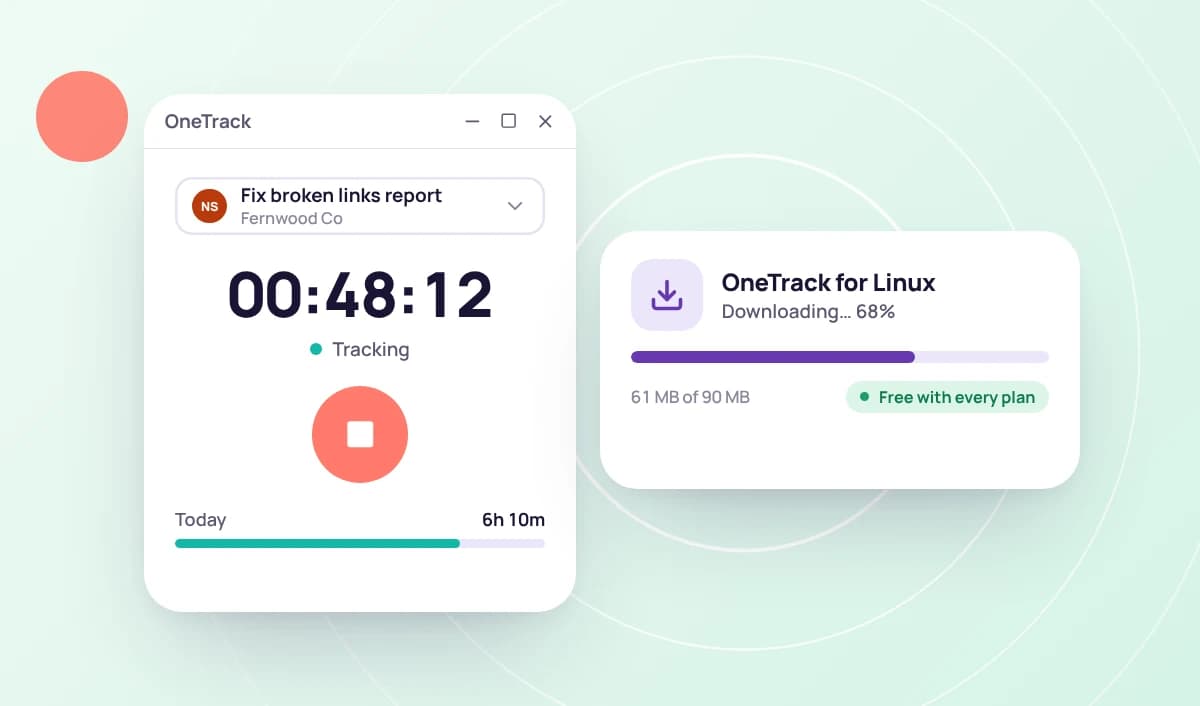
The full desktop time tracker for Linux, with one installer for Ubuntu, Debian, Fedora, openSUSE, Arch and their derivatives.

Download for Linux

Try Tristiks Grow free for 14 days

Get full feature access with a 14-day trial. No credit card needed. Cancel anytime.

Get started