Tristiks

For remote teams

Time tracking for remote teams

Desktop time tracking with screenshots and activity levels on every computer, days that follow each person's own time zone, and billing for the team's work in any currency.

  • Free 14-day trial
  • No credit card required
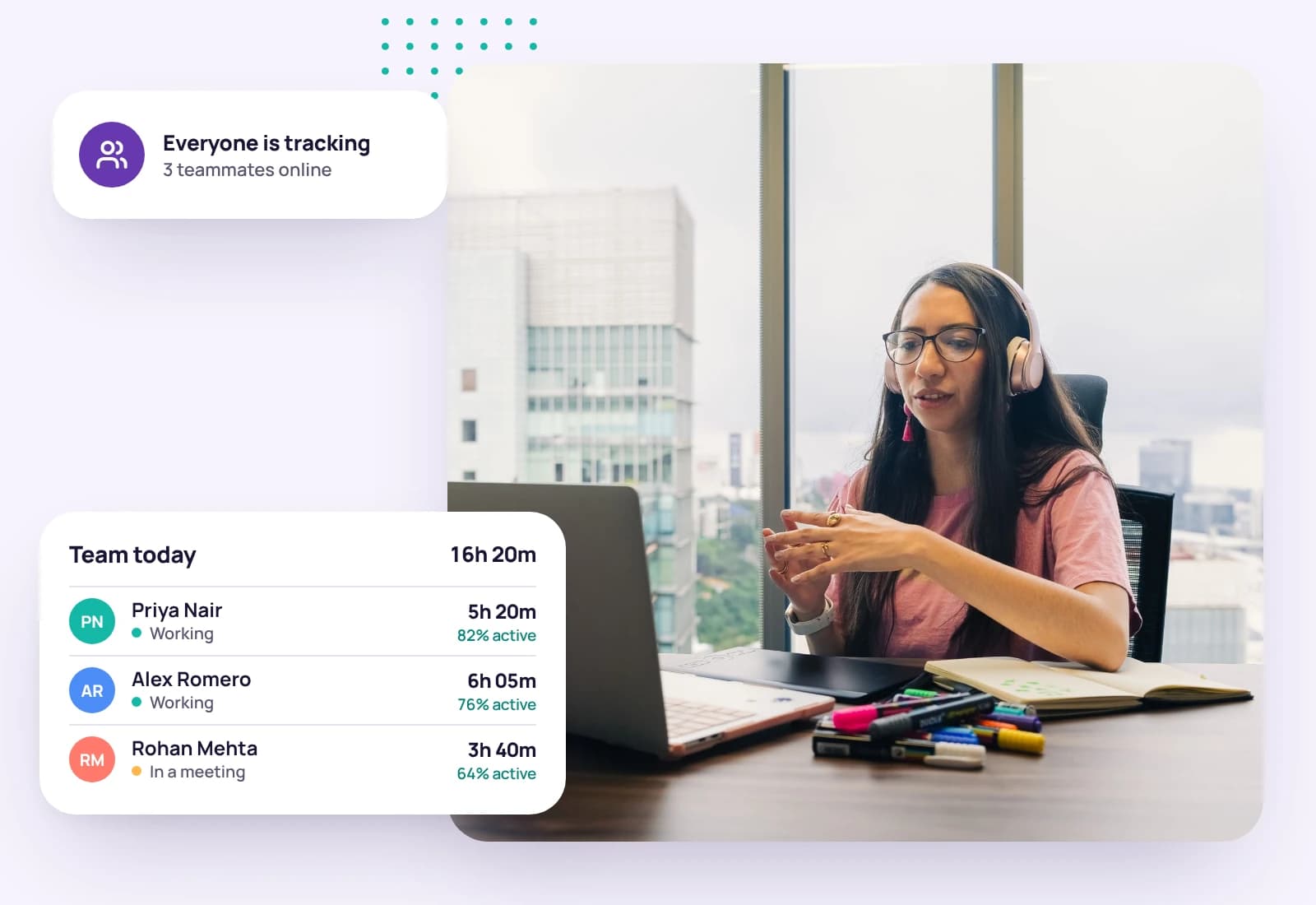
A woman in headphones on a video call at her desk, beside her team's hours for the day
Invoice paid€5,300.00

Trust built on shared facts

When nobody shares an office, a clear record of the work beats status meetings. Tristiks Grow gives the whole team the same honest record of time and activity, with rules everyone can see.

Built for distributed teams

OneTrack

Homepage wireframes

Northwind Studio · Website redesign

Tracking

Timer running, 04:12:36 tracked

Activity, last 100 minutes73%

Tracking on every computer

Desktop apps for macOS, Windows and Linux, and a web timer for everywhere else.

Admin controls · Maya Chen

Screenshots

  • FrequencyEvery 10 minutes
  • Screenshots per period1 screenshot

Enforce in the desktop app

  • ScreenshotsOn
  • Keyboard activityOn
  • Idle after5 minutes

The same rules for everyone

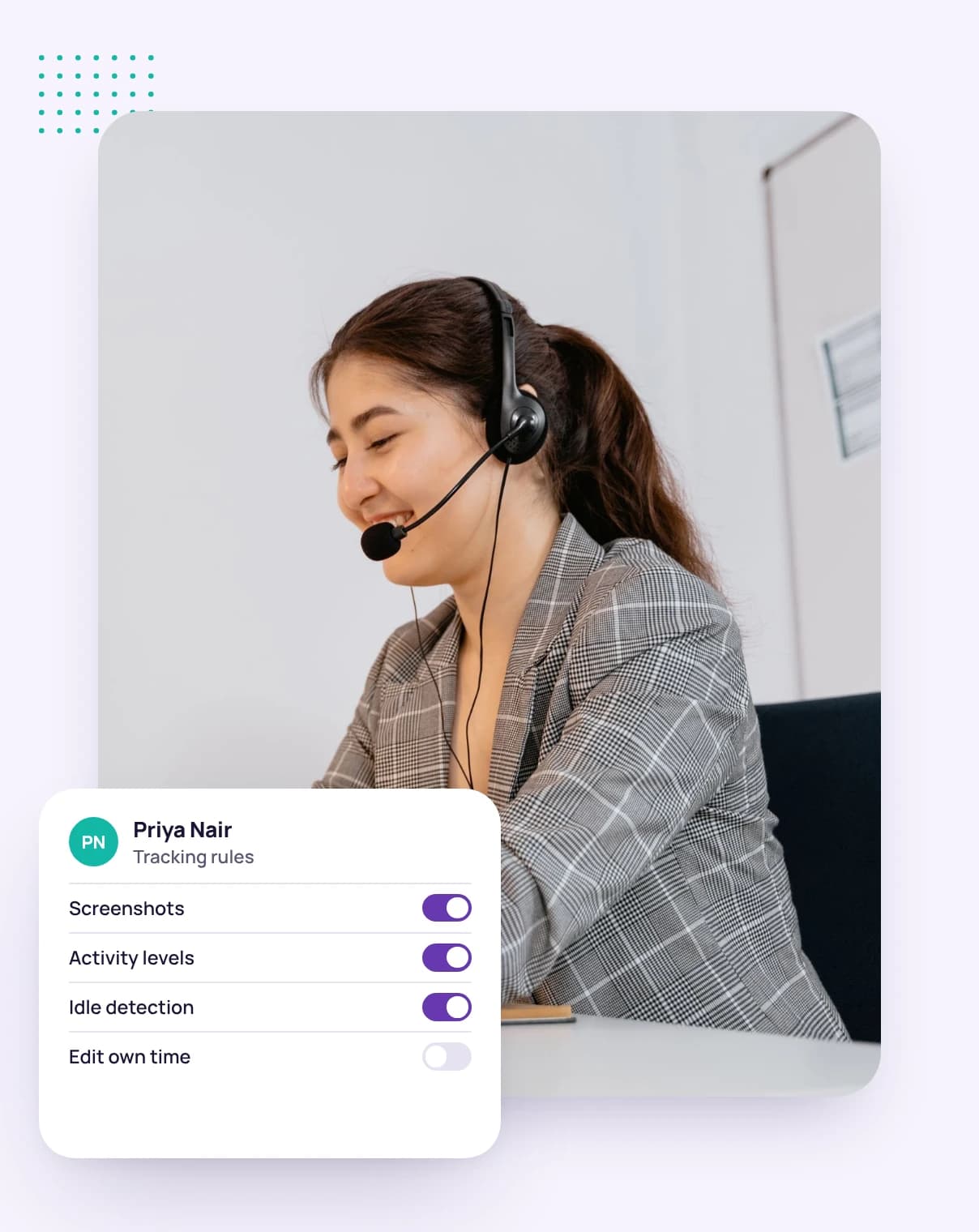
Set screenshot frequency, idle time and the desktop app requirement per person.

Northwind Studio · Timesheet
  • MonClient workshopWeb · Website redesign3h 00m
  • TueHomepage wireframesDesktop · Website redesign4h 15m
  • WedInternal planningWeb · Website redesign · Non-billable0h 45m

Clear timesheets

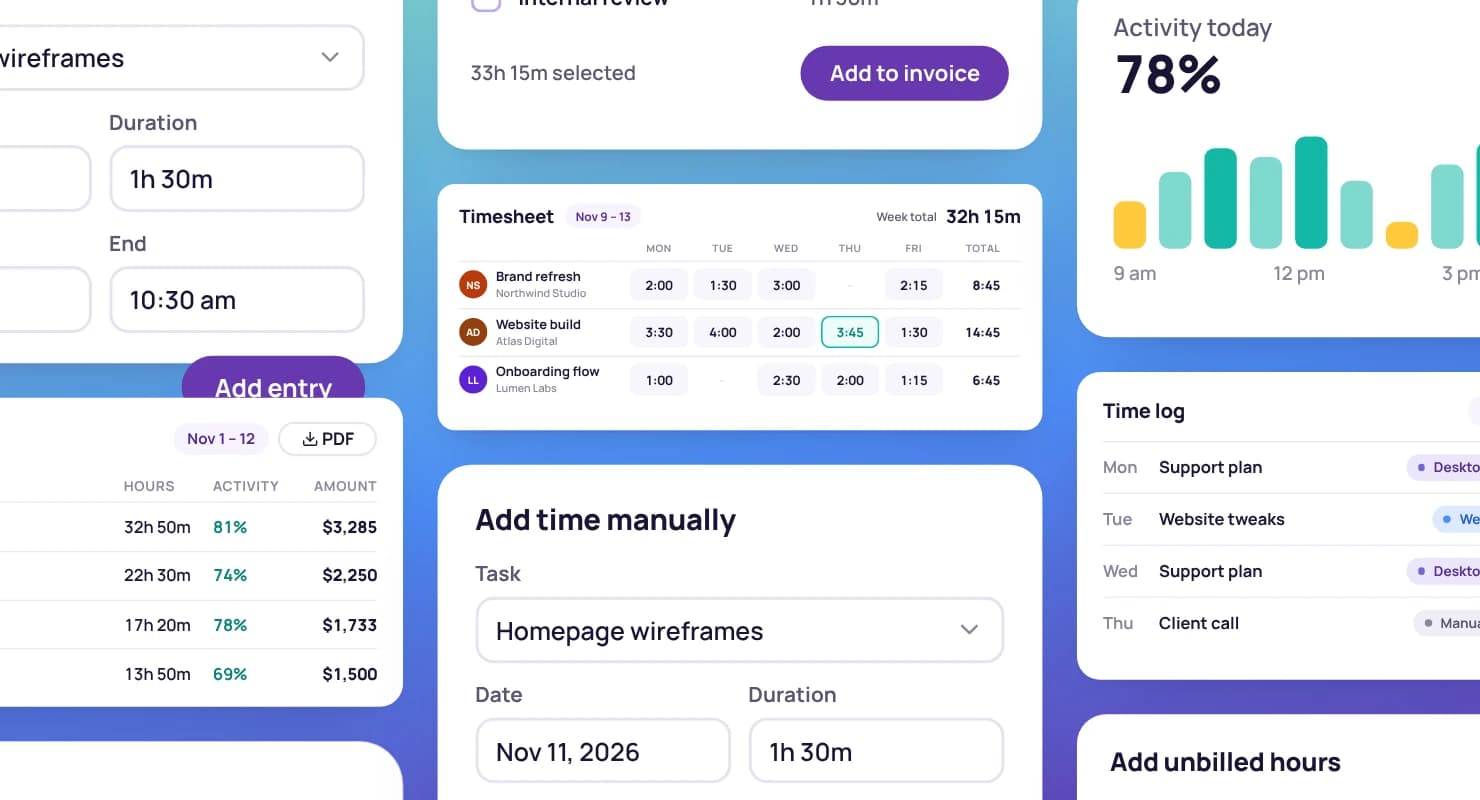
Every entry labelled with where it was tracked.

Invoice #1042

Bill to

Northwind Studio

Status moves from draft to sent to paid
  • Tracked time, 1–15 Sep · 14 h × $110.00$1,540.00
  • Client workshop · 3 h × $110.00$330.00
Total$1,870.00

Bill in any currency

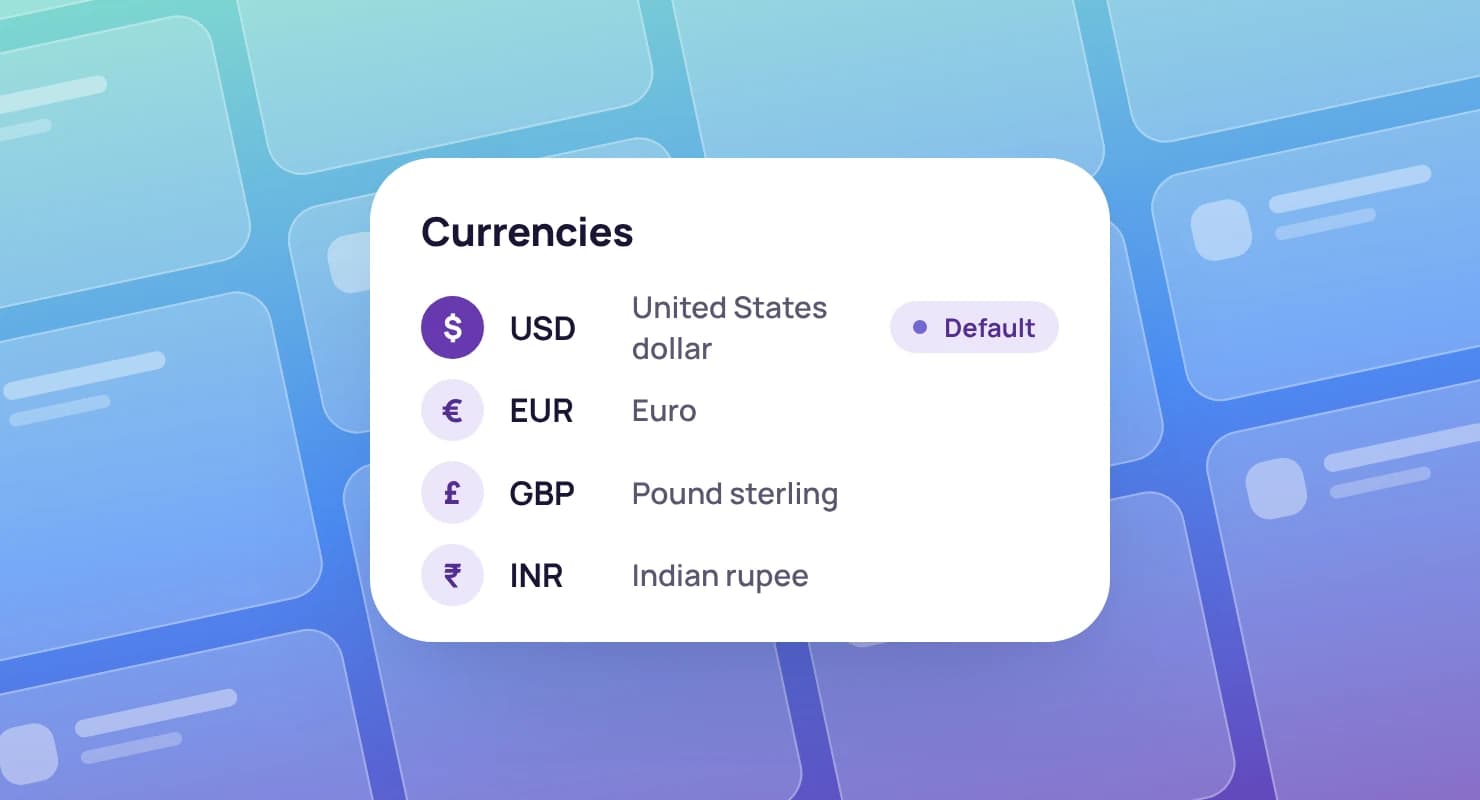
Invoice each client in the currency they pay in.

Built for how remote teams work

  • Each person's day ends at their own local midnight, so time lands on the right day wherever they are.

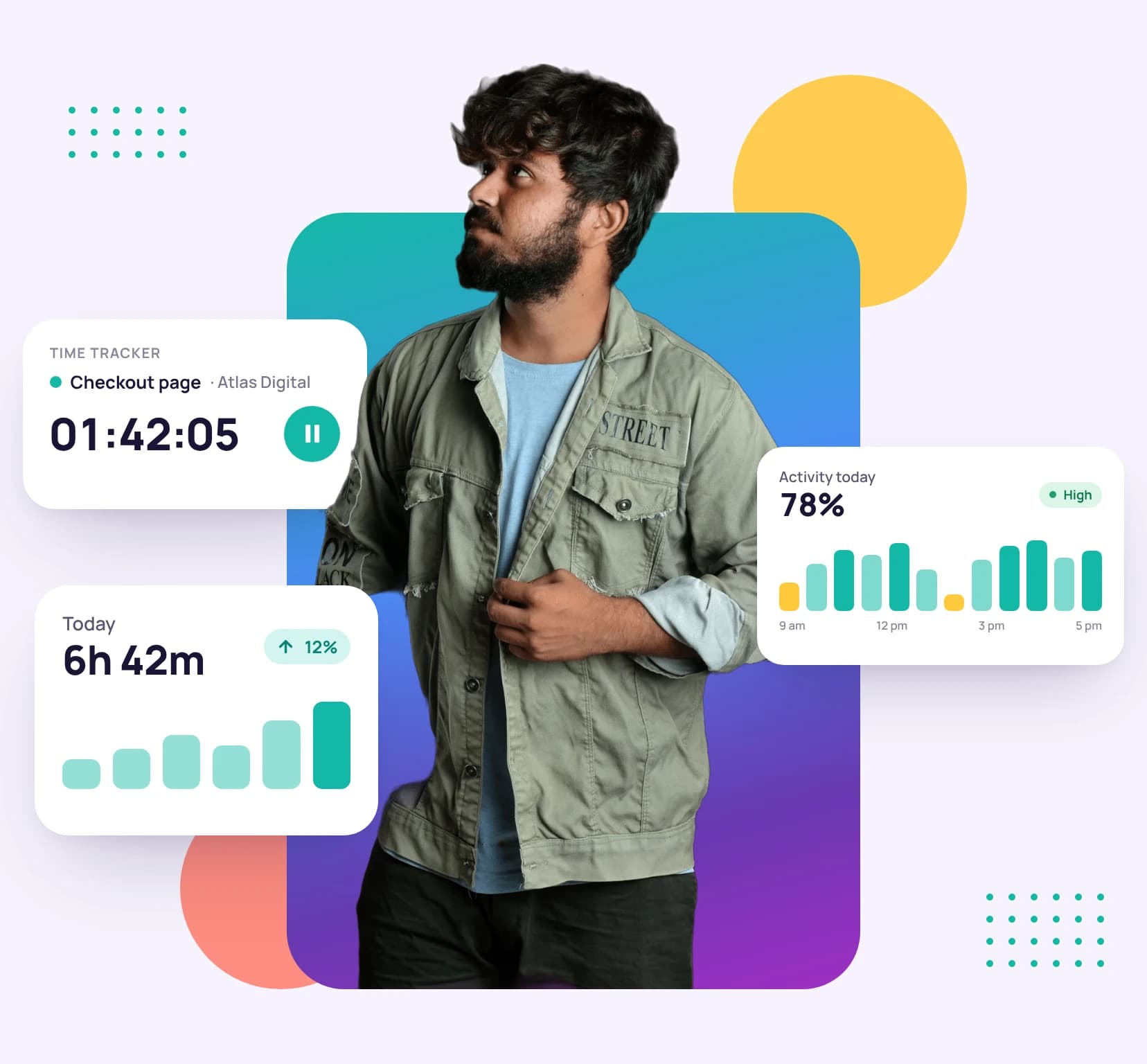
    A man holding a tablet, with a running time tracker, today's tracked hours and the day's activity level around him
    Tracked across 4 time zones212h
    Offline, it keeps going
    Time and screenshots upload when the connection returns.
    Idle time handled fairly
    The app asks before keeping time someone was away.
    See how tracking works
  • The owner can open anyone's day, with time, activity levels and screenshots. Teammates see only their own.

    A woman with a clipboard beside a chart of hours by client and a time report by project
    Average activity74%
    Never what anyone types
    Activity comes from whether the keyboard and mouse were used, not what was typed.
    People can delete their captures
    Deleting one takes its time off the timesheet too.
    Explore time tracking with screenshots
  • A shared board sorted by due date, with owners, subtasks, comments and files on every task.

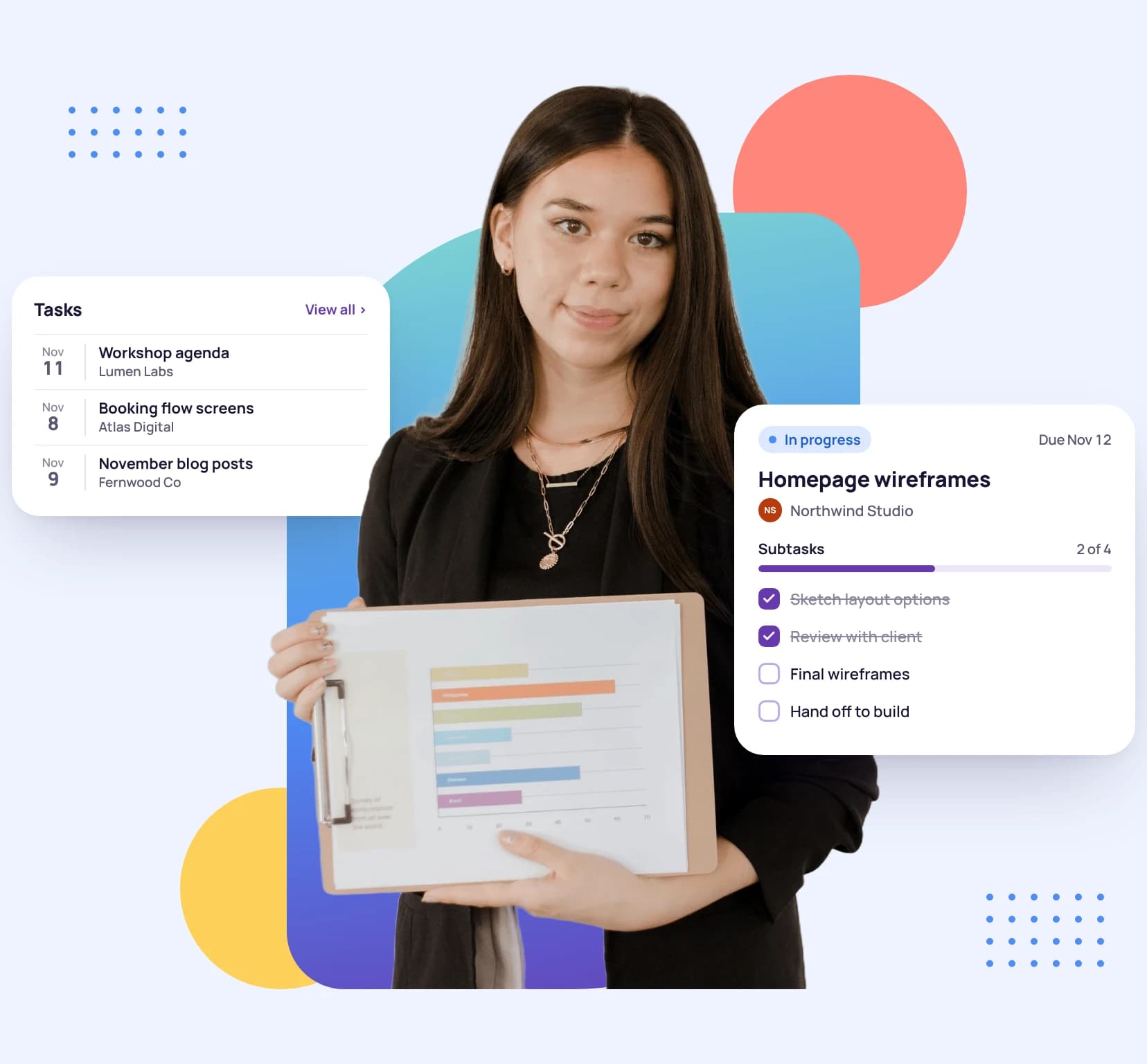
    A young woman holding a clipboard, beside a task with its subtasks and the week's task list
    Tasks done this week46
    Time on the task
    Track time against the task in front of you.
    Collaborators welcome
    Share only the projects a contractor works on.
    Explore task management
  • Include the team's tracked hours and expenses on invoices in each client's currency.

    A woman holding a tablet, with a sent invoice, its payment reminders and a paid invoice around her
    Invoice #1060Paid €5,300
    Reminders that follow up
    Turn on reminders before and after the due date.
    Totals in your currency
    See what you've earned in the currency you choose.
    Explore invoicing

Priced for growing remote teams

Advanced covers up to 10 people, with help moving your data across. Smaller teams can start on Professional, with 3 seats.

Compare all plans

Advanced plan

$39a month · 10 seats

Perfect for the collaborative freelancer who operates like a small agency.

  • Everything in Professional PLUS
  • Account migration support
Start your free trial

Get your team tracking in a day

  1. 1

    Invite your team

    Teammates and collaborators, by email.

  2. 2

    Set the tracking rules

    Screenshot frequency, idle time and the desktop app requirement for each person.

  3. 3

    Install and pair

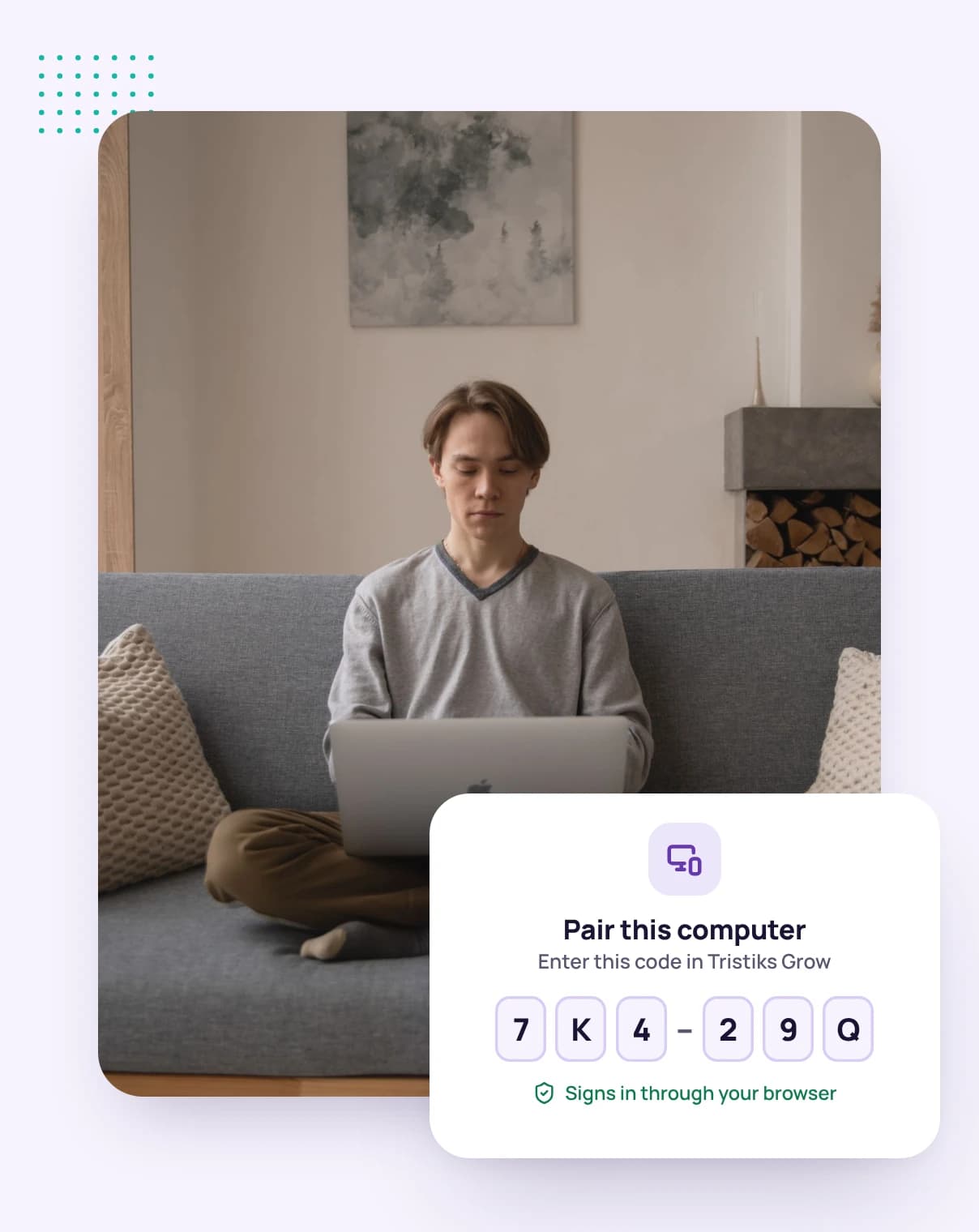
    Everyone installs the desktop app and signs in through their browser.

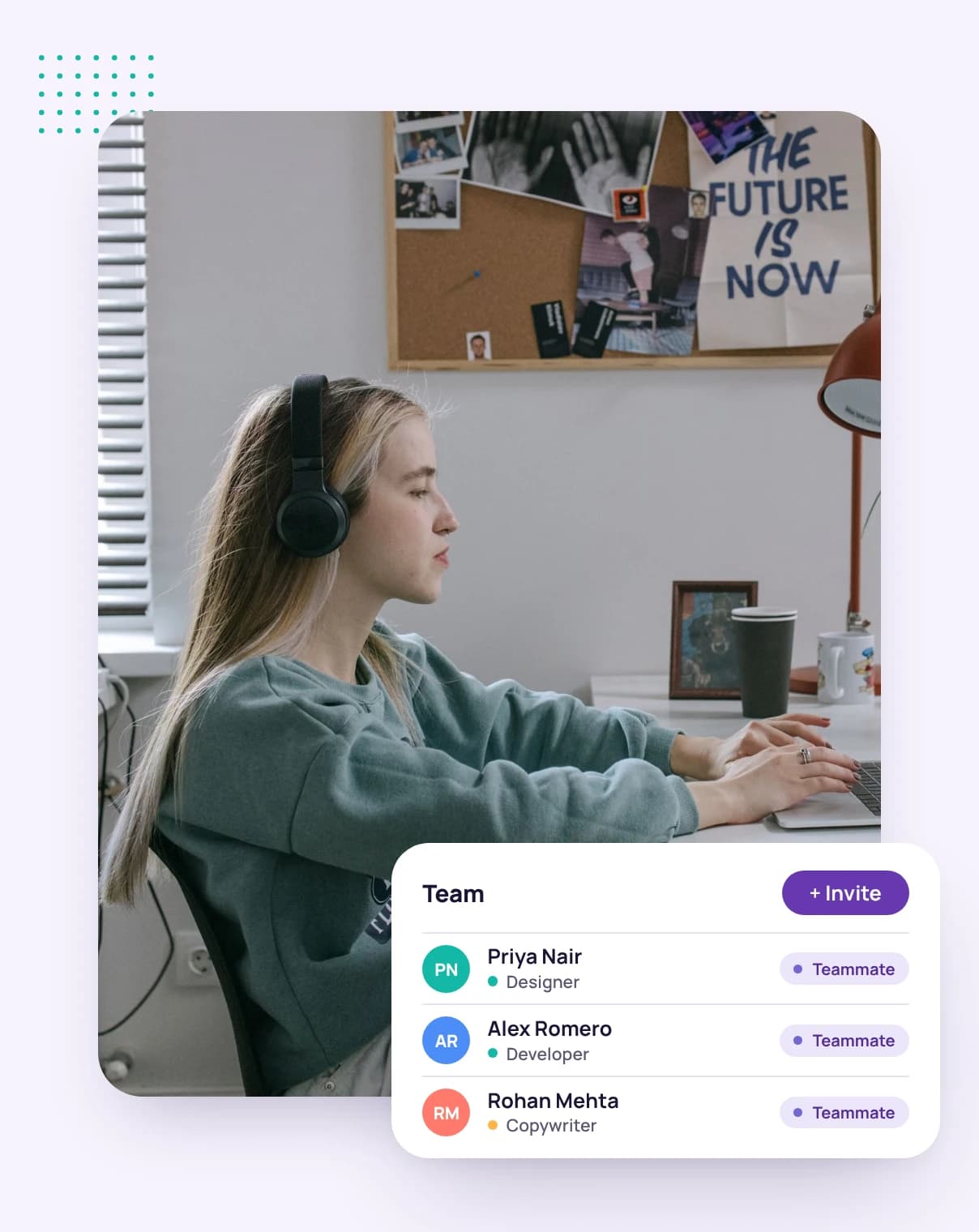
A remote worker in headphones at her desk, with her team list

Guides for remote work

Guides and pages to help you win work, run it well and get paid on time.

A list of currencies with US dollars as the default, over a grid of blank dashboard cards

How to manage a remote team

Expectations, async check-ins, tools and fair time tracking.

Manage a remote team

How to invoice international clients

Which currency to bill in, how to cut fees and how clients abroad prefer to pay.

Bill across currencies

How to fill out a timesheet

A step-by-step guide with a free template and the mistakes to avoid.

Timesheet tips

FAQ

Remote team questions, answered

Still have questions? Talk to our team.

How does Tristiks Grow handle time zones?

Each person's day ends at their own local midnight, so tracked time is filed under the right day wherever they work.

What if someone's internet drops?

The desktop app keeps tracking offline and uploads the time and screenshots when the connection returns.

Can teammates see each other's screenshots?

No. Teammates see only their own activity. The account owner sees the whole team.

Can I require the desktop app?

Yes. The account owner can require a member to track in the desktop app instead of the web timer.

Is there a free trial?

Yes. Every plan starts with a free 14-day trial, and you don't need a credit card to sign up.

Give your remote team one honest record

Start a free 14-day trial and invite your team, or book a demo to see Tristiks Grow working across time zones.