Tristiks

Time reports

Time reports you can send straight to a client

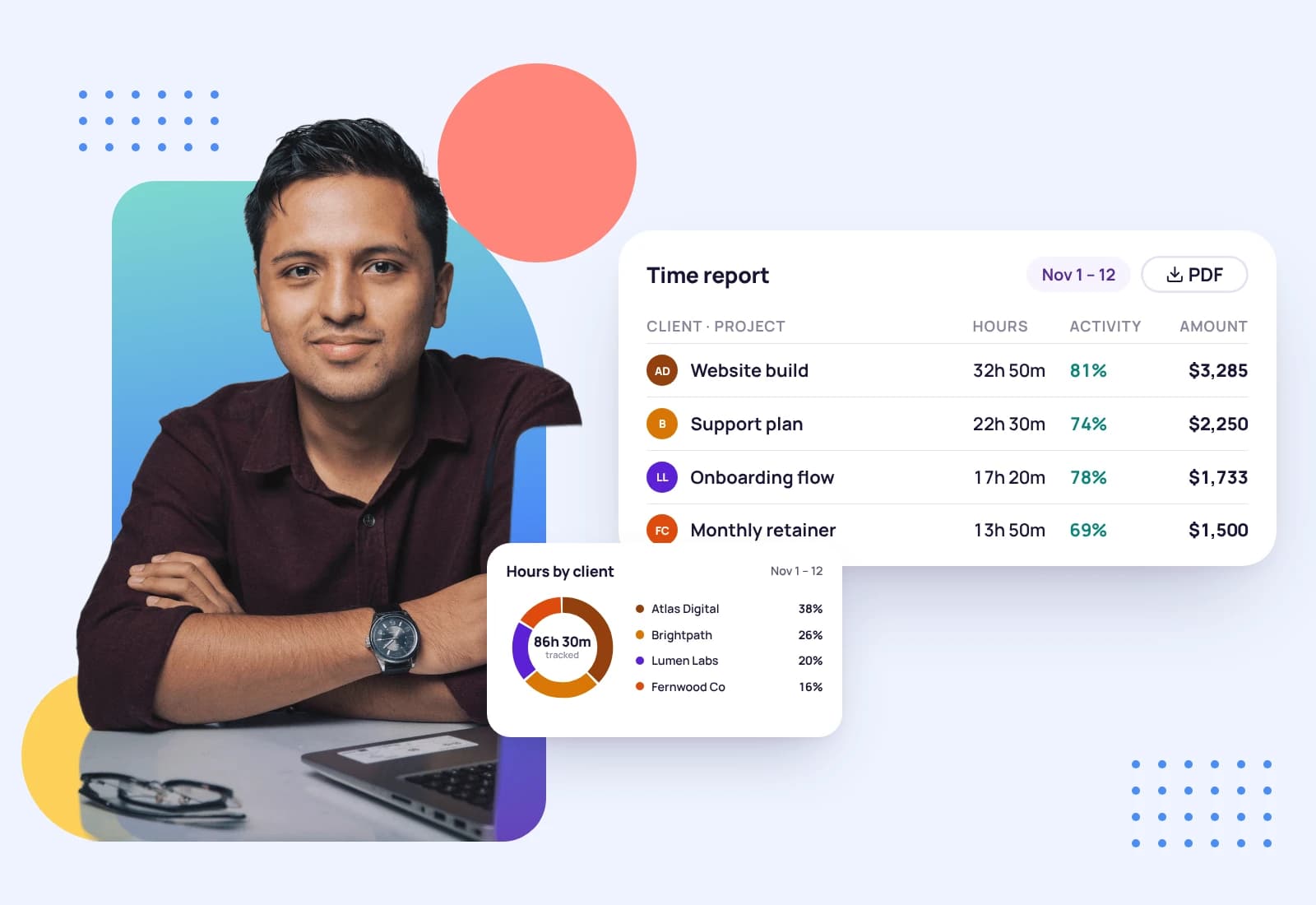
Download a PDF time and activity report for any date range, attach one to an invoice email, or export your time log, expenses and invoices as CSV files. The numbers come from the hours you tracked, so there's nothing to rebuild.

  • Free 14-day trial
  • No credit card required
A man at his laptop with his arms crossed, beside a time report by project and hours by client
Average activity71%

What's in the time and activity report

One PDF for the dates you choose, with your business logo at the top.

In the report

  • Every time entry, with its date, member, client, project, task and whether it was tracked on desktop or web
  • The hours for each day and the total for the whole range
  • An activity level for each day and the average for the range
  • Idle time for each day, as a percentage and in hours
  • What the hours earned, priced at each client's hourly rate and currency
  • The time zone the days are counted in

Left out

  • Screenshots. They stay in your account and are never put in the PDF
  • Anything that was typed. The app only knows whether the keyboard or mouse was in use, never the keys
  • Earnings, when a collaborator downloads their own report, so your client rates stay private
  • Other people's time. Only the account owner can download a report for someone else

Four downloads, one set of numbers

Each part of Tristiks Grow has its own download, and they all draw on the same tracked hours, expenses and invoices.

Time and activity report

A PDF with the total time, average activity and earnings for the range, then every day's entries. Download it from Activity & Screenshots in Settings.

Time & activity report · 1–7 Sep
Total time
38h 20m
Average activity
71%
Total earned
$4,600
DateHoursActivityIdleEarned
Mon, Sep 17h 40m74%4%$920
Tue, Sep 28h 10m69%6%$980
Wed, Sep 37h 30m72%3%$900

Time log as a CSV

Each entry with who tracked it, its date, client, project, task, description and length, whether it's billable and the invoice it went on.

Expenses as a CSV

Each expense with its merchant, category, client, project, currency and amount, and the invoice it was billed back on.

Invoices as a CSV

Each invoice with its client, currency, amount, send and due dates, status, paid date and payment method.

Who can download which report

A report follows the same rules as the timeline it is built from.

You

Your own report for any date range, with your time, activity and what the hours earned.

Teammates and collaborators

Their own report only. A collaborator's copy leaves the earnings out.

The account owner

A report for any member of the team, from the same place they review that person's day.

Send the proof with the invoice

When you add tracked time to an invoice, switch on Include report. Tristiks Grow attaches a time and activity report for those dates to the invoice email, covering that client's work only.

Your client gets the bill and the hours behind it in one message, which answers most questions before they're asked.

See invoicing
Time & activity report · 1–7 Sep
Total time
38h 20m
Average activity
71%
Total earned
$4,600
DateHoursActivityIdleEarned
Mon, Sep 17h 40m74%4%$920
Tue, Sep 28h 10m69%6%$980
Wed, Sep 37h 30m72%3%$900

From tracked hours to a report in three steps

  1. 1

    Track the work

    Start the timer on a client, project and task in the desktop app or the browser, or add the time by hand.

  2. 2

    Pick the dates

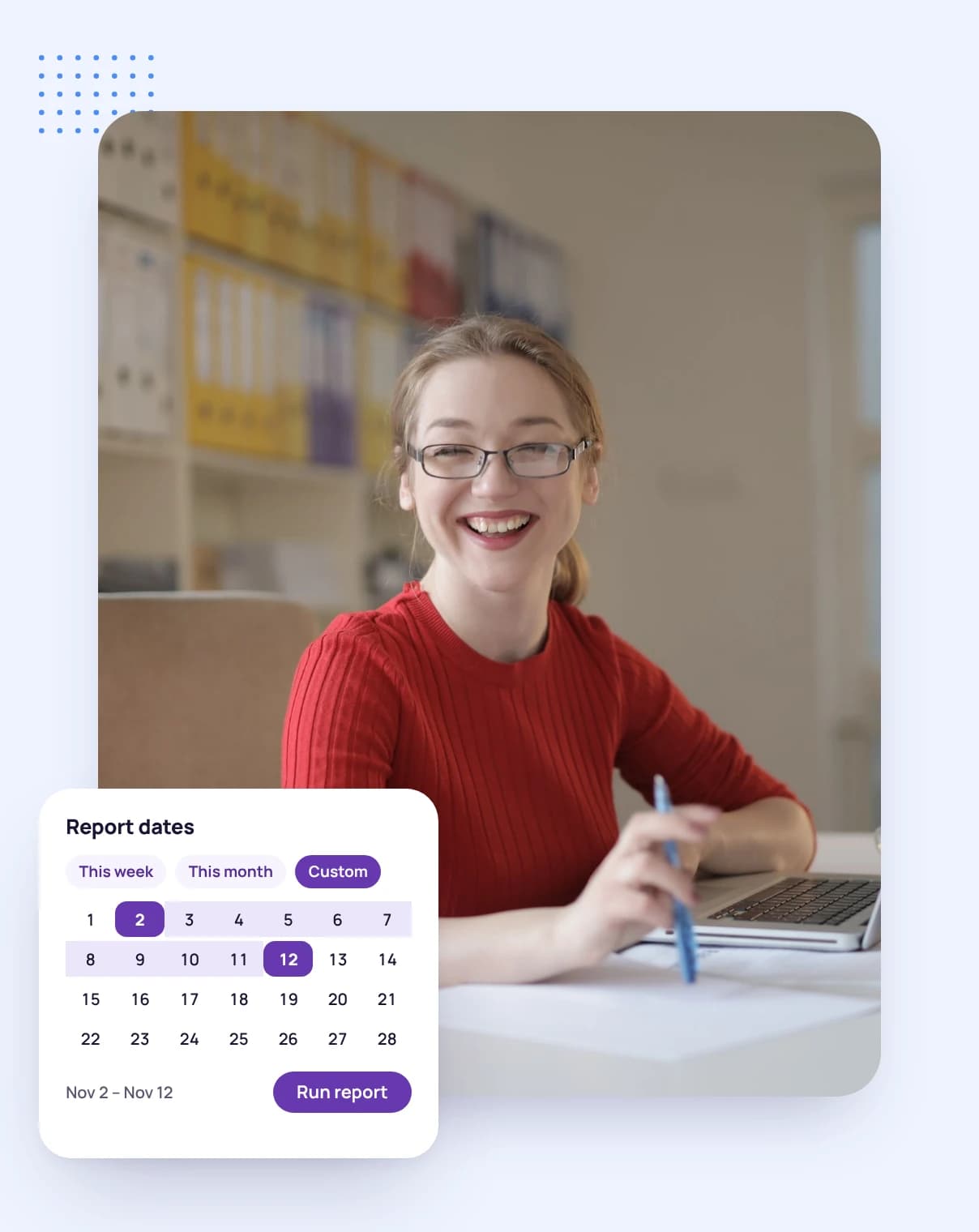
    Open Activity & Screenshots in Settings and choose the range you want to report on.

  3. 3

    Download and send

    Download the PDF and send it on, or let the invoice email carry it for you.

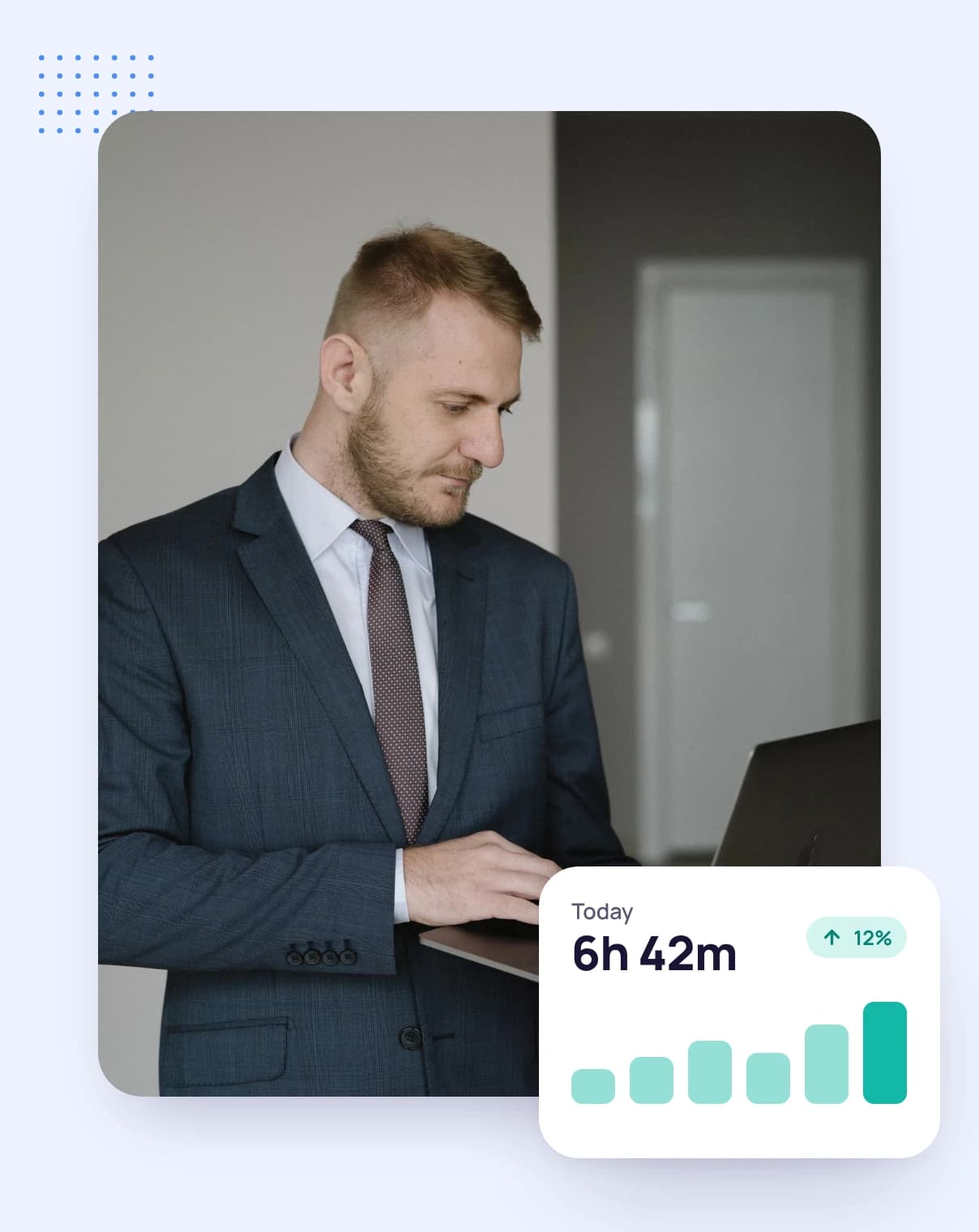
A man in a suit standing with his laptop, with the hours tracked today

FAQ

Time report questions, answered

Still have questions? Talk to our team.

What is time reporting software?

It turns the hours you've tracked into reports you can read and share: who worked on what, for how long and what it earned. Tristiks Grow builds a PDF time and activity report from your tracked time and exports your time log, expenses and invoices as CSV files.

What does the time and activity report include?

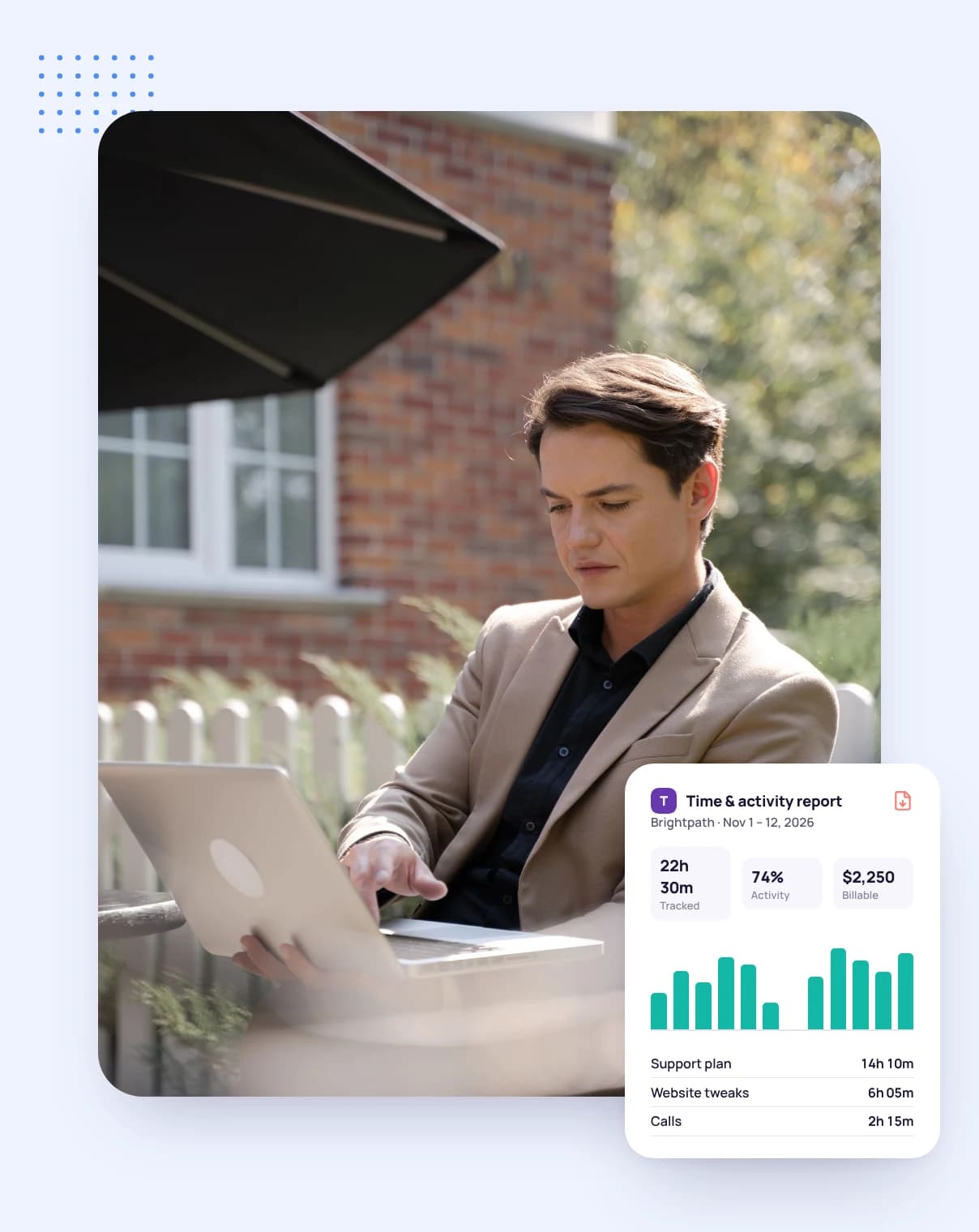
The total time, average activity and earnings for the date range, then each day's time entries with their client, project and task, the day's hours, activity level, idle time and earnings. Your business logo is at the top.

Can I send a time report to a client?

Yes. Download the PDF and send it yourself, or switch on Include report when you add tracked time to an invoice and the report for those dates is attached to the invoice email.

Can I export my time to a spreadsheet?

Yes. The time log downloads as a CSV file with each entry's teammate, date, client, project, task, description, length, billable status and invoice number. Expenses and invoices have their own CSV downloads.

Can the people I work with see what I earn?

Not collaborators. When a collaborator downloads their own report, the earnings are left out, because they're priced at the rates you agreed with your clients.

Do web timer hours show an activity level?

No. Activity levels come from the desktop app. Hours from the web timer or added by hand appear in the report with their time only.

Is there a free trial?

Yes. Every plan starts with a free 14-day trial, and you don't need a credit card to sign up.

Let your tracked hours write the report

Start a free 14-day trial and download your first report this week, or book a demo to see reports and invoicing together.