Task management software that keeps client work on track
Plan tasks and subtasks for your clients, your projects or just yourself, see them on a board sorted by due date, and track time on the task you're working on.
No credit card required
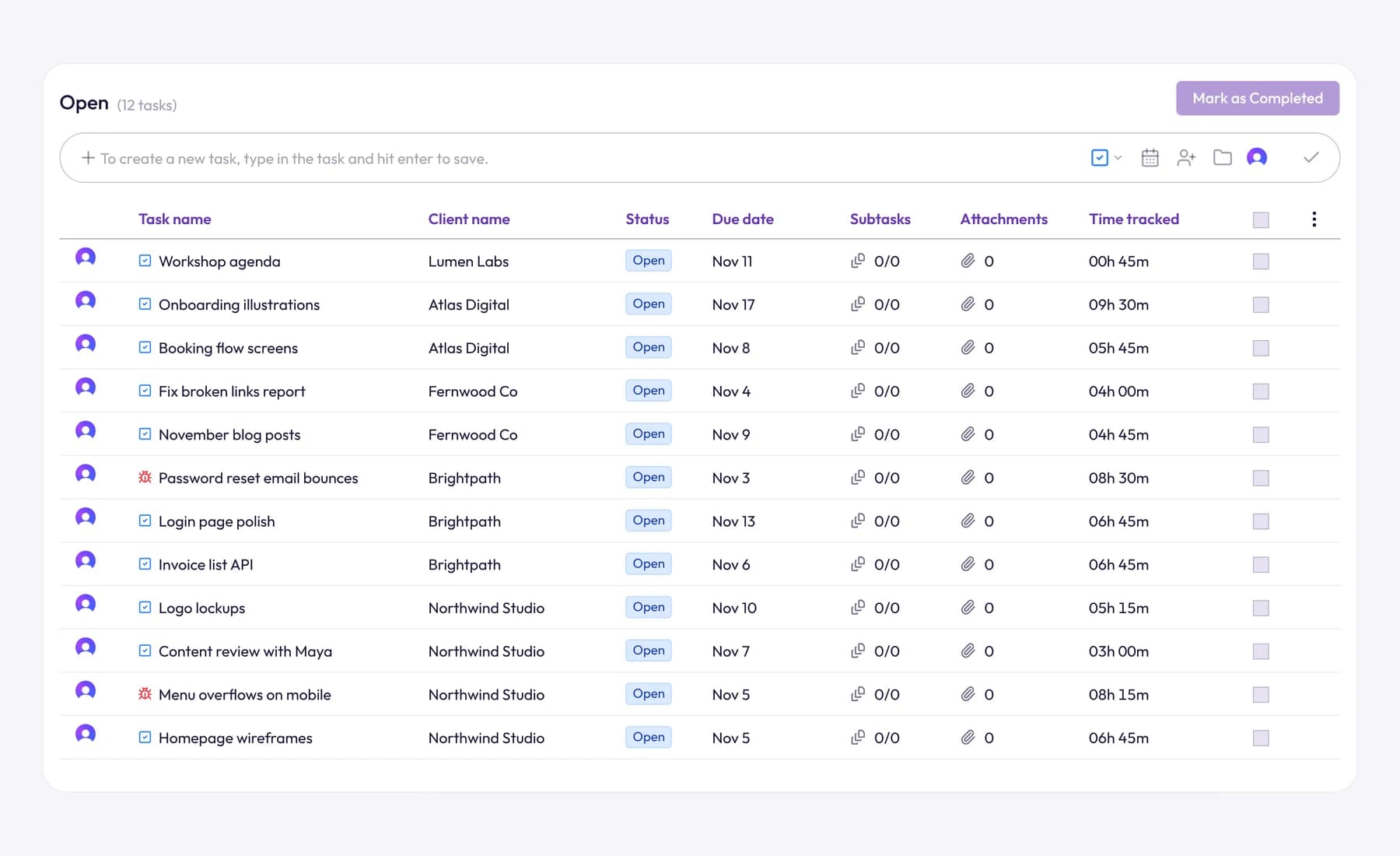
Plan tasks and subtasks for your clients, your projects or just yourself, see them on a board sorted by due date, and track time on the task you're working on.
Client work arrives as emails, calls and notes to self. In Tristiks Grow each piece of it becomes a task with a due date and someone responsible, linked to its client and project, or kept as your own to-do.
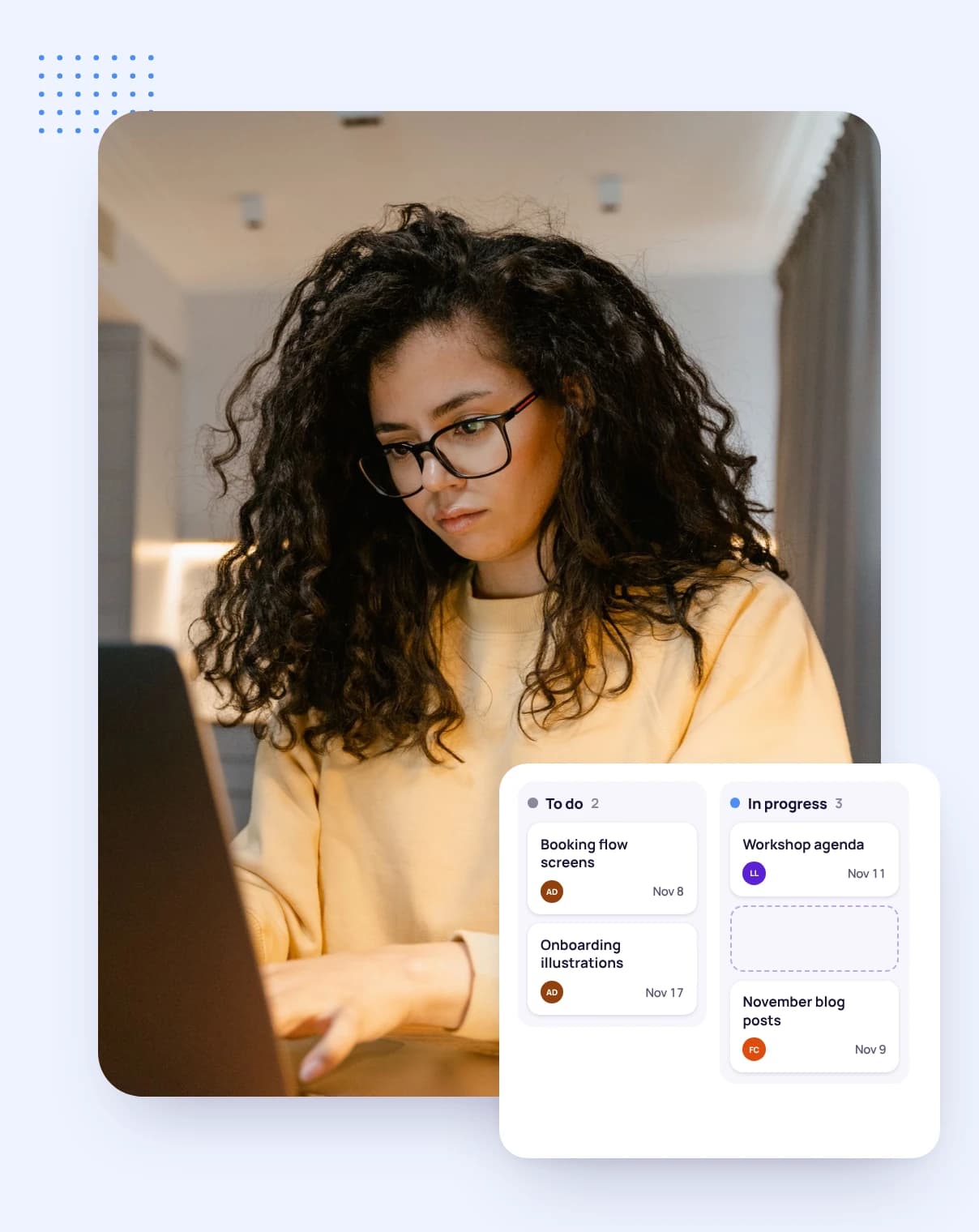
Tasks land in Overdue, Today, This Week or Upcoming by their due date. Drag a card to Done when the work is finished.
Send sitemap for sign-off
Homepage wireframes
Menu overflows on mobile
Content review
Invoice list API
Logo variations
Kick-off call notes
The date columns fill on their own, so the board always opens on what's due first. Tasks without a date wait in Unassigned.
Add columns such as In review, then rename, move or collapse them. A board holds up to 12 columns.
Drag cards between columns and put them in the order you'll work on them. Drop one on Today and it's due today.
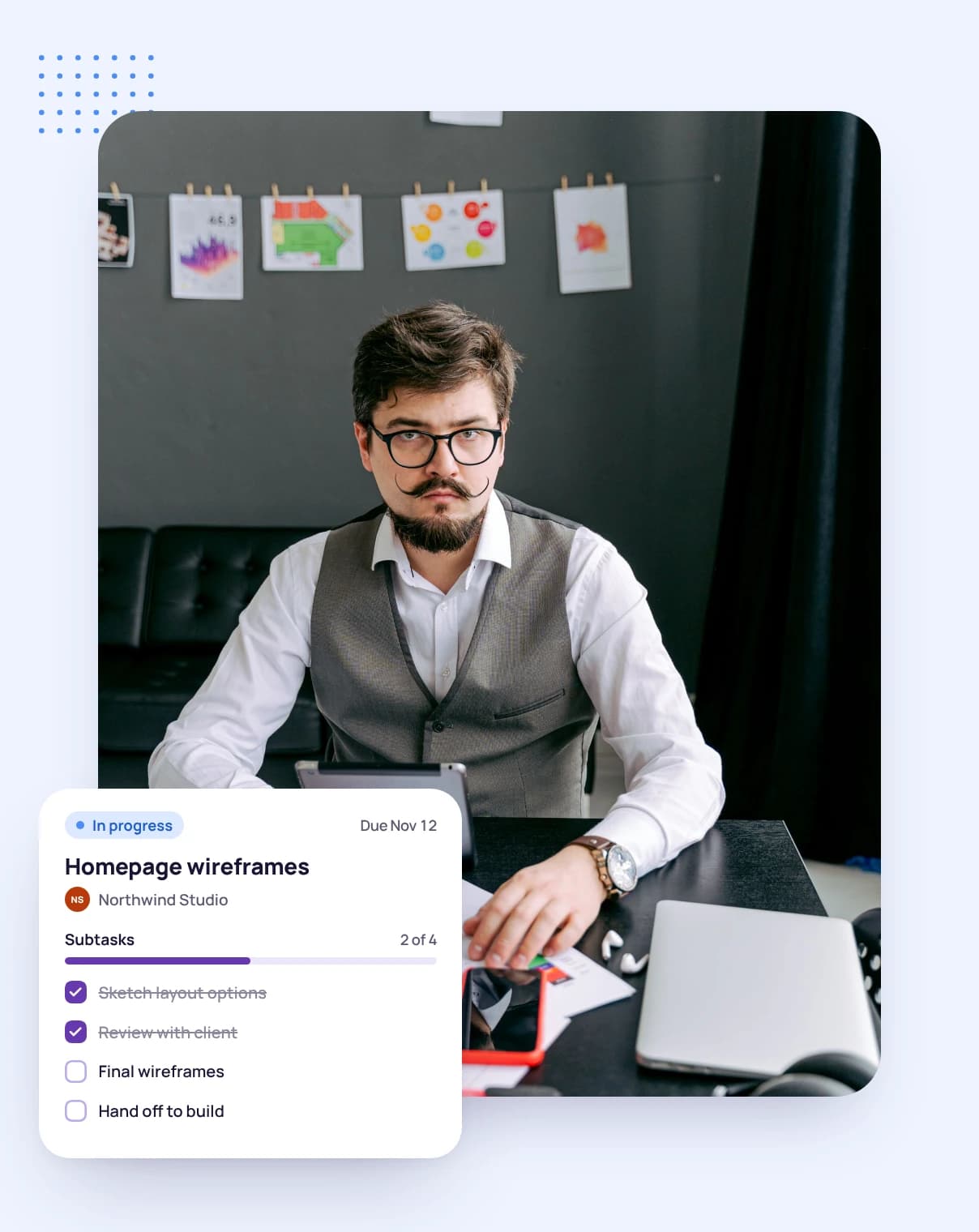
Split a task into subtasks, each with its own priority, assignee, comments and files, so a large piece of client work becomes steps anyone can pick up.
Subtasks have their own place on the board, so every step moves along at its own pace and you can see exactly which part is holding things up.
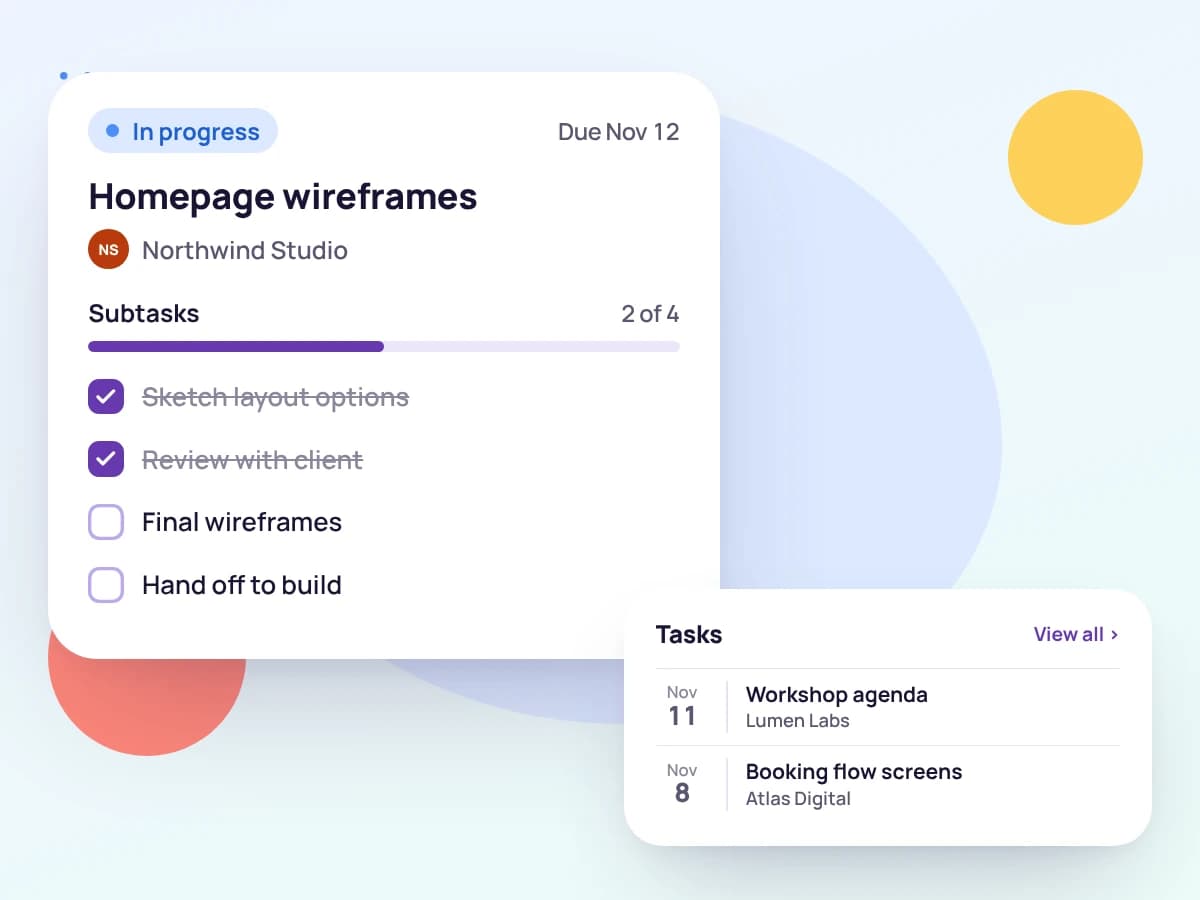
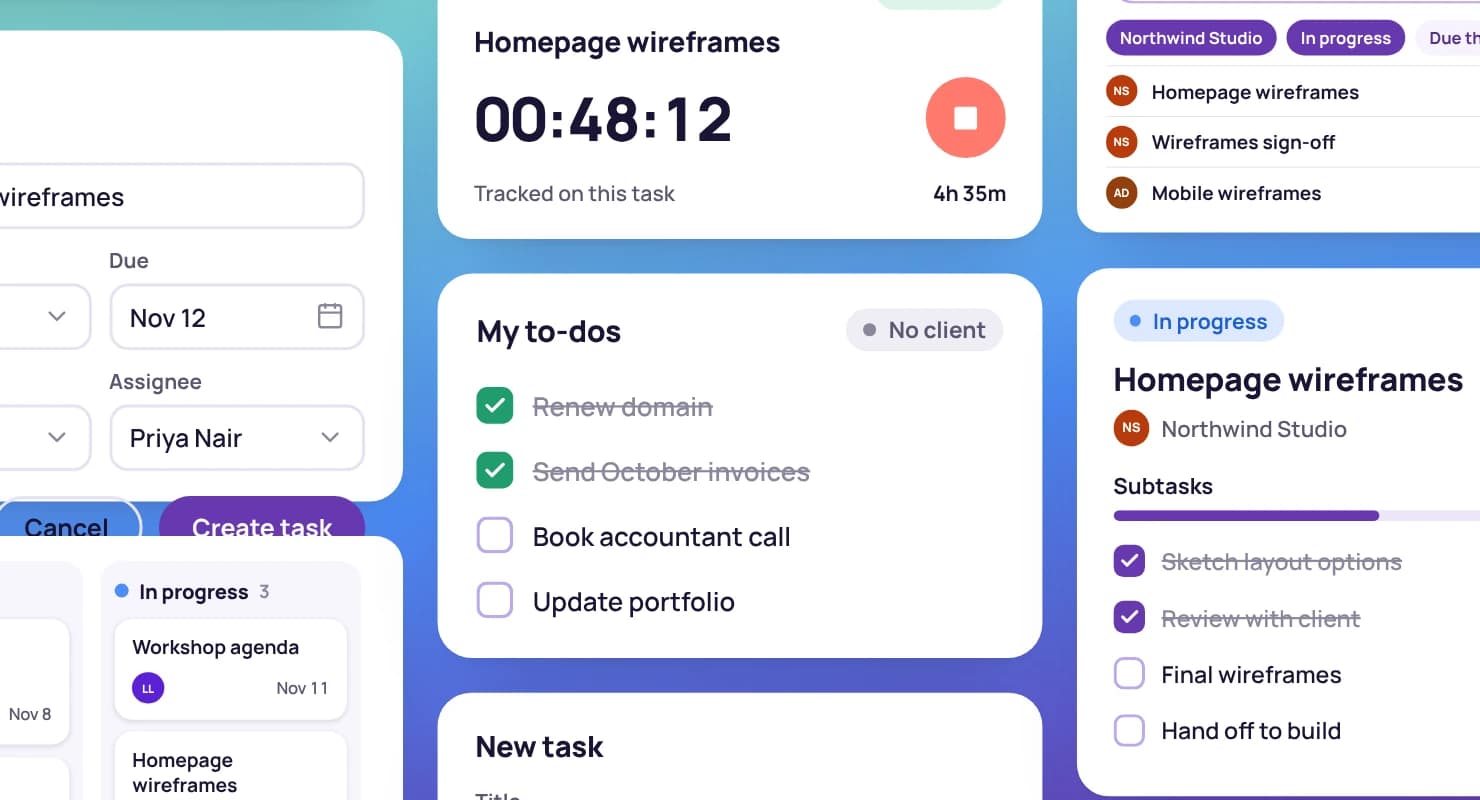
Give each task a description, a due date, a time estimate and an assignee, and link it to the client and project it's for.
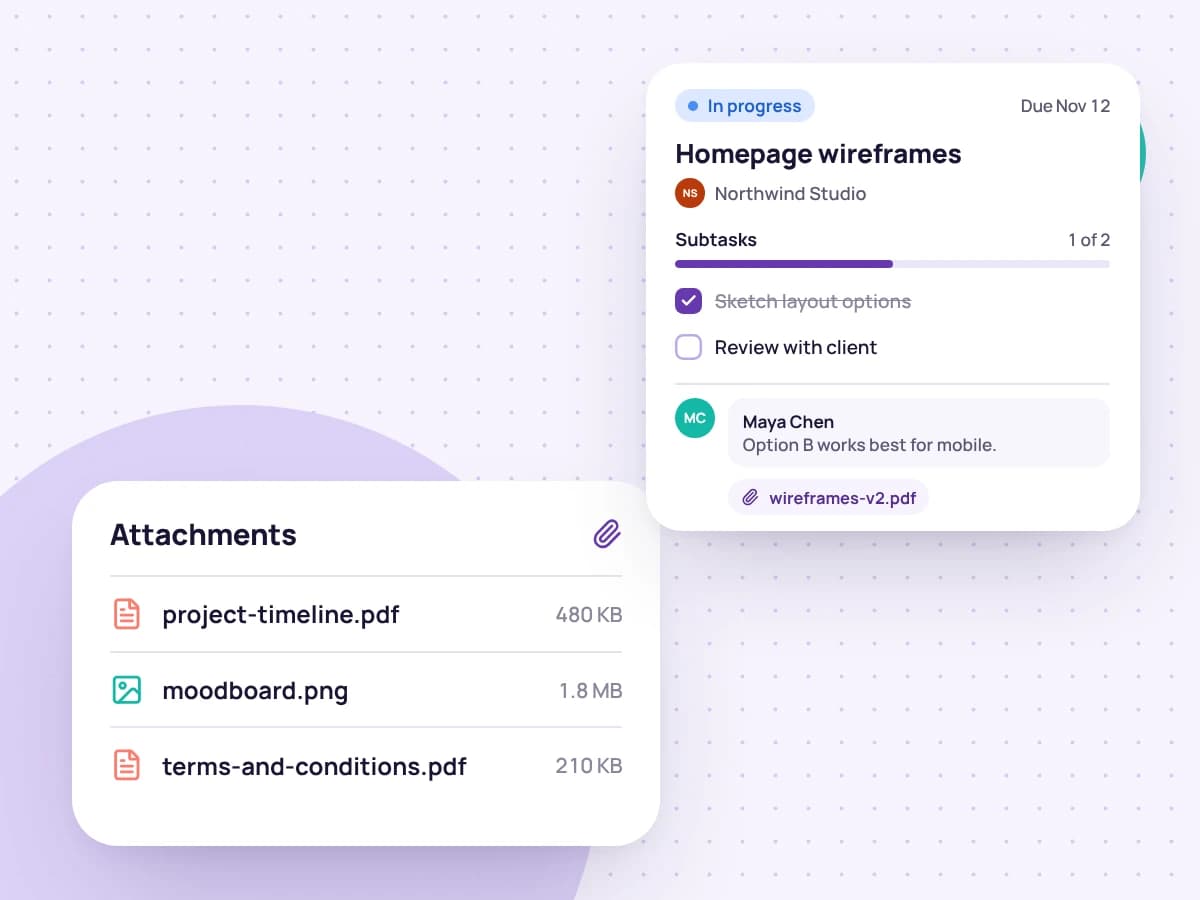
Talk it through in comments and attach the files it needs, so the conversation stays with the work instead of in your inbox.
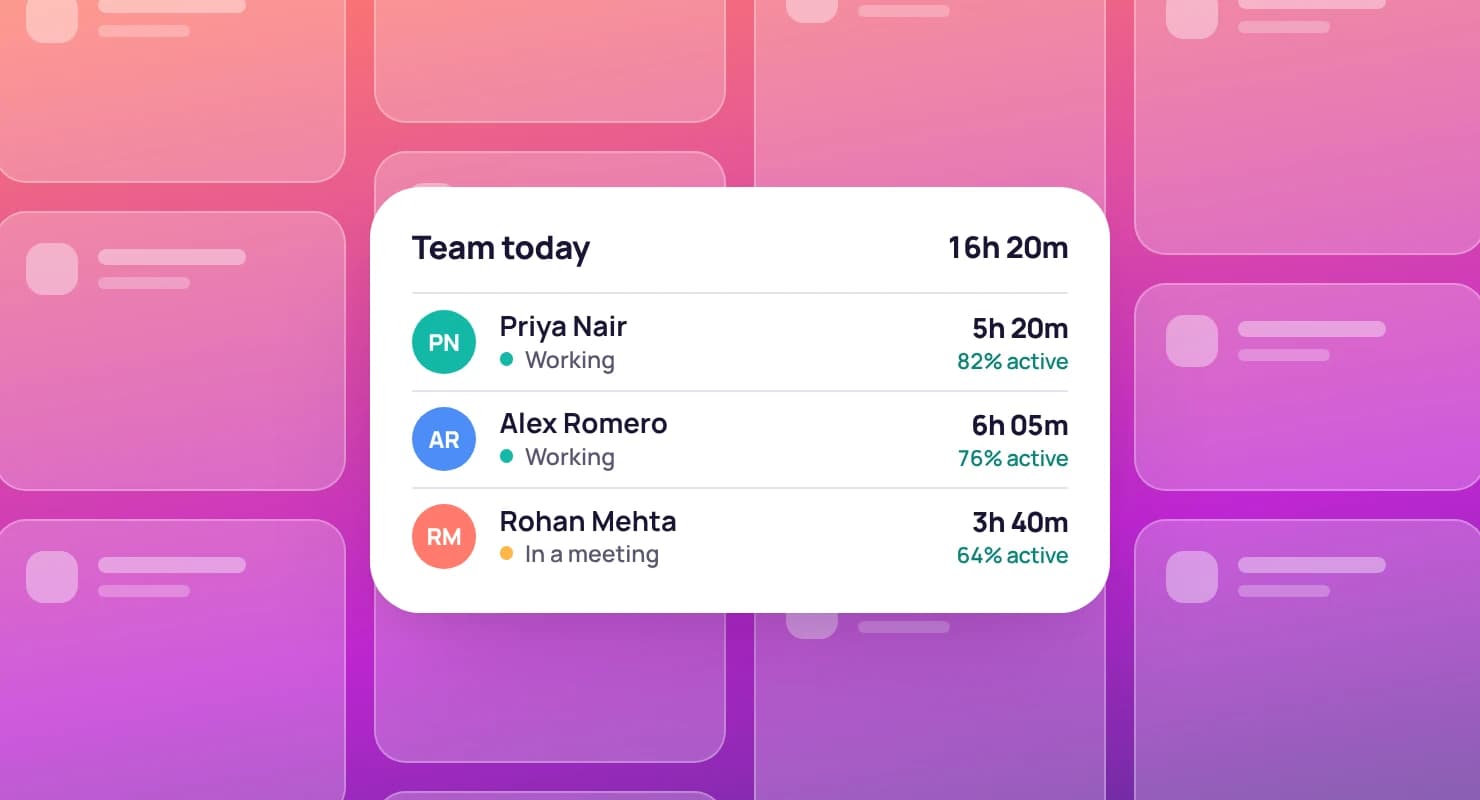
Choose the task in the Tristiks Grow timer and start tracking. Every minute is recorded against the task, its project and its client.
When it's time to invoice, those hours are already on the right client, ready to bill.
ALV-14 · Review homepage copy
Northwind Studio · Website redesign
Timer running, 04:12:36 tracked
The things that make a task list something a whole team can work from.
Review homepage copy
Mobile menu covers the logo
Write up kick-off call
Launch checklist
Every task gets a short key like ALV-14 so it's easy to refer to, and can be marked as a task or a bug.
Subtasks
Assign each task and subtask to a teammate, and give subtasks a Low, Medium or High priority.
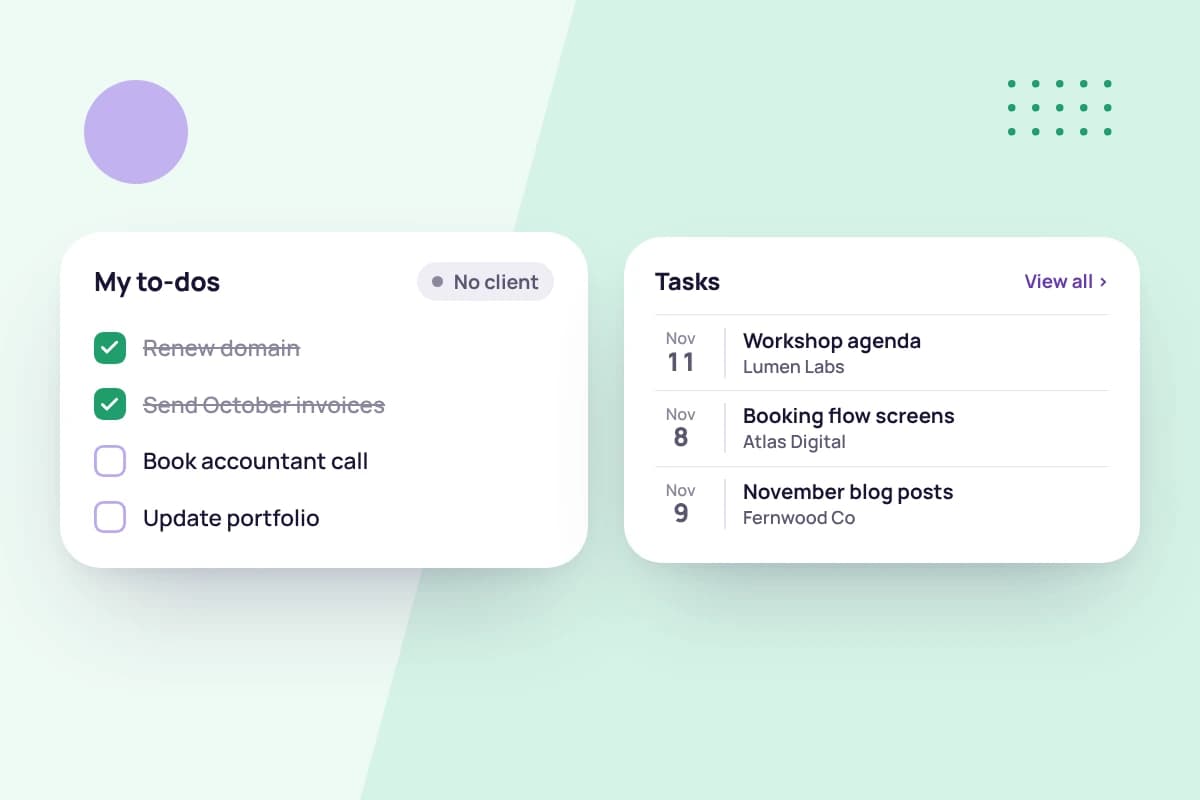
Link a task to a client and project, or leave both empty to keep it as a personal to-do.
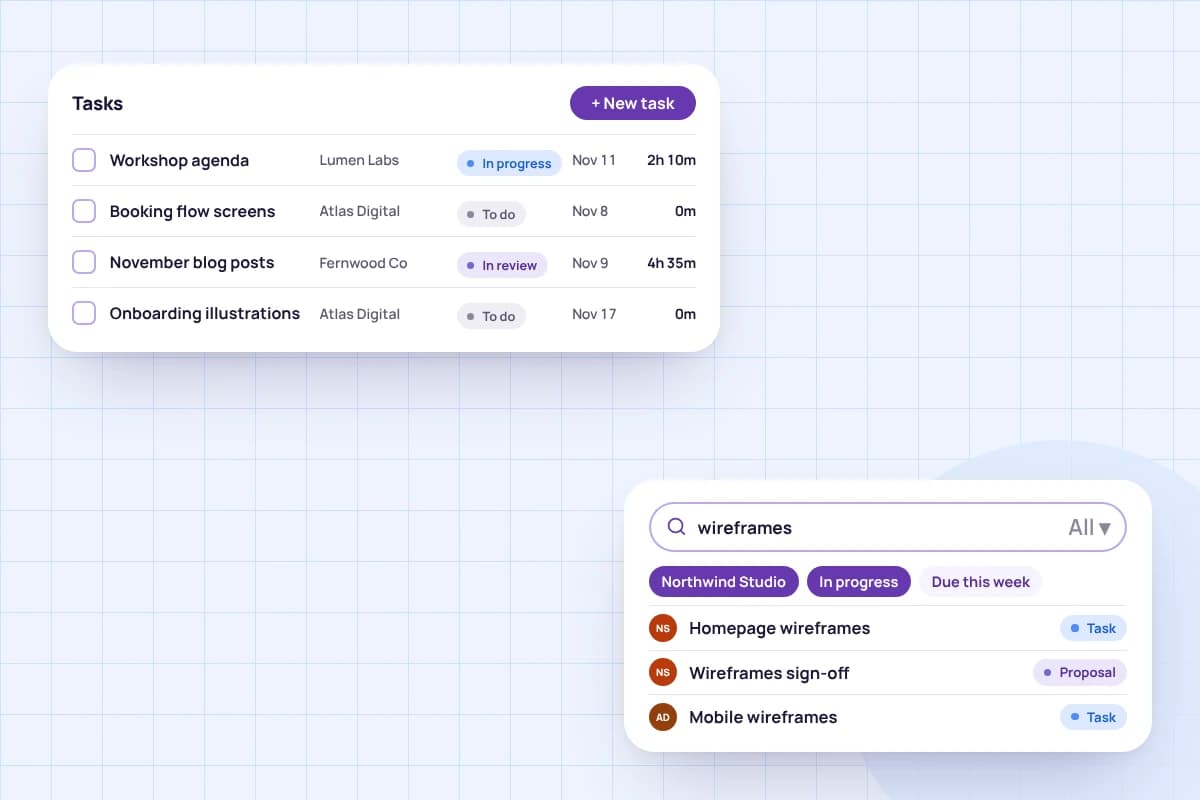
Search your tasks, or filter them by client and project to see one piece of work at a time.
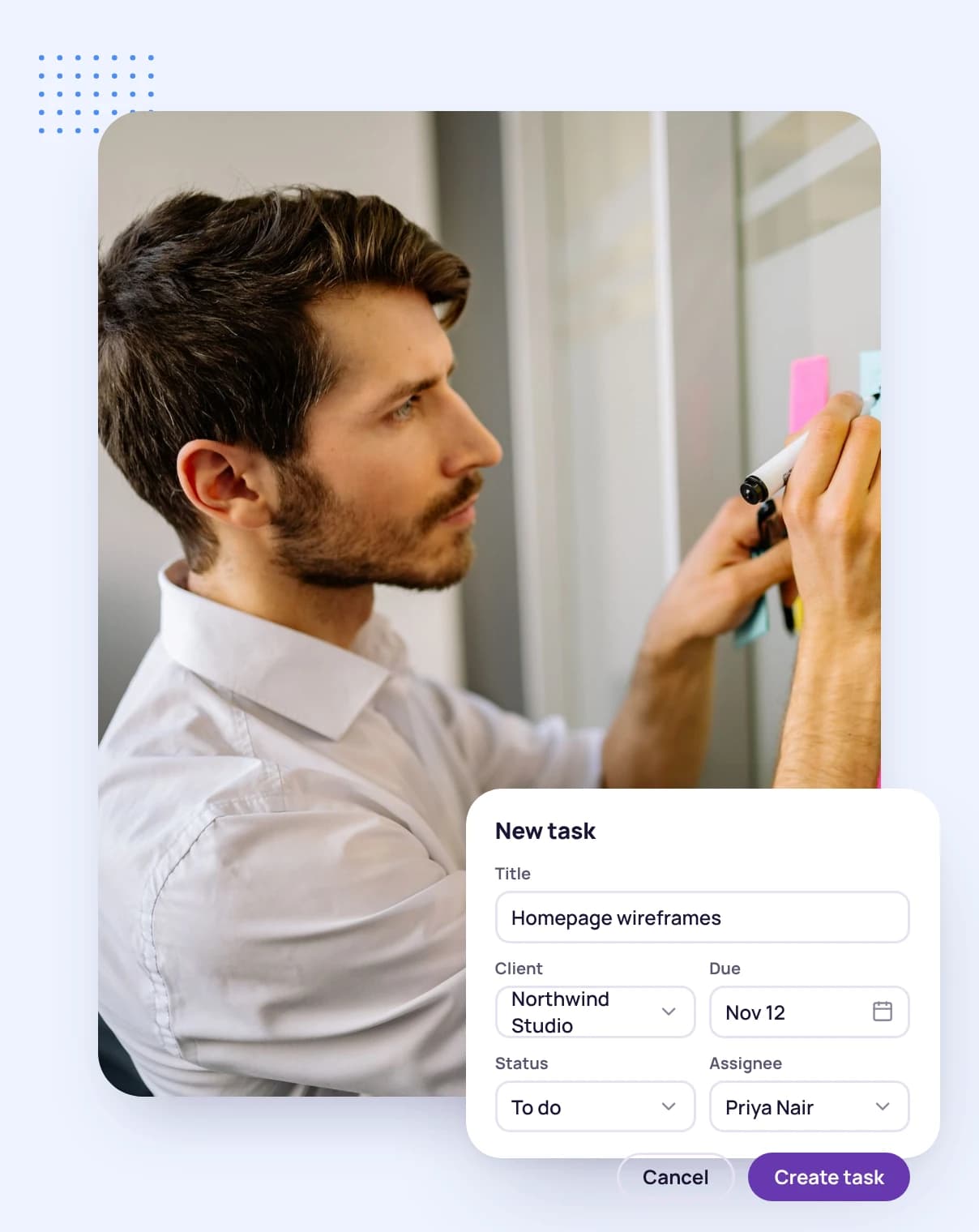
Give it a name, a due date and an assignee, and link it to a client and project if it's client work.
Add subtasks with their own owners and priorities, and attach the files the work needs.
Track time as you go, then drag the card to Done when it's finished.
FAQ
Still have questions? Talk to our team.
It's software for planning and following the work that needs doing: what it is, who's doing it and by when. Tristiks Grow keeps your tasks next to your clients, projects, tracked time and invoices, so the work and the billing stay connected.
The board sorts tasks into Overdue, Today, This Week and Upcoming by their due date. Tasks without a due date wait in Unassigned, and finished tasks go in Done. You can add your own columns and drag cards between them.
Yes. Add columns for your own stages, then rename, move or collapse them, up to 12 columns on a board. Unassigned and Done always stay, so every task has somewhere to go.
Yes. Each subtask has its own title, description, Low, Medium or High priority, assignee, comments and attachments.
No. Link a task to a client and project for client work, or leave both empty to keep it as a personal to-do.
Yes. Choose the task in the Tristiks Grow timer and the time you track is recorded against that task, its project and its client, ready to invoice.
Yes. Mark any item as a bug instead of a task. Every item gets a short key, such as ALV-14, so it's easy to refer to.
Yes. Every plan starts with a free 14-day trial, and you don't need a credit card to sign up.
Start a free 14-day trial and add your first tasks in minutes, or book a demo to see tasks, time tracking and invoices working together.