Tristiks

Recurring invoice software for retainers and repeat work

Set an invoice to repeat every week, every other week or every month, and Tristiks Grow sends each one on its date. Payment reminders follow up when you turn them on.

Free 14-day trialNo credit card required
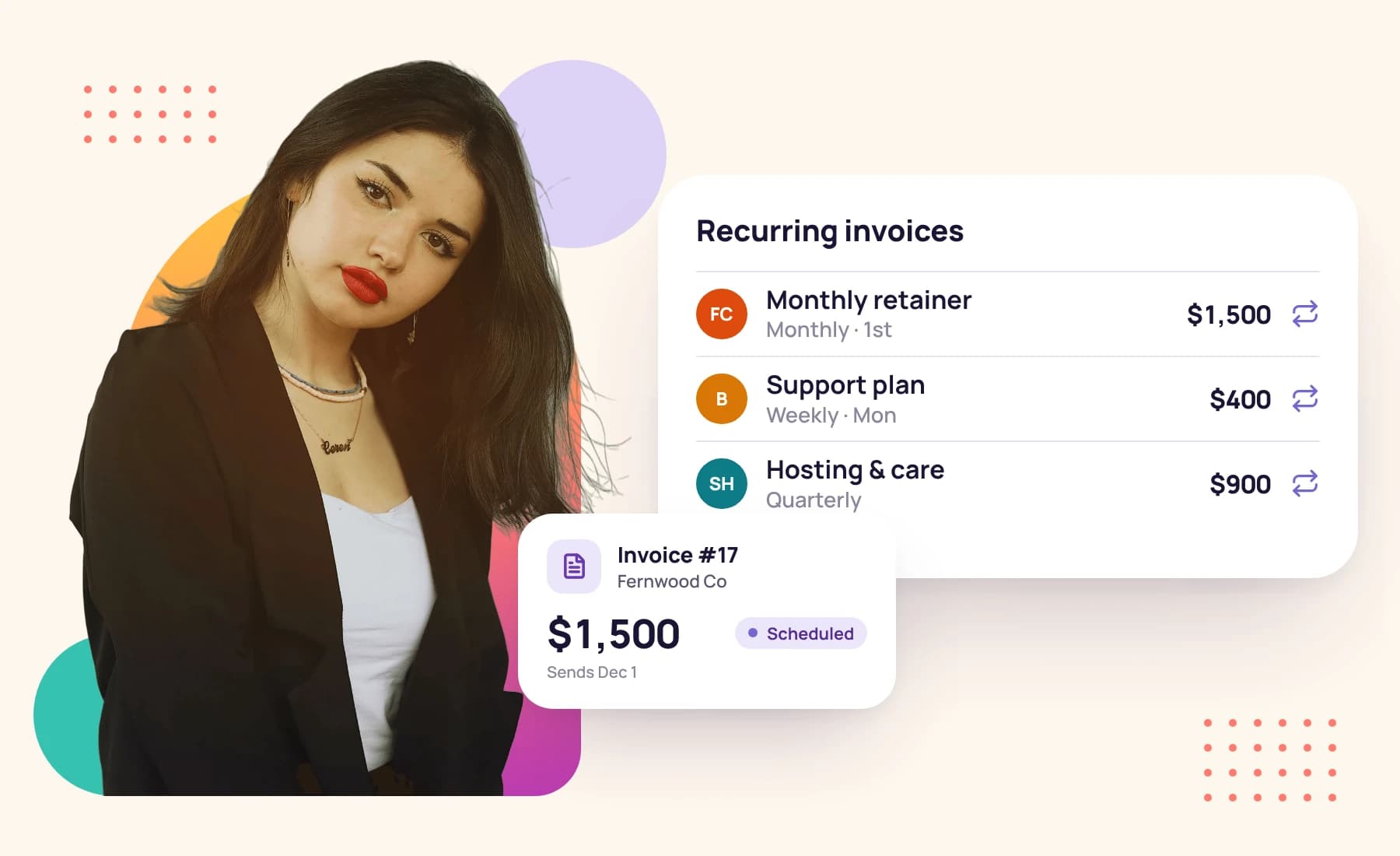
A young woman in a black blazer beside her recurring invoices and the next one scheduled

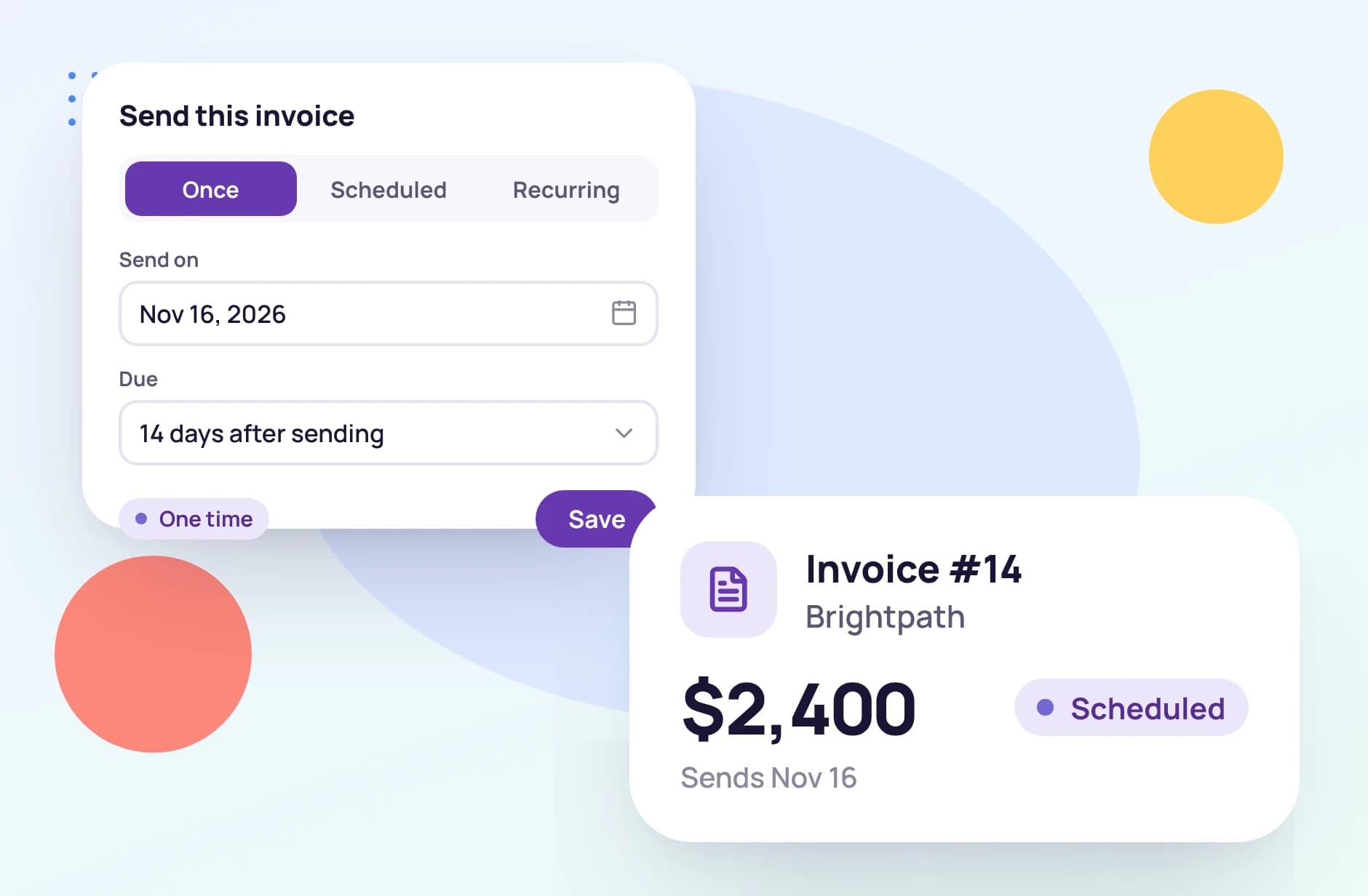
Three ways to send an invoice

Choose how the invoice goes out when you create it. Each one can be followed by payment reminders.

The same invoice, on repeat

Pick weekly or monthly, the day it goes out, a start and end date and your payment terms. Tristiks Grow lines up every invoice in between, each with its own due date, and sends it on the day.

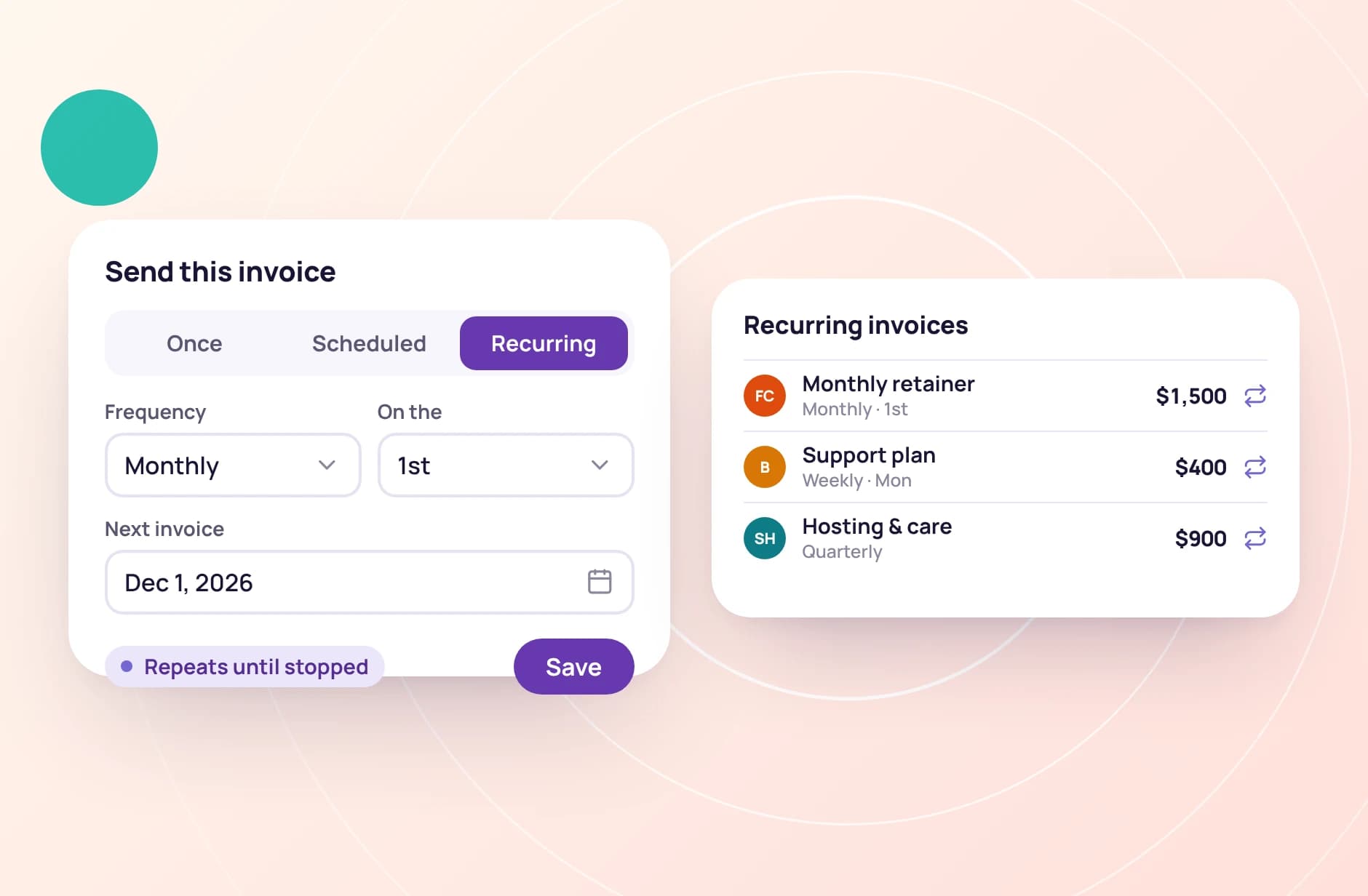
A monthly invoice that repeats until stopped, beside the recurring invoices

Weekly or monthly, on the day you pick

A weekly invoice goes out on the weekday you choose, every week or every other week. A monthly one goes out on the day of the month you choose.

Before you save, Tristiks Grow shows when the first invoice will go out and when it falls due, so the schedule is never a surprise.

Northwind Studio · Recurring invoice
Frequency
Weekly
On
Monday
Send
Every other week
Terms
Due in 14 days
  • Mon, Sep 7Due Sep 21Paid
  • Mon, Sep 21Due Oct 5Sent
  • Mon, Oct 5Due Oct 19Scheduled
  • Mon, Oct 19Due Nov 2Scheduled

End a series whenever you need to

A client pauses the retainer, or the work wraps up early? Delete one invoice from the series, or that invoice and every one after it.

Invoices already sent stay where they are, with their status and payments.

See invoicing
A young woman in a black blazer beside her recurring invoices and the next one scheduled

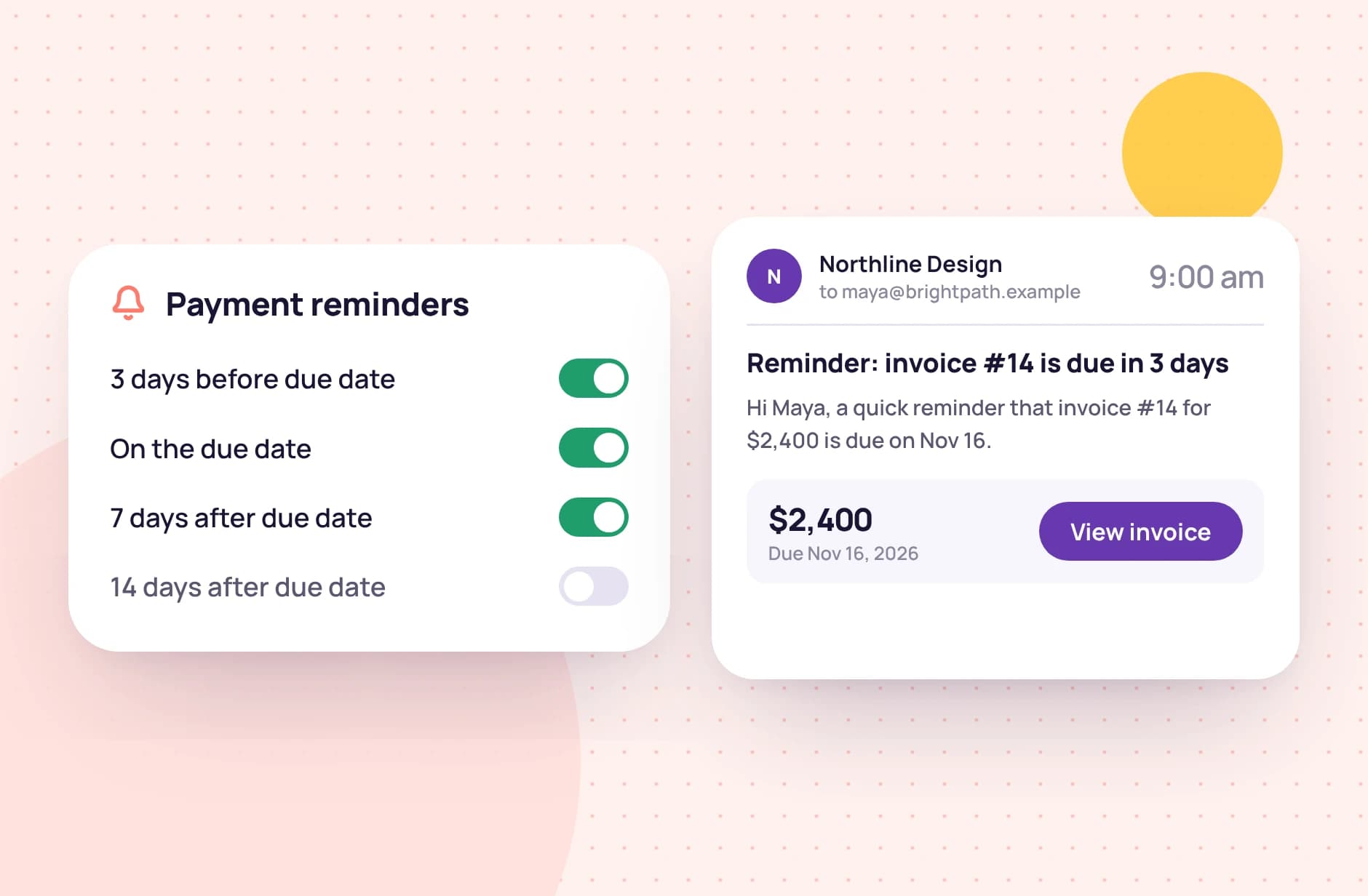
Reminders that follow the due date

  1. 1

    3 days before the due date

    A heads-up while there's still time to pay on time.

  2. 2

    On the due date

    A nudge on the day the invoice is due.

  3. 3

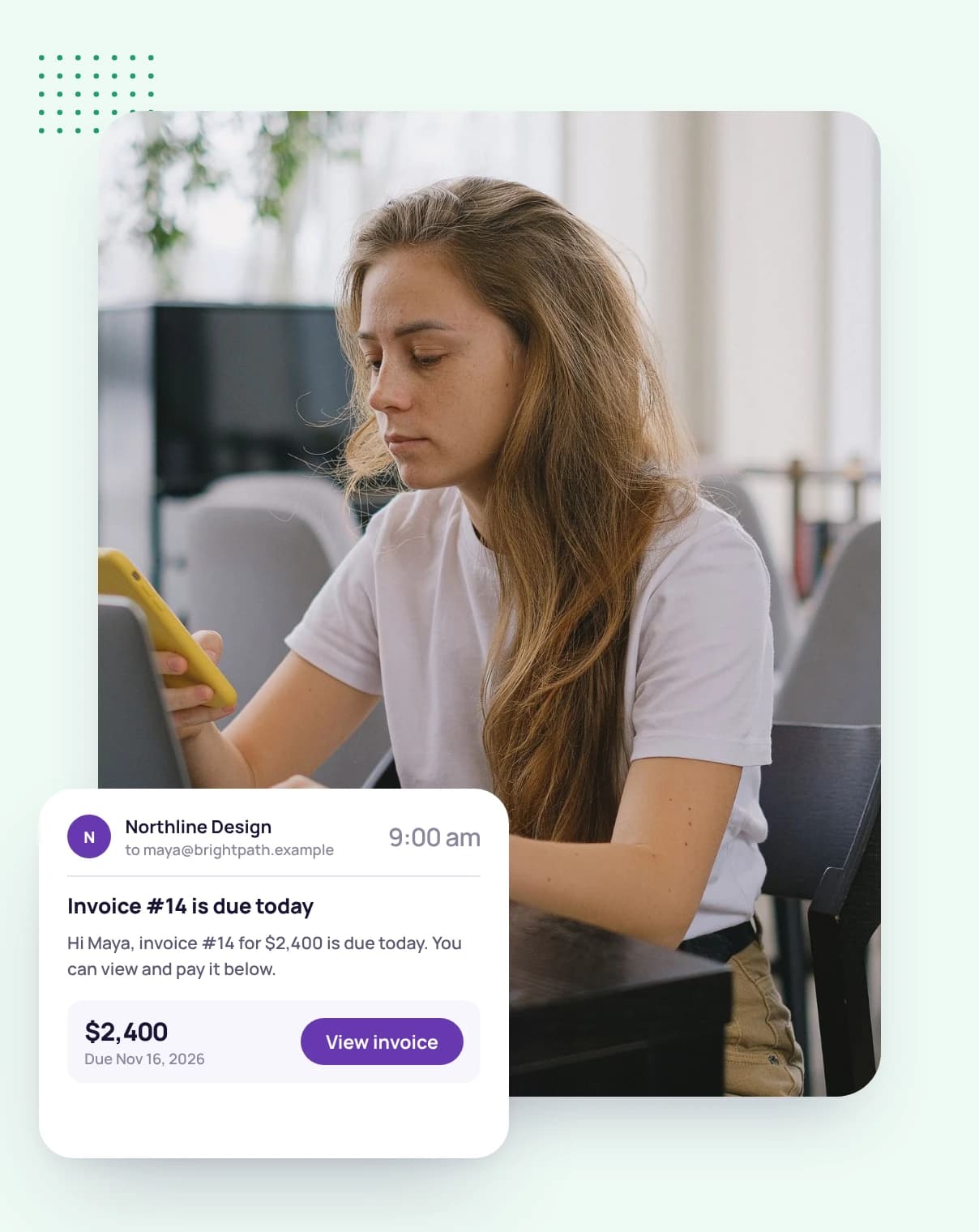
    7 days late

    The first follow-up once the date has passed.

  4. 4

    14 days late

    A second follow-up two weeks on.

  5. 5

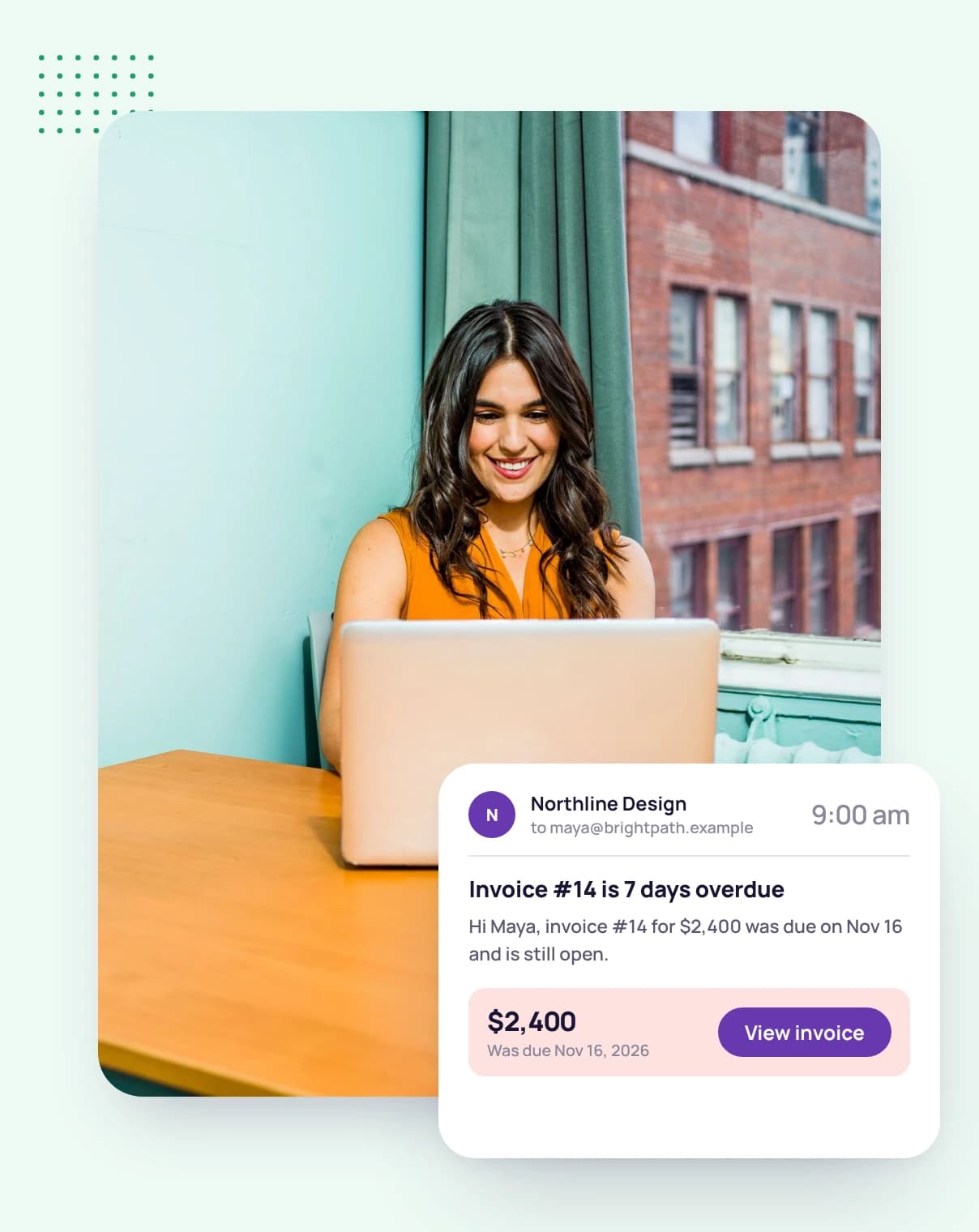
    30 days late

    A last reminder a month after the due date.

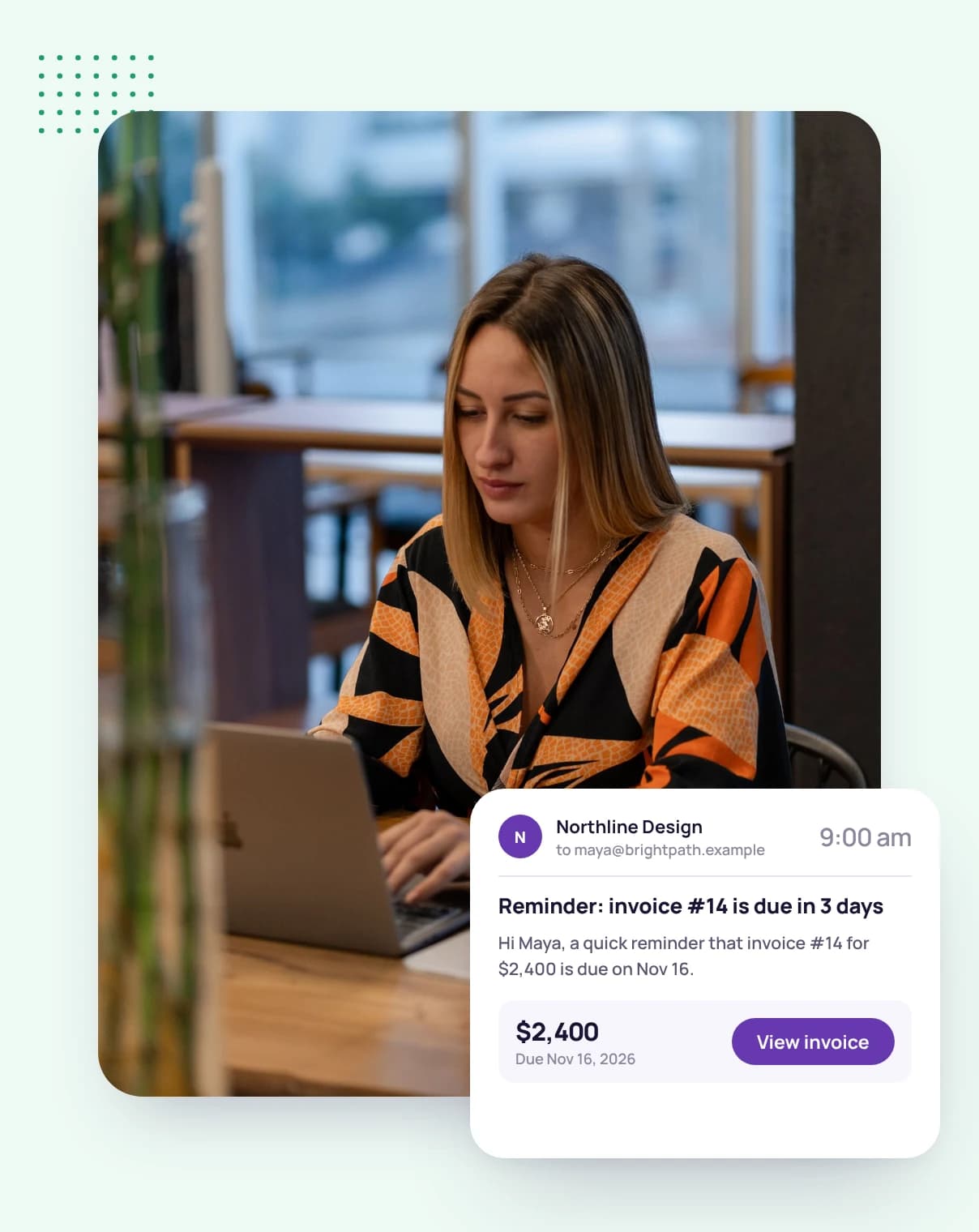
A woman at her laptop in a cafe, with a reminder sent three days before the invoice is due

FAQ

Recurring invoice questions, answered

Still have questions? Talk to our team.

What is recurring invoice software?

It sends the same invoice on a schedule, so you don't have to create and send it each time. In Tristiks Grow you choose weekly or monthly, the day it goes out and a start and end date, and each invoice is sent on its date.

How often can a recurring invoice repeat?

Every week or every other week on the weekday you choose, or every month on the day of the month you choose.

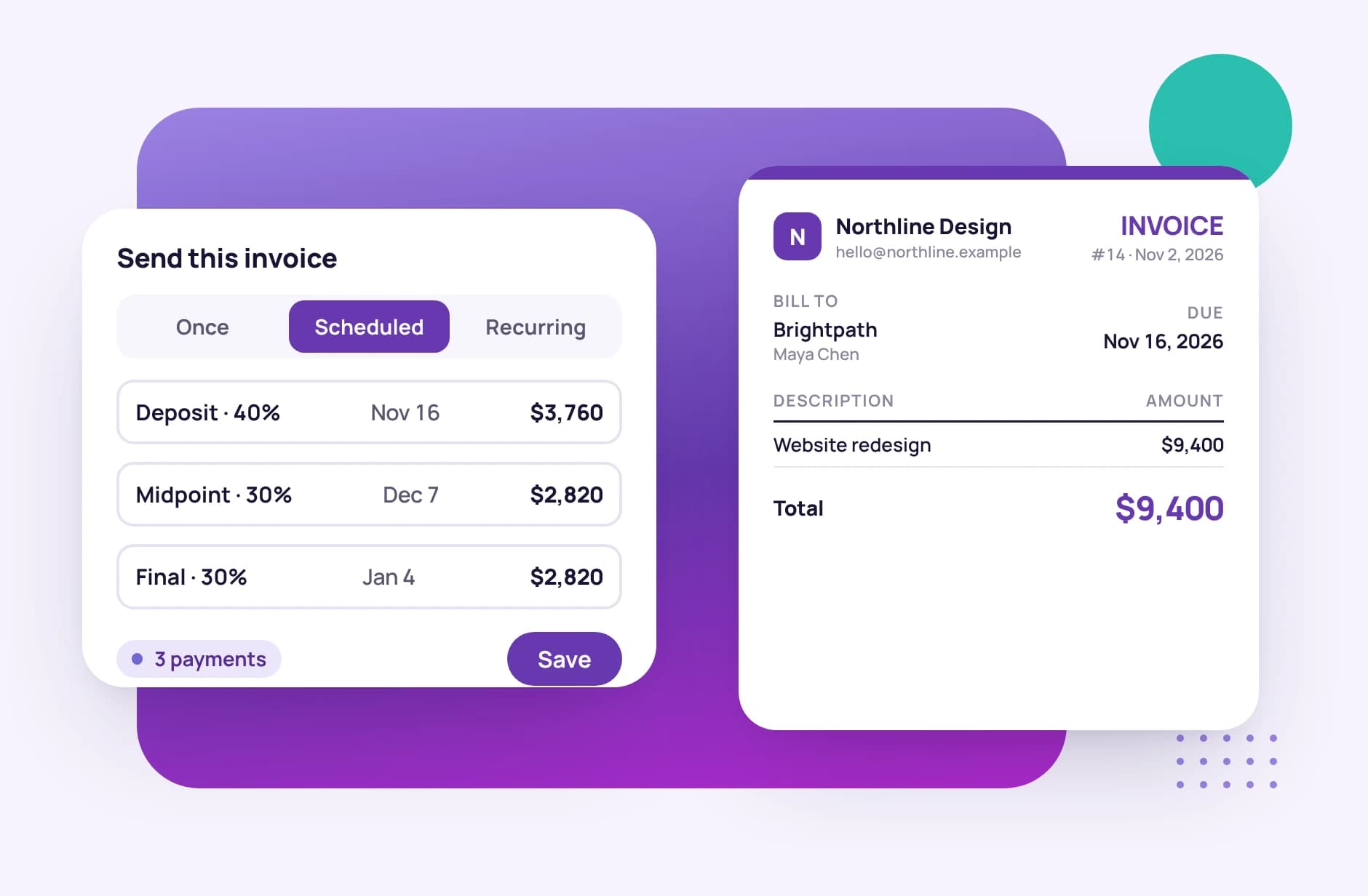
Can I split one invoice into several payments?

Yes. Choose scheduled payments and add each payment with its own amount, send date and terms, for example a deposit now and the balance on delivery.

Can I stop a recurring invoice?

Yes. Delete a single invoice from the series, or delete it together with every invoice after it.

When are payment reminders sent?

You can switch on reminders for 3 days before the due date, on the due date, and 7, 14 and 30 days after it. Clients are only emailed for the reminders you switch on.

How do clients pay a recurring invoice?

Each invoice is emailed with a link to view it and download the PDF. Mark it paid in one click when the money arrives. Card and PayPal payments are coming soon.

Is there a free trial?

Yes. Every plan starts with a free 14-day trial, and you don't need a credit card to sign up.

Set up the invoice once and let it repeat

Start a free 14-day trial and schedule your first recurring invoice today, or book a demo to see invoicing, reminders and payments together.