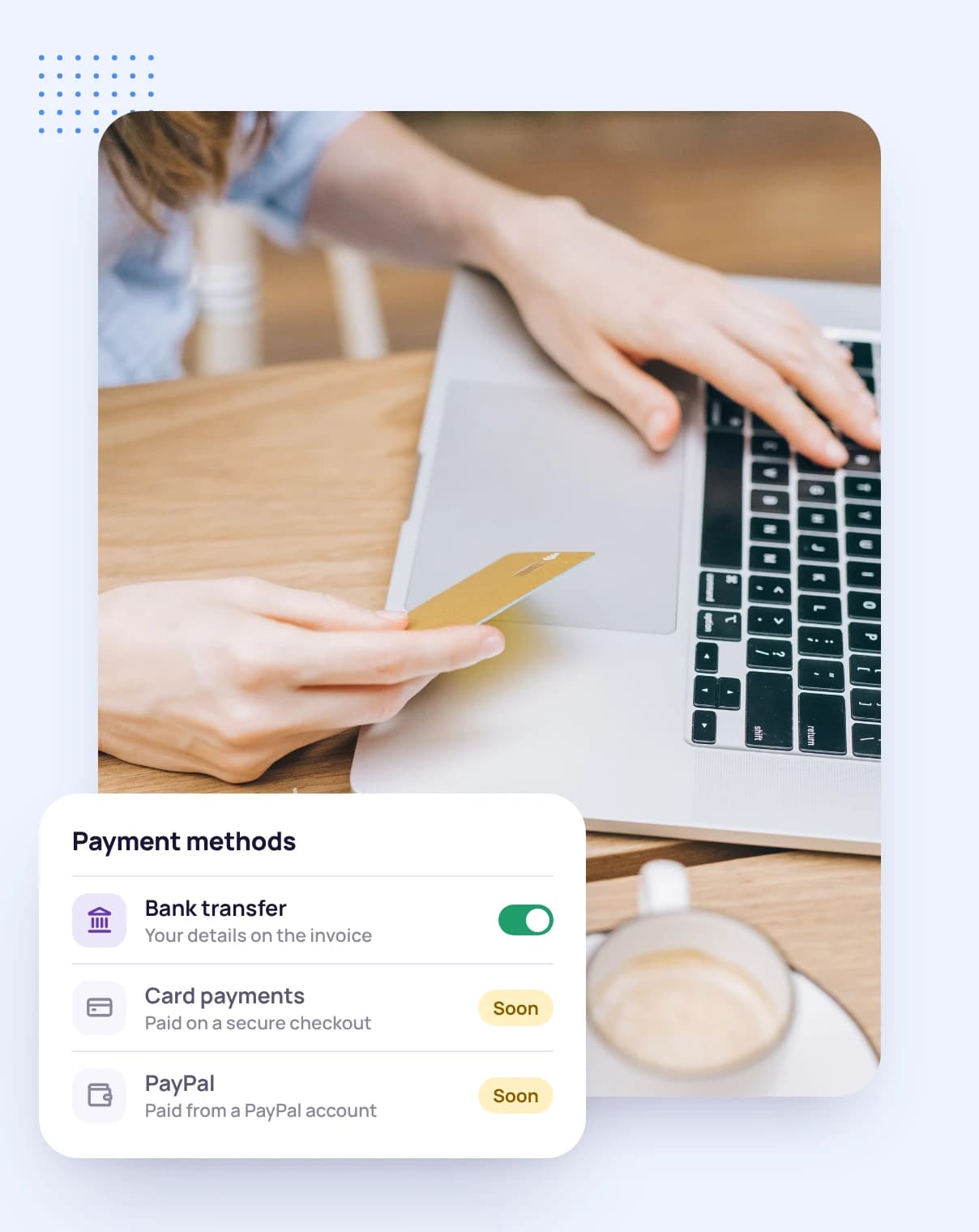
PayPal invoice payments are coming to Tristiks Grow
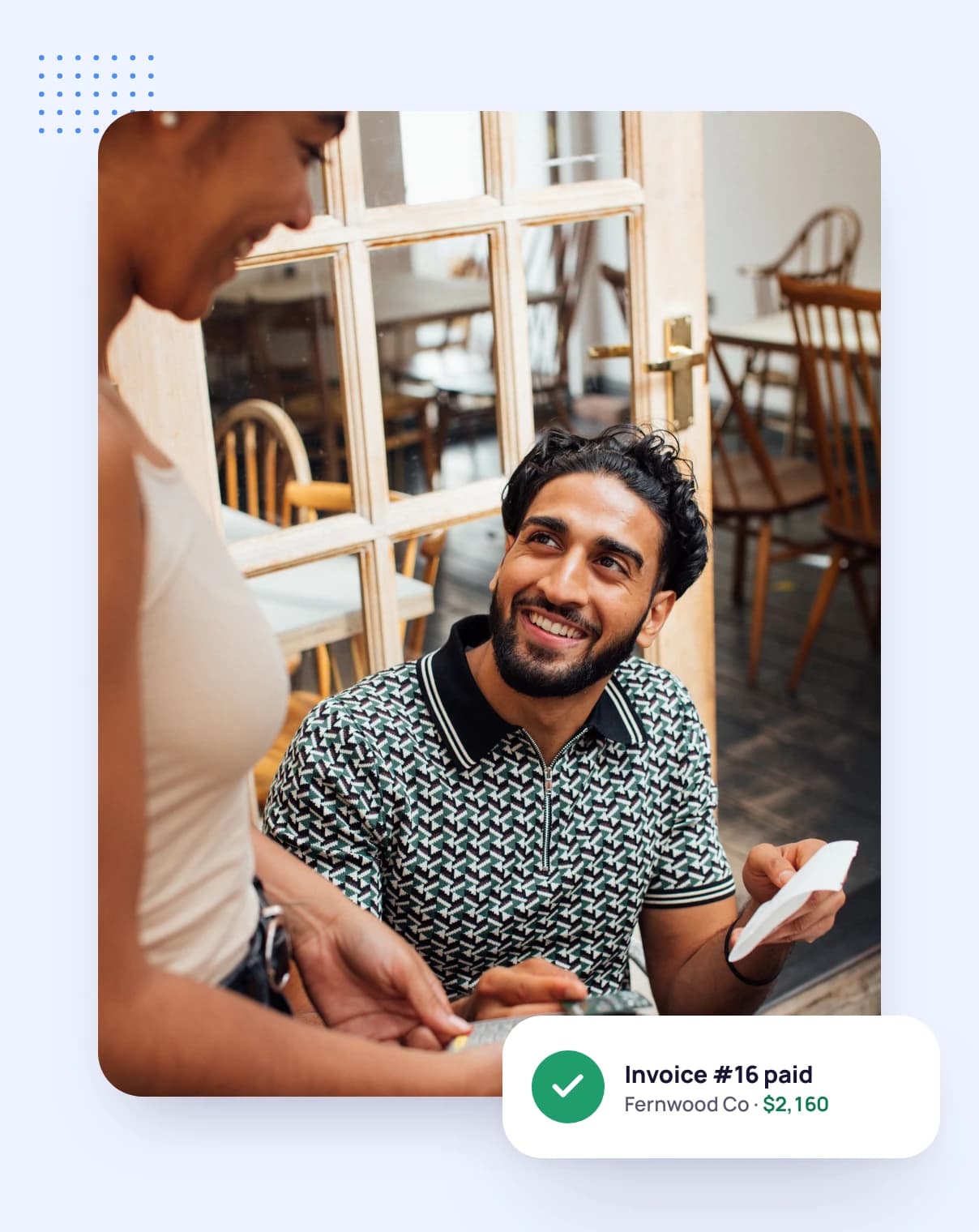
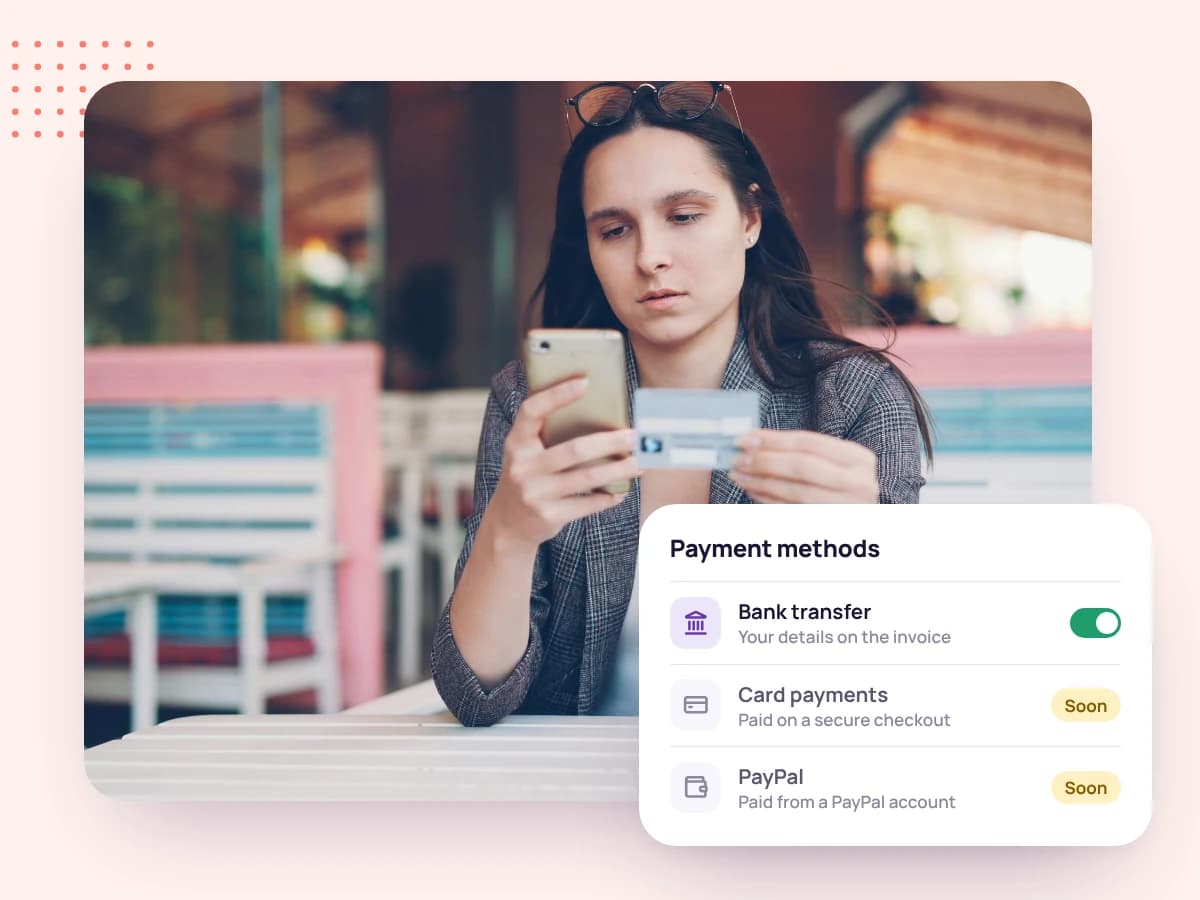
Soon you'll connect your PayPal account and let clients pay your invoices with PayPal. Until then, invoices go out with your own payment details and you mark them paid in one click.
Coming soon
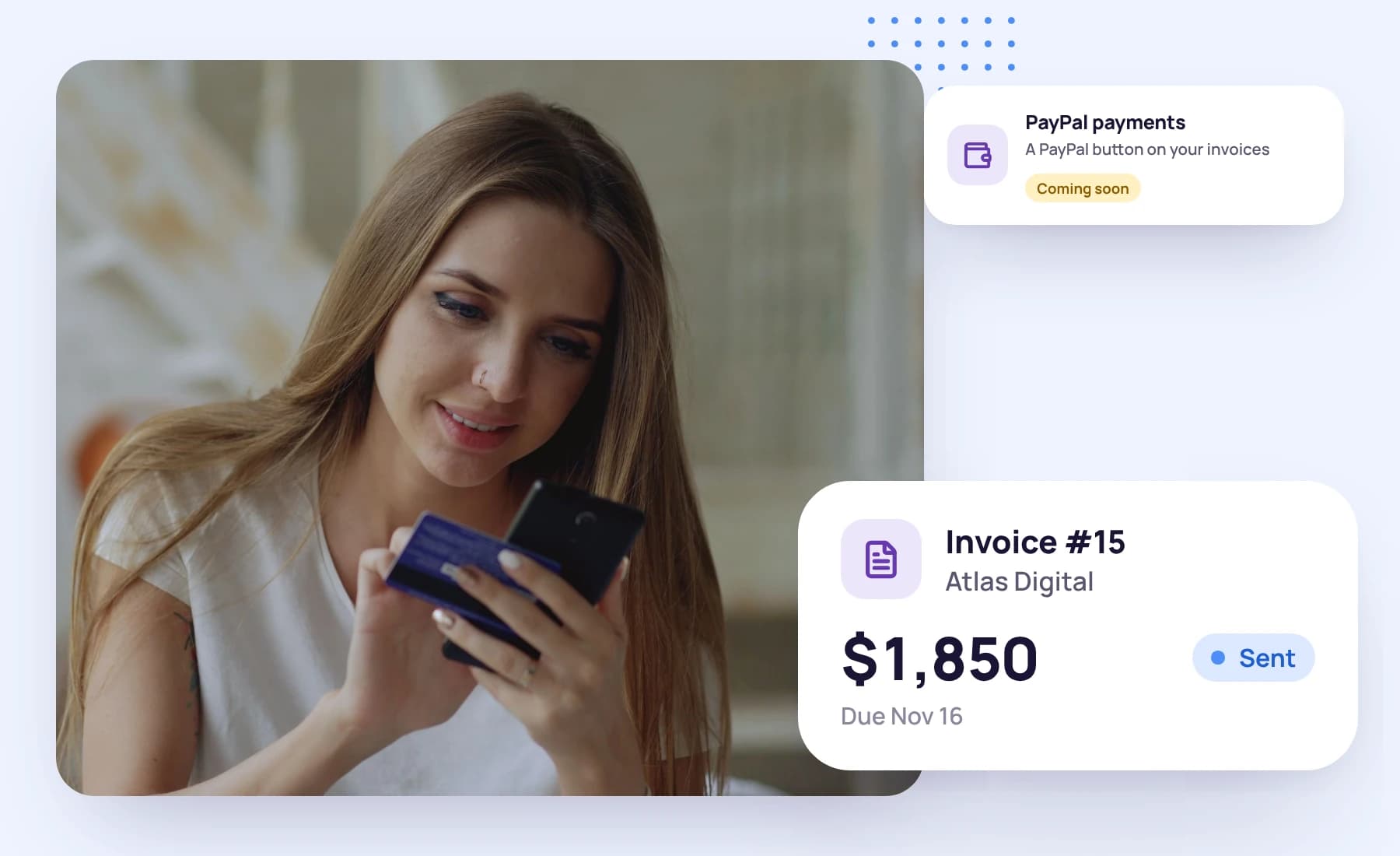
Soon you'll connect your PayPal account and let clients pay your invoices with PayPal. Until then, invoices go out with your own payment details and you mark them paid in one click.
Coming soon: clients will pay from the invoice page or from the pay button in the invoice email, and the money will go into your own PayPal account.
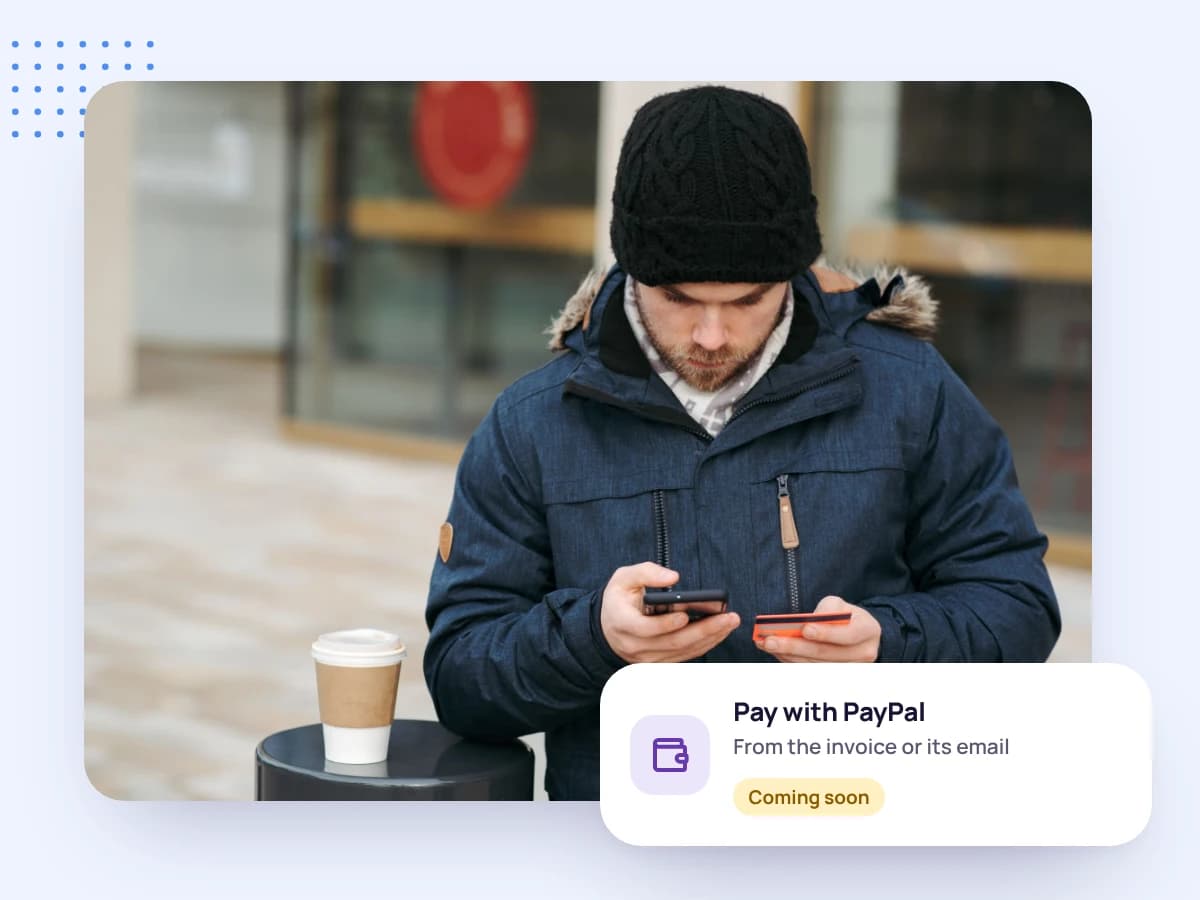
When a PayPal payment goes through, the invoice will be marked paid without you doing anything. Today, mark it paid yourself in one click.

You'll be able to connect both and let each client choose, or tick only the one you want on each invoice.
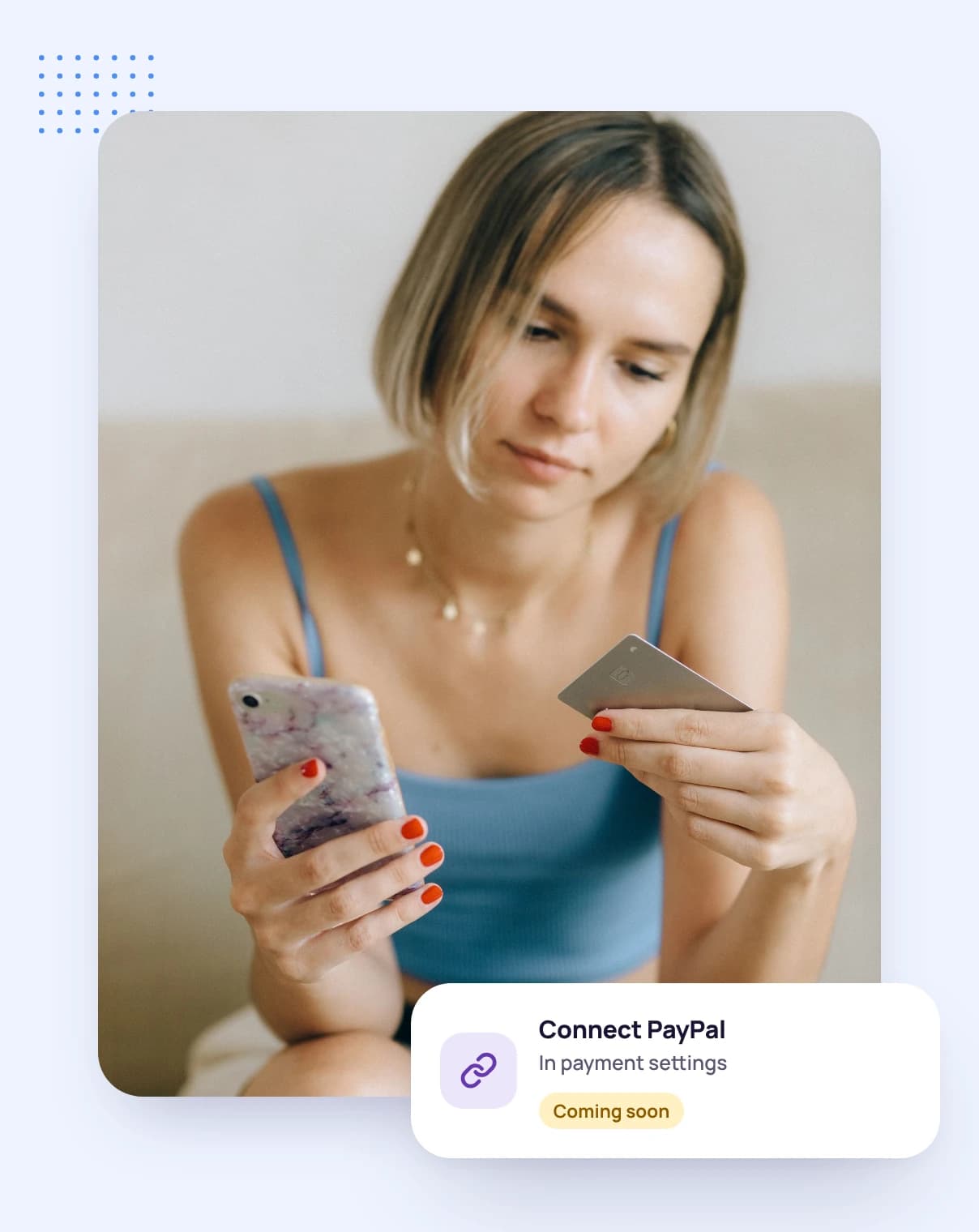
Go to payment settings and follow PayPal's own sign-up or sign-in.
Choose PayPal when you create or edit the invoice.
Your client pays with PayPal, and the invoice is marked paid.
FAQ
Still have questions? Talk to our team.
From the invoice page or the pay button in the invoice email. They won't need a Tristiks Grow account.
Not yet. PayPal payments are coming soon. Until then, send invoices with your own payment details and mark them paid in one click when the money arrives.
Into your own PayPal account. You'll connect it once in Tristiks Grow, and PayPal's own processing fees will apply.
Yes. You'll choose the payment methods on each invoice, and a pay button will only appear when PayPal is ticked.
Yes. Every plan starts with a free 14-day trial, and you don't need a credit card to sign up.
Start a free 14-day trial and invoice your clients now, or book a demo to see invoicing in action.