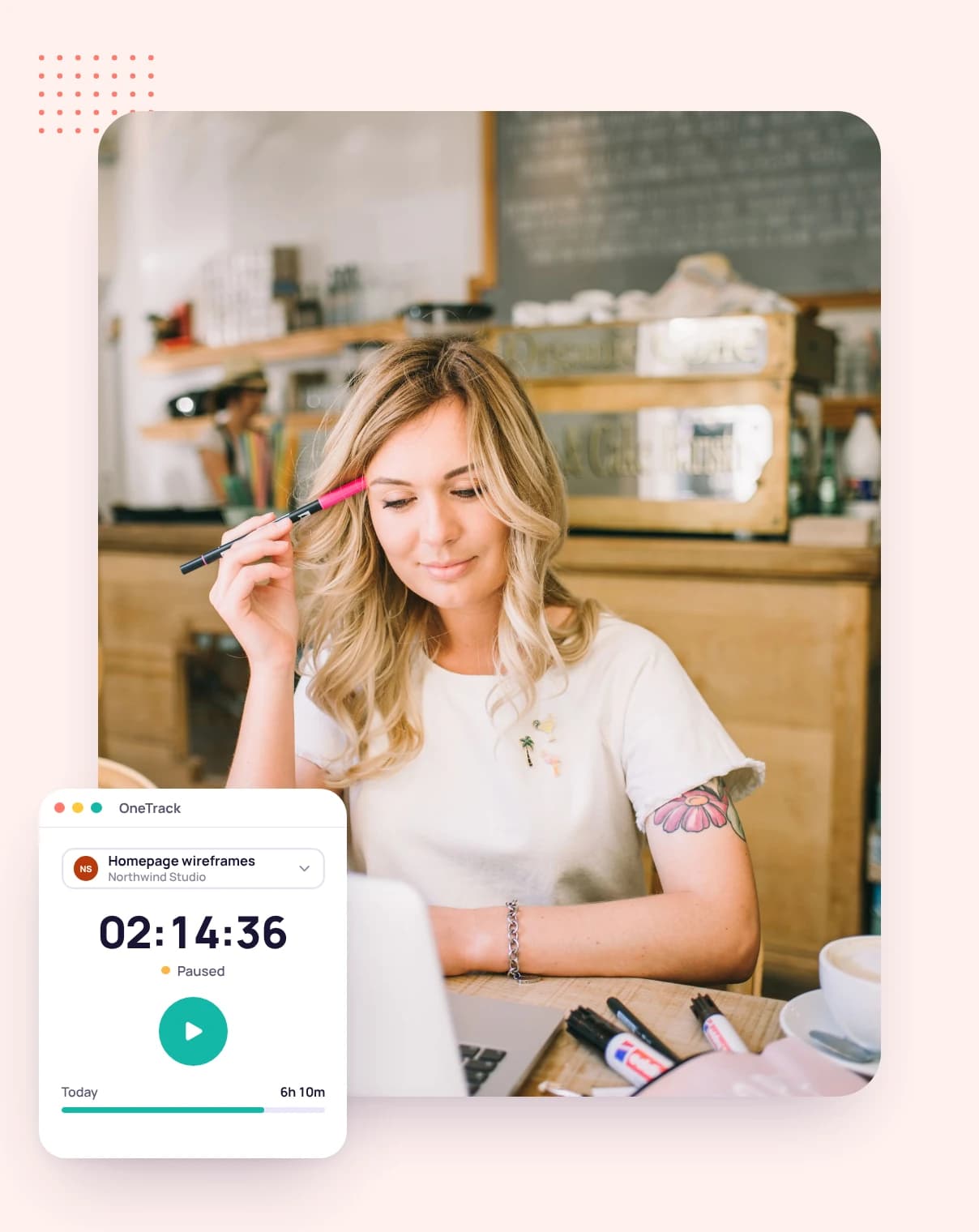
Idle time tracking that asks before it counts
When you step away, the desktop app notices and asks whether to keep that time or discard it, so a coffee break never ends up on an invoice.
No credit card required

When you step away, the desktop app notices and asks whether to keep that time or discard it, so a coffee break never ends up on an invoice.
A timer that keeps running while you're away bills your client for time you didn't work. One that stops the moment you look away loses the thinking you did. Tristiks Grow asks you instead.
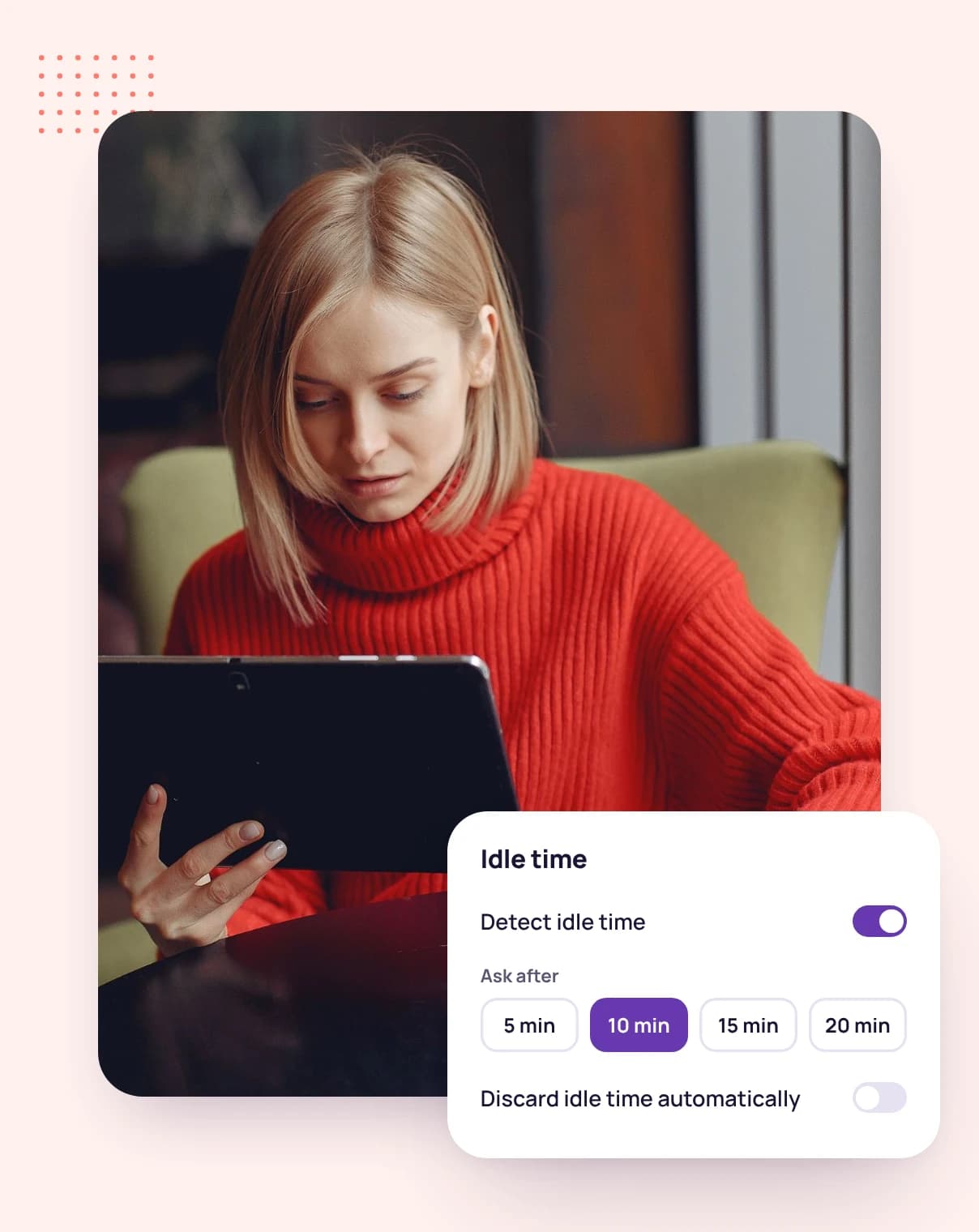
After 3, 5, 10 or 15 minutes without keyboard or mouse input, the app tells you how long you've been idle. The timer keeps running while you're away, and when you're back you keep the time or discard it.
Both choices are equally easy on purpose: keep it if you were on a call or sketching on paper, discard it if you were making coffee.
Website redesign · Homepage wireframes
Northwind Studio
Brightpath
Tasks
Website redesign
The app reads your computer's own record of when you last used the keyboard or mouse. It learns whether you were there, never what you typed.
Time while your computer is asleep or locked isn't counted at all.
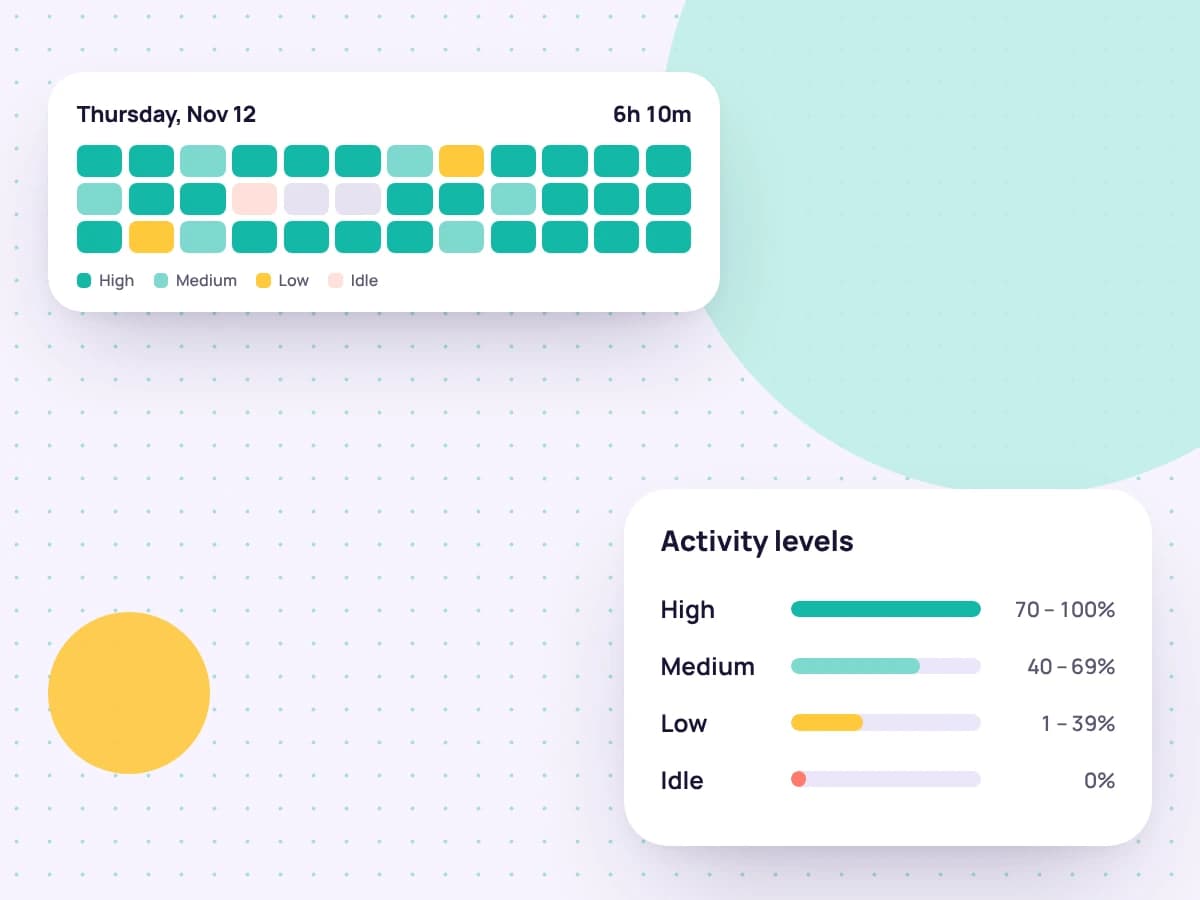
Choose your own idle time in the desktop app's preferences. When you track for someone else's account, its owner can set it for you instead.
Every ten minutes of tracked time also gets an activity level: how much of it someone used the keyboard or mouse.
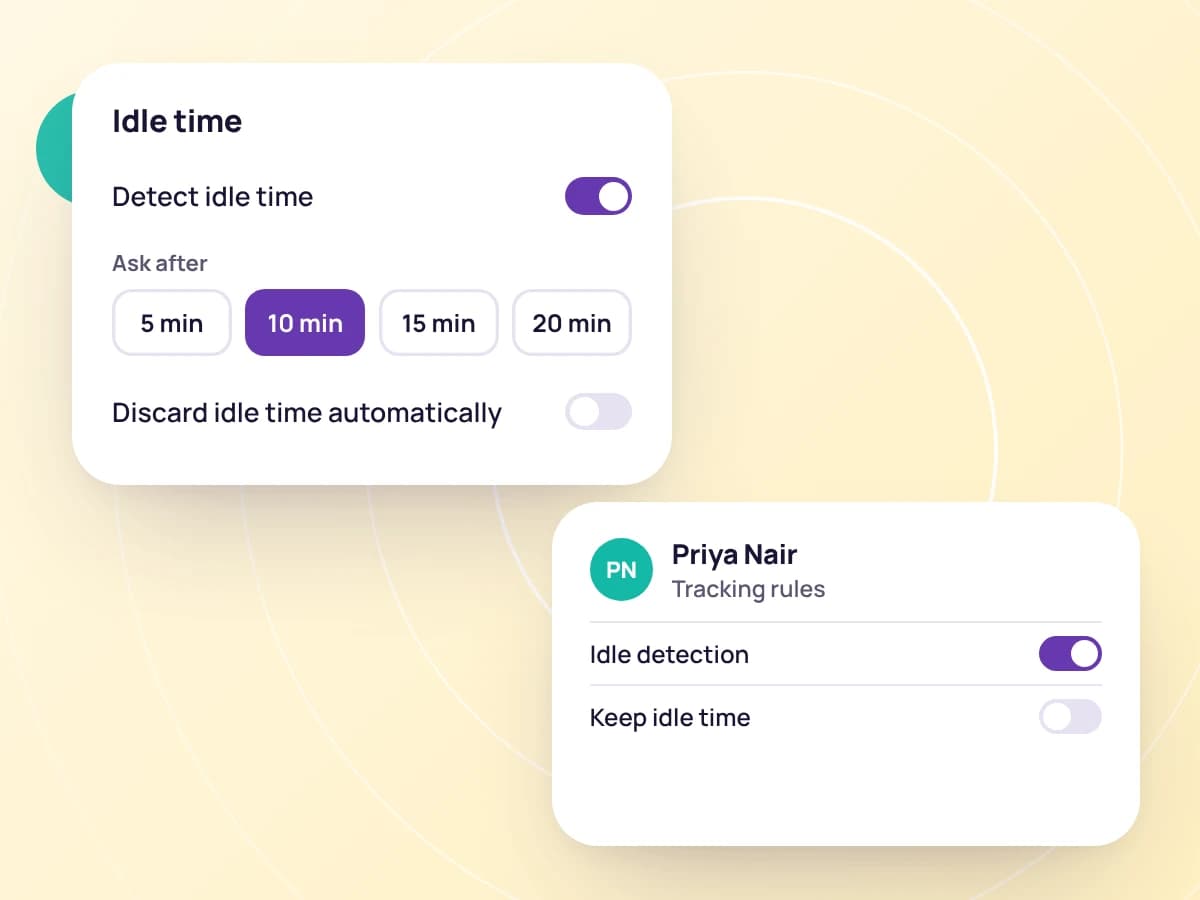
Pick 3, 5, 10 or 15 minutes in the desktop app, or follow the rule your account owner set.
The timer keeps running, and the app notes when you stopped using the keyboard and mouse.
Keep the time you were away, or discard it before it reaches your timesheet.
FAQ
Still have questions? Talk to our team.
No keyboard or mouse input for the idle time you chose: 3, 5, 10 or 15 minutes.
No. The app asks when you come back, and you choose whether to keep the time or discard it.
No. It only reads when you last used the keyboard or mouse, not which keys you pressed.
Time while your computer is asleep or locked isn't counted.
Yes. An owner can set the idle time for each member, and it applies while that member tracks for the owner's account.
Yes. Every plan starts with a free 14-day trial, and you don't need a credit card to sign up.
Start a free 14-day trial and install the desktop app, or book a demo to see idle time and activity levels in action.