Project Budgets: How to Know You're on Track
 By Suraj Rao9 min read
What You'll Learn
- A project is on track when the share of its budget you've used is no bigger than the share of the work that's done.
- Burn rate, the hours or money used per week, tells you when the budget will run out if nothing changes, so you can act weeks before it does.
- When a project goes over, find out whether the scope grew or the estimate was wrong, and talk to the client before the budget is gone, not after.

Project budget tracking means regularly comparing the hours or money you've used on a project with what you planned, and with how much of the work is done. You're on track when the share of the budget used roughly matches the share of the work completed. If you've used 70% of the budget and finished 40% of the work, you're not.
That check takes ten minutes a week if your time is tracked against the project. Without it, overruns surface when the invoice goes out.
This guide covers how to set a project budget in hours or money, how to compare estimate and actual, how to calculate burn rate with a worked example, the warning signs of an overrun, and what to do when you're over.
How to set a project budget
A budget is only useful if it's specific enough to check against. "About six weeks" isn't a budget. "60 hours, split across these seven tasks" is.
Choose hours or money
You can budget a project in hours, in money, or both.
| Budget in | Works best when | Watch out for |
|---|---|---|
| Hours | You or your team bill one rate, or the fee is fixed | Expenses aren't counted |
| Money | Team members have different rates, or the project has costs like software, stock or contractors | Harder to see at a glance how much work is left |
| Both | Larger projects with a team and expenses | More to keep updated |
Build it from tasks
Don't pick a total and work backwards. Break the project into tasks, estimate each one, and add them up.
Here's a budget for a small website redesign at $100 an hour:
| Task | Hours | Cost |
|---|---|---|
| Discovery and brief | 6 | $600 |
| Wireframes | 8 | $800 |
| Visual design | 14 | $1,400 |
| Development | 20 | $2,000 |
| Content entry | 4 | $400 |
| Testing and launch | 4 | $400 |
| Meetings and project management | 4 | $400 |
| Labor | 60 | $6,000 |
| Expenses (fonts, stock photos) | $300 | |
| Total budget | $6,300 |
The client is quoted a fixed fee of $7,200, which leaves a buffer for the unexpected and a margin on top.
Include the work nobody puts in the estimate
The tasks that blow budgets are rarely the big ones. They're the small, constant ones:
- calls, emails and status updates;
- revision rounds;
- waiting for content, then rushing to catch up;
- setup: accounts, access, environments;
- internal reviews before work goes to the client.
Give them their own line, like "Meetings and project management" above, so they're counted instead of hidden.
Estimate vs actual: how to compare
Once the work starts, compare the hours tracked on each task with its estimate. Do it weekly, not at the end.
Here's the same project after three of its six weeks:
| Task | Estimate | Tracked so far | Status |
|---|---|---|---|
| Discovery and brief | 6 | 7 | Done, 1 hour over |
| Wireframes | 8 | 12 | Done, 4 hours over |
| Visual design | 14 | 13 | About half done |
| Development | 20 | 3 | Just started |
| Content entry | 4 | 0 | Not started |
| Testing and launch | 4 | 0 | Not started |
| Meetings and project management | 4 | 4 | Ongoing |
| Total | 60 | 39 |
The total looks fine: 39 of 60 hours used. But visual design is only half done and has already used almost its whole estimate, and development has barely begun.
Burn rate: how fast you're using the budget
Burn rate is how much of the budget you use per week (or per day, or per sprint). It tells you when the budget will run out if nothing changes.
Burn rate = budget used ÷ time elapsedA worked example
Take the same project: a 60-hour budget over six weeks. The planned burn rate is 60 ÷ 6 = 10 hours a week.
After three weeks, 39 hours are tracked:
Burn rate = 39 hours ÷ 3 weeks = 13 hours a weekAt 13 hours a week, the 60-hour budget runs out after 60 ÷ 13 = 4.6 weeks. That's in week five of a six-week project.
Check burn against work completed
Burn rate alone can mislead. A fast burn is fine if the work is moving just as fast. So compare the budget used with the work done:
- Budget used: 39 ÷ 60 = 65%.
- Work completed: about 45%, judged by the finished and half-finished tasks.
65% of the budget for 45% of the work means you're behind. If the rest of the project runs at the same pace, the estimate at completion is:
Estimate at completion = hours used ÷ share of work done
                       = 39 ÷ 0.45
                       = about 87 hours
That's 27 hours, or 45%, over the 60-hour budget.
What that does to your rate
On a fixed fee, overruns come straight out of your hourly earnings. The fee is $7,200, less $300 of expenses, so $6,900 for labor:
| Hours worked | Effective hourly rate |
|---|---|
| 60 (on budget) | $115 |
| 72 | $96 |
| 87 (current pace) | $79 |
You set out to earn $100 an hour; on current pace you'll earn $79. Better to know that in week three.
Warning signs a project is going over budget
Overruns rarely arrive as one big surprise. Watch for these:
- Budget used is ahead of work completed, as in the example above.
- One task is far over its estimate. It often means the next similar task will be too.
- "Quick" requests keep arriving. Each is small; together they're a new task nobody budgeted. That's scope creep.
- Revisions go past the agreed rounds. A third or fourth round of changes is extra work.
- Meetings are growing. More calls usually mean unclear decisions.
- You're waiting on the client, then rushing to catch up, which costs more than steady work.
- Time isn't being tracked. If entries are missing for days, you can't see the problem at all.
What to do when you're over budget
1. Find out why
Look at the tracked time by task. Did the scope grow, or was the estimate wrong? The answer decides what happens next.
2. If the scope grew, raise a change request
Work the client asked for beyond the agreed scope should be priced separately. Write down what's being added, how many hours it will take and what it costs, and get approval before you start. Your contract should say how changes are handled; our guide to what to include in a freelance contract covers the clause.
3. Talk to the client early
Tell the client as soon as you see the problem, with numbers and options. A short email works:
Subject: Website redesign: budget check at the halfway point

Hi Jordan,

A quick update now that we're halfway through. We're on schedule, but the
extra page templates and the third round of homepage revisions have added
about 12 hours beyond the agreed scope.

Here are the options:

1. Add the extra work as a change order: 12 hours at $100, so $1,200.
2. Keep the budget as it is and move the two extra templates to a
   second phase.
3. Simplify the remaining pages to stay within the original hours.

Happy to talk it through on a call this week. Which would you prefer?

Thanks,
Alex
Clients rarely mind a clear conversation in week three; they mind a surprise on the final invoice.
4. Re-plan the rest of the project
Whatever the client decides, update the budget and the remaining task estimates so the next weekly check is against the real plan.
5. If the estimate was wrong, learn from it
If nothing changed in scope and the work simply took longer, that's on the estimate. Finish the project, then compare estimate and actual for every task, and use those numbers next time you quote similar work.
Tracking time against projects
Everything above depends on hours tracked against the right project and task, as you work. Actuals reconstructed from memory on Friday won't catch an overrun in week three.
A weekly budget check, in ten minutes:
- All time for the week is tracked against the project and task.
- Hours tracked per task compared with each task's estimate.
- Budget used (%) compared with work completed (%).
- Burn rate compared with the planned weekly rate.
- Out-of-scope requests listed, with hours, for a change request.
- Client updated if anything is off track.
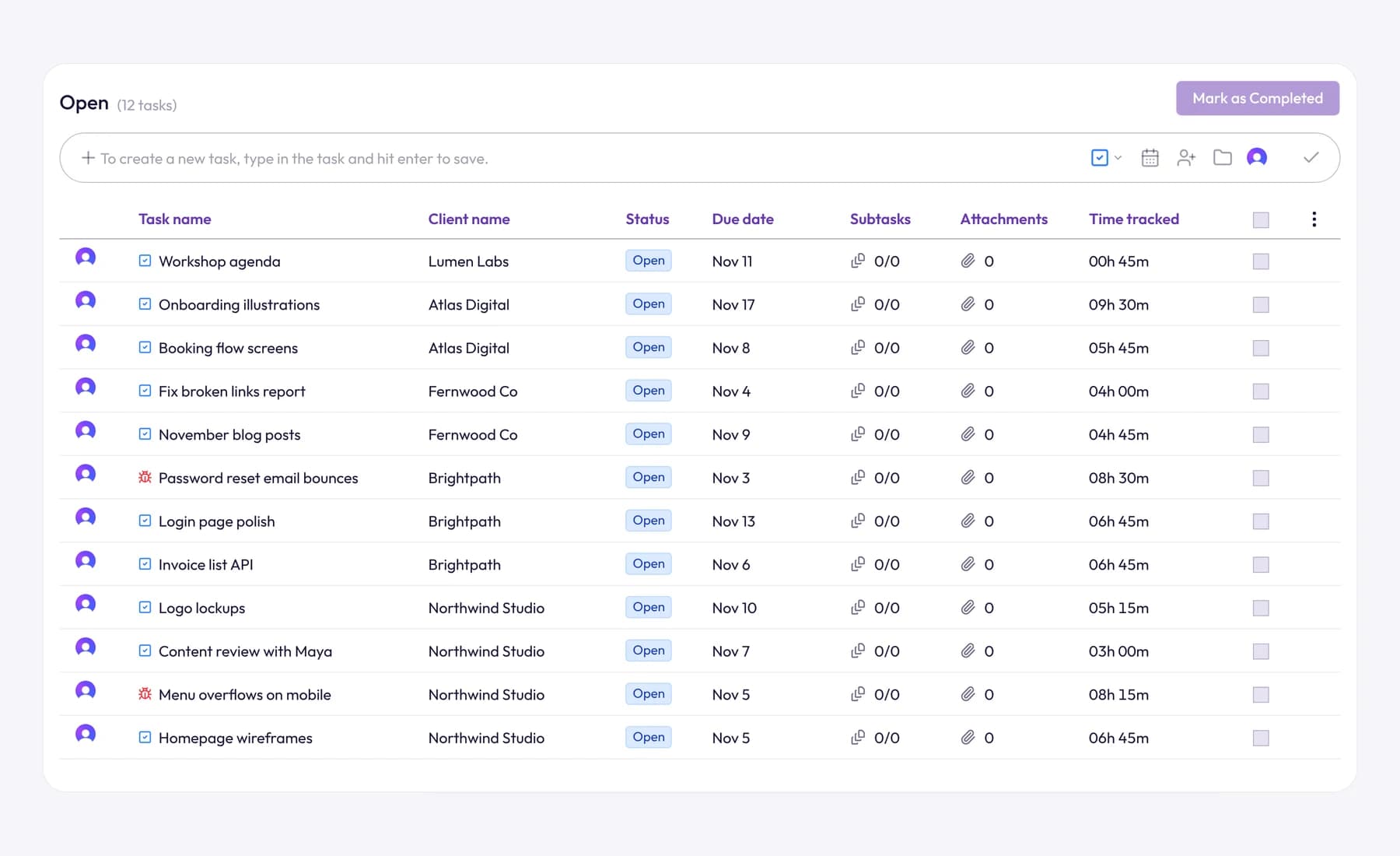
In Tristiks Grow, you give each project an estimated time when you create it, and it shows the time tracked against the project beside the estimate. Tasks can carry their own estimates too, so you can see which piece of the work is running over. See project time tracking for how it works.
When you need to share the numbers, a PDF time report lists every entry for a date range with its client, project and task. You can also attach it to the invoice email, so the client sees the hours behind the bill.
To see how much of your week is billable at all, read our complete guide to billable hours.
Frequently asked questions
What is project budget tracking?
It's the regular comparison of the hours or money used on a project with what was planned, and with how much of the work is done. The goal is to spot overruns early enough to act, by talking to the client, changing scope or re-planning.
How do you calculate burn rate on a project?
Divide the budget used so far by the time elapsed. A project that has used 39 hours in 3 weeks burns 13 hours a week; divide the total budget by the burn rate to see when it runs out at that pace.
How often should I check a project budget?
Weekly for most client projects, and at every milestone. On short projects of a few weeks, check twice a week, since a single bad week can use a large share of the budget.
What's the difference between an estimate and a budget?
An estimate is your forecast of how long the work will take. A budget is the limit you've agreed to work within, often the estimate plus a buffer. You track actual time against both.
What should I do if a fixed-price project goes over budget?
Find out whether the scope grew or the estimate was wrong. If the client asked for more, raise a change request before doing the extra work; if the estimate was off, finish the job and use the tracked hours to quote better next time.
Wrap up
You know you're on track when the budget you've used keeps pace with the work you've done. Set the budget from tasks, track every hour against them, check the burn rate weekly and talk to the client the moment the numbers drift.
Set an estimate on your next project and watch tracked time against it with project time tracking in Tristiks Grow.
Category: Time Tracking
Suraj Rao
Suraj Rao is the founder of Tristiks, the team behind Tristiks Grow and its desktop time tracker OneTrack. He writes about time tracking, client work and getting paid, and about DevOps, cloud and AI from years of building software.