Project time tracking with estimates you can check
Give every client project an estimate, track time against its tasks, and keep its proposals, invoices and expenses in the same place.
No credit card required
Give every client project an estimate, track time against its tasks, and keep its proposals, invoices and expenses in the same place.
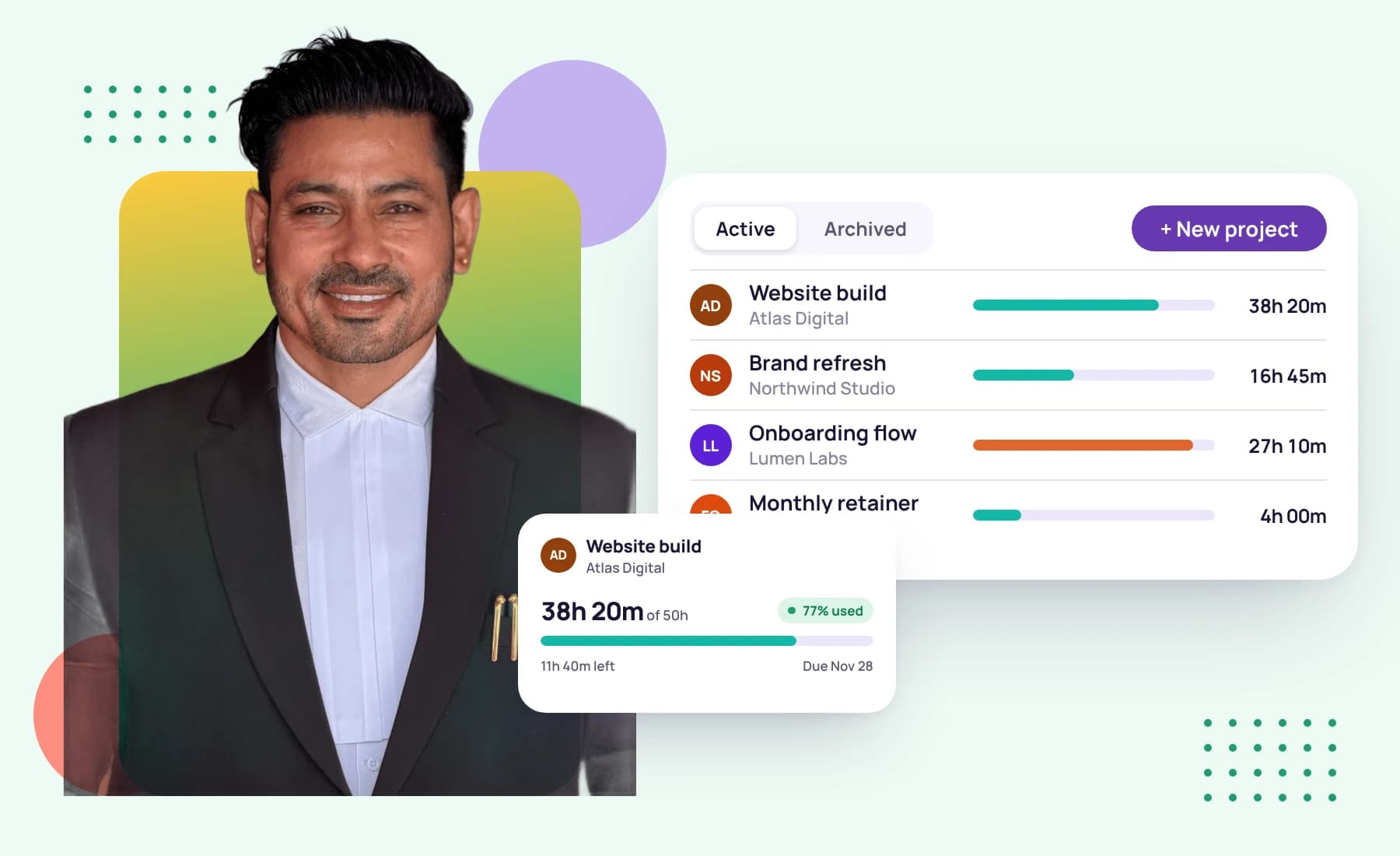
A project that quietly runs over its estimate is a project that loses money. In Tristiks Grow each project shows the time tracked against it next to the time you estimated, so you see it coming.
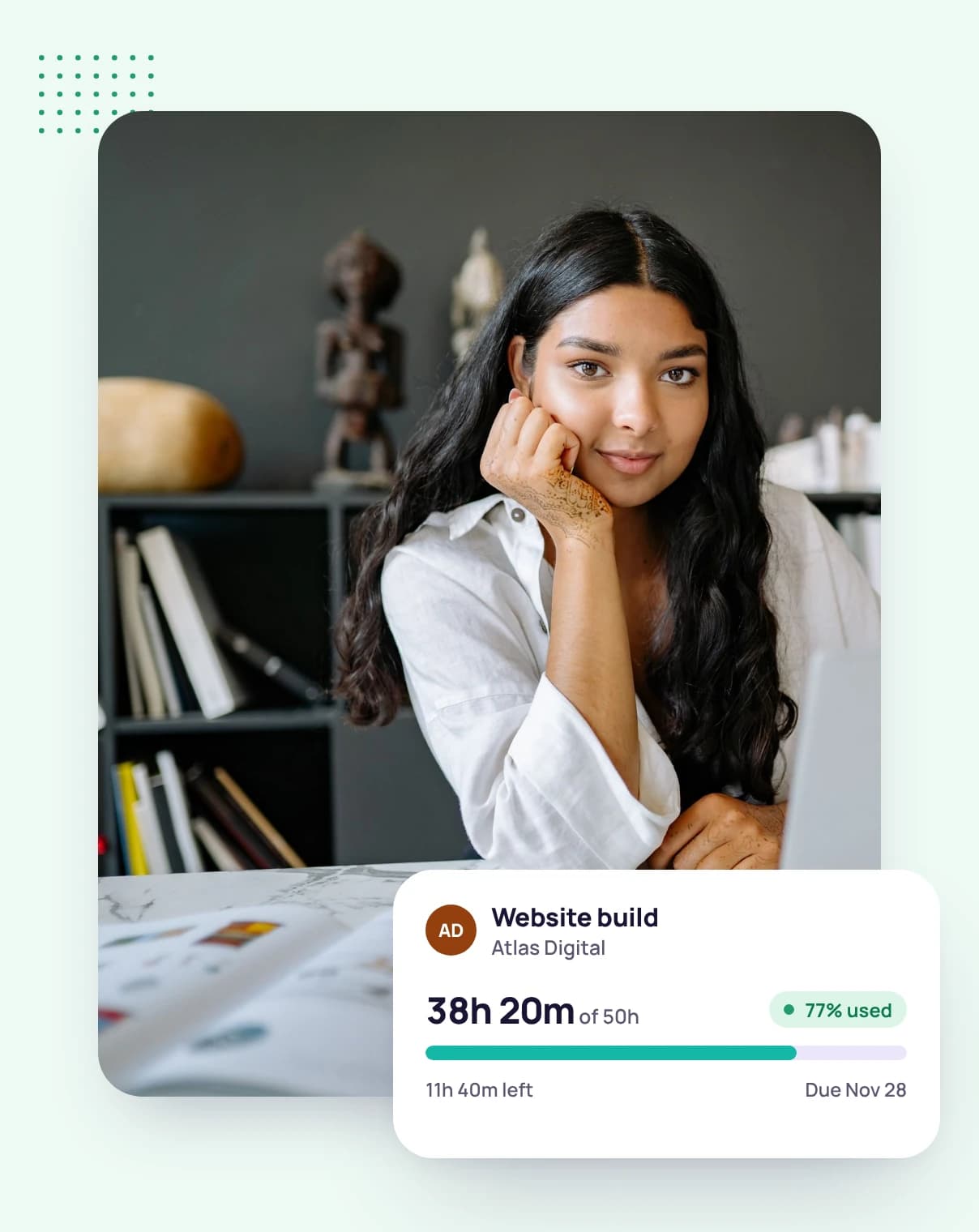
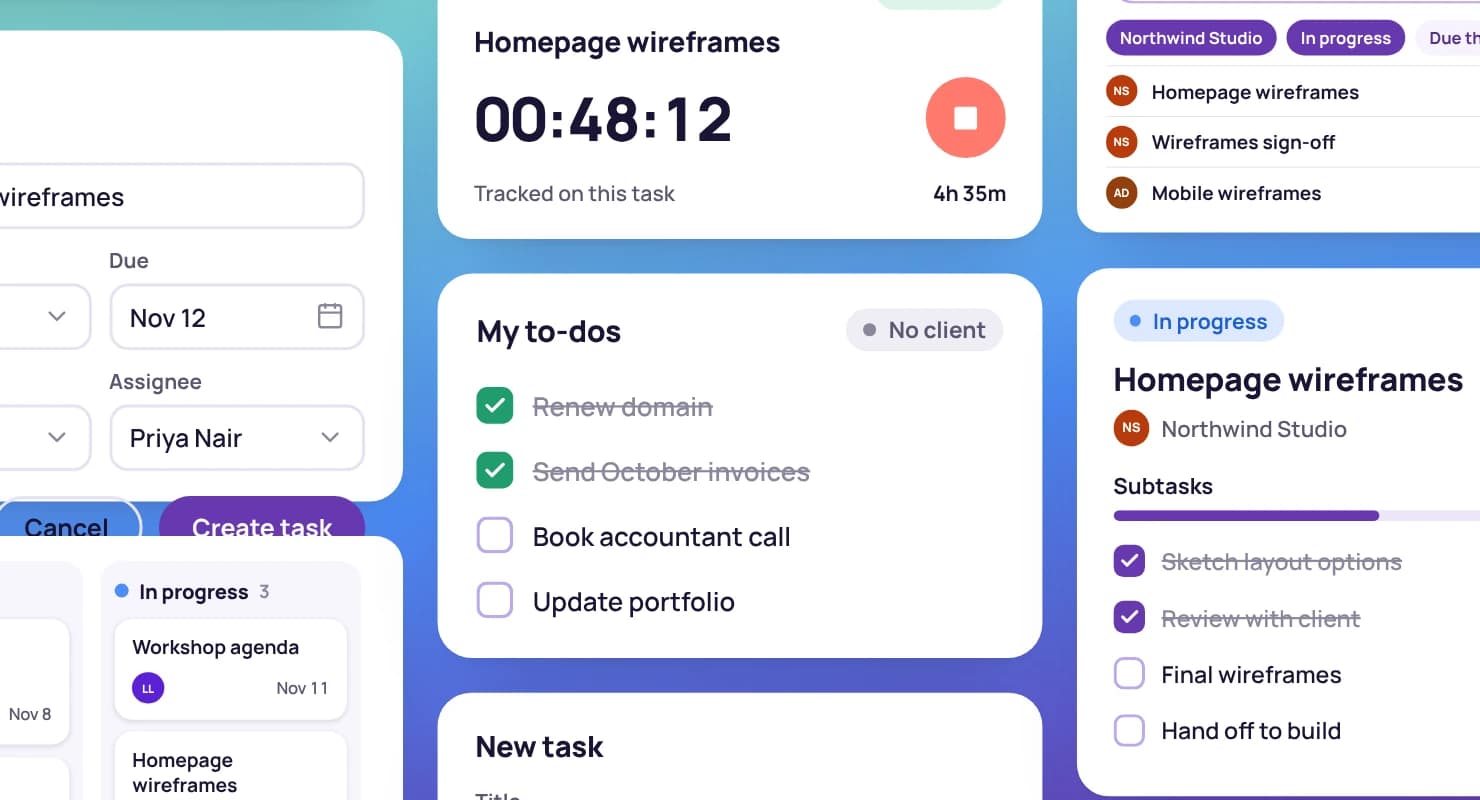
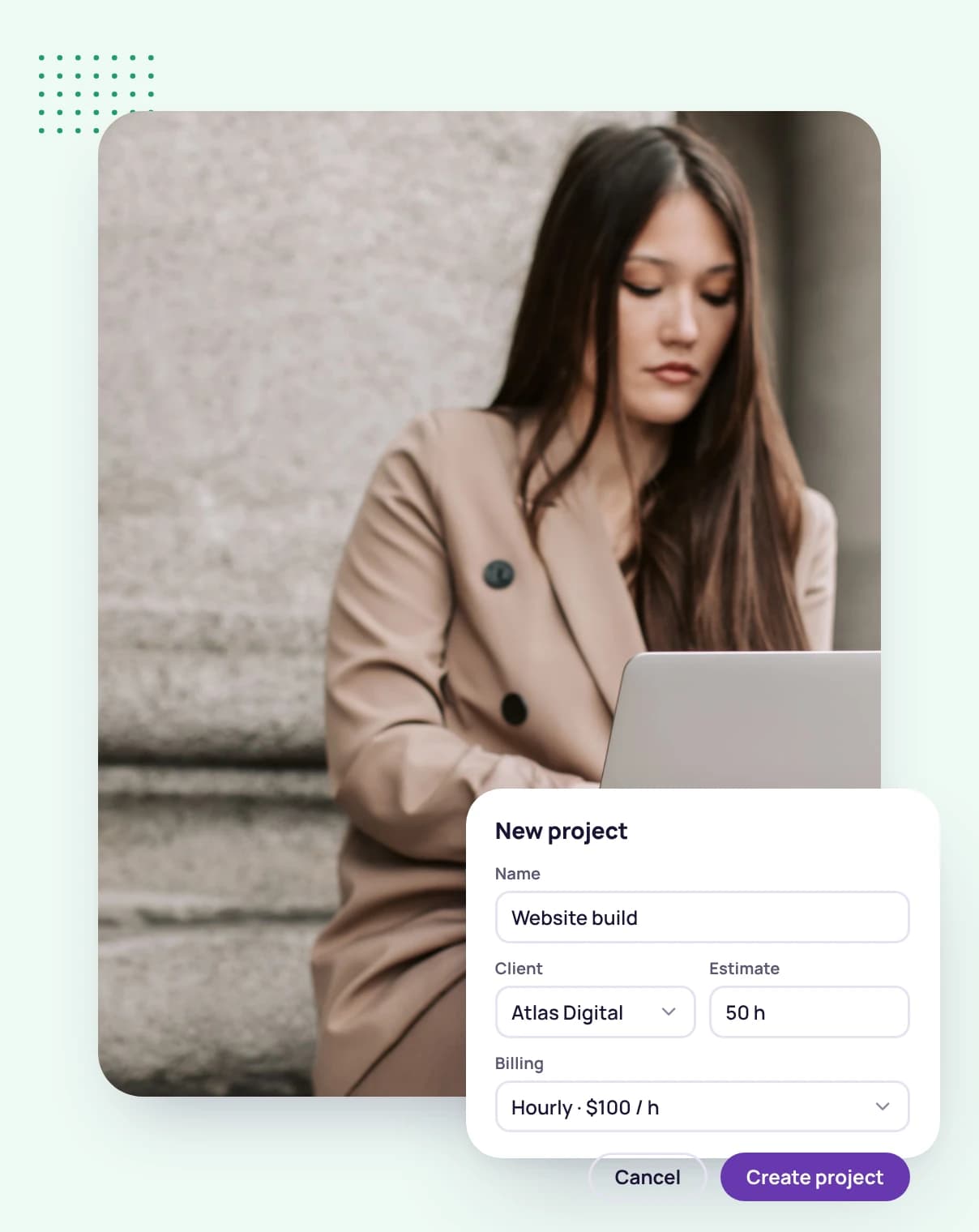
Set an estimated time when you create a project, and Tristiks Grow shows the time tracked against it beside the estimate.
Tasks can carry their own time estimates too, so you can plan the work in pieces.
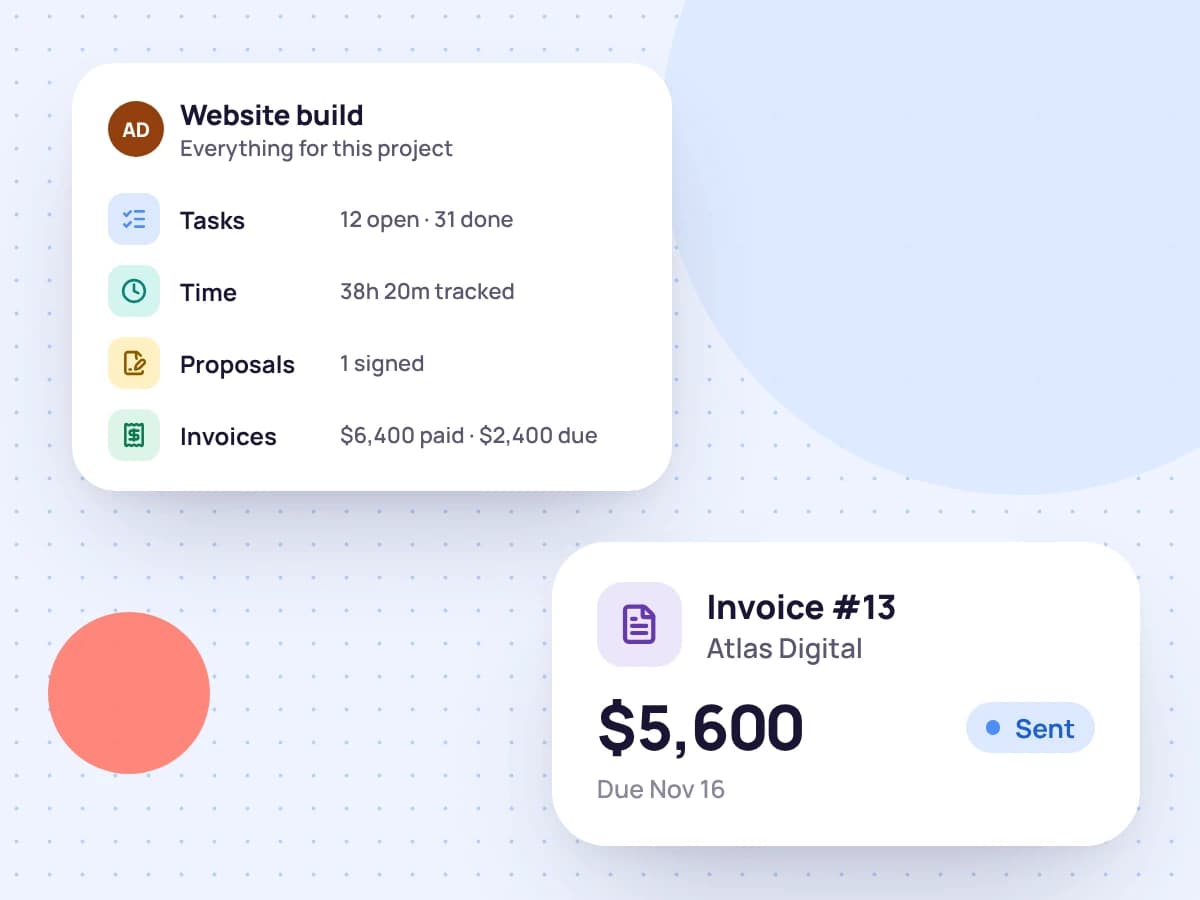
Every project belongs to a client and holds its tasks, tracked time, proposals, invoices and expenses, so the whole story of the work is in one place.
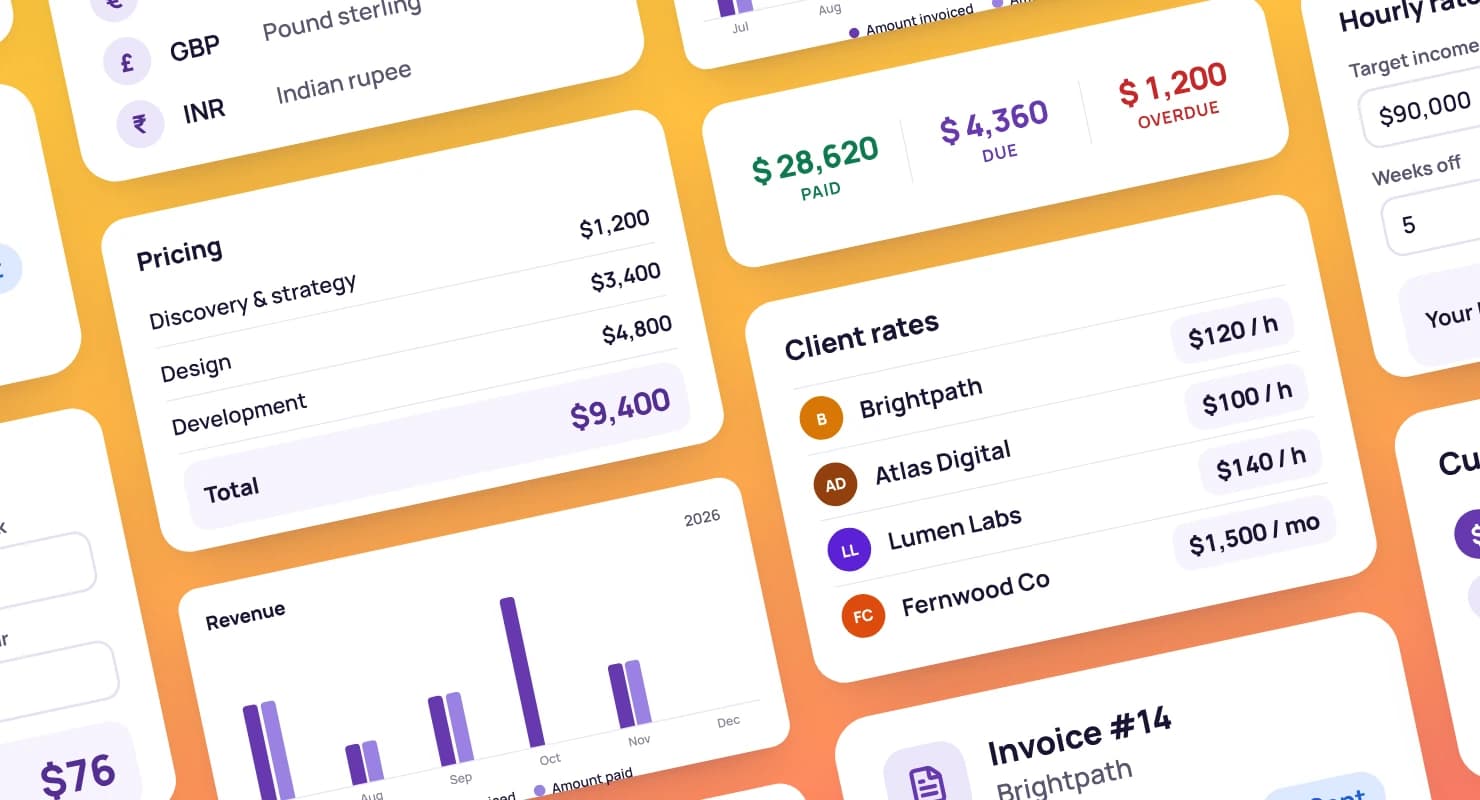
Filter your expenses and invoices by project when you need to look at one piece of work.
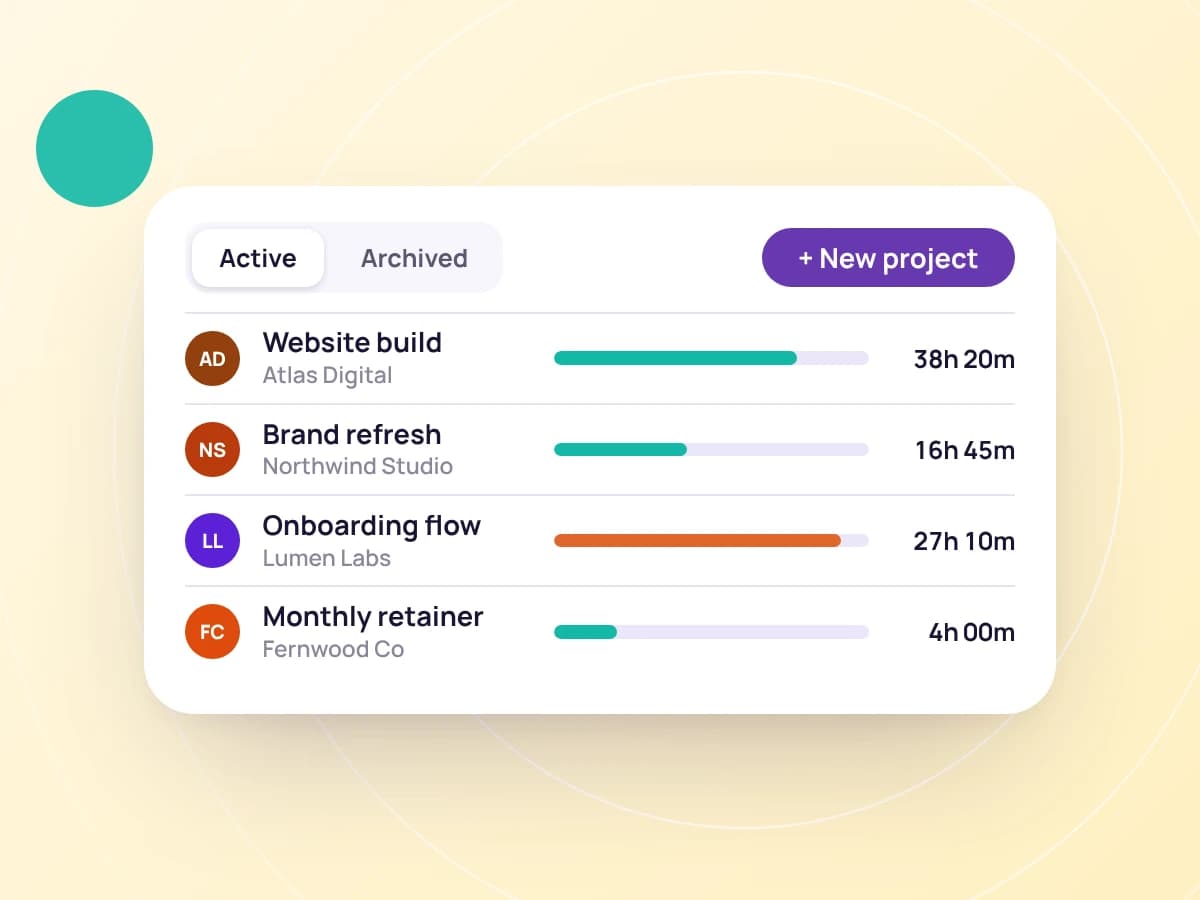
Mark a project as archived when the work is done, and your lists stay focused on what's live.
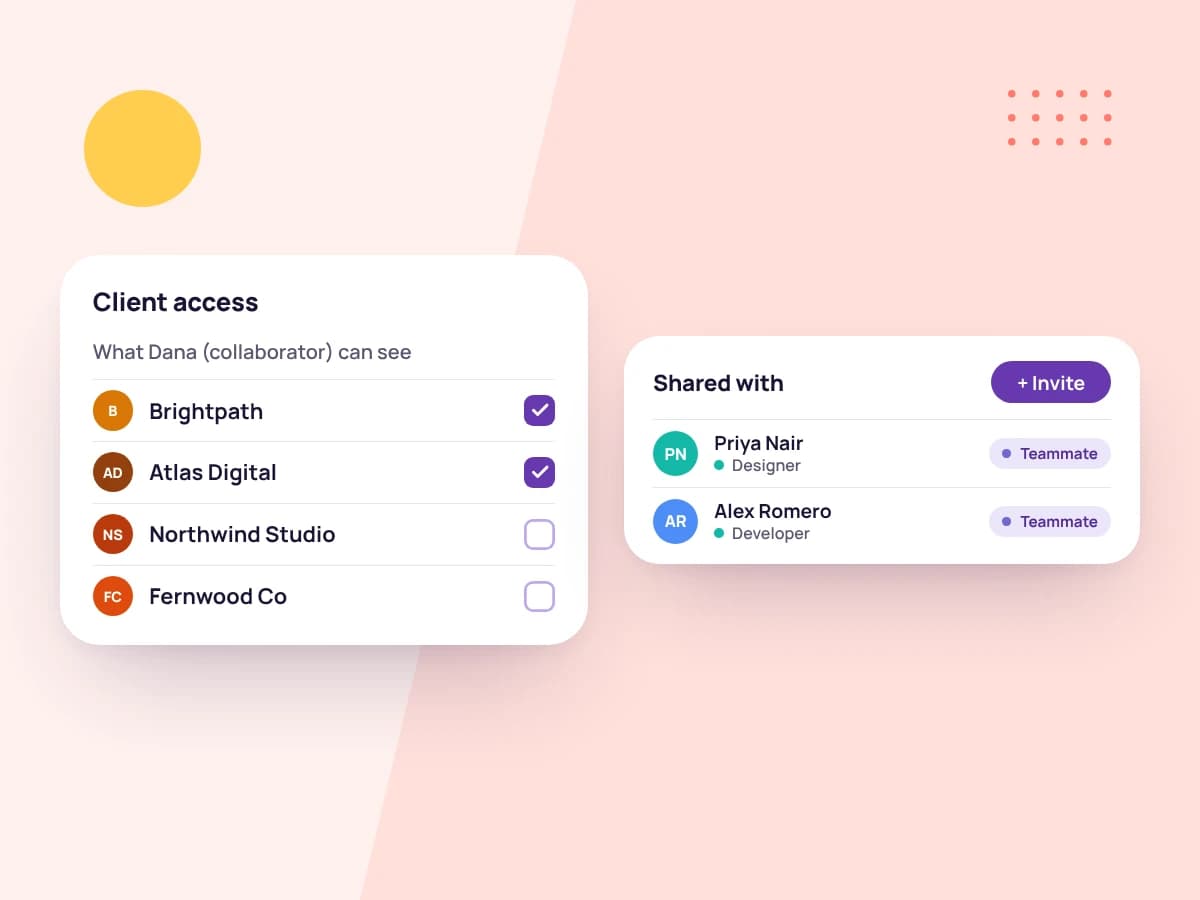
Bring in a freelancer as a collaborator and share just the projects they're working on. They see those projects and nothing else of the client.
Pick the client, name the project and set an estimated time.
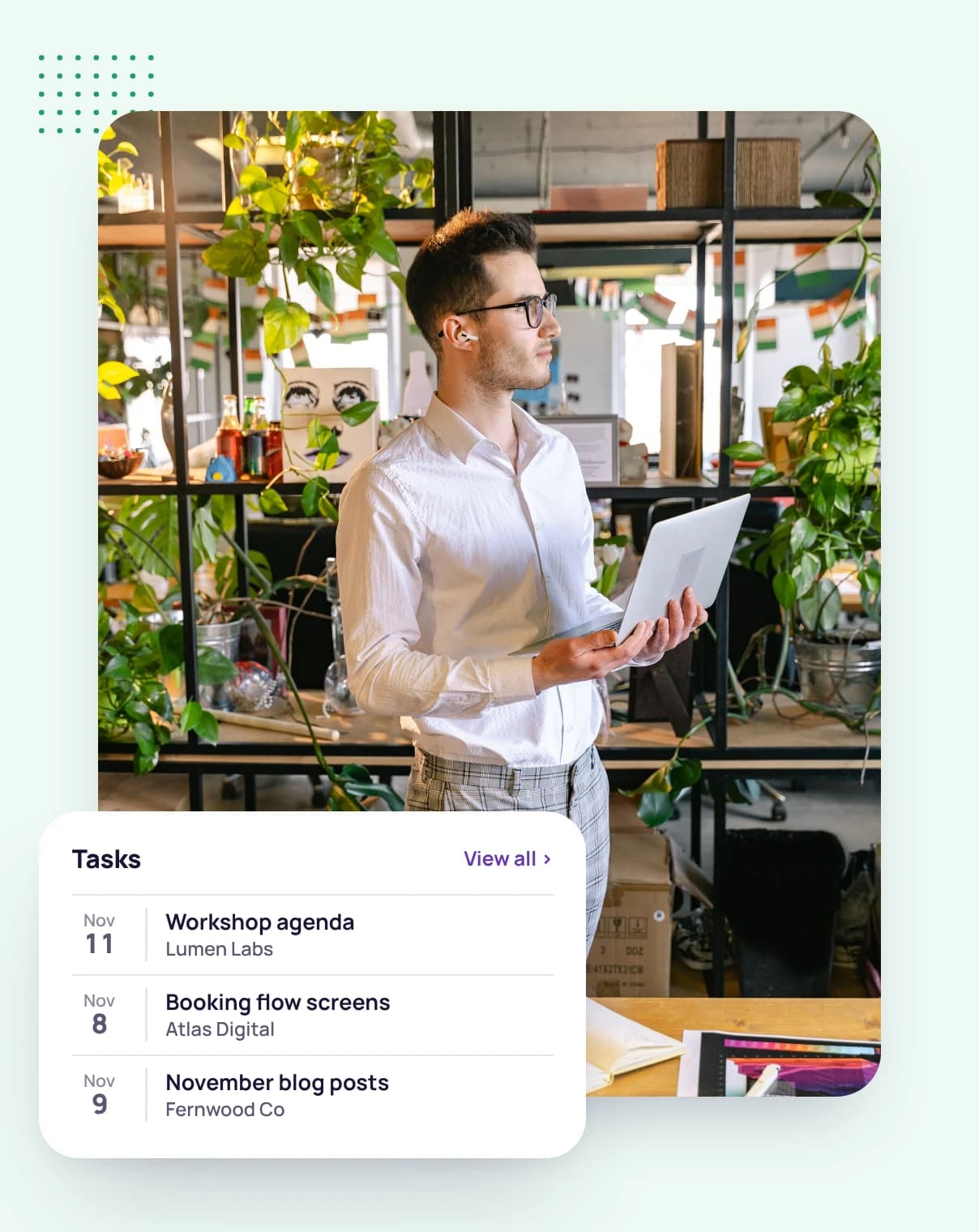
Add tasks with due dates, owners and their own estimates.
Track time on the tasks and watch the project's tracked time against its estimate.
FAQ
Still have questions? Talk to our team.
Yes. Give a project an estimated time and Tristiks Grow shows the time tracked against it beside the estimate. Tasks can have their own estimates too.
Its client, tasks, tracked time, proposals, invoices and expenses.
Yes. Invite them as a collaborator and share only that project. They see the project, not the client's other work.
Mark them as archived. They keep their history, and your active lists stay short.
Yes. Every plan starts with a free 14-day trial, and you don't need a credit card to sign up.
Start a free 14-day trial and set up your first project, or book a demo to see projects, tasks and time tracking together.