How to Calculate Hours Worked (Timesheet Math Made Easy)
 By Suraj Rao8 min read
What You'll Learn
- Hours worked equals end time minus start time minus unpaid breaks, and the math is easiest in 24-hour time.
- Divide minutes by 60 to get decimal hours, and add up minutes before converting so rounding errors don't creep into the weekly total.
- Pay is decimal hours times the hourly rate, and overtime and rounding rules depend on where you work.

To calculate hours worked, subtract your start time from your end time, then subtract any unpaid breaks. Convert the leftover minutes to decimal hours by dividing them by 60. For example, 08:45 to 17:15 with a 30-minute lunch is 8 hours 30 minutes minus 30 minutes: 8 hours, or 8.00.
That's the core of every timesheet calculation. The tricky parts are the edges: afternoon times on a 12-hour clock, shifts that cross midnight, minutes that won't divide neatly and the rules on overtime and rounding.
This guide covers how to calculate hours worked step by step, with a minutes-to-decimal conversion table, worked examples for a day, an overnight shift and a full week, and how to turn the total into pay.
The formula for hours worked
Here's the formula in one line:
Hours worked = (end time - start time) - unpaid breaksAnd to turn that into a number you can multiply by a rate:
Decimal hours = whole hours + (minutes / 60)Everything else in this post is applying those two lines carefully.
How to calculate hours worked, step by step
Let's take one real day: you start at 8:45 am, finish at 5:20 pm and take a 45-minute lunch.
- Convert both times to the 24-hour clock. 8:45 am stays 08:45. 5:20 pm becomes 17:20 (add 12 to any pm hour except 12 pm).
- Subtract the start from the end. Do hours and minutes separately: 17:20 minus 08:45. You can't take 45 from 20, so borrow an hour: 16:80 minus 08:45 is 8 hours 35 minutes.
- Subtract unpaid breaks. 8 hours 35 minutes minus 45 minutes is 7 hours 50 minutes.
- Convert to decimal hours. 50 ÷ 60 = 0.83, so the day is 7.83 hours.
If borrowing hours feels fiddly, convert both times to minutes after midnight instead. 17:20 is 1,040 minutes and 08:45 is 525. The difference is 515 minutes. Take off the 45-minute break and you have 470 minutes, which is 470 ÷ 60 = 7.83 hours.
Using the 24-hour clock
The 24-hour clock removes the am/pm confusion that causes most timesheet math mistakes. Here's how the afternoon converts:
| 12-hour | 24-hour | 12-hour | 24-hour |
|---|---|---|---|
| 12:00 pm (noon) | 12:00 | 6:00 pm | 18:00 |
| 1:00 pm | 13:00 | 7:00 pm | 19:00 |
| 2:00 pm | 14:00 | 8:00 pm | 20:00 |
| 3:00 pm | 15:00 | 9:00 pm | 21:00 |
| 4:00 pm | 16:00 | 10:00 pm | 22:00 |
| 5:00 pm | 17:00 | 11:00 pm | 23:00 |
Two to watch: 12:00 pm is noon (12:00) and 12:00 am is midnight (00:00). Mix those up and you'll be 12 hours out.
Converting minutes to decimal hours
Payroll systems, invoices and spreadsheets all want decimal hours. To convert, divide the minutes by 60. To go back, multiply the decimal by 60.
| Minutes | Decimal hours | Minutes | Decimal hours |
|---|---|---|---|
| 5 | 0.08 | 35 | 0.58 |
| 6 | 0.10 | 40 | 0.67 |
| 10 | 0.17 | 45 | 0.75 |
| 12 | 0.20 | 48 | 0.80 |
| 15 | 0.25 | 50 | 0.83 |
| 18 | 0.30 | 54 | 0.90 |
| 20 | 0.33 | 55 | 0.92 |
| 25 | 0.42 | 60 | 1.00 |
| 30 | 0.50 |
The classic mistake: 7 hours 30 minutes is 7.5, not 7.30. And 7.30 decimal hours is 7 hours 18 minutes (0.30 × 60 = 18). Keep the two formats clearly apart on your timesheet.
How to calculate an overnight shift
When a shift crosses midnight, the end time is smaller than the start time, so plain subtraction gives a negative number. The fix: add 24 hours to the end time.
Example: a shift from 22:00 to 06:30 with a 30-minute unpaid break.
- Add 24 hours to the end time: 06:30 becomes 30:30.
- Subtract the start: 30:30 minus 22:00 is 8 hours 30 minutes.
- Subtract the break: 8 hours 30 minutes minus 30 minutes is 8 hours.
Another way to see it: 22:00 to midnight is 2 hours, midnight to 06:30 is 6.5 hours, and 2 + 6.5 − 0.5 = 8. Our free timesheet calculator treats an end time earlier than the start as the next morning, so it does this for you.
How to calculate a weekly total
For a week, work out each day, then add them up. One tip that saves a lot of rounding trouble: add up the minutes first and convert to decimal once, at the end.
| Day | Start | End | Break | Worked | Minutes | Decimal |
|---|---|---|---|---|---|---|
| Mon | 09:00 | 17:30 | 0:30 | 8:00 | 480 | 8.00 |
| Tue | 08:45 | 17:15 | 0:45 | 7:45 | 465 | 7.75 |
| Wed | 09:15 | 18:00 | 0:30 | 8:15 | 495 | 8.25 |
| Thu | 09:00 | 16:40 | 0:40 | 7:00 | 420 | 7.00 |
| Fri | 08:30 | 13:20 | 0:00 | 4:50 | 290 | 4.83 |
| Total | 35:50 | 2,150 | 35.83 |
2,150 minutes ÷ 60 = 35.83 hours. If you had rounded each day to the nearest quarter hour first, Friday alone would shift by 5 minutes, and over a month those little shifts add up.
Want the template instead of the math? Our free timesheet template is an Excel sheet that works out each line's hours from start and end times and totals the week, including billable hours.
How to calculate pay from hours worked
Once you have decimal hours, pay is simple:
Pay = decimal hours x hourly rateUsing the week above at $32 an hour: 35.83 × $32 = $1,146.67. (For the exact figure, use 2,150 ÷ 60 × 32, which also gives $1,146.67.)
Freelancers do the same math with billable hours only. If 28 of your 35.83 hours were billable at $85, the invoice is 28 × $85 = $2,380. Not sure your rate is right? Our guide on how to calculate your hourly rate walks through it.
How overtime works
Overtime rules depend on where you work and whether you're an employee, so treat this as a general overview.
In the US, the Fair Labor Standards Act requires covered, non-exempt employees to be paid at least one and a half times their regular rate for hours over 40 in a workweek. A workweek is a fixed, recurring period of 168 hours, and hours can't be averaged across two weeks (US Department of Labor: overtime pay).
Worked example: 46 hours in one workweek at $30 an hour.
| Hours | Rate | Pay | |
|---|---|---|---|
| Regular | 40 | $30.00 | $1,200.00 |
| Overtime | 6 | $45.00 | $270.00 |
| Total | 46 | $1,470.00 |
Some states go further. California, for example, also requires overtime for hours over 8 in a workday and double time over 12 (California Labor Commissioner: overtime). Other countries set their own limits.
Independent contractors and freelancers generally aren't covered by employee overtime rules. If you bill by the hour, every hour is simply billed at your agreed rate, unless your contract says otherwise.
Rounding hours worked
Many employers round clock-in and clock-out times. US federal rules allow rounding to the nearest 5 minutes, tenth of an hour (6 minutes) or quarter hour, as long as it averages out over time and doesn't leave employees underpaid for time they actually worked (29 CFR 785.48).
Here's what rounding to the nearest quarter hour looks like:
| Actual time | Rounded | Why |
|---|---|---|
| 08:53 | 09:00 | 7 minutes before 09:00, closer to 09:00 |
| 09:07 | 09:00 | 7 minutes past, closer to 09:00 |
| 09:08 | 09:15 | 8 minutes past, closer to 09:15 |
| 17:22 | 17:15 | 7 minutes past, closer to 17:15 |
Rounding has to go both ways. A system that only ever rounds in the employer's favor isn't averaging out.
For freelancers, rounding is a billing choice. Some bill in 6-minute increments (0.1 hours), others in 15-minute blocks. Whatever you pick, apply it the same way every time and put it in your contract, so the client isn't surprised. Our complete guide to billable hours covers billing increments in more depth.
Skip the math with a time tracker
Doing this by hand once is useful: you'll spot timesheet errors faster. Doing it every week is a chore.
A time tracker records start and end times as you work, subtracts the time you weren't working and adds up the week for you. In Tristiks Grow, every hour from the OneTrack desktop app or the web timer lands on the client's timesheet with its project and task, and the totals are worked out as you go.
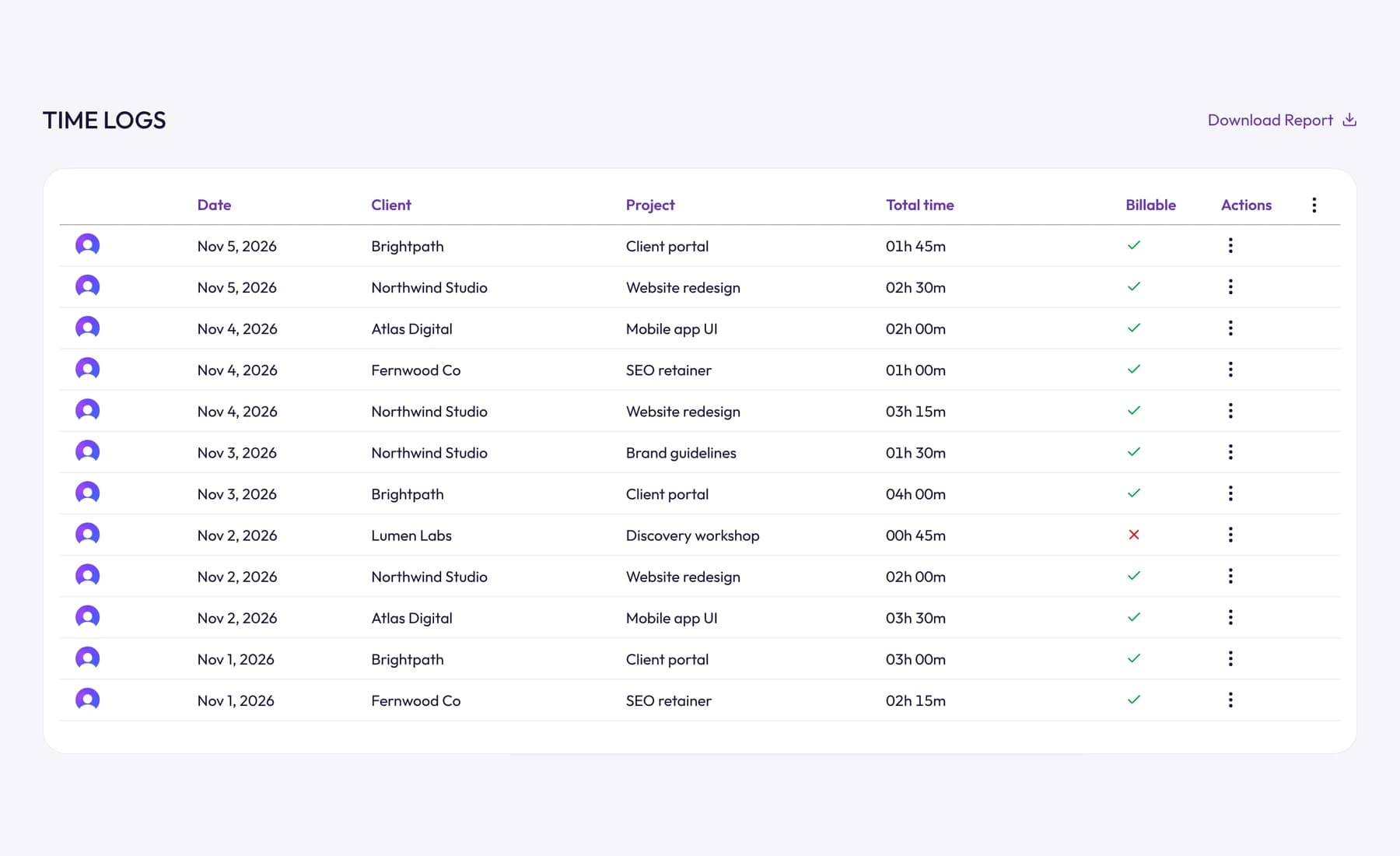
If you're filling a timesheet by hand, our guide on how to fill out a timesheet has a full example week and the mistakes to avoid.
Frequently asked questions
How do I calculate hours worked in a day?
Subtract your start time from your end time, then subtract unpaid breaks. For example, 09:00 to 17:30 with a 30-minute lunch is 8 hours 30 minutes minus 30 minutes, which is 8 hours.
How do I convert minutes to decimal hours?
Divide the minutes by 60. So 15 minutes is 0.25, 20 minutes is 0.33, 45 minutes is 0.75, and 7 hours 40 minutes is 7.67 hours.
How many hours is 9 to 5?
9 am to 5 pm is 8 hours. With an unpaid 30-minute lunch it's 7.5 hours worked, and with an unpaid hour it's 7 hours.
How do I calculate hours worked in Excel or Google Sheets?
Enter start and end as times, then multiply the difference by 24 to get decimal hours and subtract the break in hours. Use MOD so overnight shifts work too:
=MOD(C2-B2,1)*24 - D2/60Here B2 is the start time, C2 the end time and D2 the break in minutes.
Do unpaid breaks count as hours worked?
No: unpaid breaks are subtracted. Which breaks must be paid depends on local law. In the US, short rest breaks usually count as hours worked and bona fide meal breaks of 30 minutes or more usually don't.
Wrap up
Calculating hours worked comes down to end minus start minus breaks, done in 24-hour time, with minutes divided by 60 at the end. Get those right and pay, overtime and invoices follow.
To check a week in seconds, use the free timesheet calculator.
This post is general information, not legal, payroll or tax advice. Overtime, break and rounding rules vary by country and state.
Category: Time Tracking
Suraj Rao
Suraj Rao is the founder of Tristiks, the team behind Tristiks Grow and its desktop time tracker OneTrack. He writes about time tracking, client work and getting paid, and about DevOps, cloud and AI from years of building software.