How Tristiks Grow works, from sign-up to getting paid
One workspace where your clients, proposals, tasks, time, expenses and invoices connect, so the work you do turns into money without retyping anything.
No credit card required
One workspace where your clients, proposals, tasks, time, expenses and invoices connect, so the work you do turns into money without retyping anything.
A client's billing details fill their invoices. A signed proposal can leave a draft invoice. Time tracked on a task lands on the client's timesheet, and billable hours and expenses become invoice lines. Here's the whole journey.
The six steps most people follow in their first weeks.
01
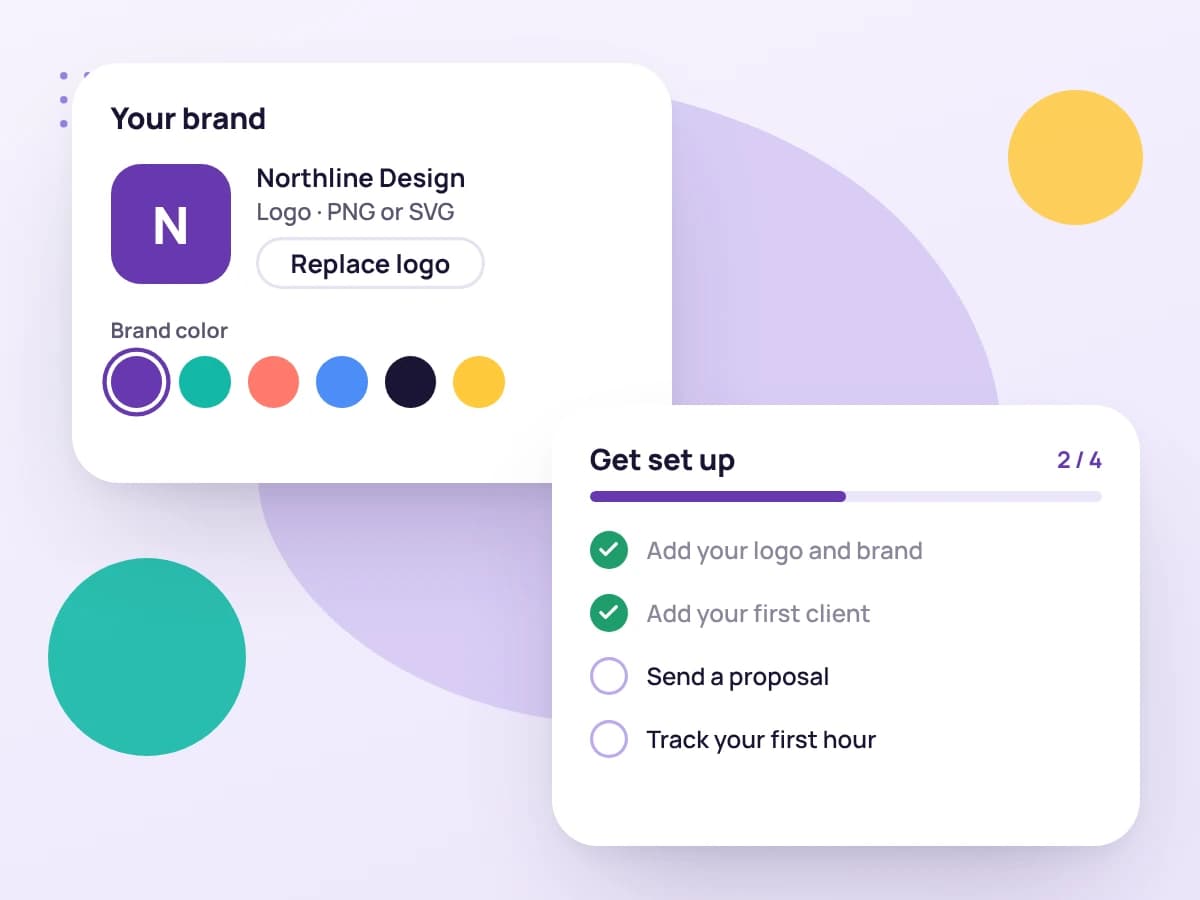
Start a free 14-day trial with no card, then add your logo, business details and brand colors. They appear on every proposal, invoice and PDF.
02
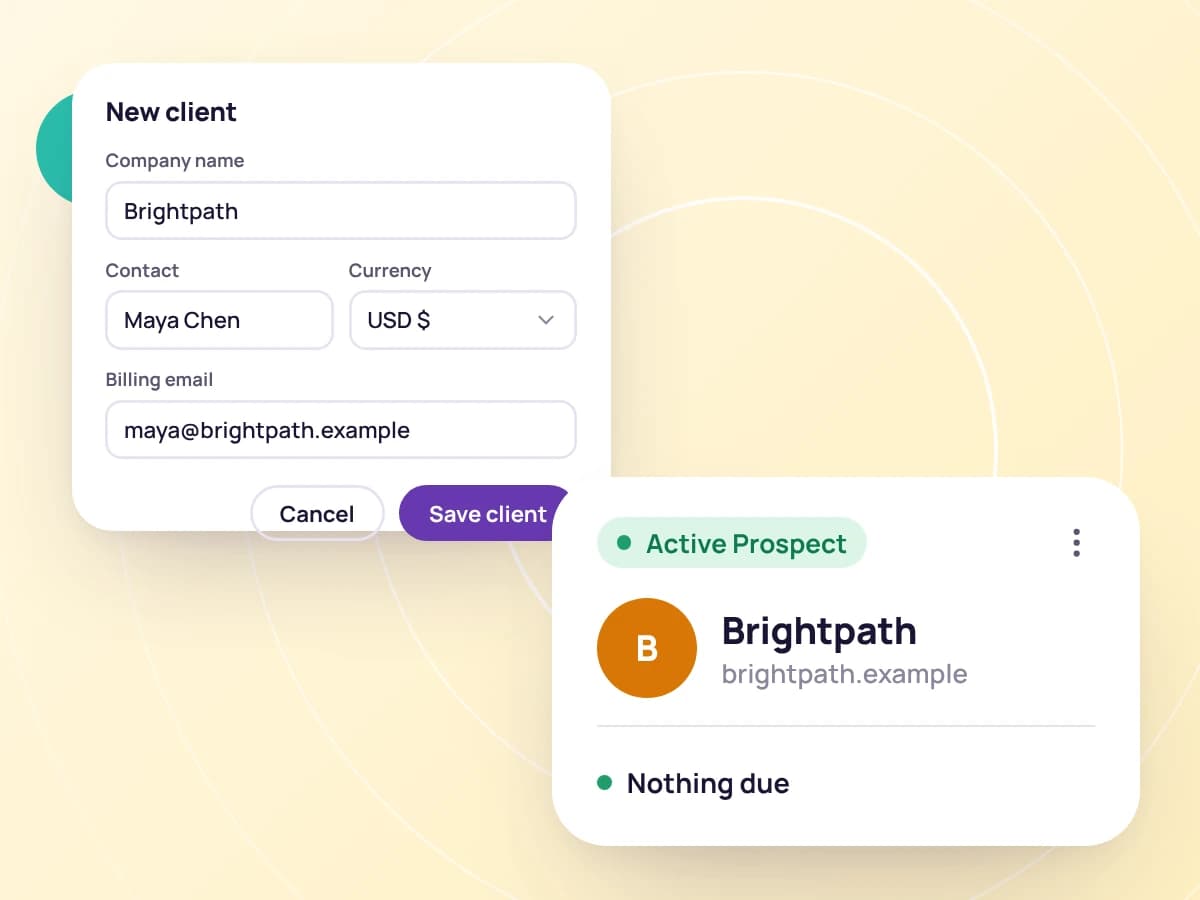
Give each client a profile with their contacts and billing details: hourly rate, currency, tax rate and payment terms, saved in one place.
03
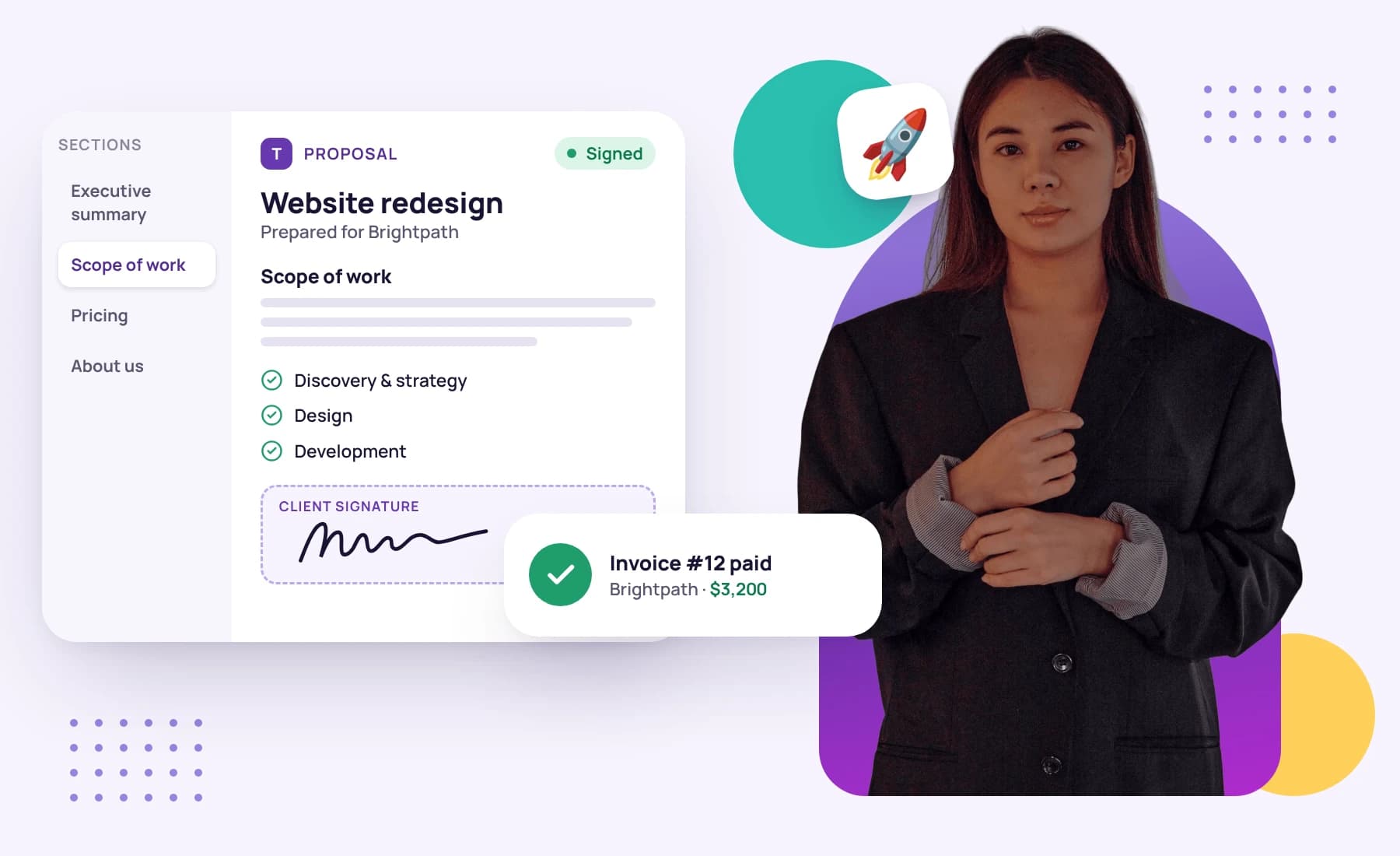
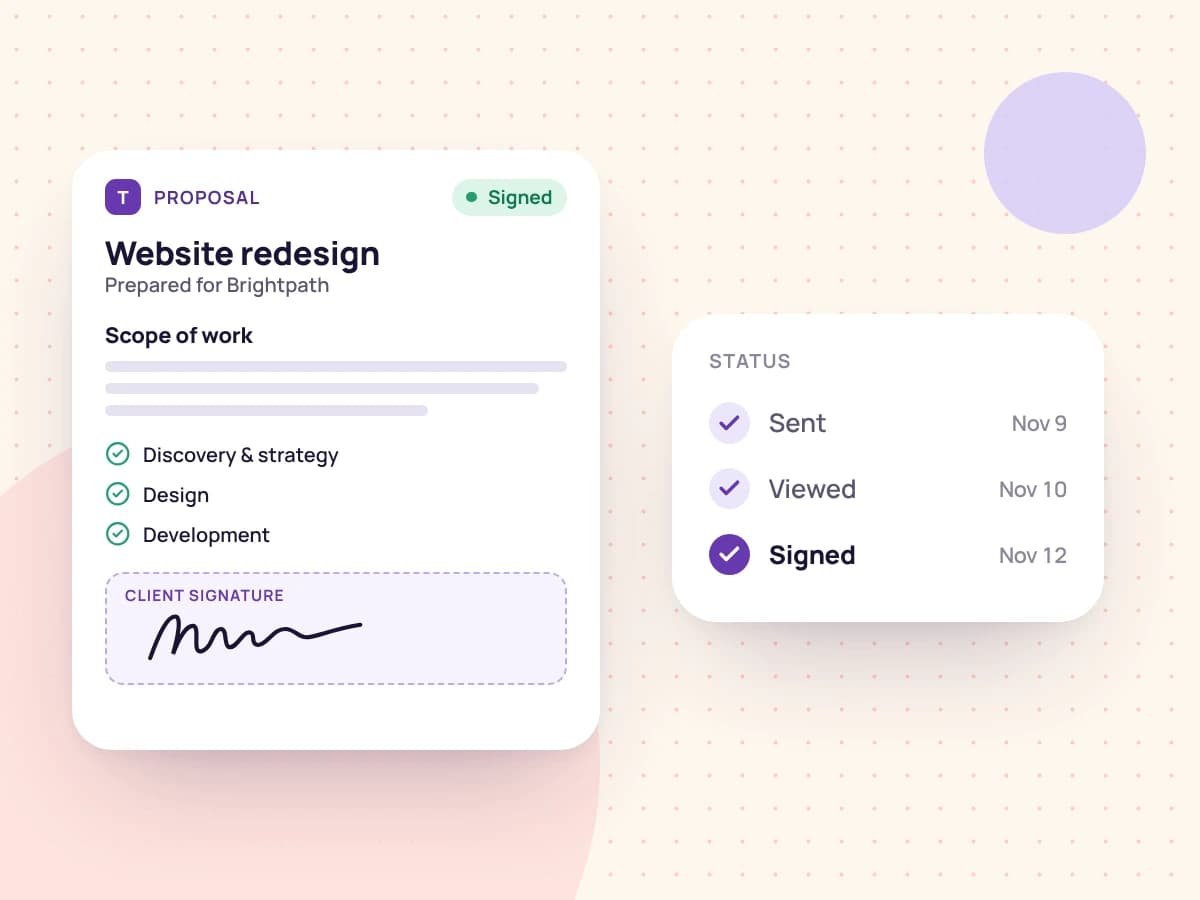
Send a proposal from a template. Your client opens a link, signs by typing their name, and, if you chose to, a draft invoice is waiting for you.
04
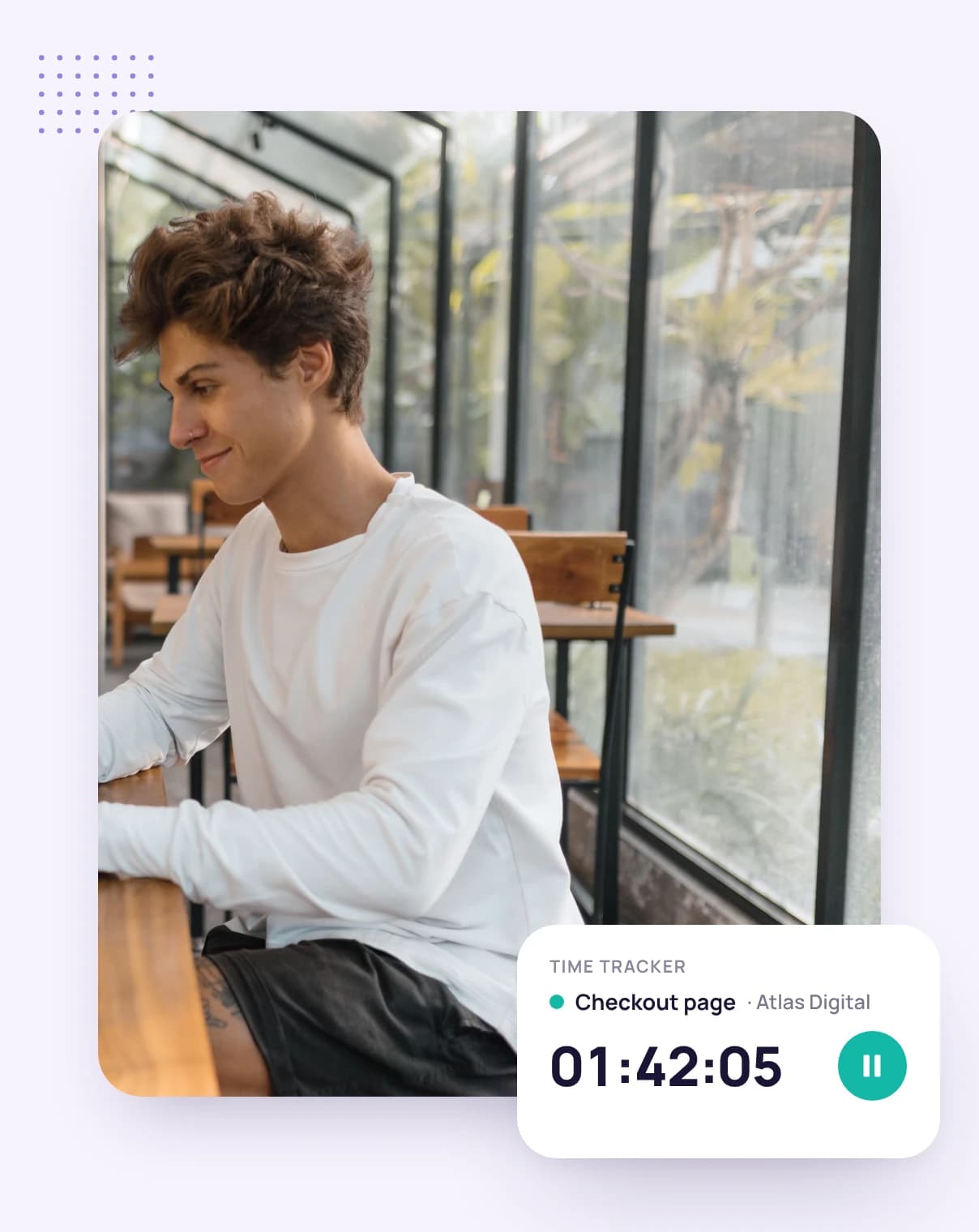
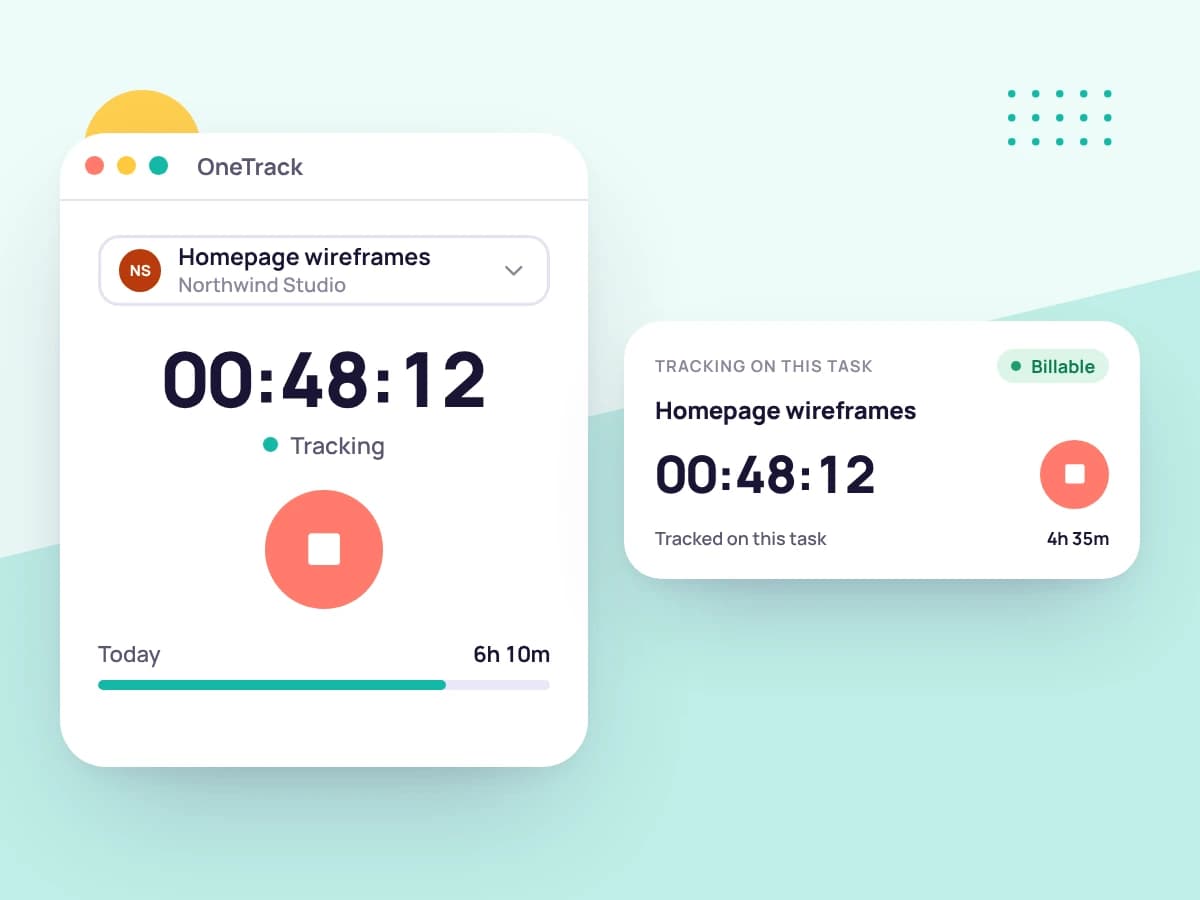
Break the work into tasks on a board sorted by due date, then start the timer on a task. The desktop app adds screenshots and activity levels.
05
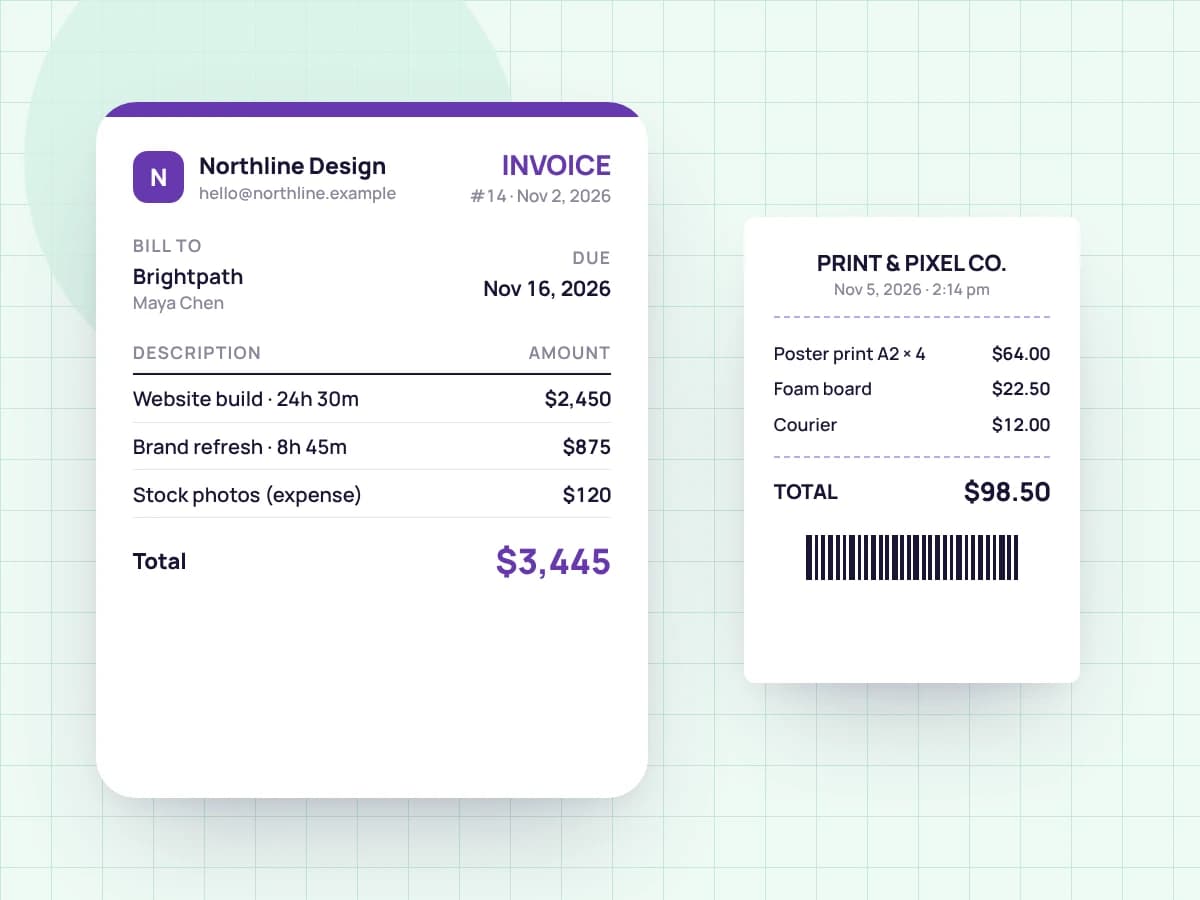
Pick the client's tracked hours and unbilled expenses. Tristiks Grow adds them as line items at your rates, in the client's currency, and you send it now or on a set date.
06
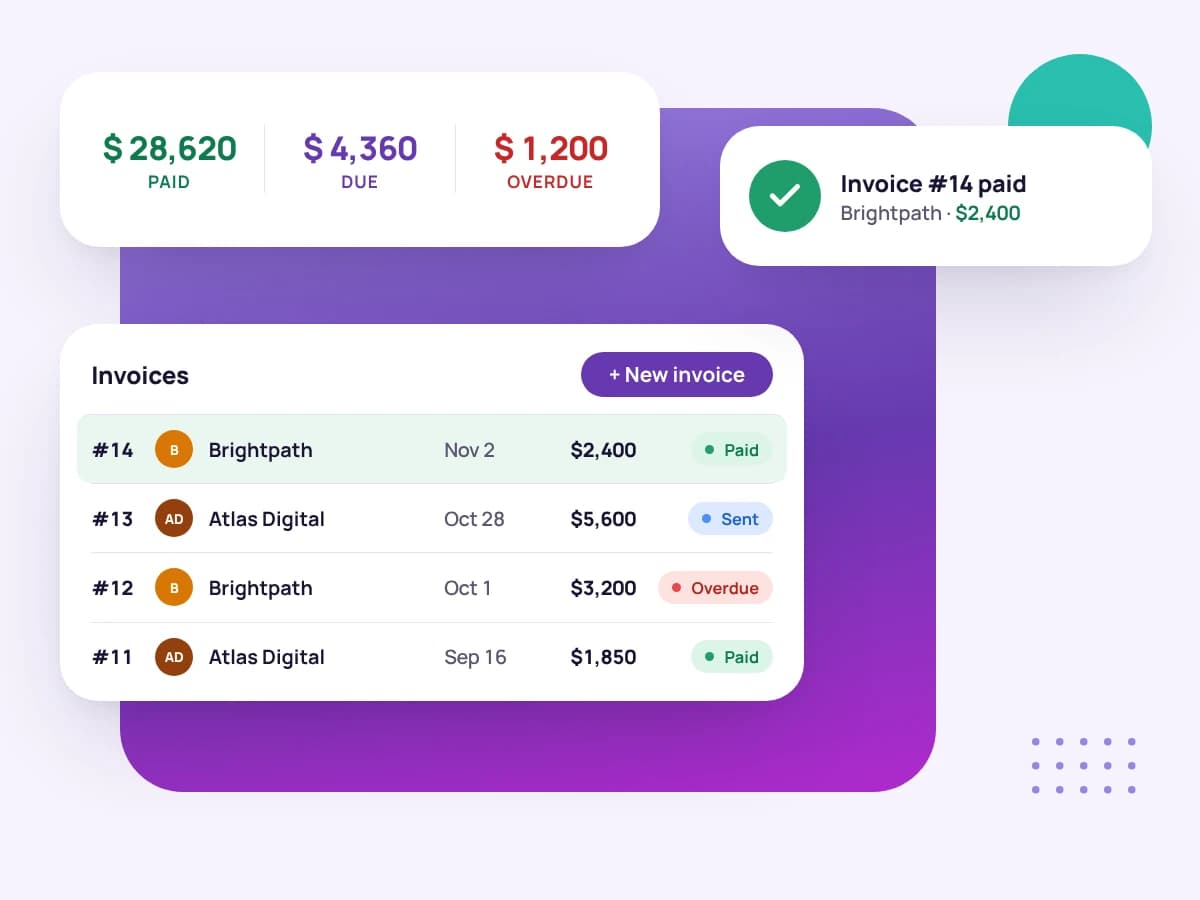
Reminders follow up on late invoices, and you see what's paid, due and overdue at a glance. Card and PayPal payments are coming soon.
14 days to try it on your own clients and work, with no credit card to sign up.
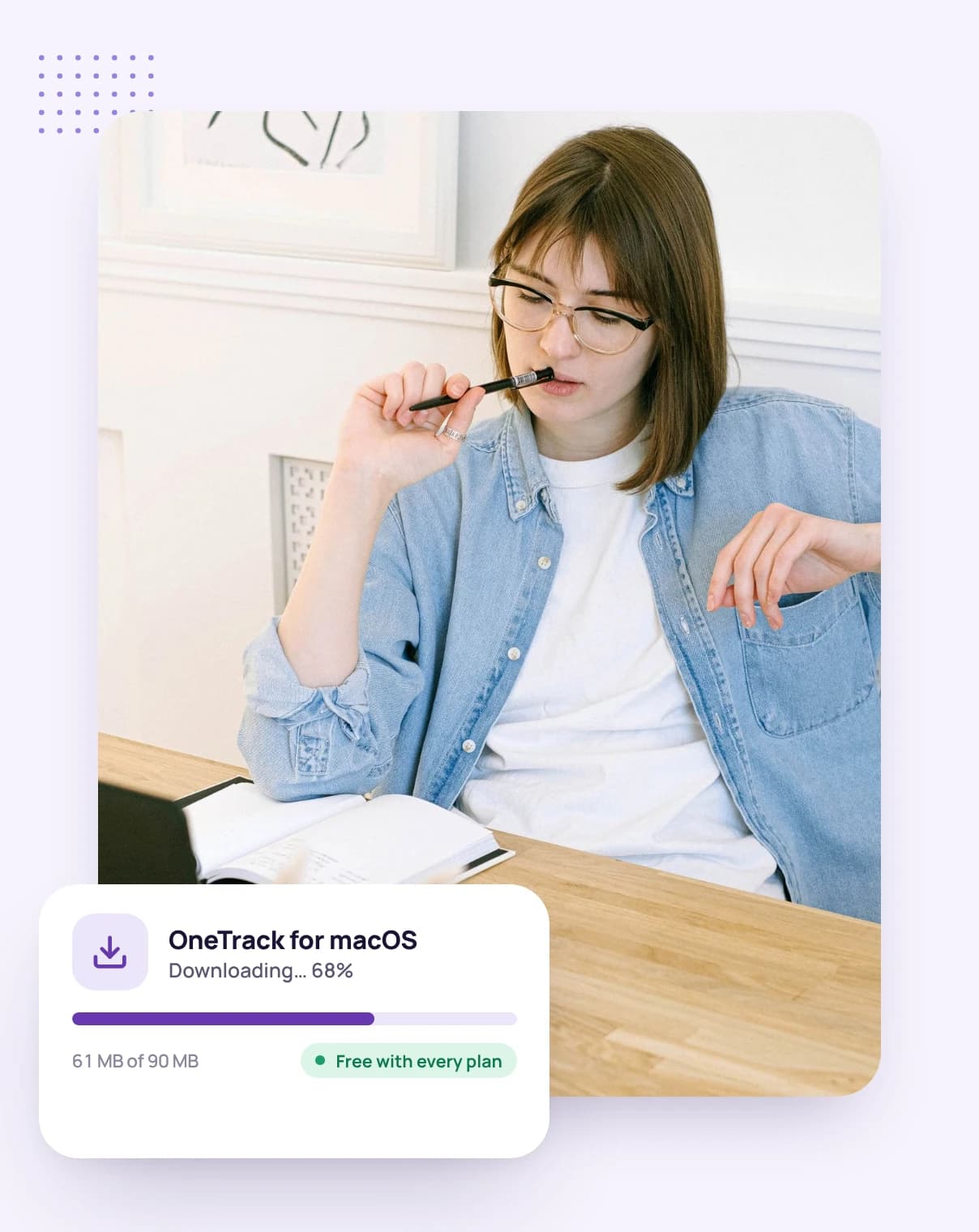
Download it for macOS, Windows or Linux and sign in through your browser. The web timer works without it.
Enter their details, start the timer on your first task, and invoice when you're ready.
FAQ
Still have questions? Talk to our team.
No. Tristiks Grow runs in your browser, including a web timer. Install OneTrack, the desktop app for macOS, Windows or Linux, only if you want screenshots and activity levels.
No. Clients open proposals and invoices from a link, and sign proposals by typing their name.
Yes. Every plan starts with a free 14-day trial, and you don't need a credit card to sign up.
Yes. Invite teammates, who work across your whole account, or collaborators, who see only the clients and projects you share with them.
Yes. Set a currency for each client and invoice them in it. Each proposal can have its own currency too.
Start a free 14-day trial and follow the steps above, or book a demo and we'll set it up with you.