Kanban board software that sorts itself by due date
A task board whose columns fill from due dates on their own, with columns of your own for the stages in between, and time tracked on every card.
No credit card required
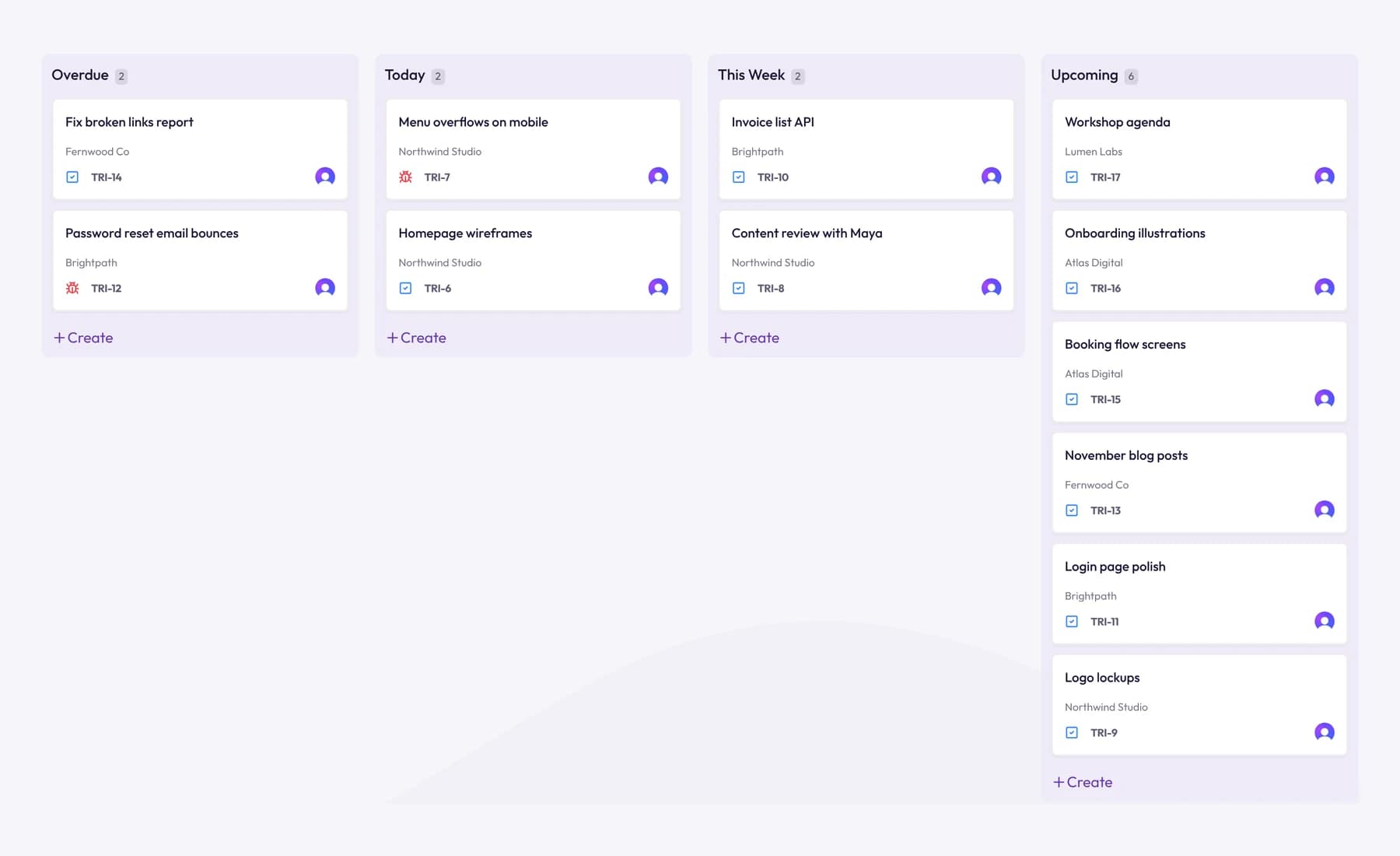
A task board whose columns fill from due dates on their own, with columns of your own for the stages in between, and time tracked on every card.
Overdue, Today, This Week and Upcoming fill from each task's due date, so the board always opens on what's due first. Tasks without a date wait in Unassigned.
Drag a card to Done when the work is finished. Drop one on Today and it's due today.
Send sitemap for sign-off
Homepage wireframes
Menu overflows on mobile
Content review
Invoice list API
Logo variations
Kick-off call notes
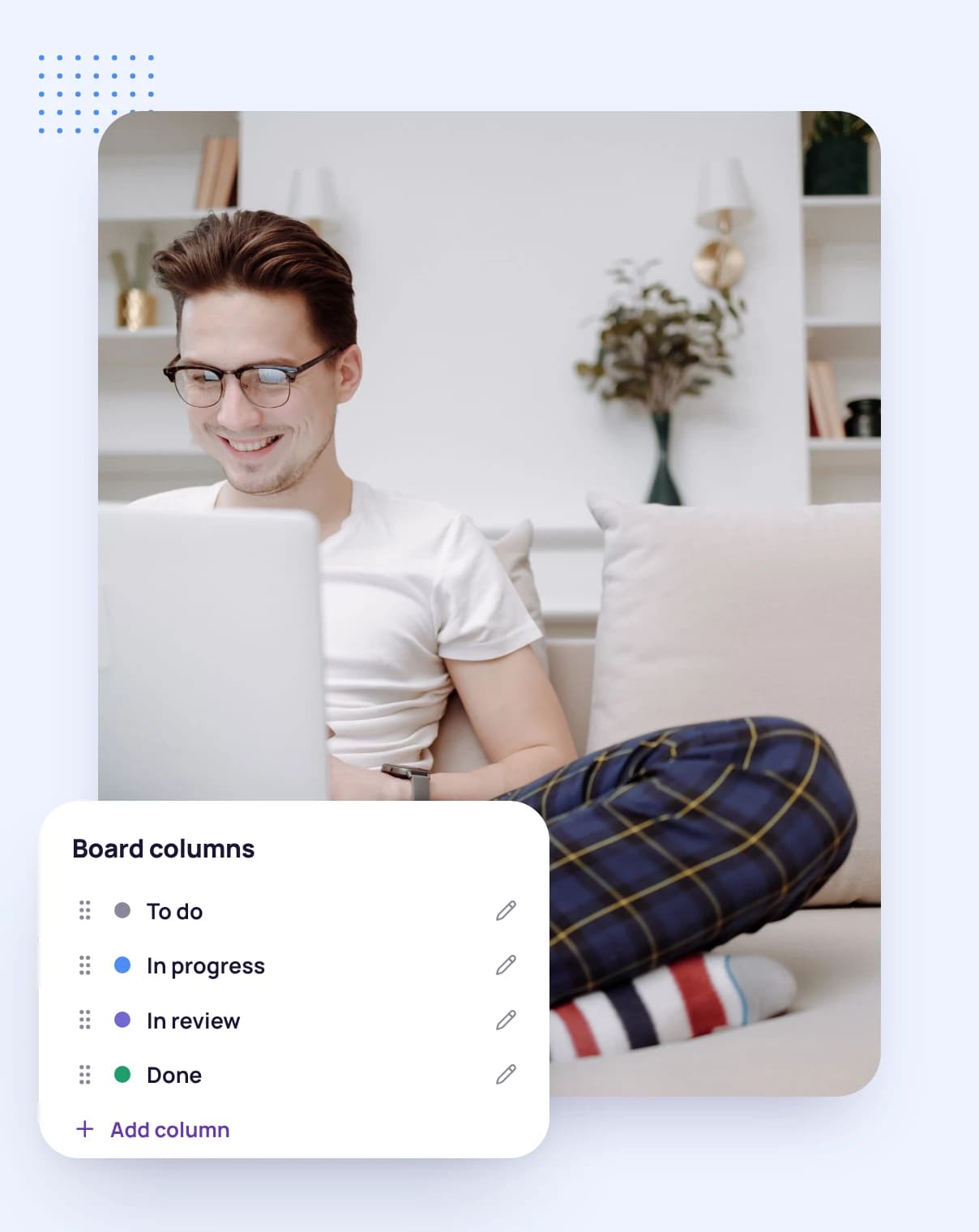
Add columns such as In review or Waiting on client, then rename, move or collapse them. A board holds up to 12 columns.
Unassigned and Done always stay, so every task has somewhere to go.
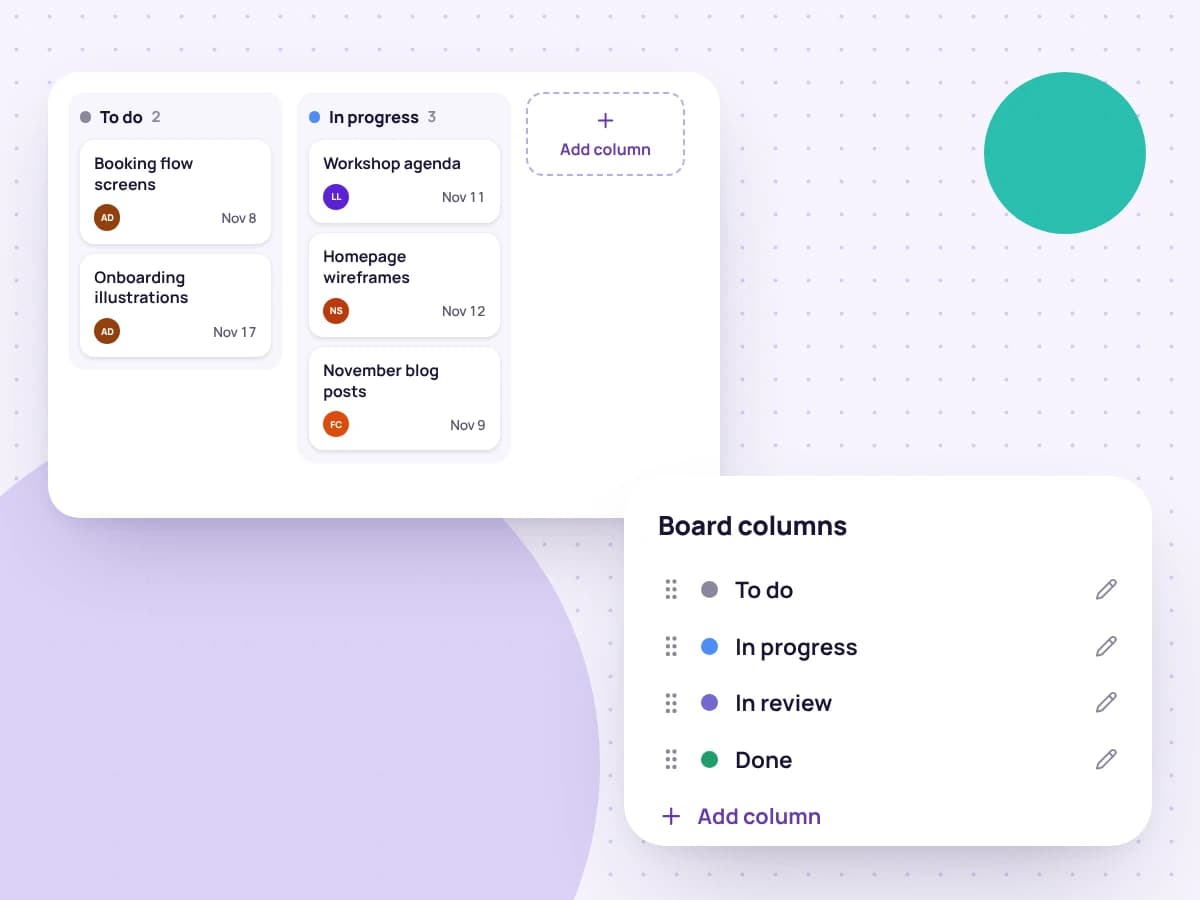
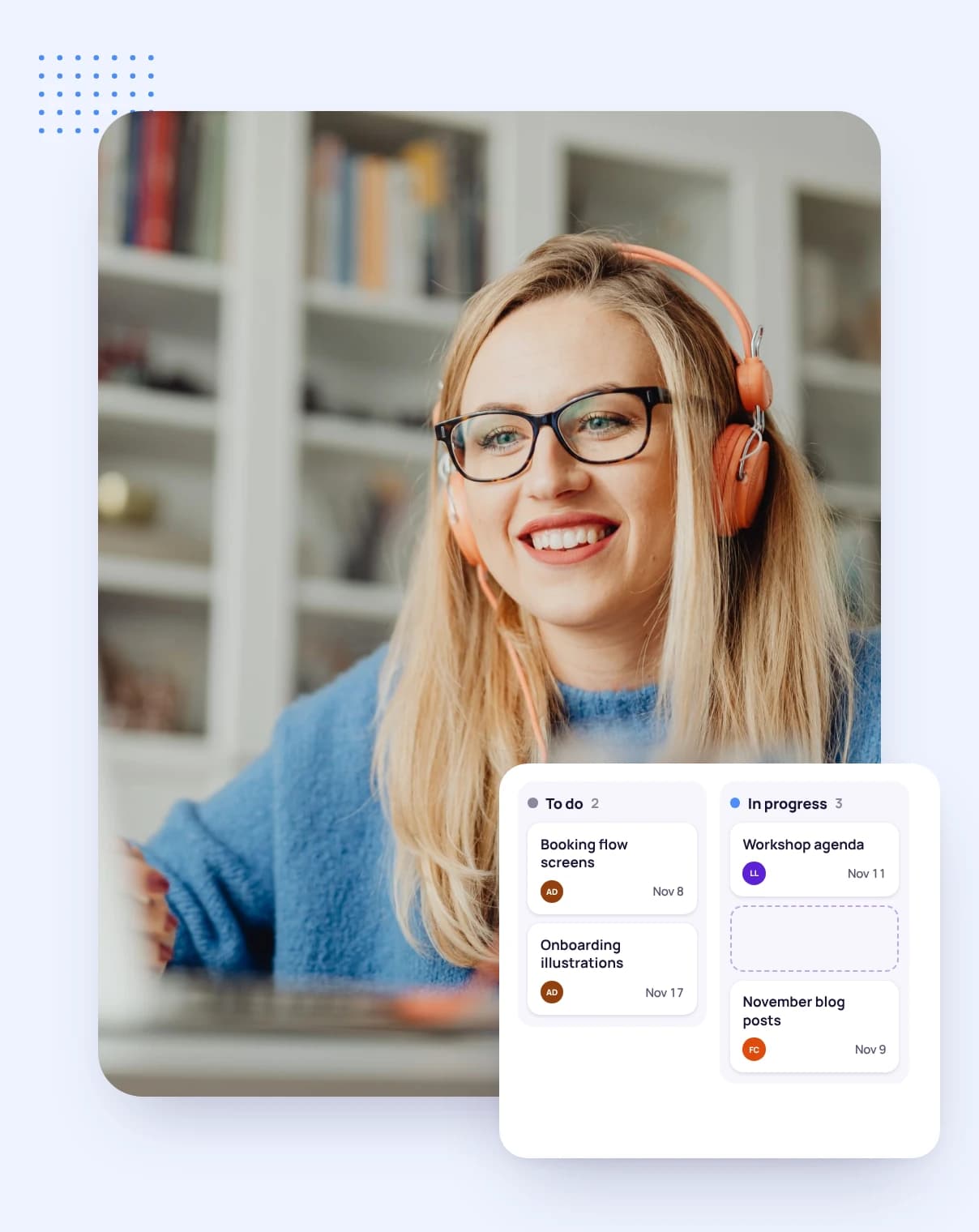
Drag cards between columns and up and down inside one, or use a card's menu to send it to the top, up one or to the bottom, or to another column.
Subtasks sit on the board too, each with its own priority and assignee, so every step moves along at its own pace.
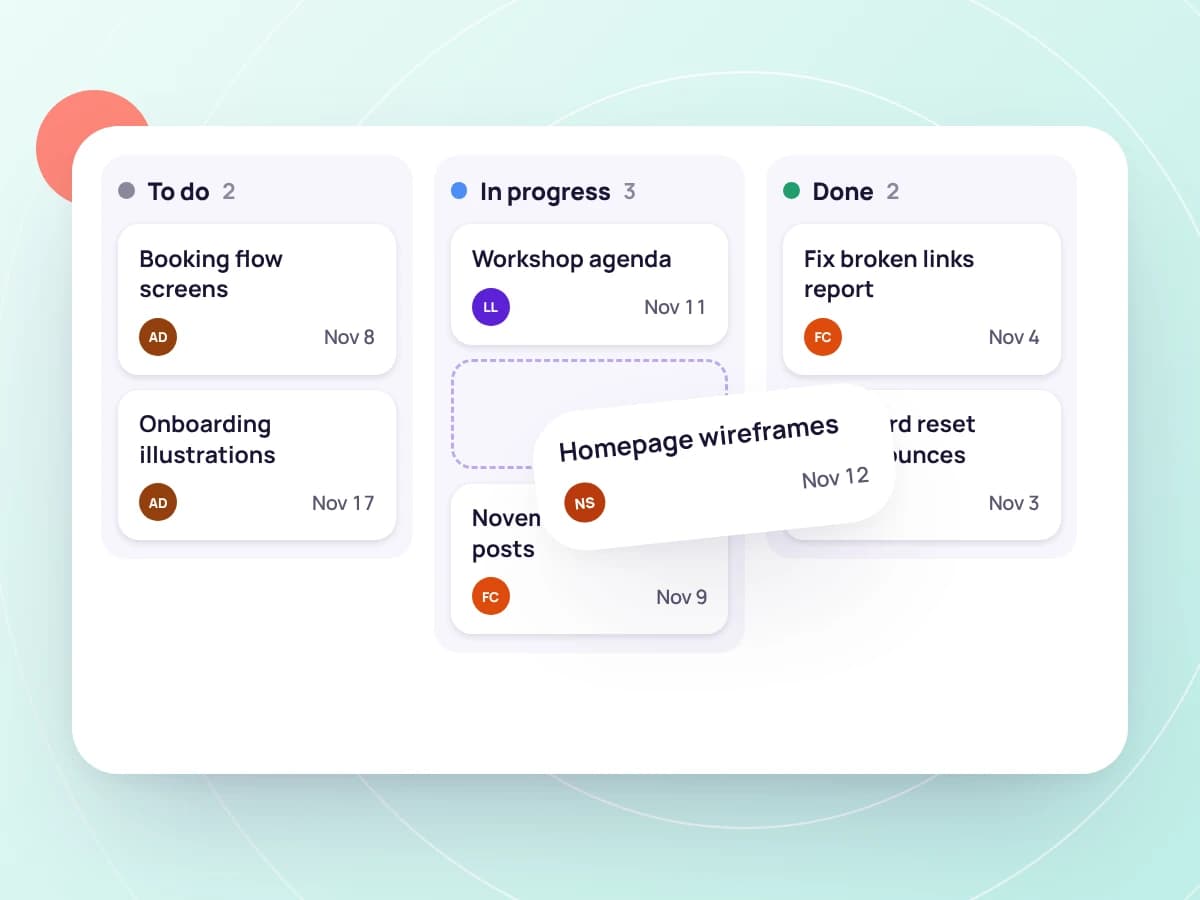
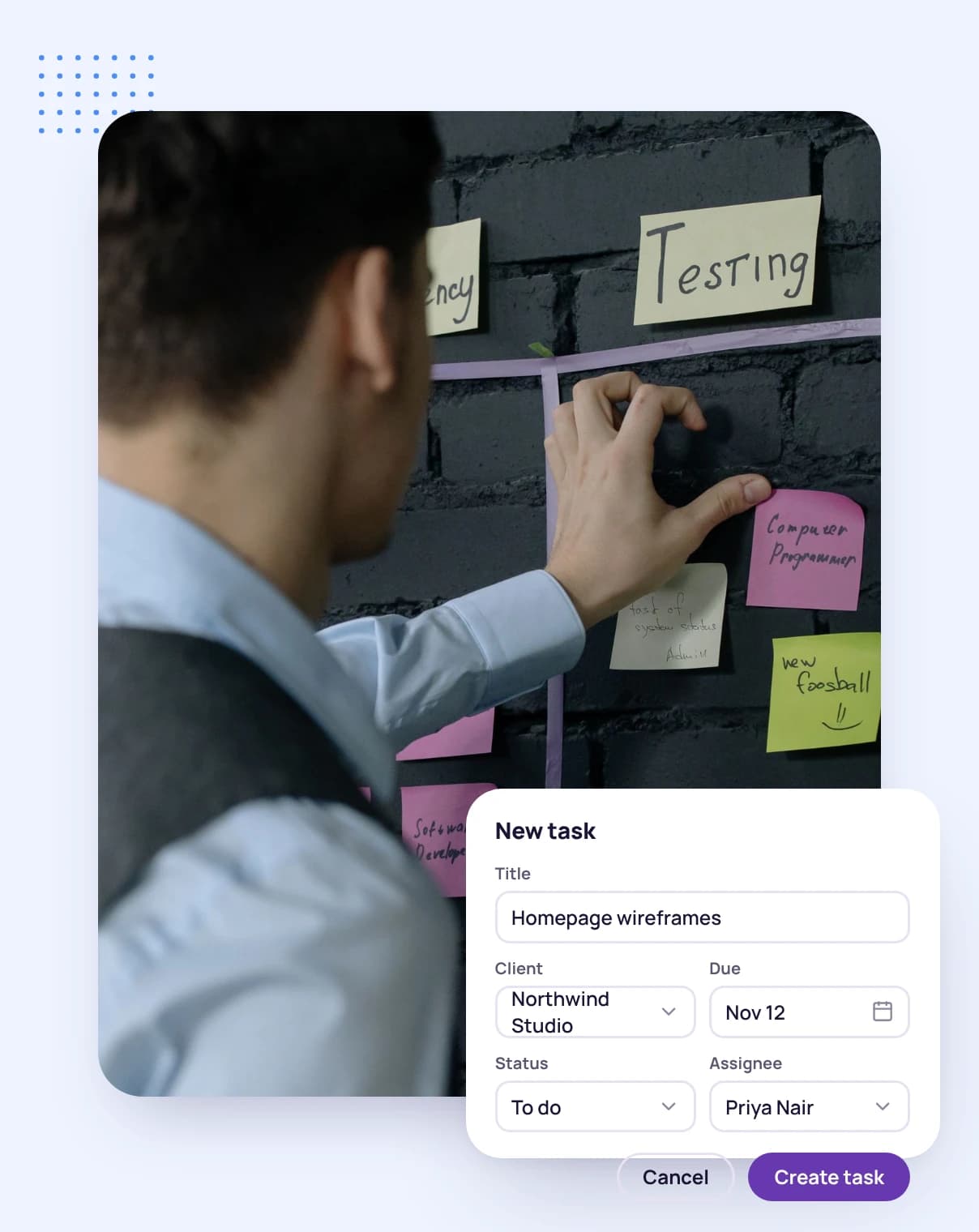
Give them due dates and they land in the right date column straight away.
Create the columns your work passes through, up to 12 on the board.
Track time on the card you're working on, and drag it to Done when it's finished.
FAQ
Still have questions? Talk to our team.
A board of columns that work moves across, one card per task, so you can see at a glance what's waiting, in progress and done.
Overdue, Today, This Week and Upcoming fill from each task's due date. Tasks without a due date wait in Unassigned, and finished tasks go in Done.
Yes. Add, rename, move and collapse columns, up to 12 on a board. Unassigned and Done always stay.
Yes. Track time against any task, and it's recorded against the task, its project and its client.
Yes. Every plan starts with a free 14-day trial, and you don't need a credit card to sign up.
Start a free 14-day trial and add your first tasks, or book a demo to see the board and time tracking together.