Mac time tracker with screenshots for client work
OneTrack is a native desktop app for macOS that tracks time from your menu bar, adds screenshots and activity levels, and sends every hour to your timesheets and invoices.
No credit card required
OneTrack is a native desktop app for macOS that tracks time from your menu bar, adds screenshots and activity levels, and sends every hour to your timesheets and invoices.
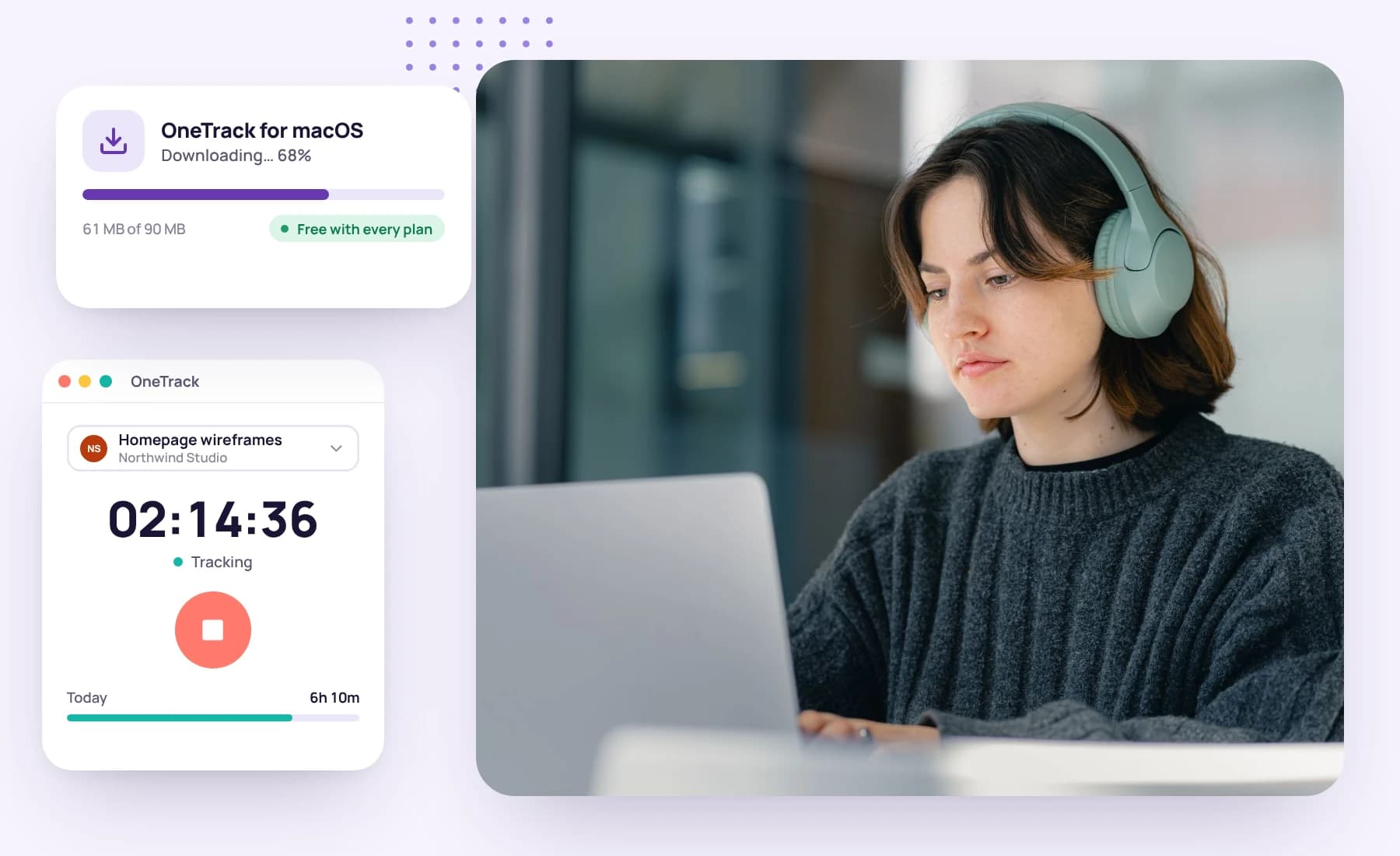
One download runs natively on Apple silicon and Intel Macs, on macOS 12 Monterey or later. macOS asks you once to allow screen recording, so the app can take screenshots.
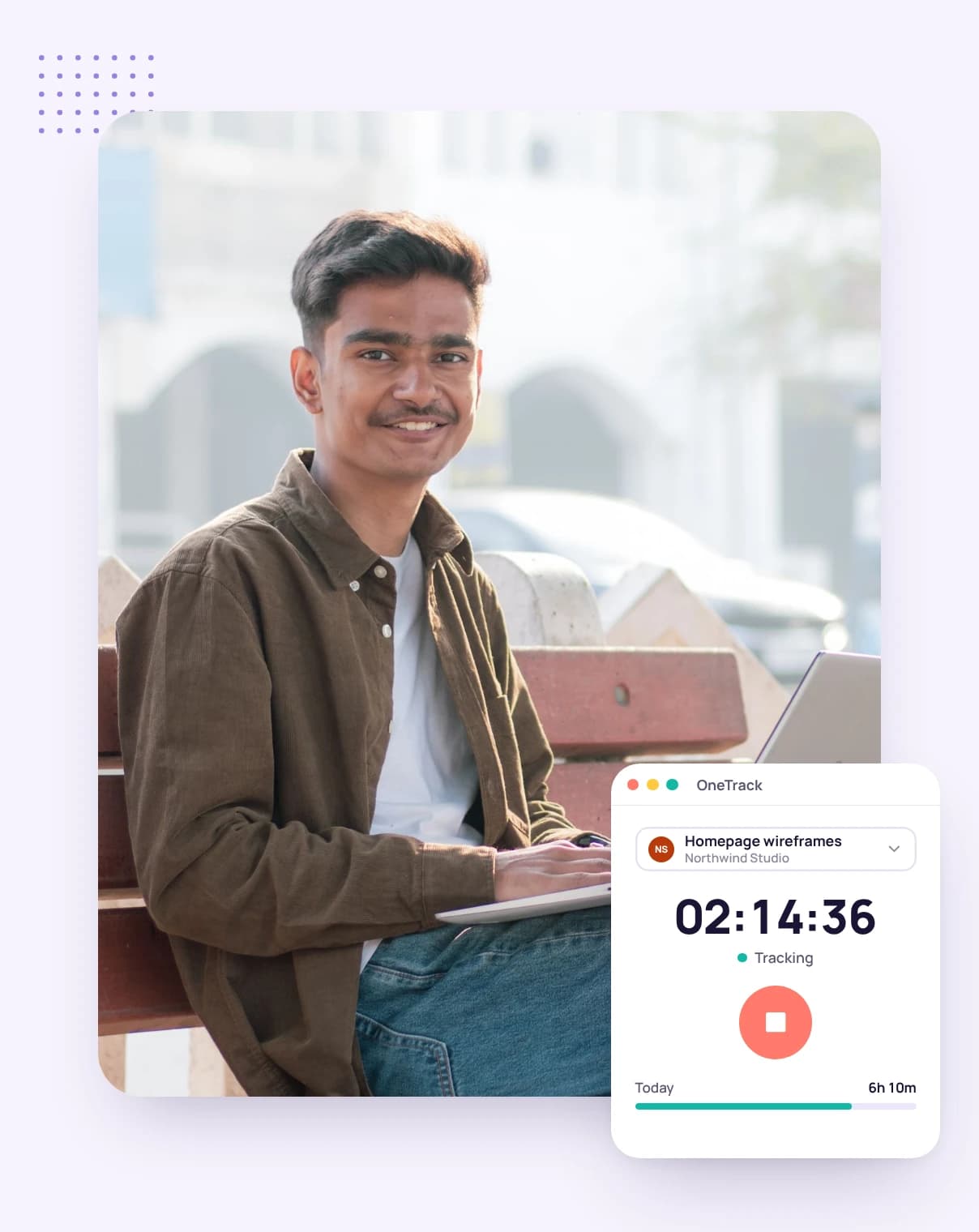
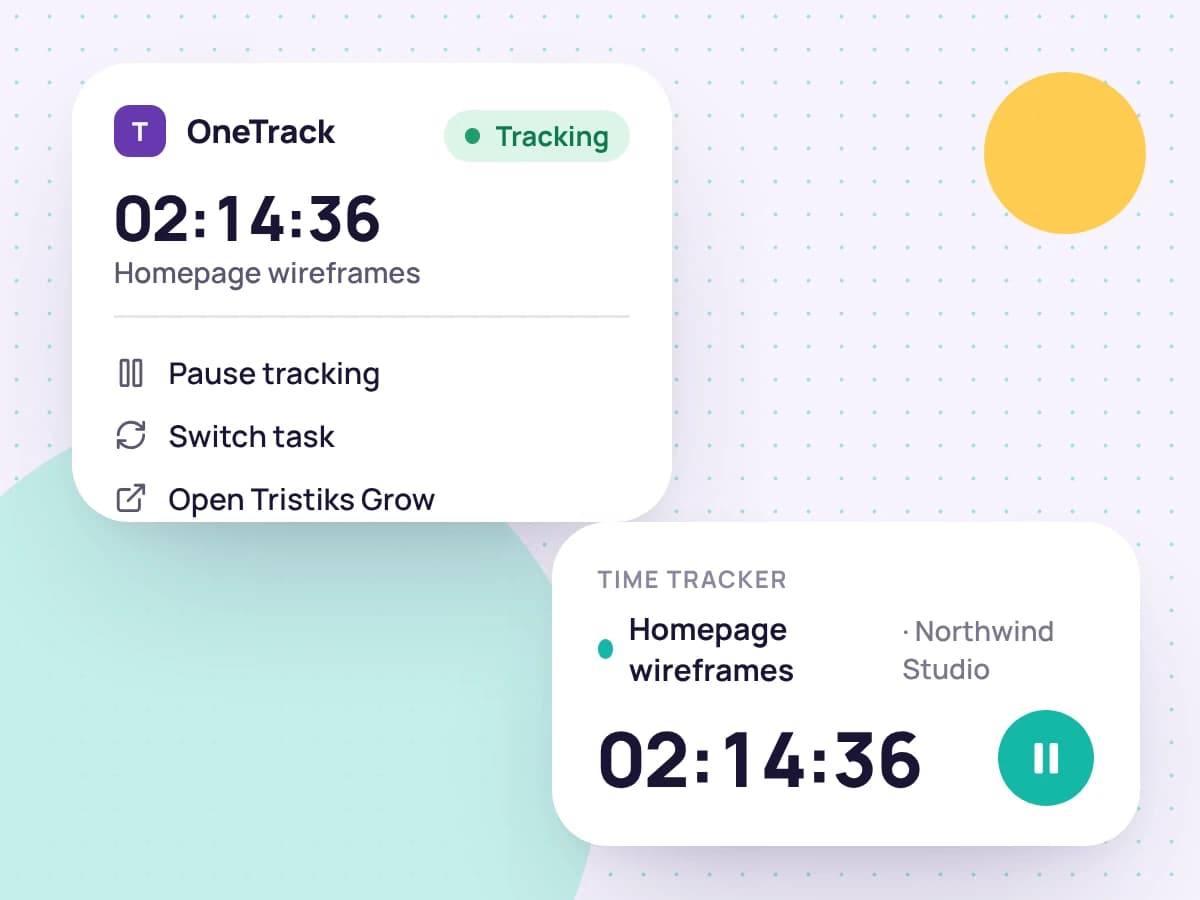
Start the timer on a client, project and task. The app counts time in ten-minute slices, gives each an activity level, and takes screenshots at random moments in the capture window you choose.
It shares one clock with the web app, so a timer started in your browser shows here too, and a pause or stop reaches the other within seconds.
Website redesign · Homepage wireframes
Northwind Studio
Brightpath
Tasks
Website redesign
The timer and its controls live in the menu bar, so you can close the window and keep tracking. Set the app to launch when you log in, starting hidden.
Choose whether to be notified when a screenshot is taken or the timer starts or stops, and when to be asked about idle time.
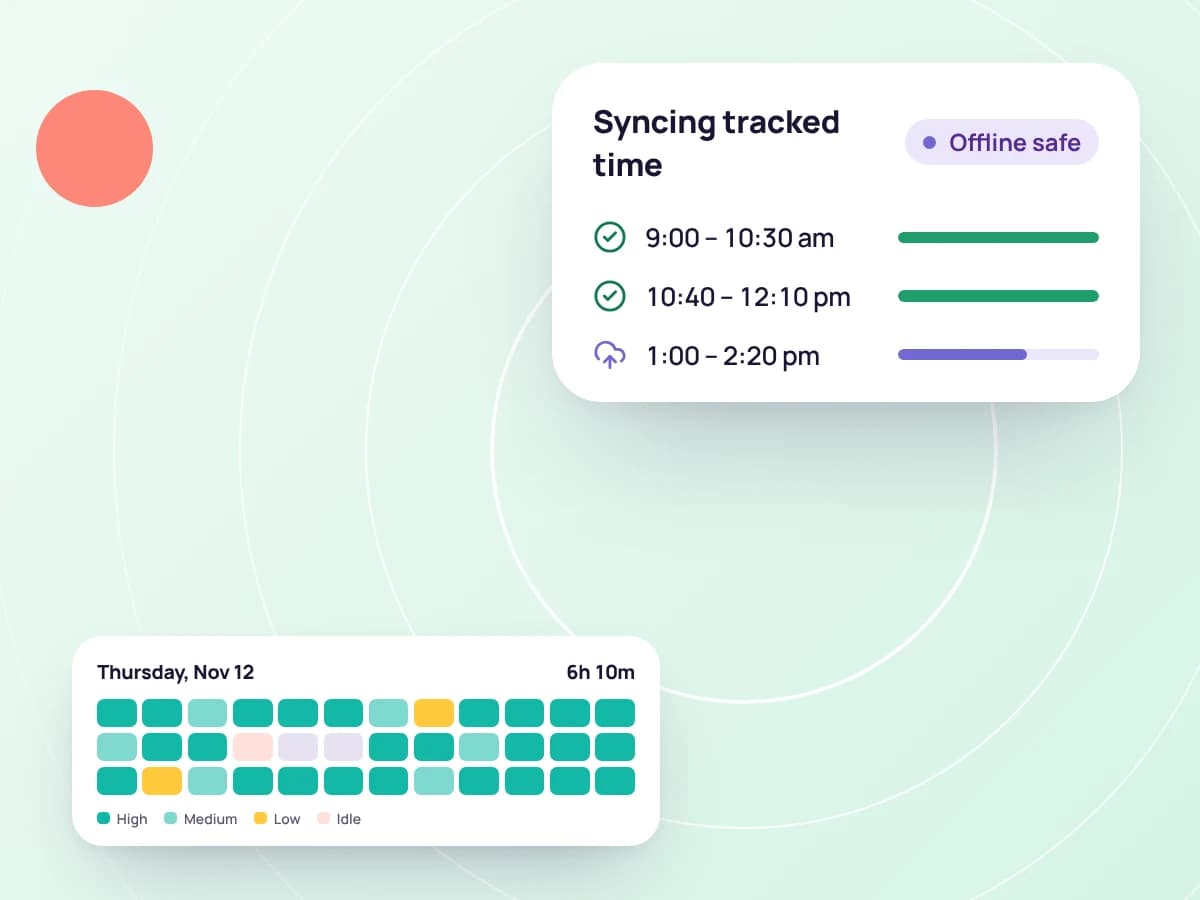
Each slice is saved the moment it ends. Offline, your time and screenshots wait on your computer and upload when you're back online; captures more than 72 hours old are dropped unsent.
Quit the app and it uploads what's left first, showing you what it's still sending.
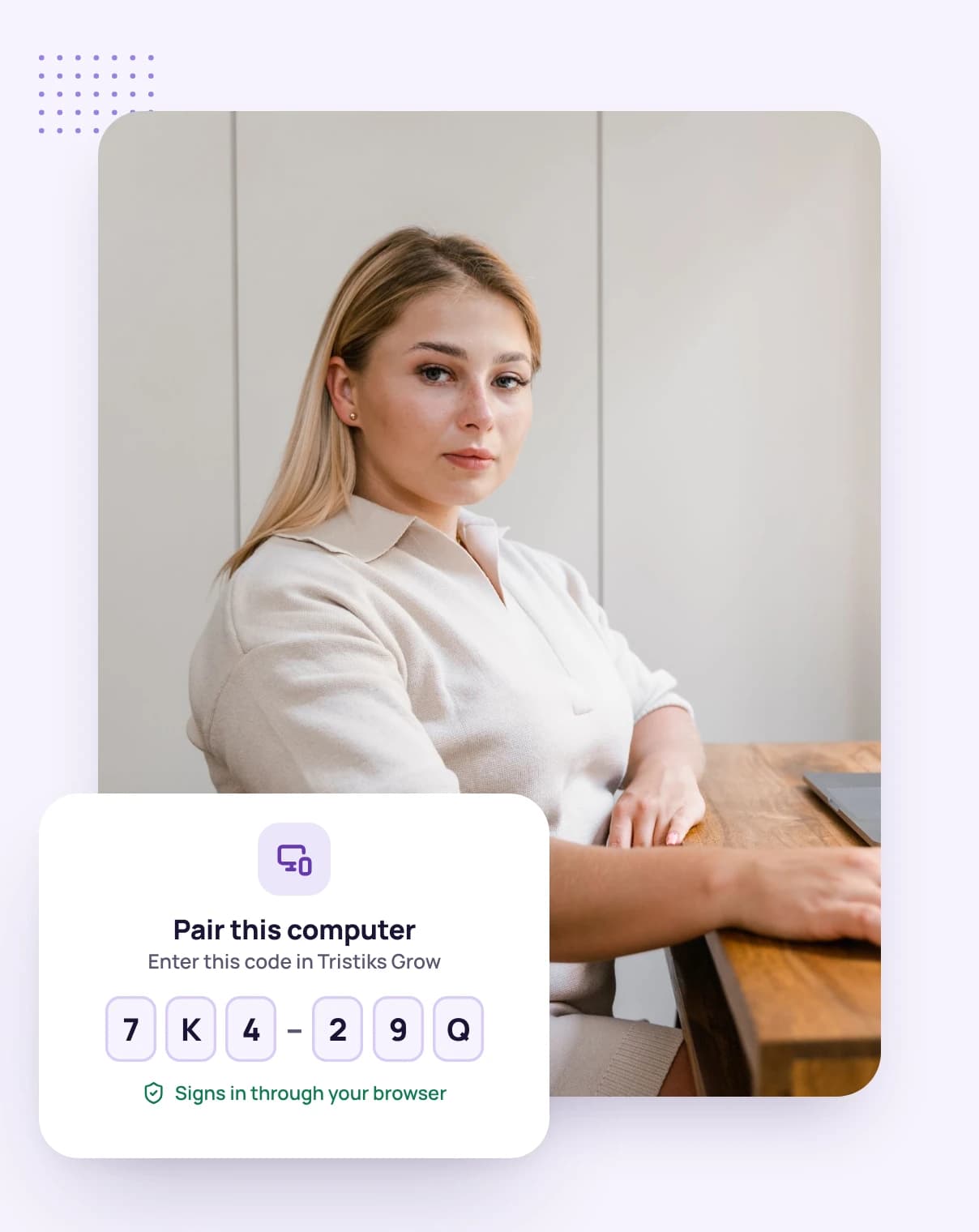
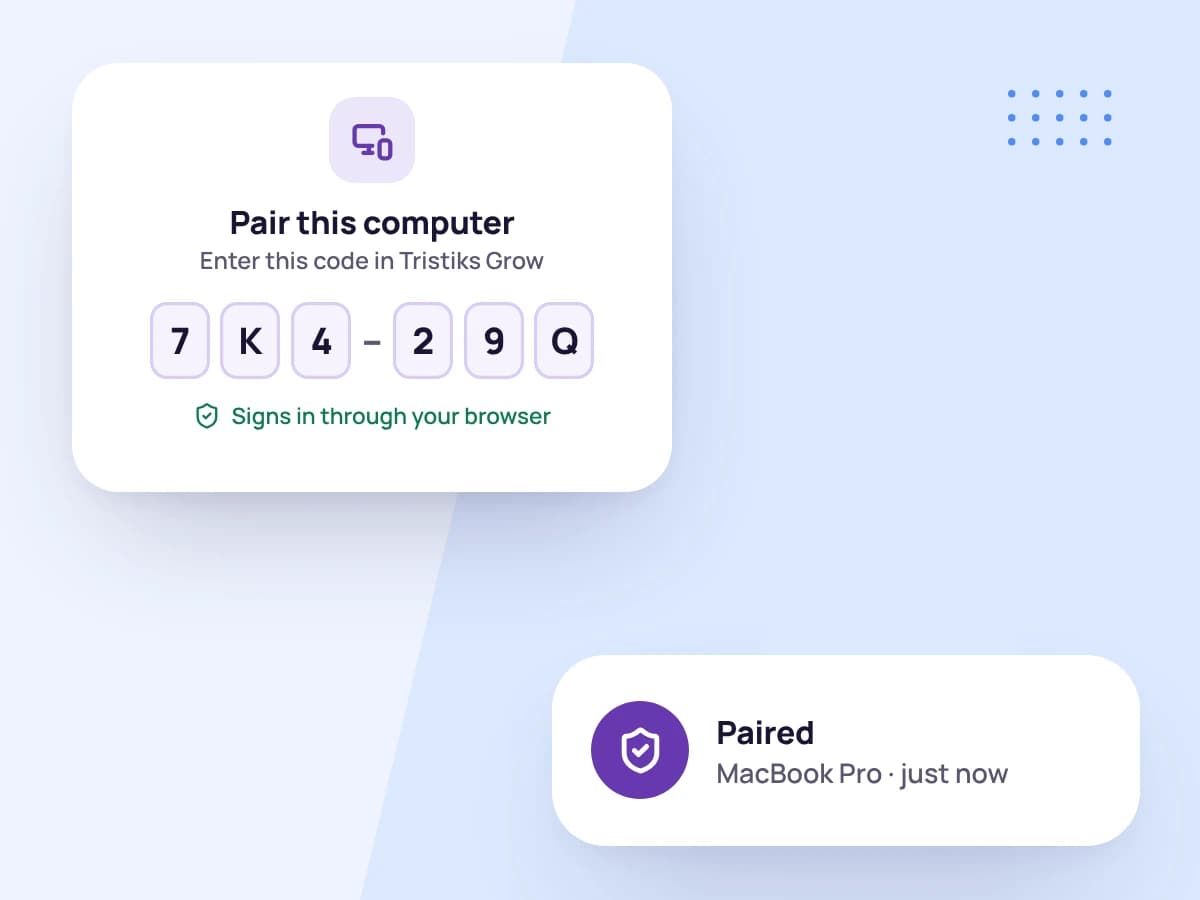
Click Sign in in OneTrack and finish in your browser, with the account you already use. The one-time link expires after ten minutes, and the app keeps its sign-in in your system's secure storage.
Sign out in OneTrack whenever you like, and the computer stops syncing to your account.
Download the .dmg, drag the app to Applications and open it. Allow screen recording when macOS asks.
Click Sign in in OneTrack and confirm in your browser.
Pick a client, project and task, and get to work.
FAQ
Still have questions? Talk to our team.
Apple silicon and Intel Macs running macOS 12 Monterey or later. One download covers both.
Screenshots need it. Until it's allowed the app can still track time, but can't take screenshots.
No. It reads when you last used the keyboard or mouse, never which keys you pressed.
No. Nothing is collected unless the timer is running: no time, no screenshots, no activity.
It checks for new versions and can download and install them for you, either straight away or when you next quit. It only installs an update automatically if the download matches its published checksum.
Yes. Every plan starts with a free 14-day trial, and you don't need a credit card to sign up.
Start a free 14-day trial and download the Mac app, or book a demo to see it in action.