Tristiks

For lawyers

Time tracking and billing for lawyers

Record billable time against the right client and matter, keep each client's documents and notes together, and send invoices with reminders that follow up.

  • Free 14-day trial
  • No credit card required
A man in a grey suit and turban, beside a matter's time log and its invoice
Invoice paid$6,120.00

Billable time, recorded as you work

Reconstructing a week of calls, drafting and research from memory loses billable time. In Tristiks Grow the timer records it as you go, against the client and matter it belongs to, ready to invoice.

Built for billable practices

Northwind Studio · Timesheet
  • MonClient workshopWeb · Website redesign3h 00m
  • TueHomepage wireframesDesktop · Website redesign4h 15m
  • WedInternal planningWeb · Website redesign · Non-billable0h 45m

A timesheet for every client

Timer and manual entries, each with its matter, task and description.

Invoice #1042

Bill to

Northwind Studio

Status moves from draft to sent to paid
  • Tracked time, 1–15 Sep · 14 h × $110.00$1,540.00
  • Client workshop · 3 h × $110.00$330.00
Total$1,870.00

Invoices from recorded time

Add the unbilled hours for a date range as an invoice line, then set your rate.

Proposals & contracts
  • Website redesign proposalNorthwind StudioSigned
  • Retainer contractBrightpathViewed
  • Discovery workshopFernwoodSent

Engagement letters, signed online

Send engagement terms as a contract clients sign by typing their name.

Projects
  • Website redesignNorthwind Studio42h of 60h
  • Quarterly retainerBrightpath18h of 20h

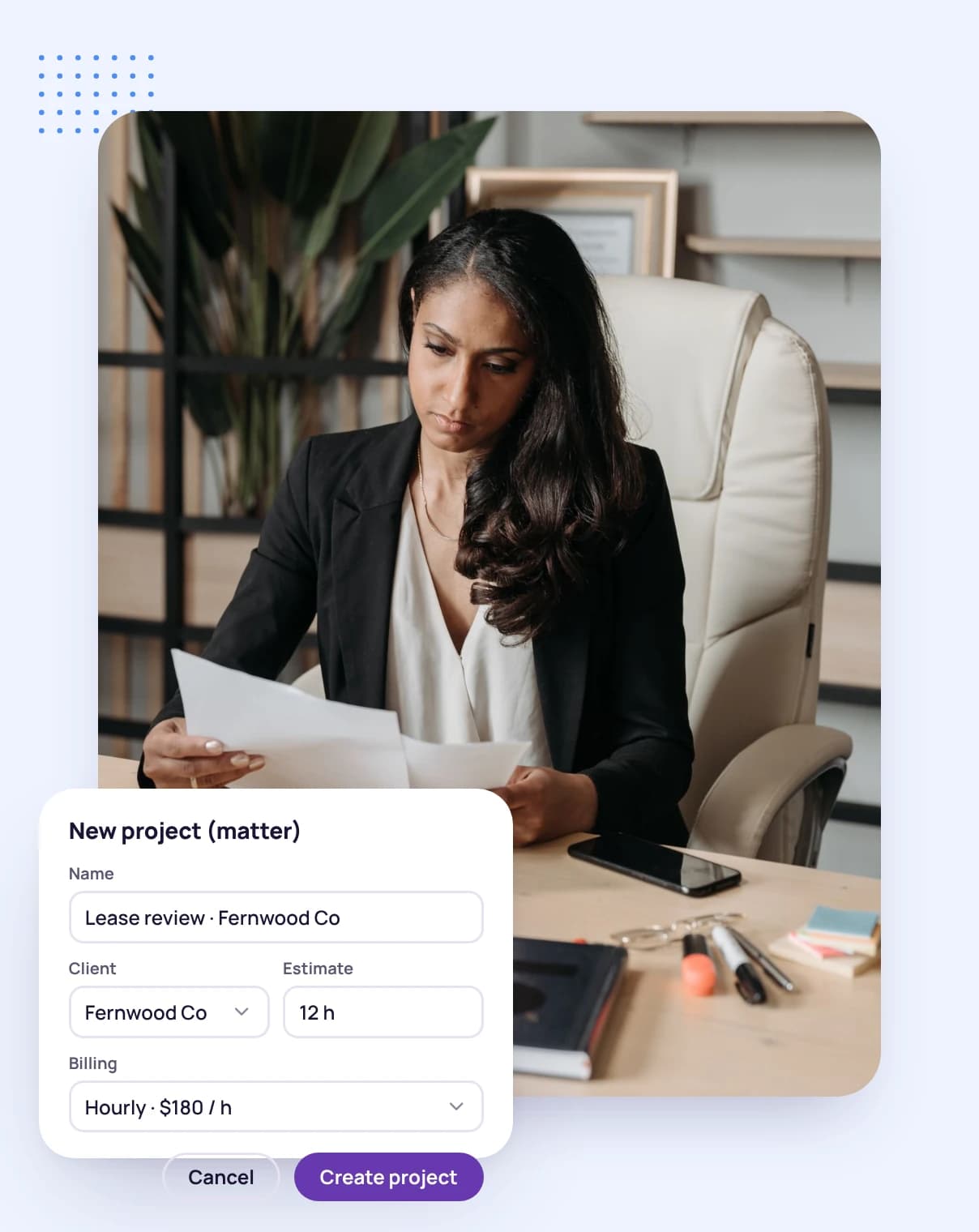
One project per matter

Keep each matter's time, tasks and invoices together.

Built for how legal work is billed

  • Start a timer for a call or drafting session, or add the time by hand afterwards, with a description of the work.

    A man holding a tablet, with a running time tracker, today's tracked hours and the day's activity level around him
    Recorded today6h 45m
    Billable or not
    Mark each entry, so only billable time reaches an invoice.
    Never billed twice
    Entries already on an invoice are locked.
    Explore timesheets
  • Contacts, notes, documents and links on the client's profile, with their matters, contracts and invoices.

    A smiling man in a blazer beside a client's profile and a client card showing what is due
    Open matters11
    Billing details set once
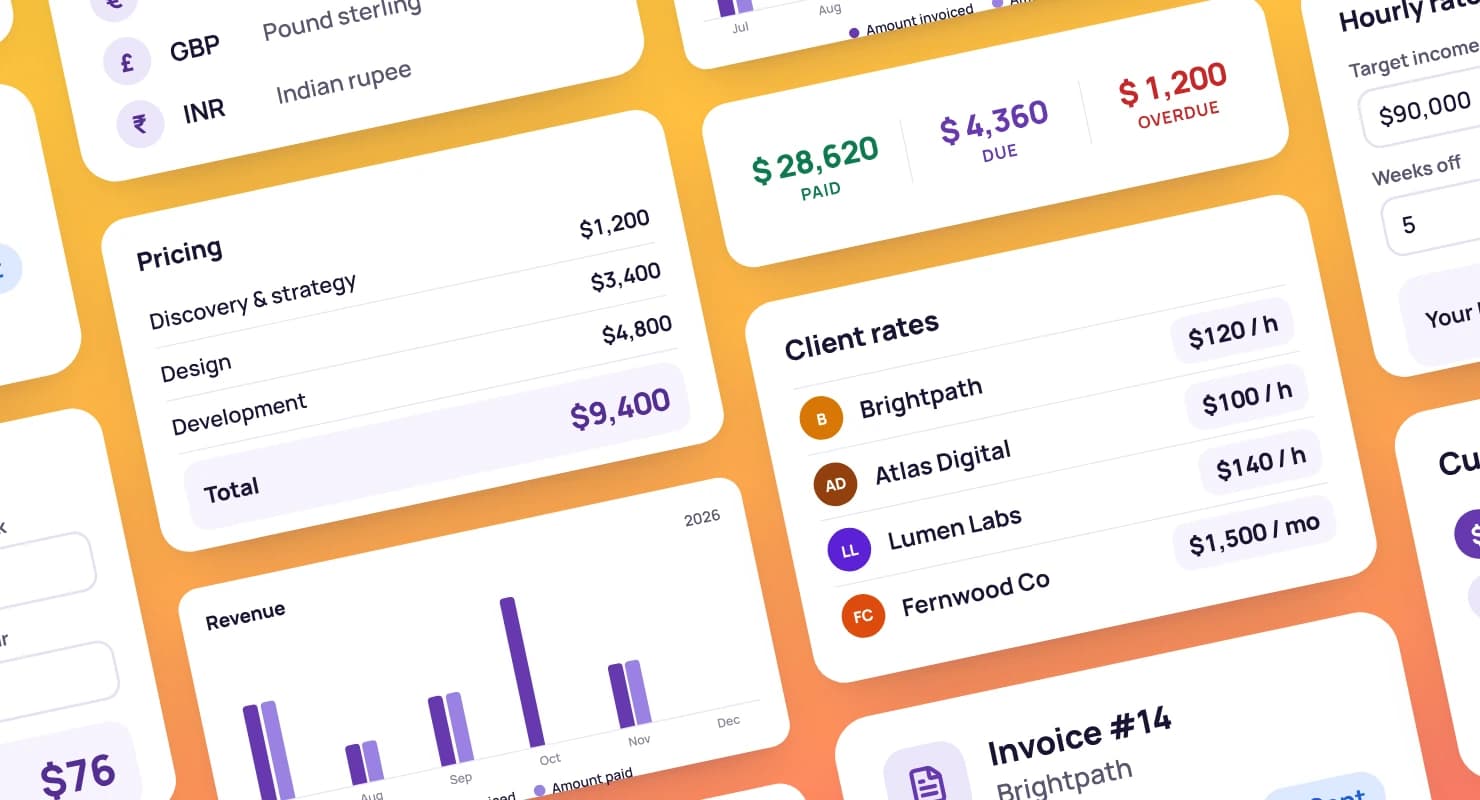
    Hourly rate, currency, tax rate and payment terms per client.
    Access you control
    Collaborators see only the clients and matters you share with them.
    Explore client management
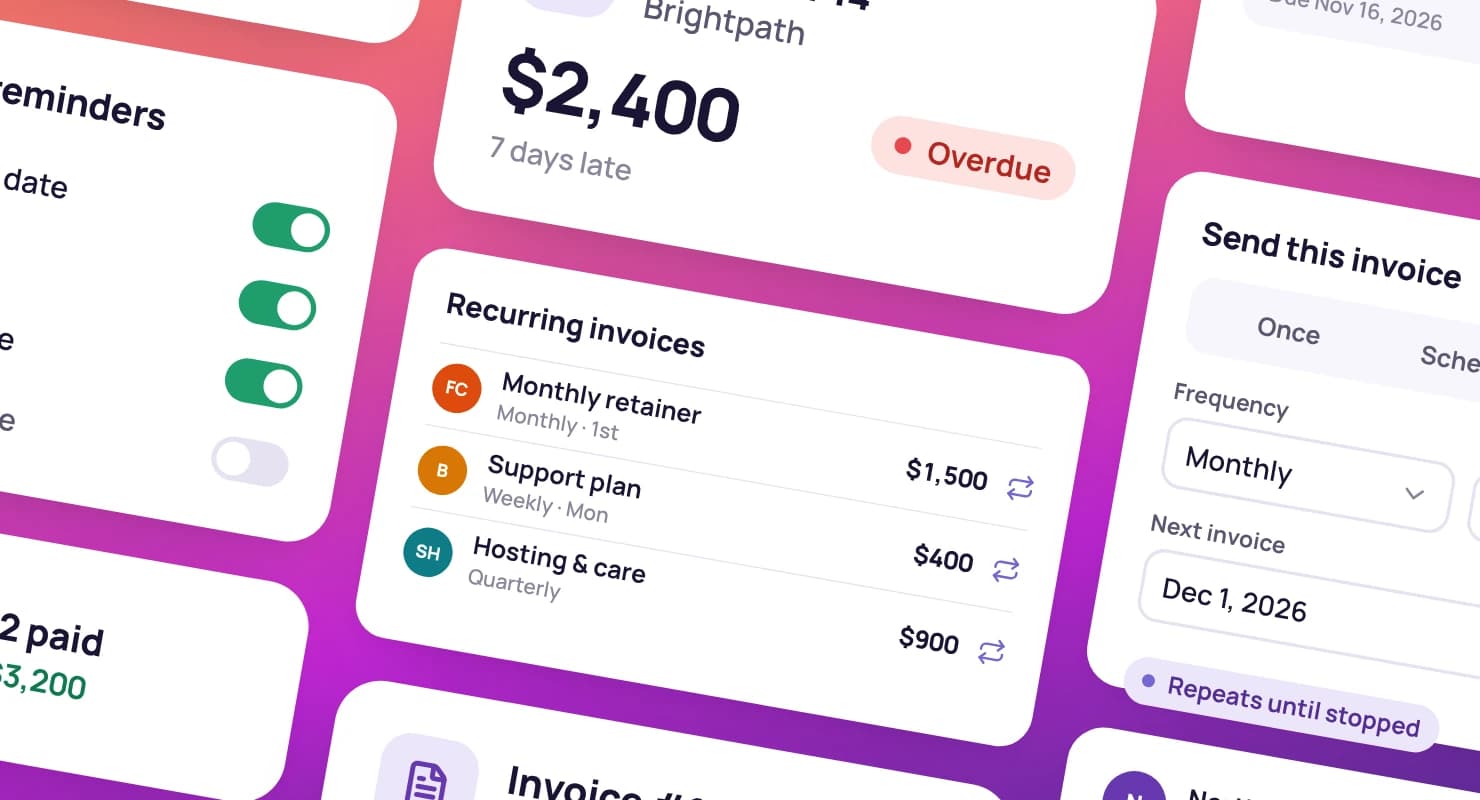
  • Build invoices from recorded time and expenses, in the client's currency, and send them with a secure link.

    A woman holding a tablet, with a sent invoice, its payment reminders and a paid invoice around her
    Invoice #1051Paid $6,120
    Reminders that follow up
    Emails before a due date, on the day and after.
    Scheduled payments
    A deposit now and the balance later, each sent on its date.
    Explore invoicing
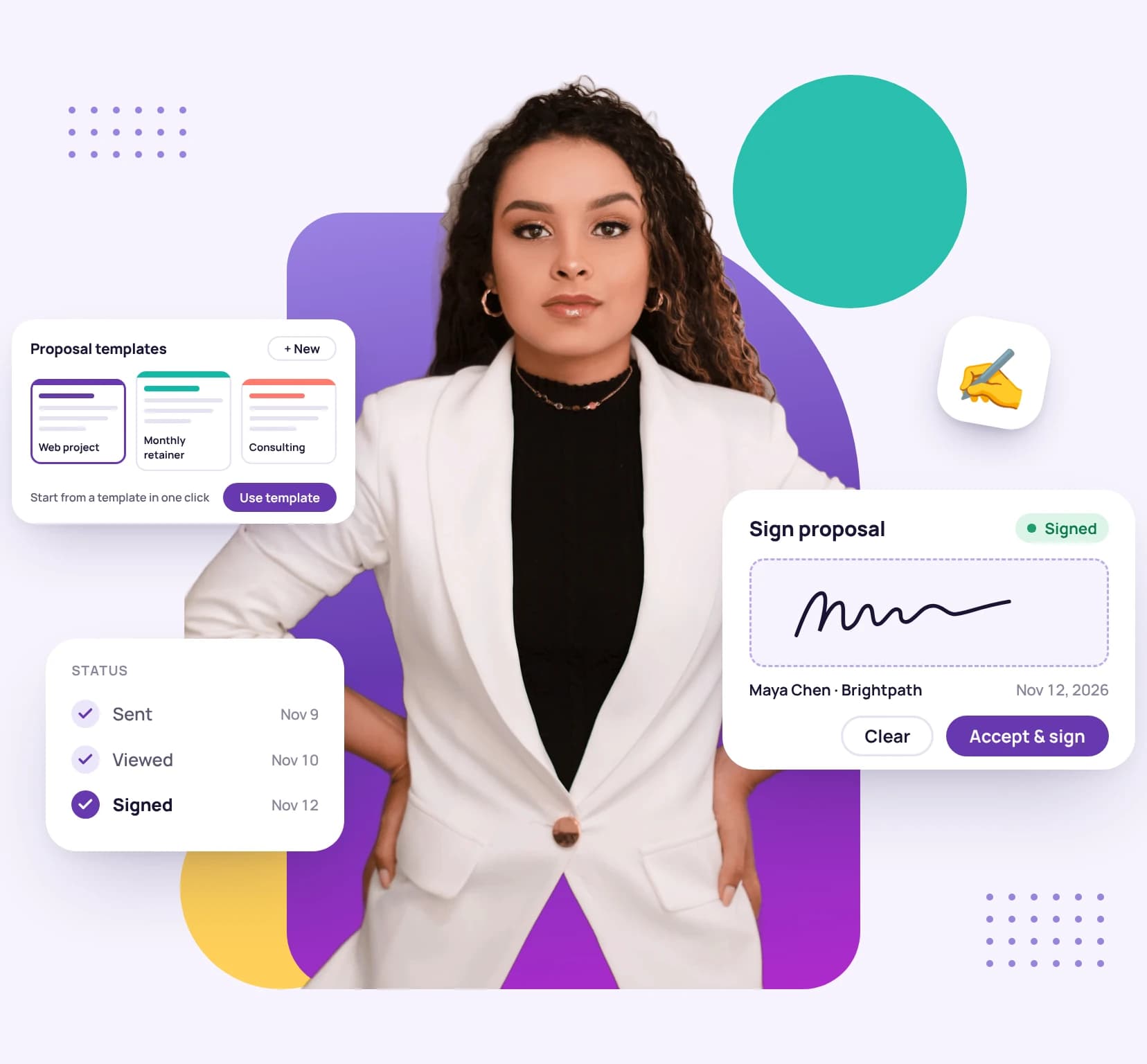
  • Send engagement terms from a template as a contract, and see when it's viewed and signed.

    A woman in a white blazer, with proposal templates and a signed proposal beside her
    Contract statusSigned
    Signed online, no account needed
    Clients sign on any device by typing their name.
    Import what you already have
    Bring in agreements that are already signed.
    Explore proposals and contracts

Priced for small practices

Professional covers up to 3 people. Sole practitioners can start on Solo, and practices of up to 10 on Advanced.

Compare all plans

Professional plan

$19a month · 3 seats

For the freelancer looking to grow and scale their business.

  • Everything in Solo PLUS
  • Priority support
Start your free trial

Get set up in an afternoon

  1. 1

    Add your clients

    Enter each client's contacts and billing details once.

  2. 2

    Open a project for each matter

    Keep the matter's time, tasks and invoices together.

  3. 3

    Record, invoice, get paid

    Record time as you work and invoice the billable entries.

A man working at his laptop in an office, with the client list

Guides for billing by the hour

Guides and pages to help you win work, run it well and get paid on time.

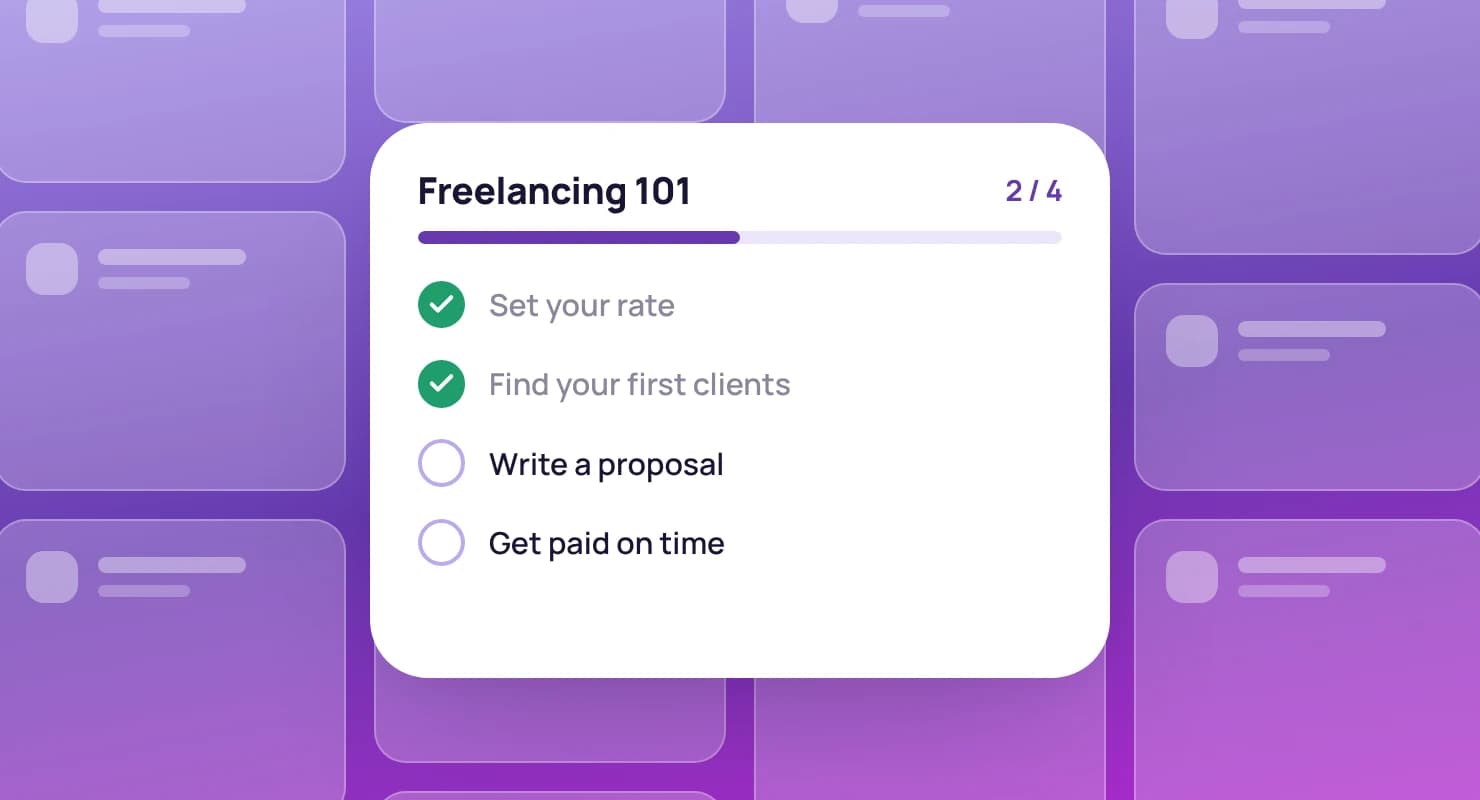
A freelancing guide's chapters as a checklist, over a grid of blank dashboard cards

The complete guide to billable hours

What counts as billable, how to track it and how to bill it.

Read the guide

What is idle time?

What causes it, how it's measured and how to reduce it.

Reduce idle time

Net 30 payment terms explained

What net 30 means, and when to use it instead of net 15 or due on receipt.

Understand net 30

FAQ

Legal practice questions, answered

Still have questions? Talk to our team.

Can I record time against a matter?

Yes. Open a project for each matter under the client, and record time against it with a description of the work.

Can I add time after the fact?

Yes. Add a manual entry for any day, as a length of time or with start and end times.

Can clients pay invoices online?

Not yet. Card and PayPal payments are coming soon. Today every invoice you send carries a secure link where your client can view it and download the PDF, and you mark it paid in one click when the money arrives.

Who can see a client's records?

You and your teammates. Collaborators see only the clients and projects you share with them.

Is there a free trial?

Yes. Every plan starts with a free 14-day trial, and you don't need a credit card to sign up.

Record every billable hour

Start a free 14-day trial and record your first matter, or book a demo to see time recording and invoicing together.