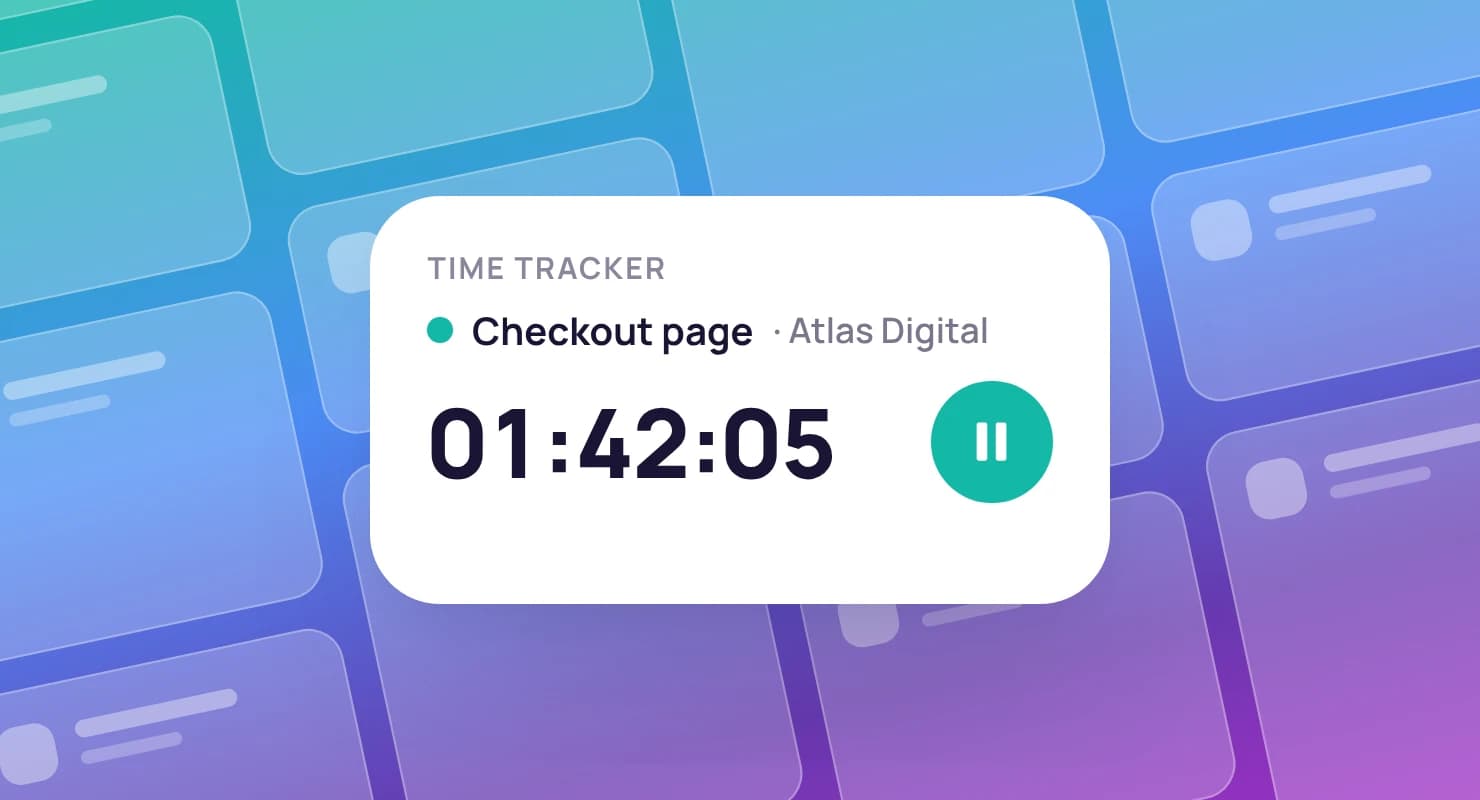
Timesheet software that turns tracked hours into invoices
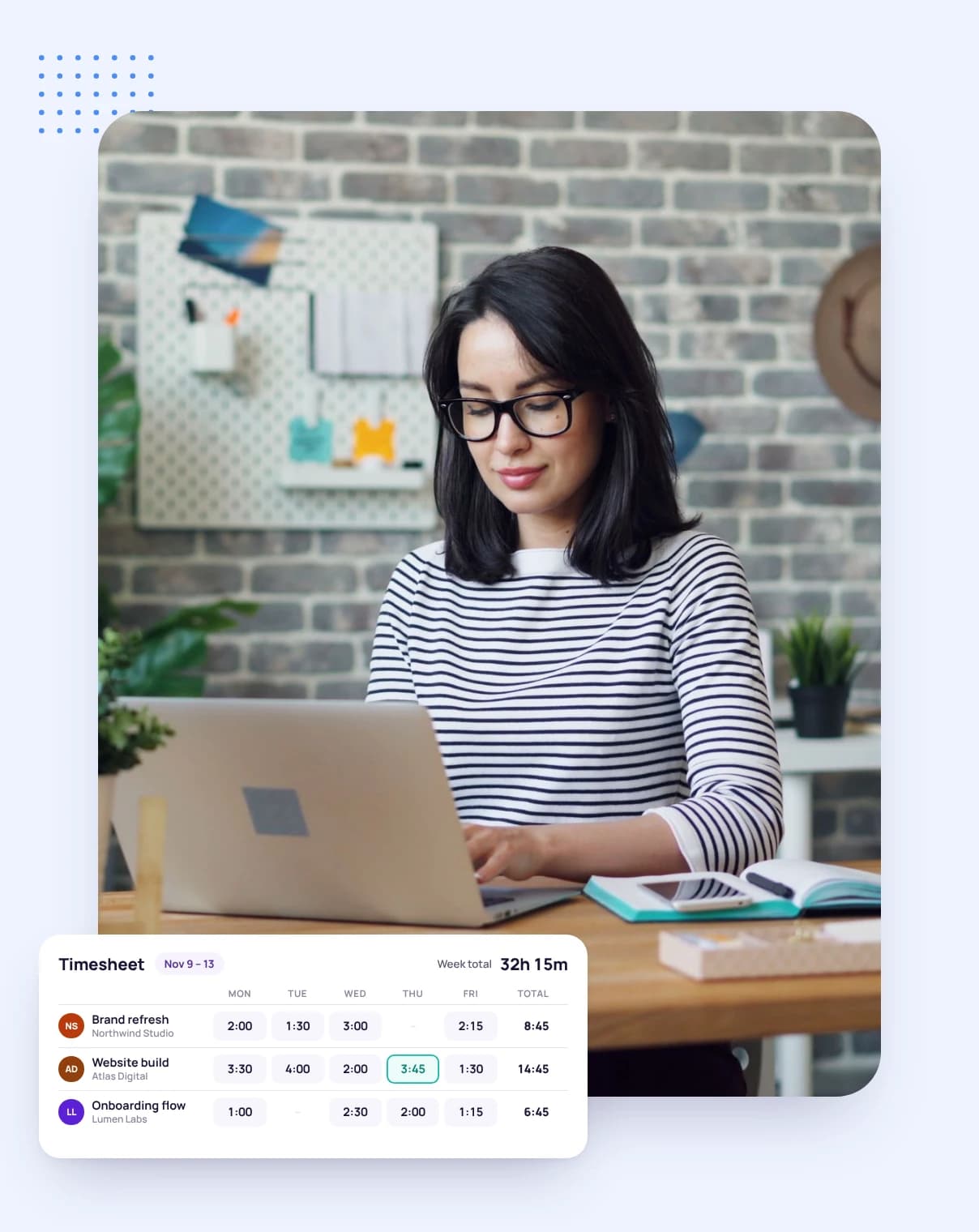
Every hour from the desktop app, the web timer or a manual entry lands on one timesheet per client, ready to review, report on and bill.
No credit card required
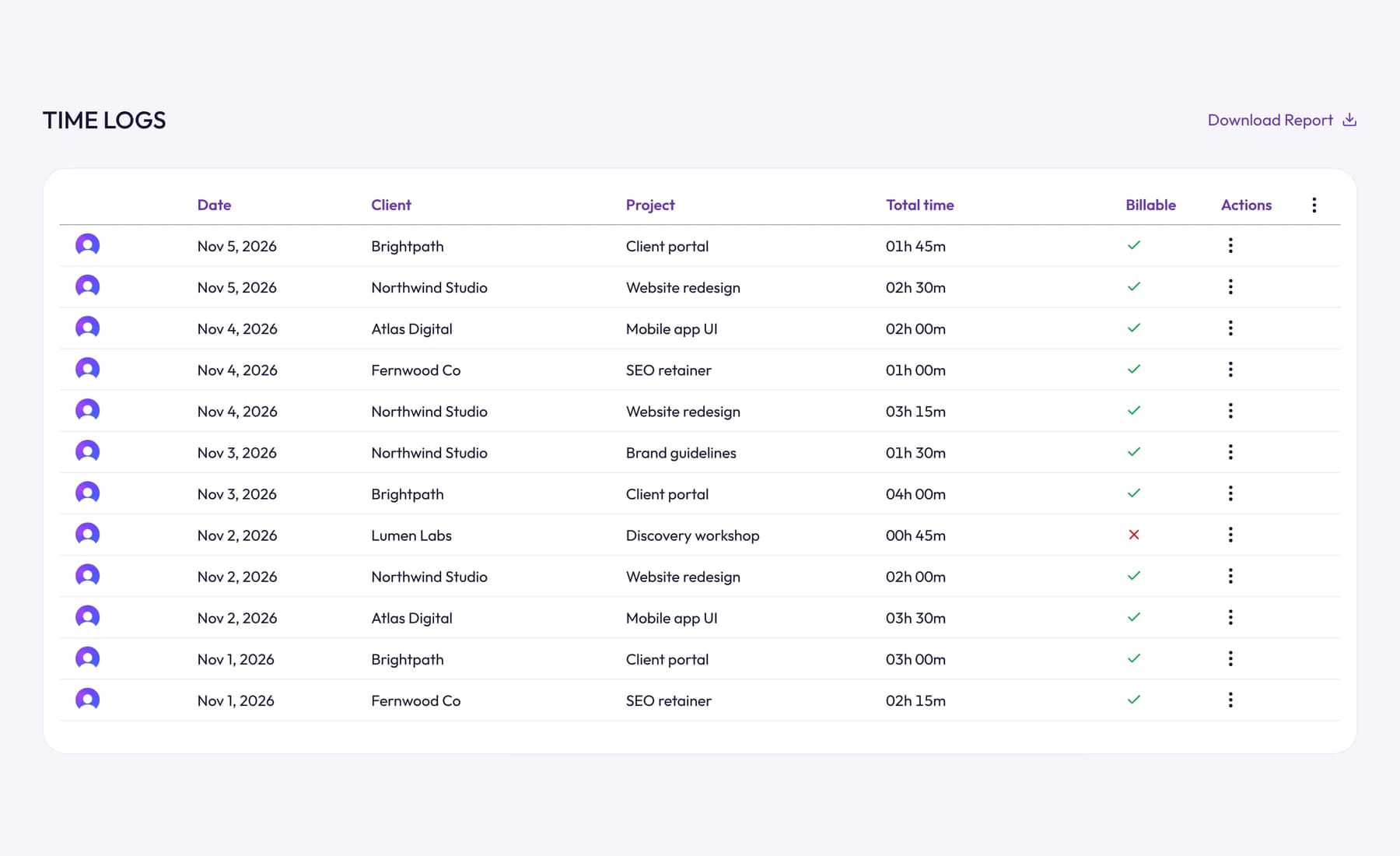
Every hour from the desktop app, the web timer or a manual entry lands on one timesheet per client, ready to review, report on and bill.
Nobody enjoys rebuilding a week from memory on a Friday afternoon. In Tristiks Grow the timer writes the timesheet as you work, and the only thing left to do is check it and bill it.
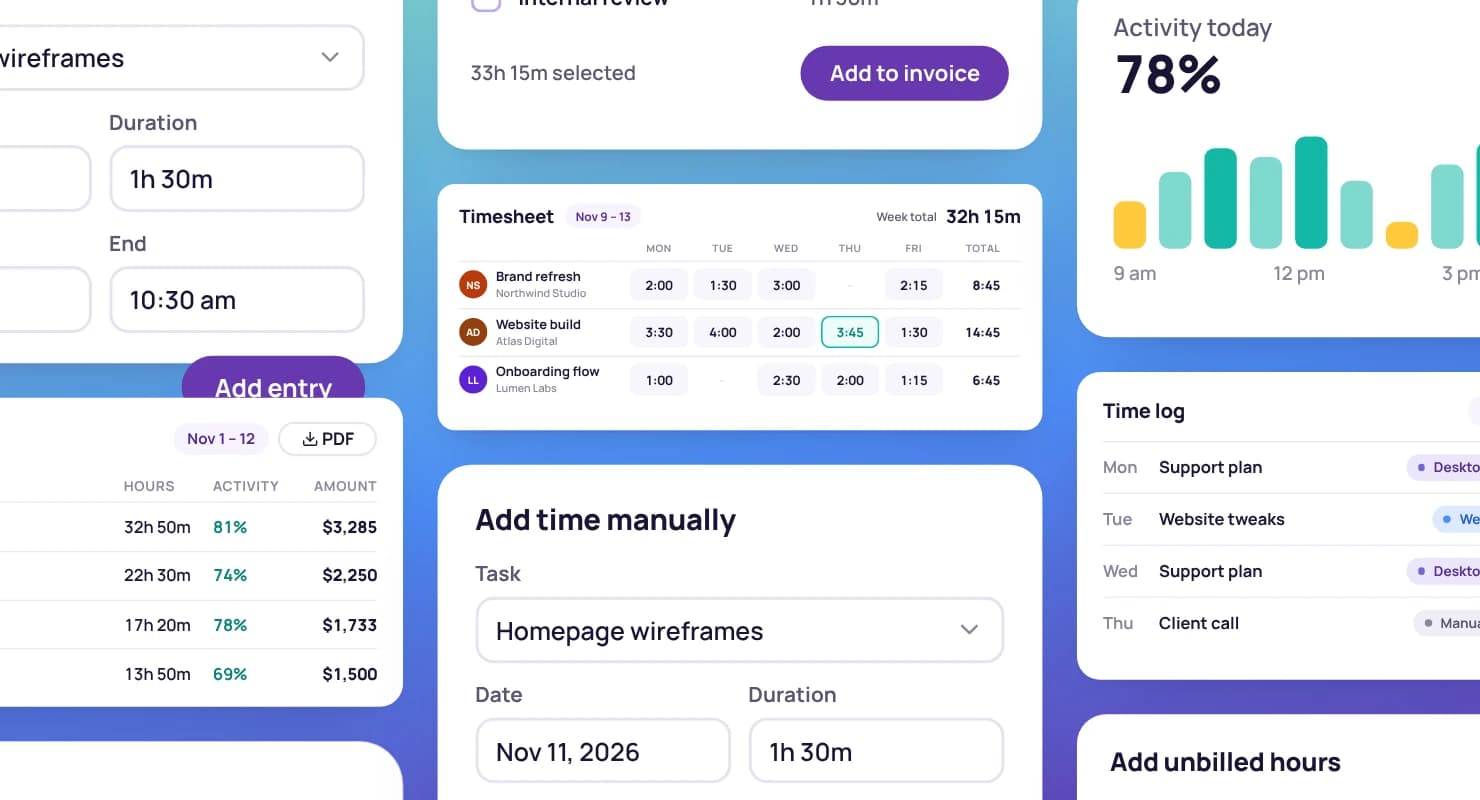
Hours from the desktop app and the web timer share one timesheet for each client, with the project, task and description beside every entry.
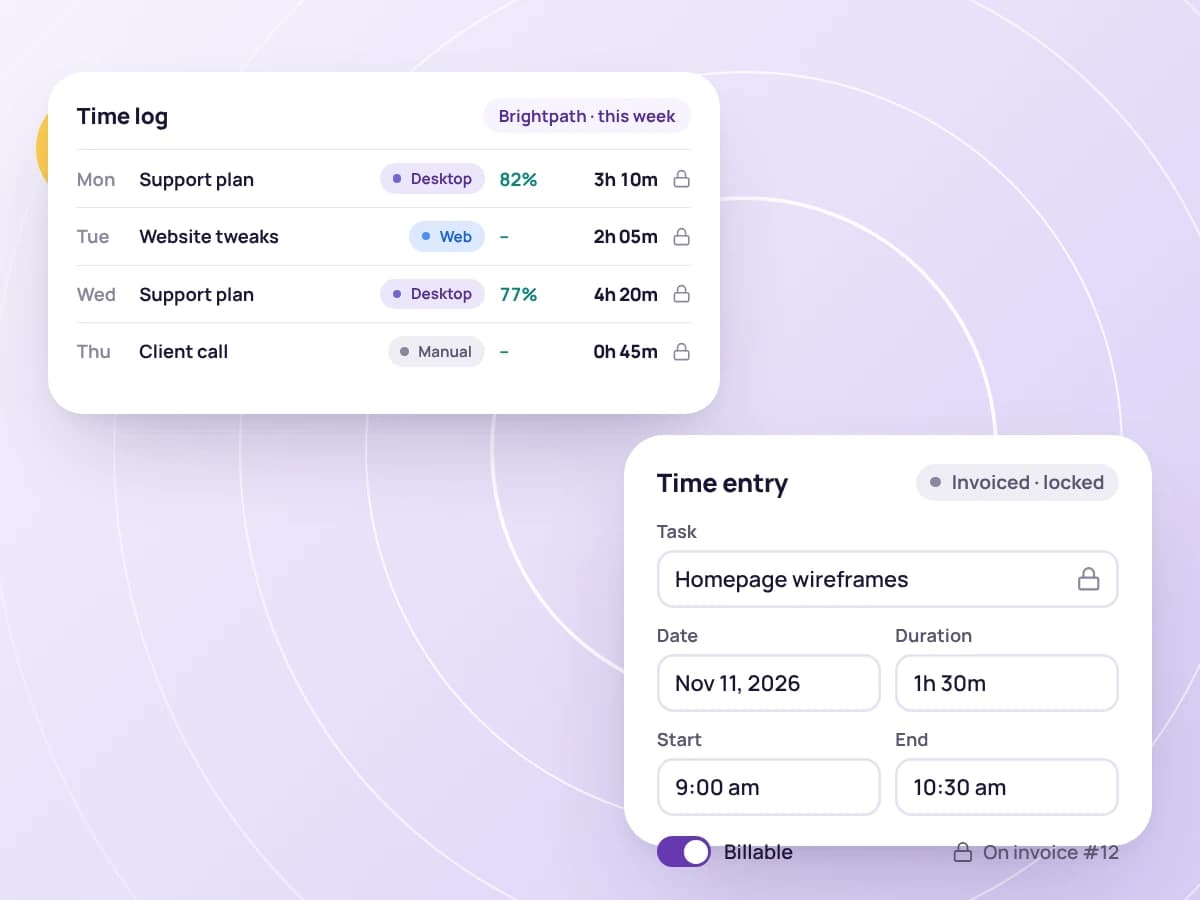
Each entry is labelled with where it came from, so you can tell a web entry has no screenshots rather than wondering where they went.
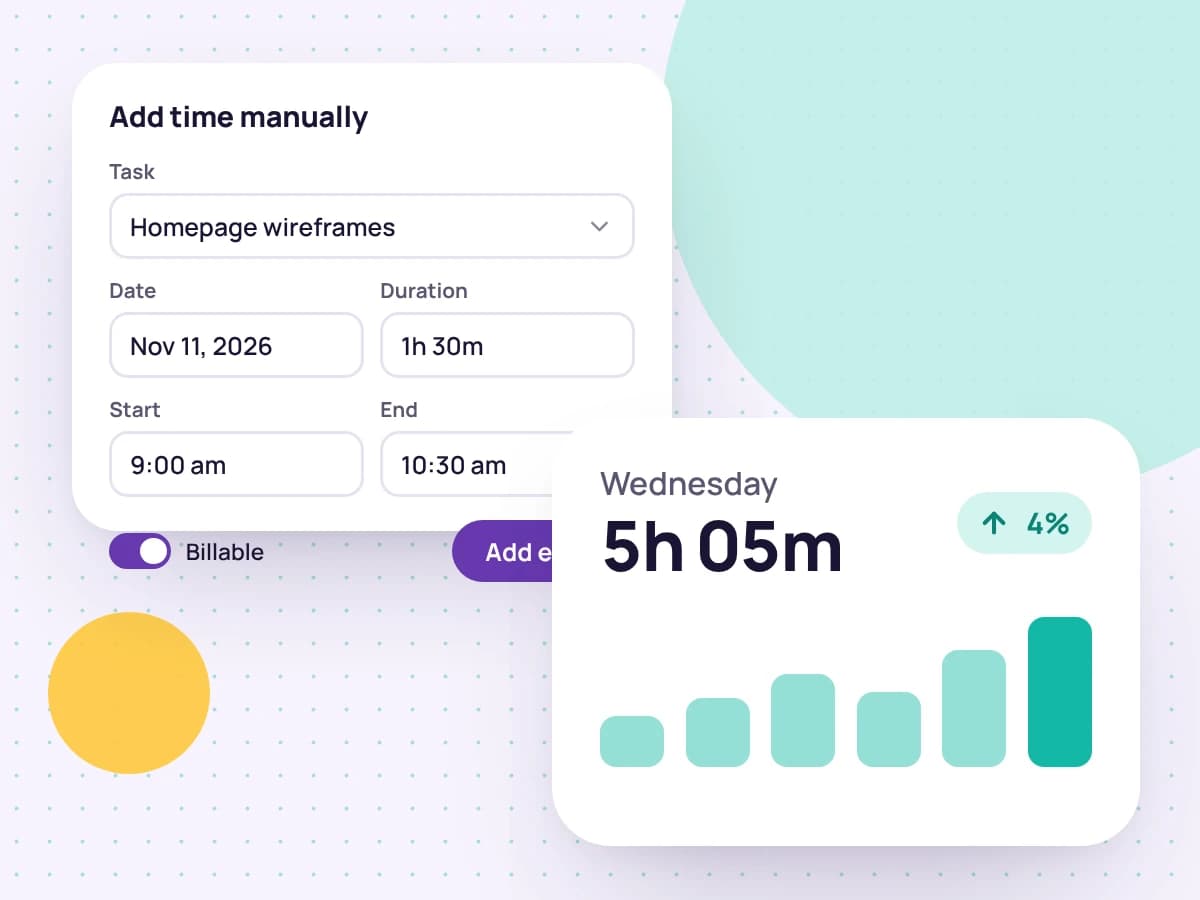
Forgot to start the timer? Add an entry for any day with its client, project and task, as a length of time or with start and end times.
Mark each entry as billable or non-billable, so only the hours you mean to charge for reach an invoice.
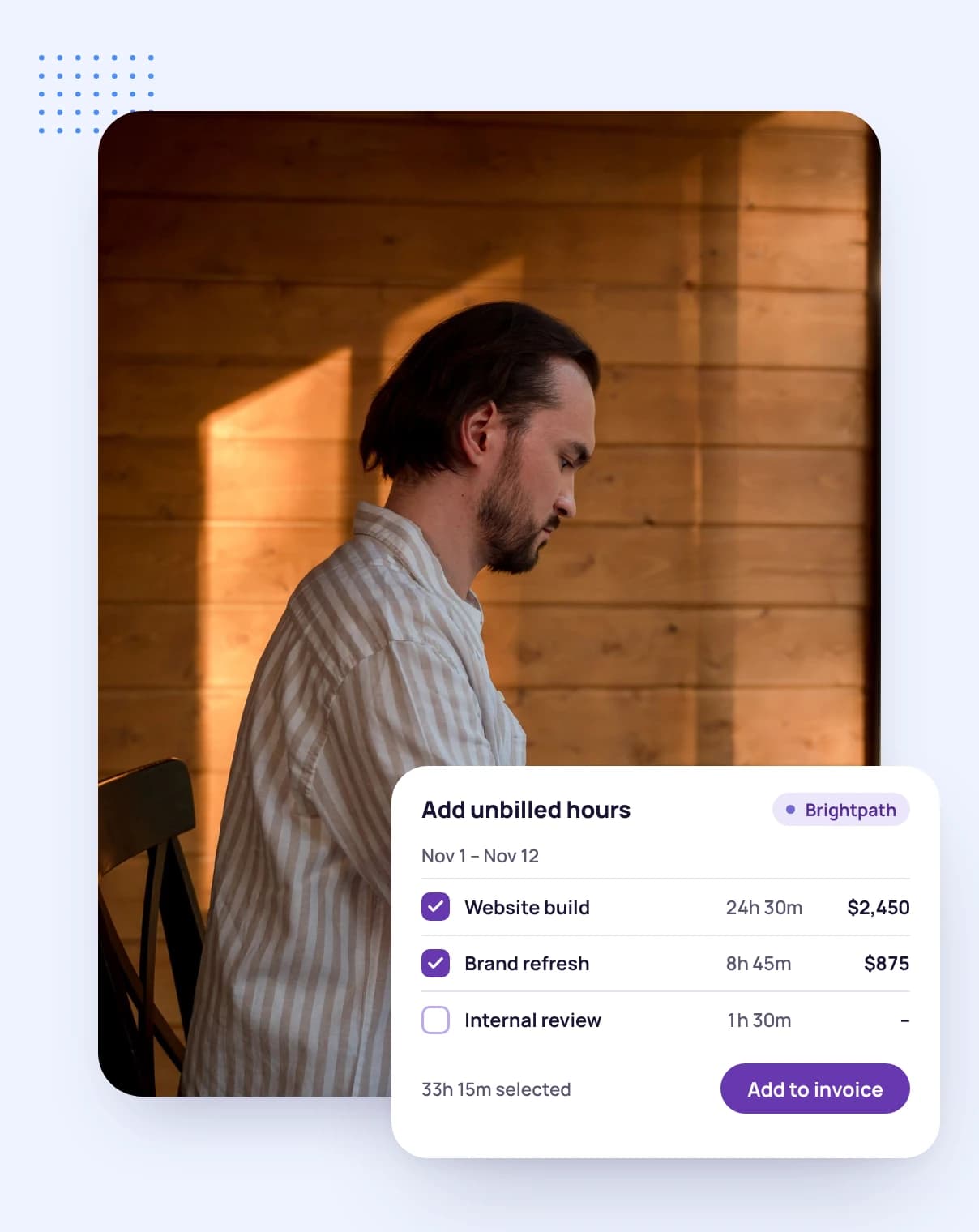
When you build an invoice, pick the hours to bill from the client's timesheet. Entries that are already on an invoice are locked, so no hour is billed twice.
Delete a desktop screenshot and the time it covers comes off the timesheet with it, so the hours always match the proof.
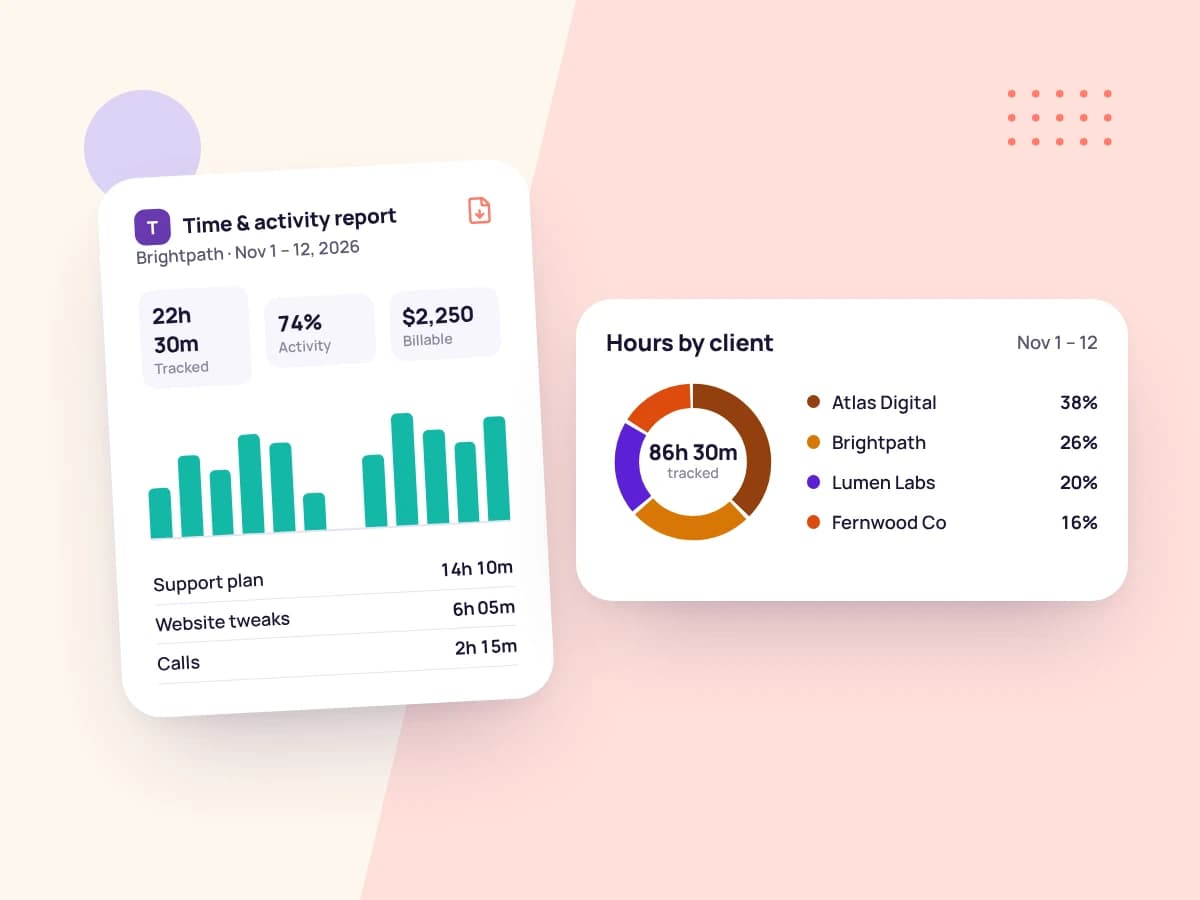
Download a PDF time and activity report for any date range. Account owners can download one for any teammate.
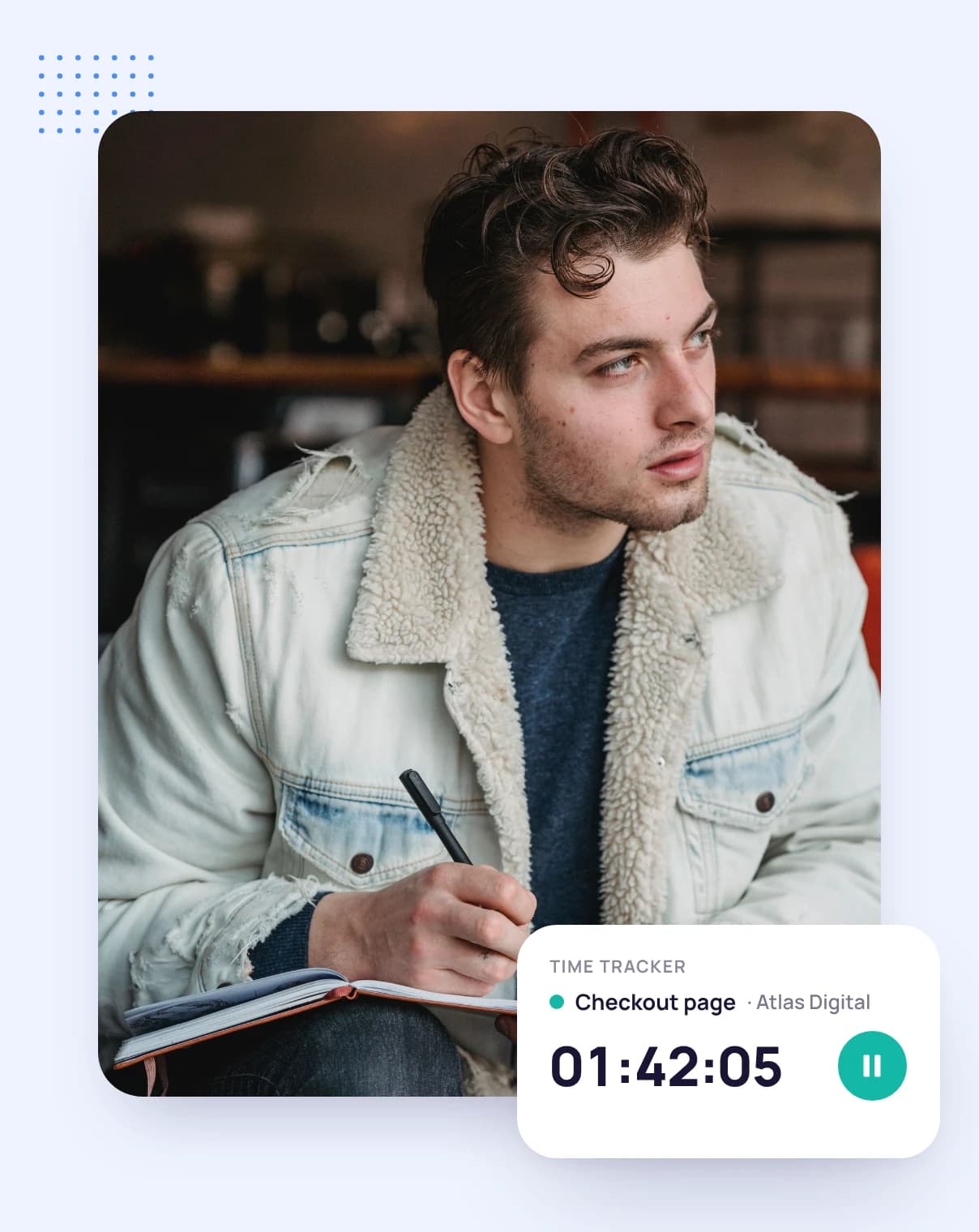
Start the timer on a client, project and task, or add the time by hand.
Check the week's entries, fix anything that's off and mark what's billable.
Pick the billable hours on the client's next invoice, and they're locked from then on.
FAQ
Still have questions? Talk to our team.
It records the hours people work, against the clients, projects and tasks they worked on, so you can review them, report on them and bill for them. Tristiks Grow fills its timesheets from the timer as you work.
Yes. Add a manual entry for any day with its client, project and task, either as a length of time or with start and end times.
Yes. Each entry is labelled with where it was tracked. Only desktop entries carry screenshots and activity levels.
You don't have to. Once an entry is on an invoice it's locked, and it isn't offered for another invoice.
You can download a PDF time and activity report for any date range, and account owners can download one for any teammate.
Yes. Every plan starts with a free 14-day trial, and you don't need a credit card to sign up.
Start a free 14-day trial and track your first hour today, or book a demo to see timesheets and invoicing together.