Tristiks

For accountants

Time tracking and billing for accountants and bookkeepers

Track the hours each client takes, send engagement terms for signature, and bill monthly fees on schedule, with each client's documents in one place.

  • Free 14-day trial
  • No credit card required
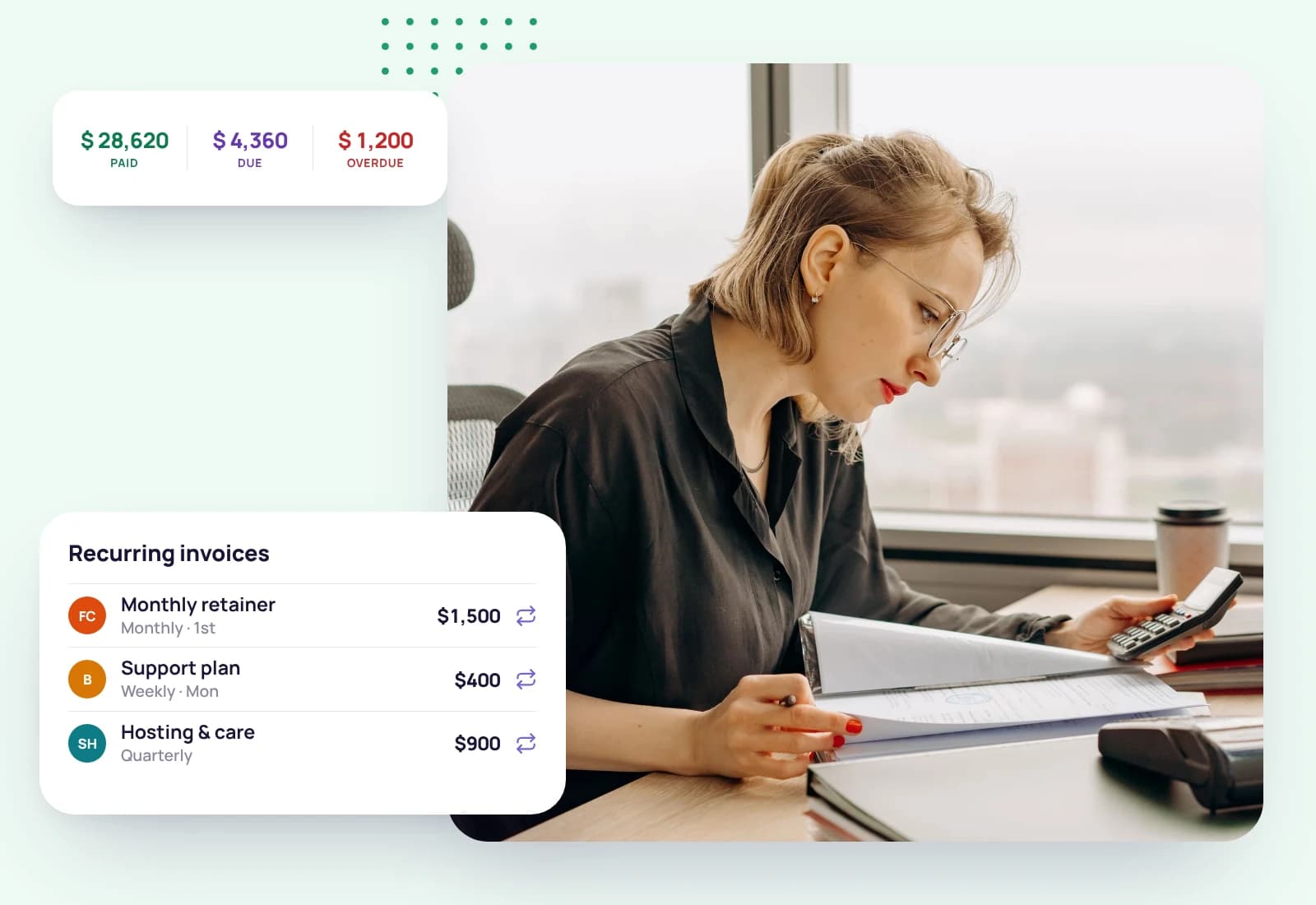
An accountant working through documents at her desk, beside the monthly recurring invoices and the year's totals
Monthly invoicesSent

Know which clients are worth your time

Fixed monthly fees hide how long each client really takes. Tristiks Grow tracks the hours per client and project next to what you bill them, so you can see who's profitable and price the next engagement better.

Built for client-service firms

Northwind Studio · Timesheet
  • MonClient workshopWeb · Website redesign3h 00m
  • TueHomepage wireframesDesktop · Website redesign4h 15m
  • WedInternal planningWeb · Website redesign · Non-billable0h 45m

Hours per client, at a glance

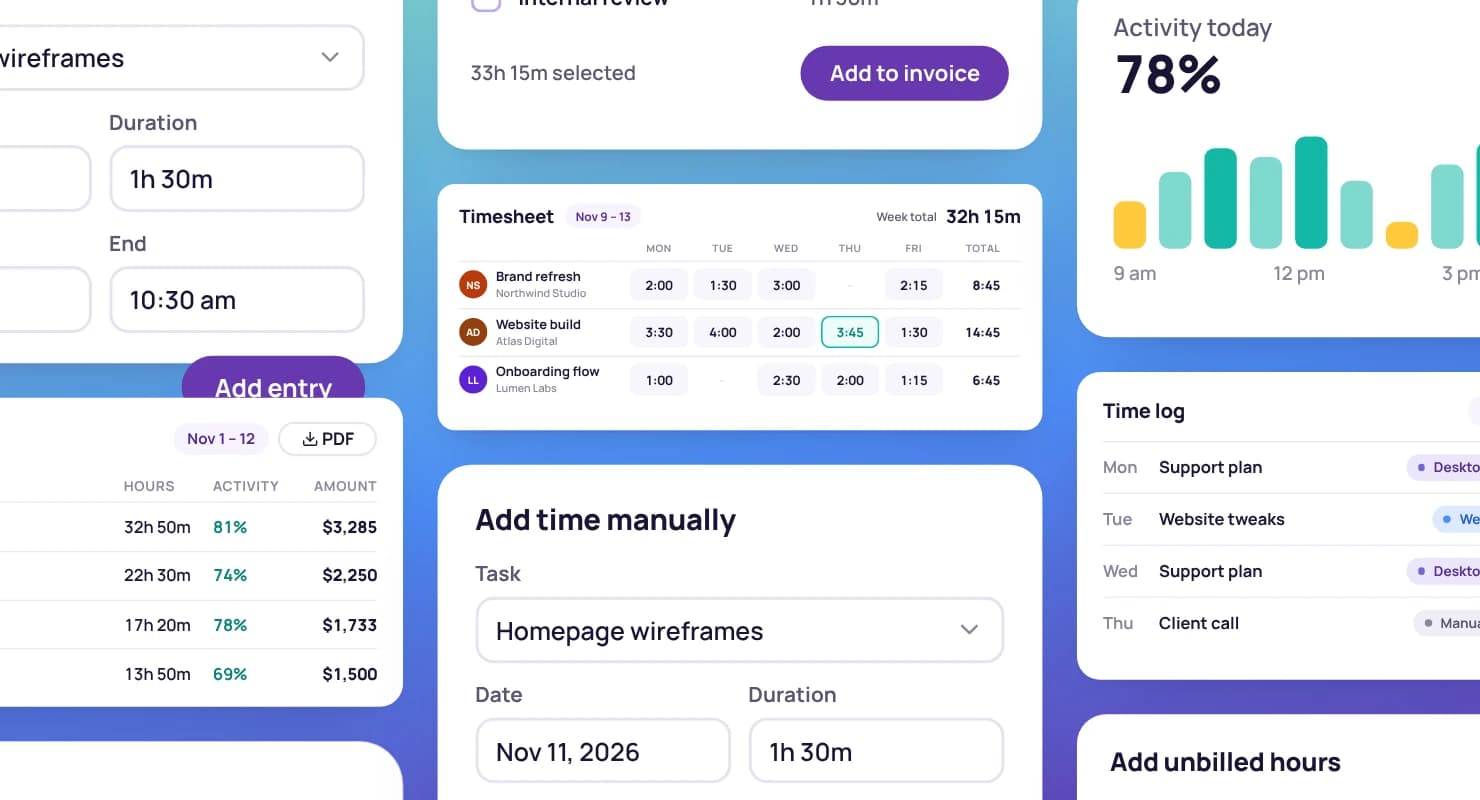
One timesheet per client, from the timer and manual entries.

Invoice #1042

Bill to

Northwind Studio

Status moves from draft to sent to paid
  • Tracked time, 1–15 Sep · 14 h × $110.00$1,540.00
  • Client workshop · 3 h × $110.00$330.00
Total$1,870.00

Monthly fees on schedule

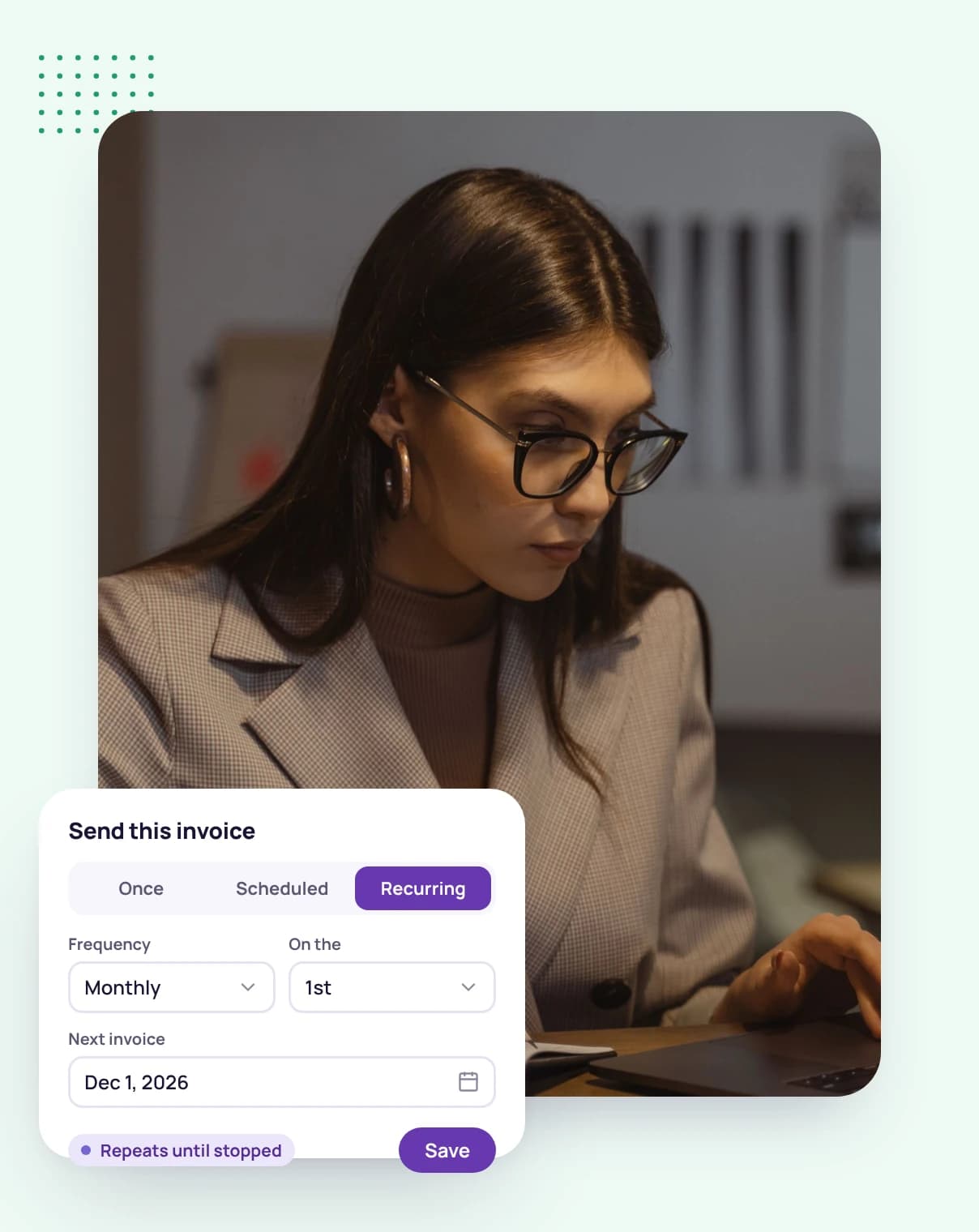
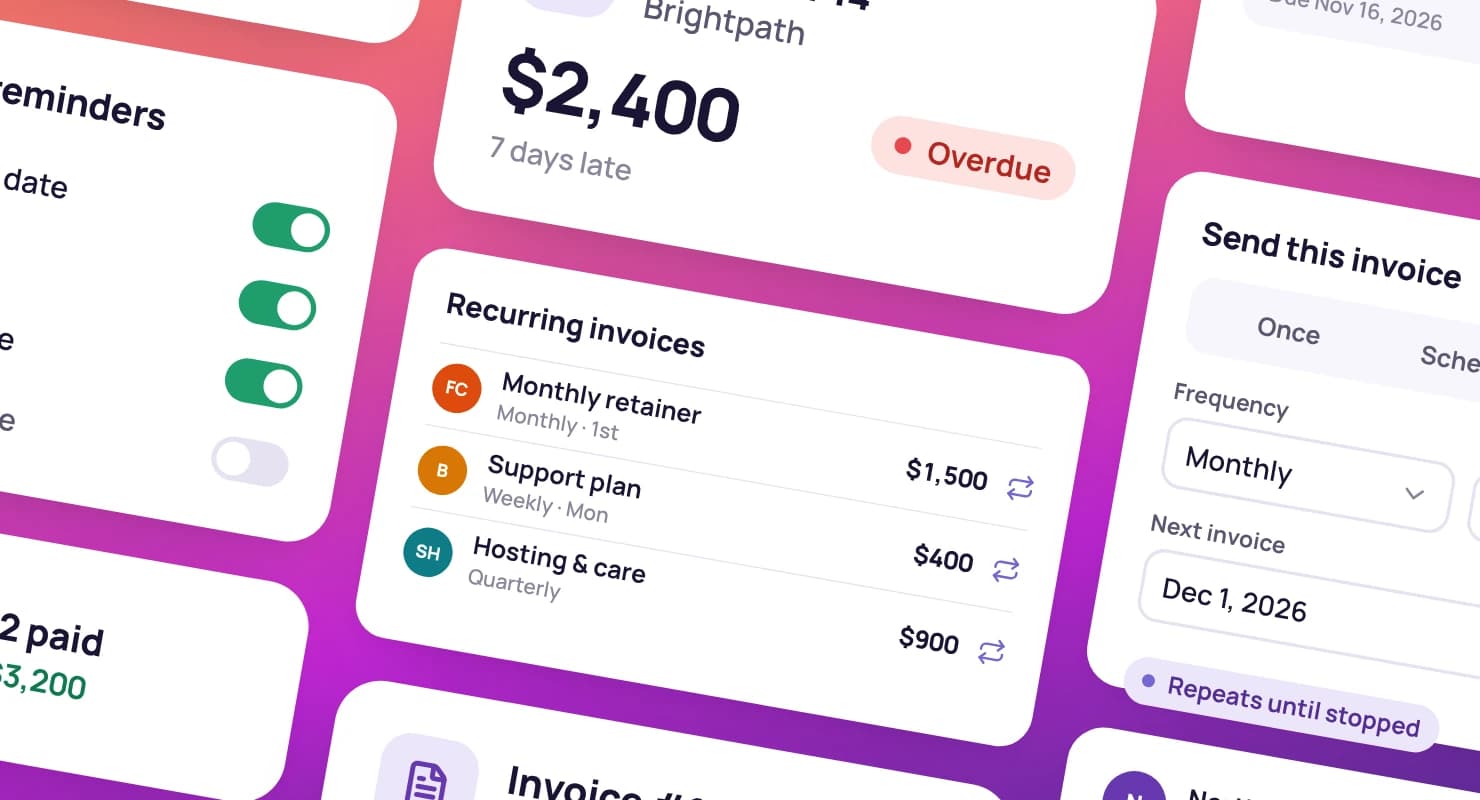
Recurring invoices go out on their own, with reminders when they're late.

Proposals & contracts
  • Website redesign proposalNorthwind StudioSigned
  • Retainer contractBrightpathViewed
  • Discovery workshopFernwoodSent

Engagement letters, signed

Send engagement terms as a contract clients sign online.

Projects
  • Website redesignNorthwind Studio42h of 60h
  • Quarterly retainerBrightpath18h of 20h

Estimates per engagement

Set an estimate for year-end or monthly work and see the time against it.

Built for how firms bill clients

  • Track time against clients and engagements, and compare it with what you bill.

    A man holding a tablet, with a running time tracker, today's tracked hours and the day's activity level around him
    Tracked this week37h 50m
    Billable and non-billable time
    Mark admin time non-billable so it doesn't reach an invoice.
    PDF time reports
    Download a time and activity report for any date range.
    Explore timesheets
  • Contacts, notes, documents and links on each client's profile, with their engagements and invoices.

    A smiling man in a blazer beside a client's profile and a client card showing what is due
    Active clients38
    A calendar for deadlines
    Task due dates and invoice dates on one calendar, beside your Google Calendar events.
    Staff access
    Teammates work across your clients; collaborators see only what you share.
    Explore client management
  • Make a client's monthly invoice recurring, and let reminders follow up on late payments.

    A woman holding a tablet, with a sent invoice, its payment reminders and a paid invoice around her
    Recurring invoices24
    Paid, due and overdue
    See which invoices are paid and which need a nudge.
    Extra work billed by the hour
    Add tracked hours to an invoice when a job goes beyond the fee.
    Explore invoicing
  • Send engagement terms from a template and see when they're viewed and signed.

    A woman in a white blazer, with proposal templates and a signed proposal beside her
    Contract statusSigned
    No account needed
    Clients sign by typing their name.
    Import existing letters
    Bring in agreements that are already signed.
    Explore proposals and contracts

Priced for small firms

Professional covers up to 3 people. Sole practitioners can start on Solo, and firms of up to 10 on Advanced.

Compare all plans

Professional plan

$19a month · 3 seats

For the freelancer looking to grow and scale their business.

  • Everything in Solo PLUS
  • Priority support
Start your free trial

Get set up in an afternoon

  1. 1

    Add your clients

    Enter each client's contacts and billing details once.

  2. 2

    Set up monthly invoices

    Make each client's fee invoice recurring.

  3. 3

    Track the hours

    Track time per client and see who's worth what you charge.

An accountant writing at her desk, with a client card for Fernwood Co

Guides for client-service firms

Guides and pages to help you win work, run it well and get paid on time.

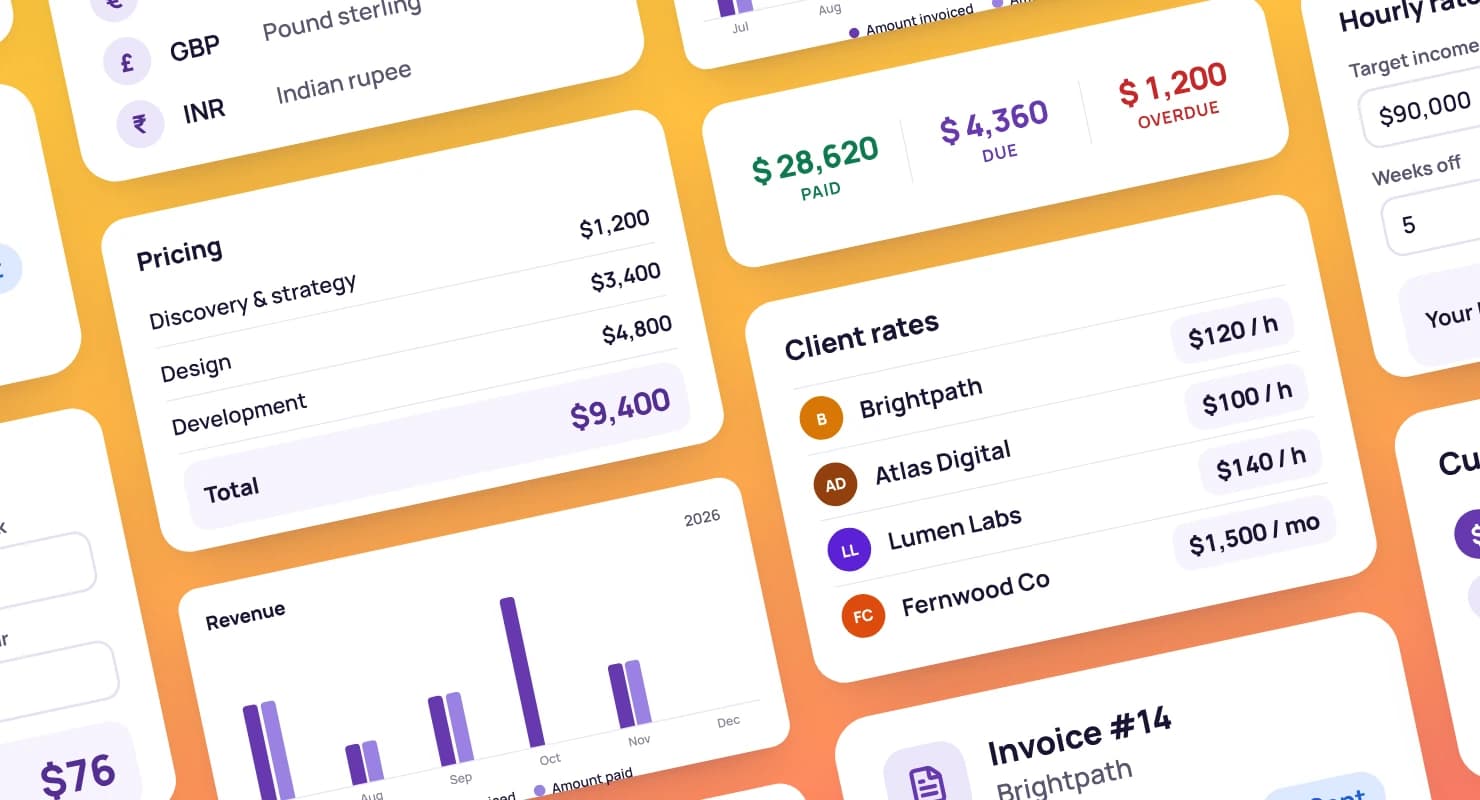
Dashboard cards for pricing: client rates, a rate calculator and a proposal's pricing table

Retainers or fixed-price projects?

Which way of billing fits your clients, and what each means for cash flow.

Choose your model

Payment reminder email templates

What to send, and when, from a polite nudge to a final notice.

Get paid faster

How to fill out a timesheet

A step-by-step guide with a free template and the mistakes to avoid.

Timesheet tips

FAQ

Accounting firm questions, answered

Still have questions? Talk to our team.

Can I bill clients a fixed monthly fee?

Yes. Make the invoice recurring and it's sent on schedule, with payment reminders if it's late.

Can I see how long each client takes?

Yes. Time is tracked per client and project, and a project shows its tracked time against its estimate.

Can clients sign engagement letters online?

Yes. Send the terms as a contract, and clients sign by typing their name. You can also import letters that are already signed.

Can my staff use it?

Yes. Invite teammates, who work across your clients, or collaborators, who see only the clients and projects you share.

Is there a free trial?

Yes. Every plan starts with a free 14-day trial, and you don't need a credit card to sign up.

Know what every client is worth

Start a free 14-day trial and set up your first monthly invoice, or book a demo to see how Tristiks Grow fits your firm.