Tristiks

For developers

Time tracking and billing for software developers

Plan work as tasks and bugs on a board, track time against the ticket you're on, and bill clients for the hours, on macOS, Windows or Linux.

  • Free 14-day trial
  • No credit card required
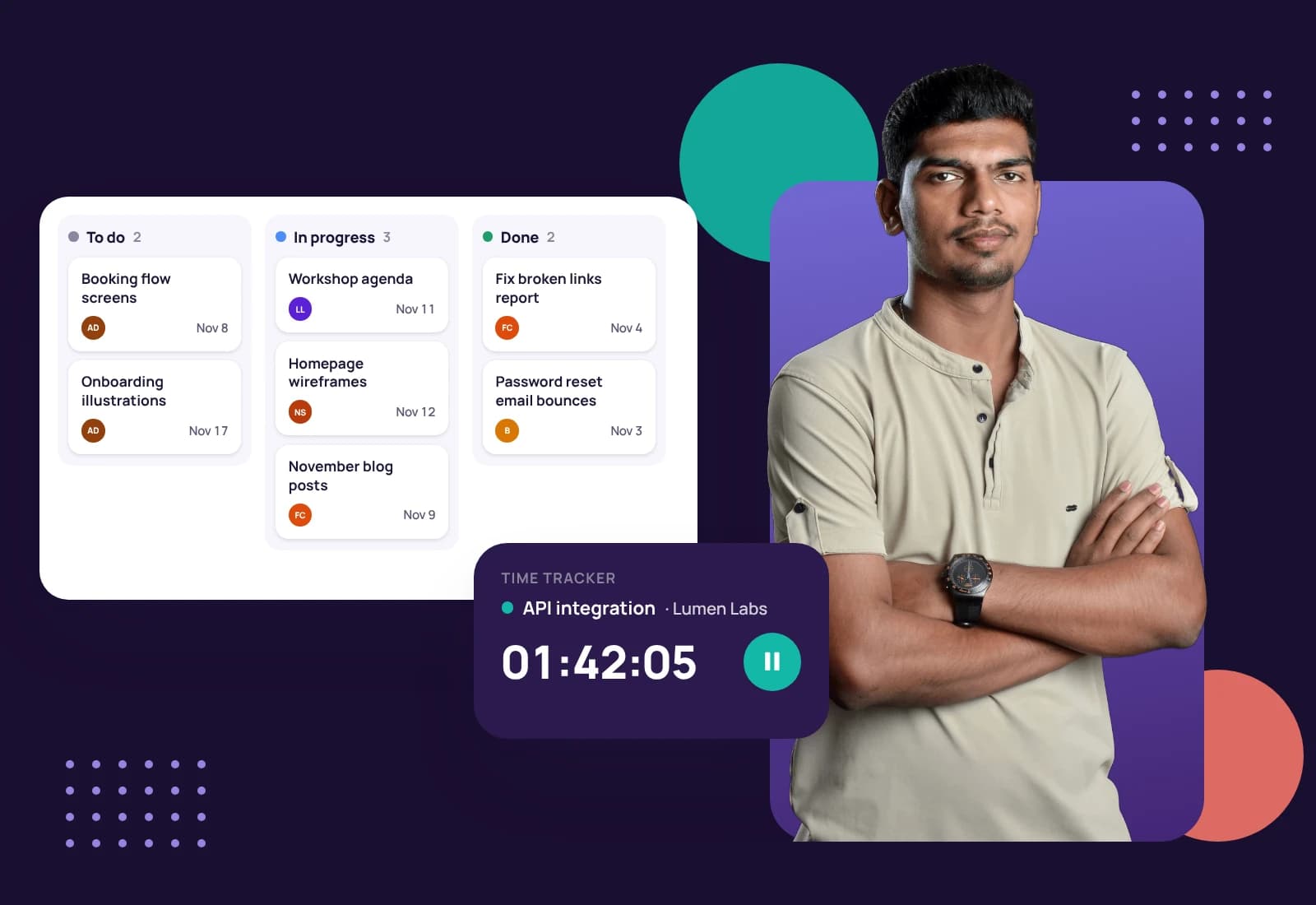
A young developer with his arms crossed, beside a task board and a timer running on a ticket
Moved to DoneNWD-17

Ship the work, bill the hours

Client development work lives in tickets, but billing lives somewhere else. Tristiks Grow puts tasks, bugs, tracked time and invoices in one place, so the hours on each ticket are already on the client's timesheet.

Built for client development

Tasks
  • NWD-14TaskTodayMC

    Review homepage copy

  • NWD-17BugTodayJR

    Contact form not sending

  • NWD-21TaskNext weekAP

    Launch checklist

Tasks and bugs with keys

Every item gets a short key like NWD-17 and is marked as a task or a bug.

OneTrack

Homepage wireframes

Northwind Studio · Website redesign

Tracking

Timer running, 04:12:36 tracked

Activity, last 100 minutes73%

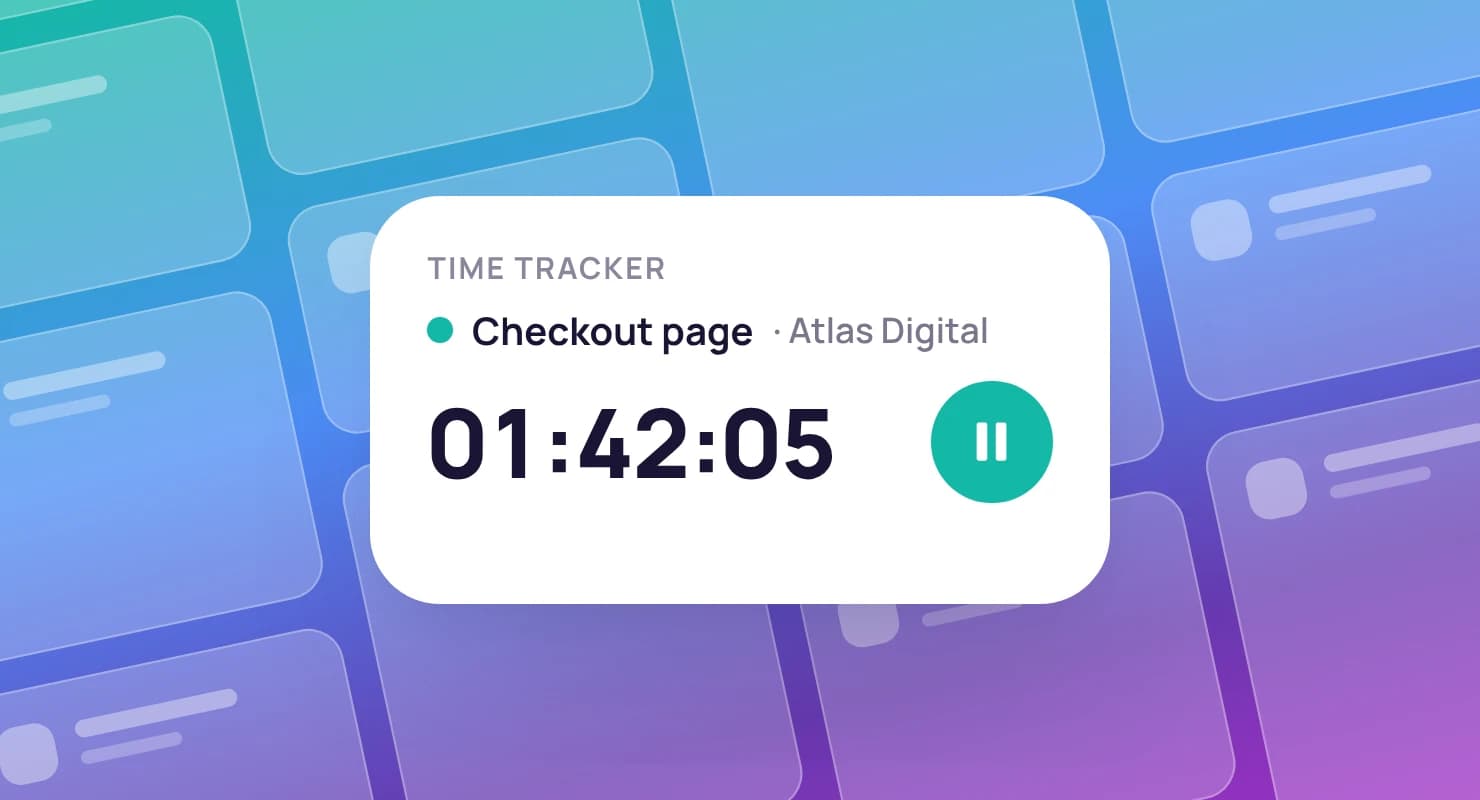
Time on the ticket you're on

Pick the task in the timer and every minute lands on it, its project and its client.

Projects
  • Website redesignNorthwind Studio42h of 60h
  • Quarterly retainerBrightpath18h of 20h

Estimates you can check

Project and task estimates next to the time actually tracked.

Invoice #1042

Bill to

Northwind Studio

Status moves from draft to sent to paid
  • Tracked time, 1–15 Sep · 14 h × $110.00$1,540.00
  • Client workshop · 3 h × $110.00$330.00
Total$1,870.00

Hours become invoice lines

Pick the billable hours and they're added at your rate.

Built for how developers work

  • Overdue, Today, This Week and Upcoming fill from due dates. Add columns like In review for your own stages.

    A young woman holding a clipboard, beside a task with its subtasks and the week's task list
    In review3 tasks
    Subtasks with priorities
    Break a ticket into steps, each with a priority and an owner.
    Comments and attachments
    Keep the discussion and files with the ticket.
    Explore the kanban board
  • The desktop app sits in your tray or menu bar on macOS, Windows or Linux, and keeps tracking offline.

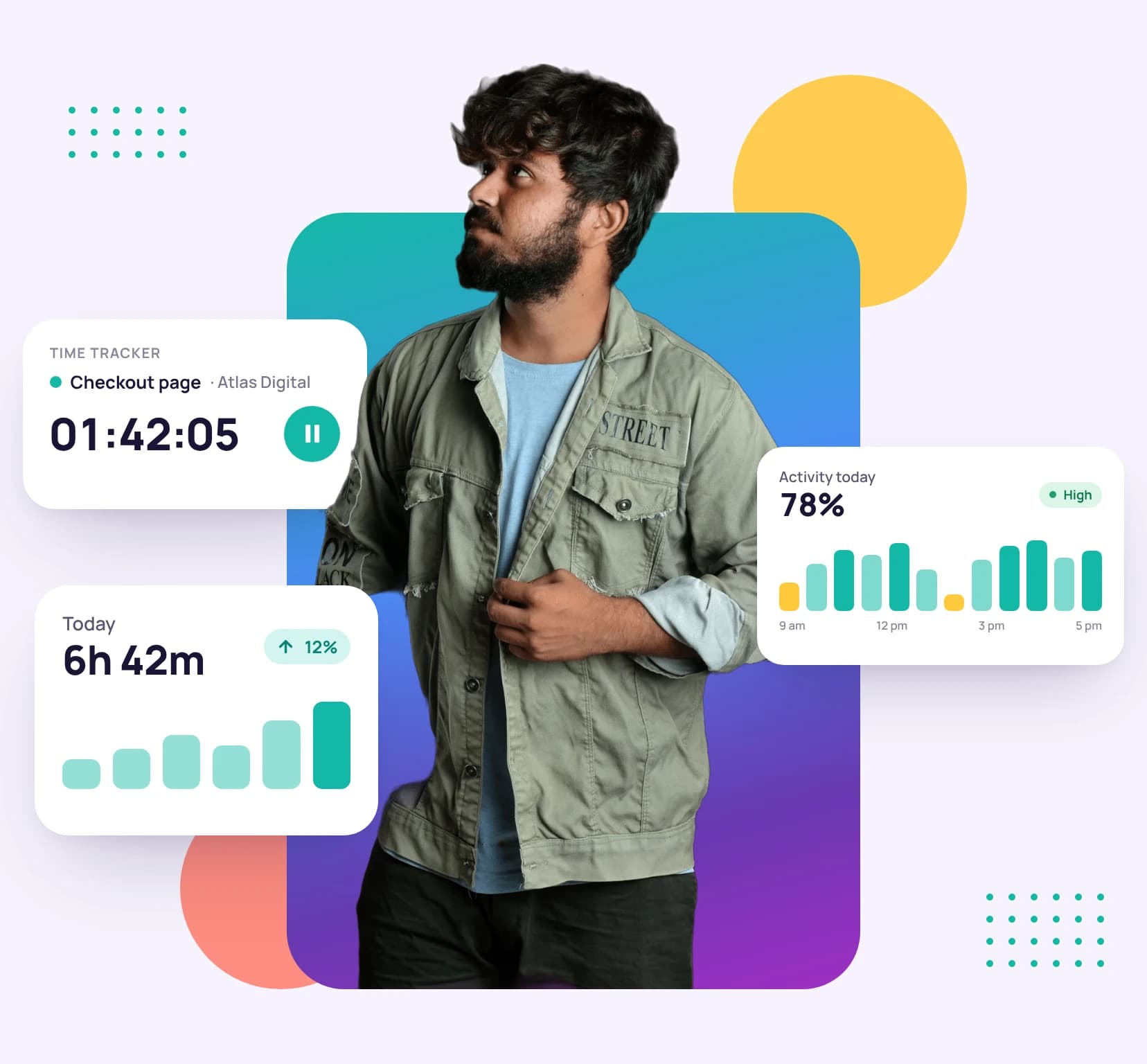
    A man holding a tablet, with a running time tracker, today's tracked hours and the day's activity level around him
    Tracked today6h 05m
    Idle time handled fairly
    Step away and it asks whether to keep or discard the time.
    One clock everywhere
    Start in the browser, see it on the desktop.
    Explore time tracking
  • Pick the client's tracked hours and unbilled expenses, and send them an invoice.

    A woman holding a tablet, with a sent invoice, its payment reminders and a paid invoice around her
    Invoice #1044Sent
    Locked once invoiced
    Hours already billed can't be billed again.
    Recurring invoices
    For retainers and maintenance plans.
    Explore invoicing
  • Invite a developer as a collaborator and share only the projects they work on.

    A smiling man in a blazer beside a client's profile and a client card showing what is due
    Collaborators2
    Tracking rules per person
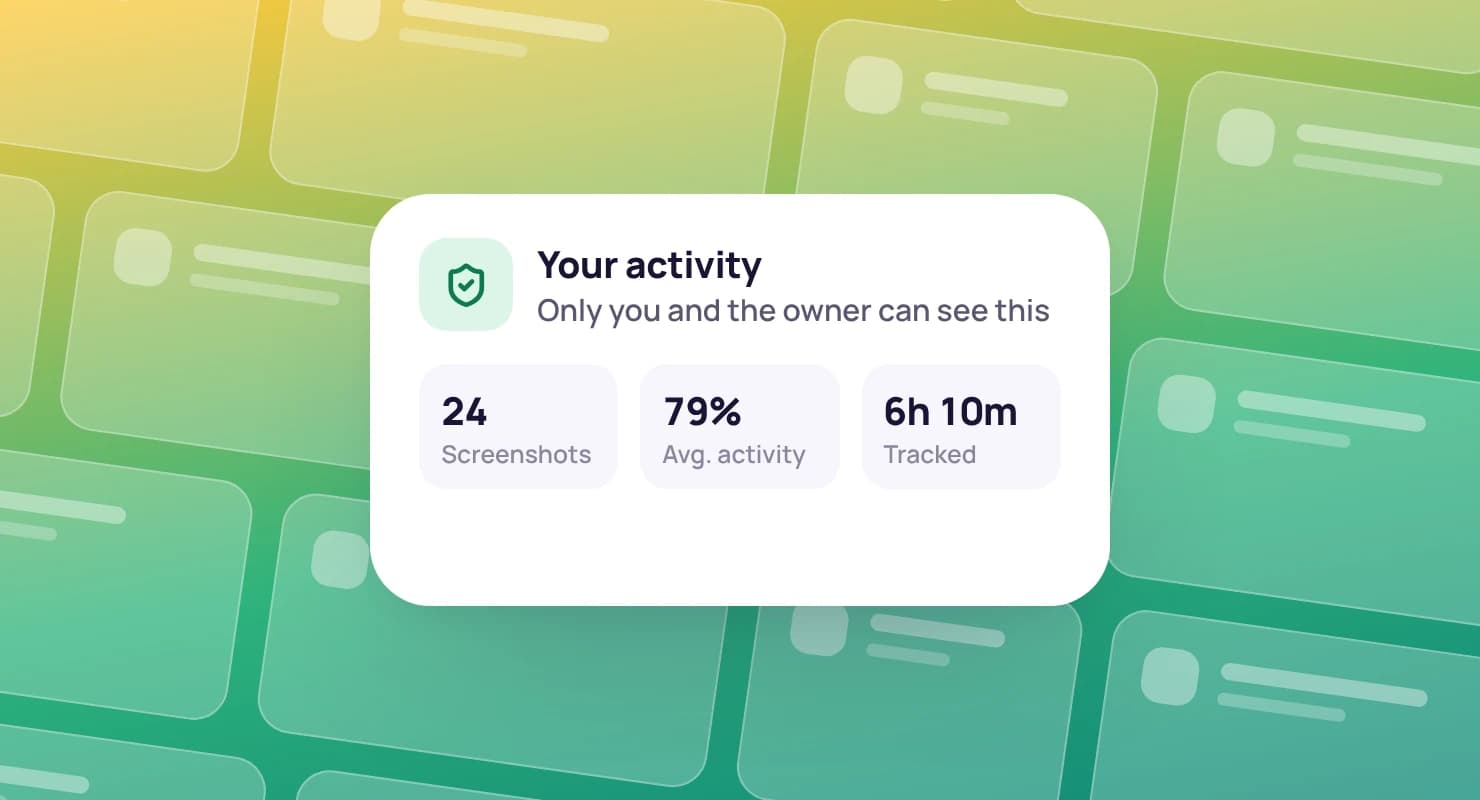
    Set screenshot frequency and idle time for each member.
    Bill the team's hours
    Include teammates' tracked time on the client's invoice.
    Explore team management

Priced for small dev teams

Professional covers up to 3 people. Solo developers can start on Solo, and teams of up to 10 on Advanced.

Compare all plans

Professional plan

$19a month · 3 seats

For the freelancer looking to grow and scale their business.

  • Everything in Solo PLUS
  • Priority support
Start your free trial

Get set up in an afternoon

  1. 1

    Install the desktop app

    For macOS, Windows or Linux. Sign in through your browser.

  2. 2

    Put the work on the board

    Add tasks and bugs with due dates, estimates and owners.

  3. 3

    Track tickets, bill hours

    Track time on each ticket and invoice the client's hours.

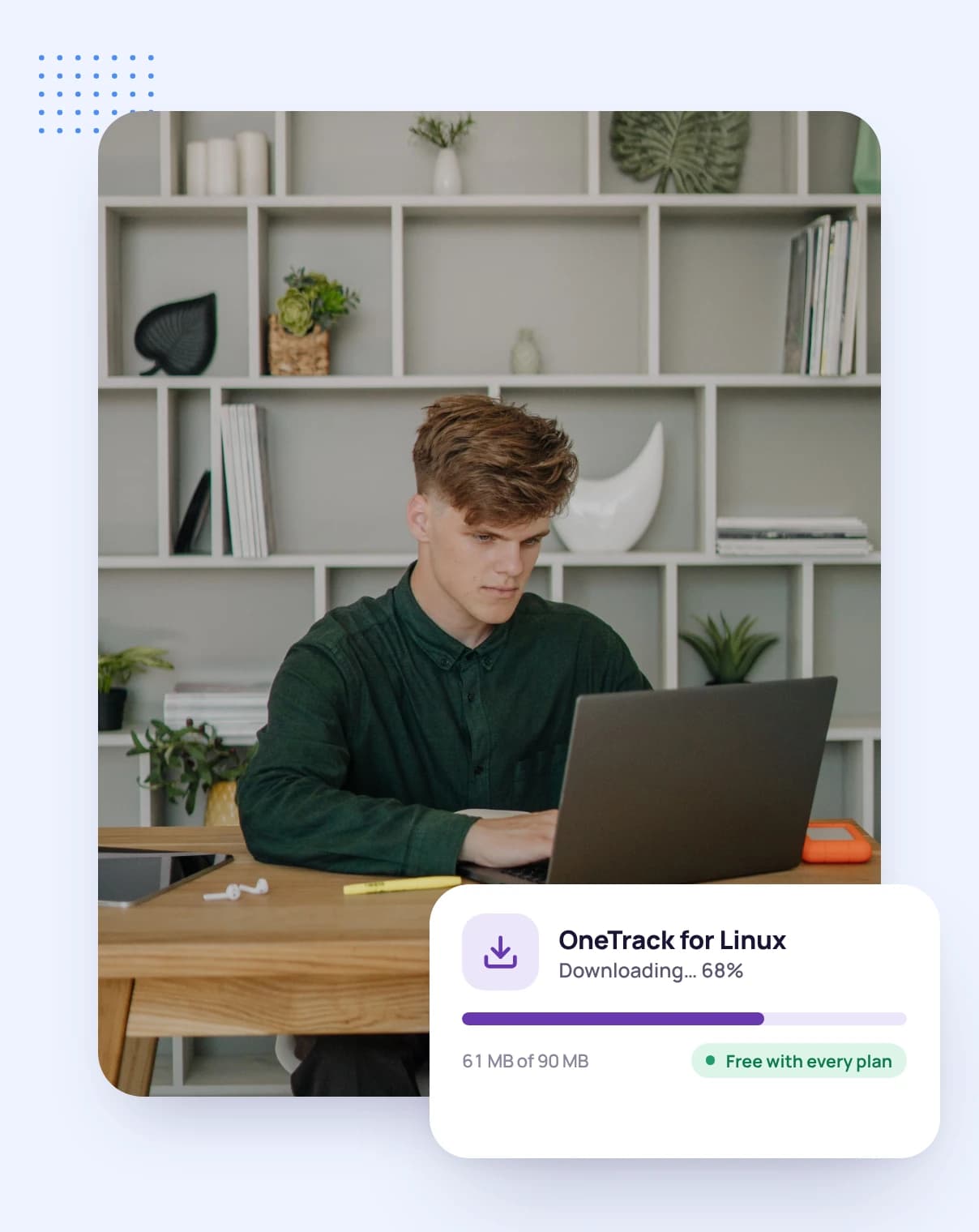
A developer at his laptop, downloading the OneTrack desktop app

Guides for client developers

Guides and pages to help you win work, run it well and get paid on time.

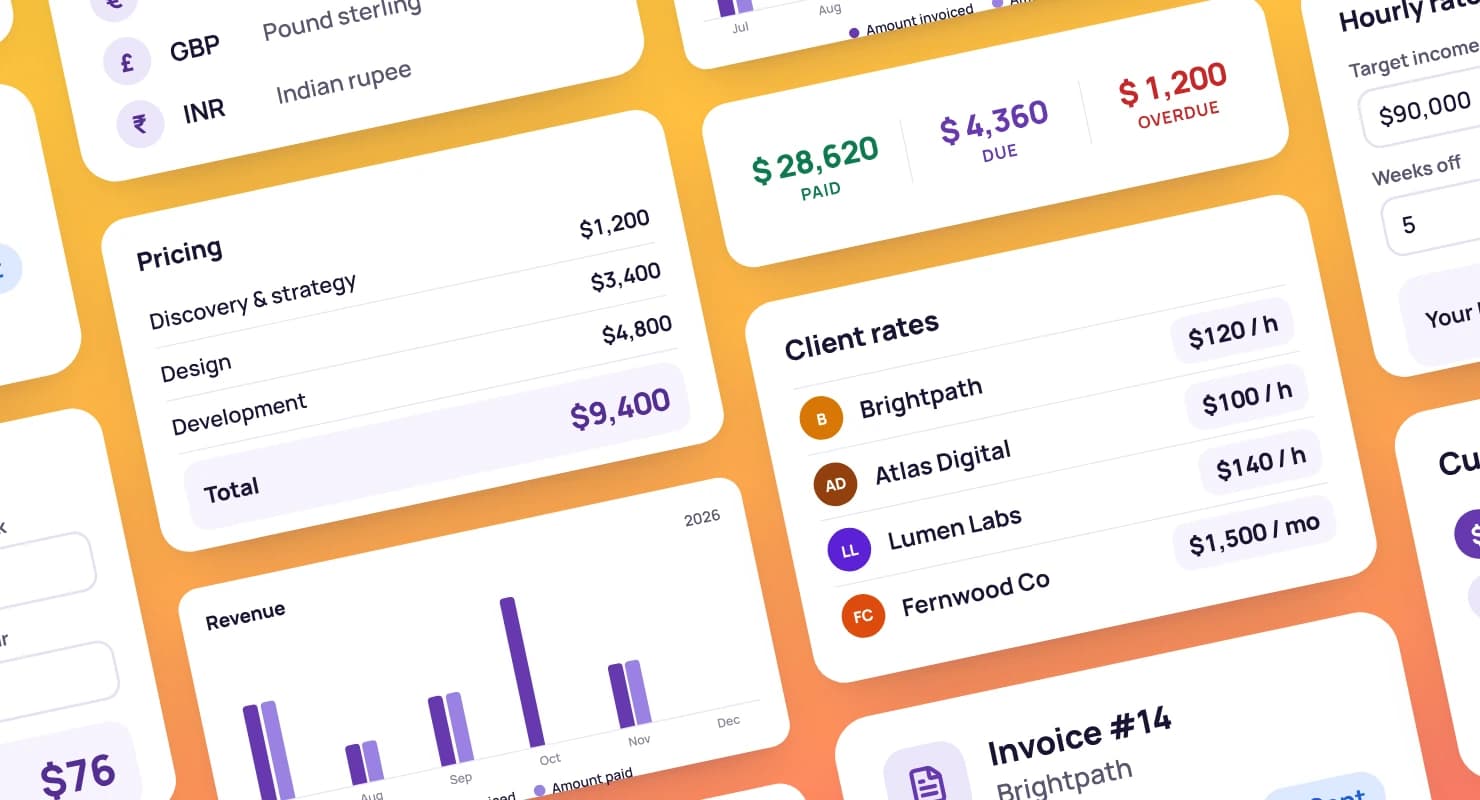
Dashboard cards for pricing: client rates, a rate calculator and a proposal's pricing table

Project budgets: are you on track?

How to tell early whether a project is staying inside its budget.

Check your budget

How to track your time at work

Seven methods compared, from paper timesheets to automatic trackers.

Track your time

What is scope creep?

How it sneaks into client projects, and how to prevent it.

Protect your scope

FAQ

Developer questions, answered

Still have questions? Talk to our team.

Does the desktop app run on Linux?

Yes. One installer covers Ubuntu, Debian, Fedora, openSUSE, Arch and their derivatives. Screenshots work on X11; on Wayland it tracks time and idle time but can't take screenshots.

Can I track bugs separately from tasks?

Yes. Mark any item as a bug, and every item gets a short key like NWD-17.

Can I track time against a specific ticket?

Yes. Pick the task in the timer and the time is recorded against it, its project and its client.

Can I compare estimates with actual time?

Yes. Projects and tasks can carry estimates, and a project shows its tracked time beside its estimate.

Is there a free trial?

Yes. Every plan starts with a free 14-day trial, and you don't need a credit card to sign up.

Track the tickets, bill the hours

Start a free 14-day trial and install the desktop app, or book a demo to see the board, the timer and invoicing together.