Introducing Recurring Invoices in Tristiks Grow
 By Suraj Rao5 min read
What You'll Learn
- A recurring invoice in Tristiks Grow repeats every week, every other week or every month, and each one is sent on its date with its own due date.
- Scheduled payments split one job into several invoices, such as a deposit now and the balance later, so you never forget the second one.
- Payment reminders can follow up 3 days before the due date, on the day, and 7, 14 and 30 days after, only for the reminders you switch on.

Recurring invoices are invoices that repeat on a schedule: the same client, the same amount, sent every week, every other week or every month without you creating each one. They're now in Tristiks Grow. You set the invoice up once, and Tristiks Grow sends each one on its date.
If you bill retainers or monthly fees, that's one less admin job. Here's what recurring invoices do, who they're for and how to set one up.
What are recurring invoices?
A recurring invoice is one invoice set to repeat at a fixed interval. Instead of copying last month's invoice, changing the date and sending it again, you choose the schedule once and the invoices go out on their own.
They suit any work that's billed the same way each period:
- Retainers: a fixed monthly fee for ongoing design, development, marketing or support.
- Monthly fees: bookkeeping, IT support, hosting and maintenance plans.
- Weekly contracts: a set weekly amount for a contractor embedded in a client team.
- Payment plans: a fixed amount every month until a balance is paid.
If you're still deciding between a retainer and project pricing, our guide to retainers vs fixed-price projects covers when each fits.
Why recurring invoices matter
Retainer invoices are easy to write and easy to forget. One month the invoice goes out on the 3rd, the next on the 11th, and the client's payment drifts with it.
A schedule that runs on its own keeps your cash flow steady, and clients know exactly when the invoice will arrive.
What recurring invoices in Tristiks Grow can do
When you create an invoice in Tristiks Grow, you choose how it goes out. There are three ways to send it, and payment reminders can follow any of them.
Recurring: the same invoice, on repeat
Pick how often the invoice repeats:
- Weekly, on the weekday you choose, every week or every other week;
- Monthly, on the day of the month you choose.
Then set a start date, an end date and your payment terms. Tristiks Grow lines up every invoice in between, each with its own due date, and sends each one on the day.
Before you save, it shows when the first invoice will go out and when it falls due, so the schedule is never a surprise.
For example, a weekly retainer for a client could be set to:
| Setting | Value |
|---|---|
| Frequency | Weekly |
| On | Monday |
| Send | Every other week |
| Terms | Due in 14 days |
That sends an invoice every other Monday, each due two weeks after it goes out.
Scheduled payments: one job, split into payments
Plenty of jobs are paid in parts. Scheduled payments let you break one project into several payments, each with its own amount, send date and terms.
A deposit now and the balance on delivery, or three milestone payments over a quarter, without remembering to send the second and third invoices.
Send once, on the date you choose
Send an invoice today, or pick a later send date and the invoice waits as Scheduled until that day, then goes out on its own.
Reminders that follow the due date
Payment reminders follow up when an invoice isn't paid.
Turn on any of five reminders in Settings:
- 3 days before the due date;
- on the due date;
- 7 days late;
- 14 days late;
- 30 days late.
Clients are emailed only for the reminders you switch on, and you're told each time one goes out. If you want to write your own follow-ups as well, our payment reminder email templates cover every stage.
How to set up a recurring invoice
Setting one up takes a few minutes:
- Create the invoice for the client. Add the line items, taxes, payment terms and a message, in the client's currency. Your logo, business details and brand colors appear on it automatically.
- Choose Recurring as the way it goes out.
- Set the schedule: weekly or monthly, the day it goes out, and a start and end date. For weekly invoices, choose every week or every other week.
- Check the first send and due date that Tristiks Grow shows you, then save.
- Turn on payment reminders in Settings, if you haven't already, so late invoices are followed up for you.
From then on, each invoice is sent on its date.
How clients pay a recurring invoice
Each invoice is emailed to the client with a secure link to view it online and download the PDF. When the money arrives, mark the invoice paid in one click.
Card payments through Stripe and PayPal payments are coming soon. Until then, put your bank details or preferred payment method in the invoice's payment terms or message.
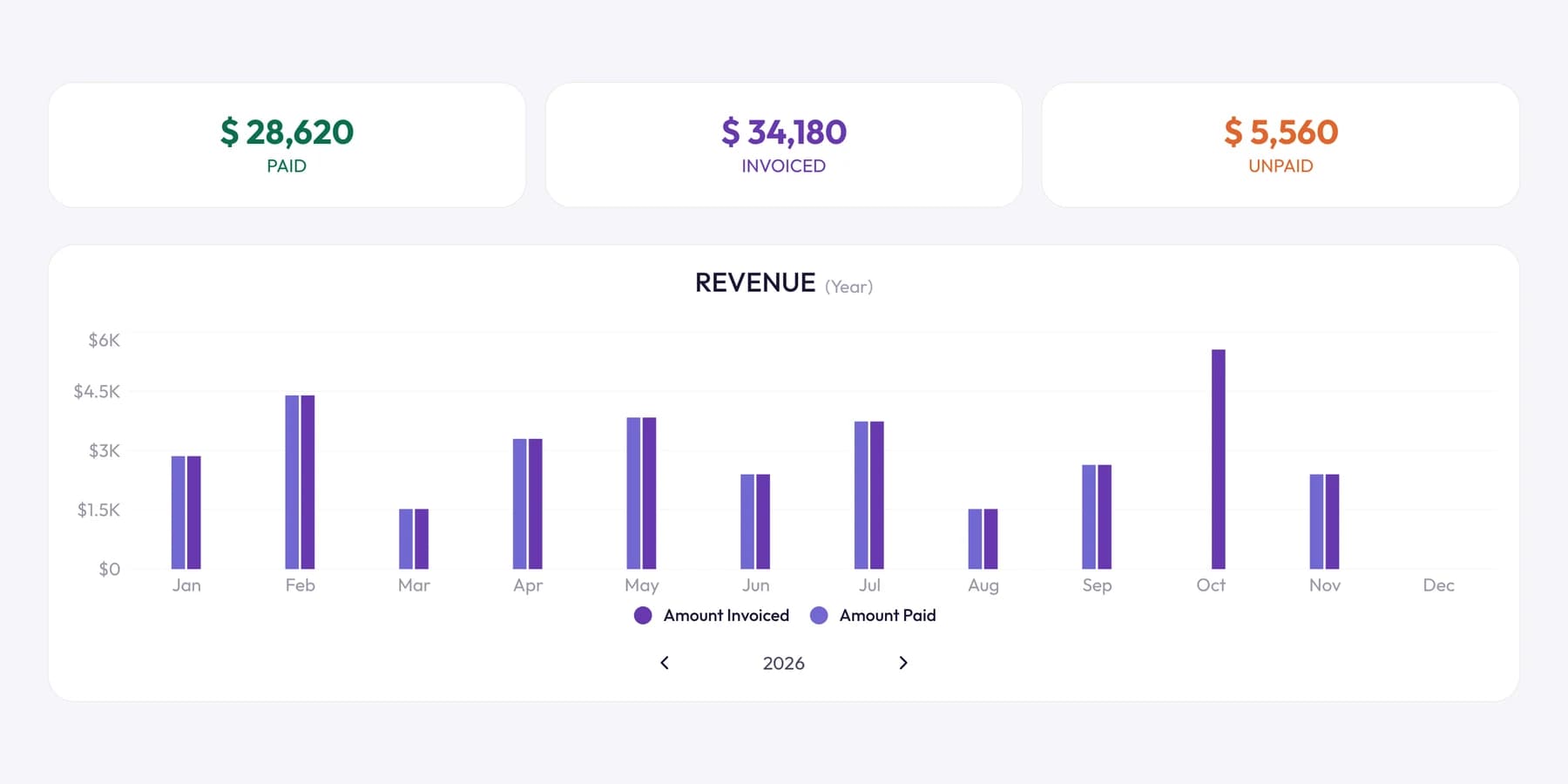
Every invoice in a series shows up in your invoice list like any other, so you can see what's paid, due and overdue at a glance.
Changing or ending a series
Retainers change. A client pauses for a quarter, or the work wraps up early.
You can delete a single invoice from the series, or delete that invoice and every one after it. Invoices that have already been sent stay where they are, with their status and payments, so your records stay complete.
Frequently asked questions
How often can a recurring invoice repeat in Tristiks Grow?
Every week or every other week on the weekday you choose, or every month on the day of the month you choose. You also set a start date and an end date for the series.
Can I split one invoice into several payments?
Yes. Choose scheduled payments and add each payment with its own amount, send date and terms, for example a deposit now and the balance on delivery.
Can I stop a recurring invoice?
Yes. Delete a single invoice from the series, or delete it together with every invoice after it. Invoices already sent keep their status and payments.
Can clients pay recurring invoices by card or PayPal?
Not yet. Card payments through Stripe and PayPal payments are coming soon. For now, each invoice includes a link to view it and download the PDF, and you mark it paid when the money arrives.
Is there a free trial?
Yes. Every plan starts with a free 14-day trial, and you don't need a credit card to sign up. See pricing for the plans.
Wrap up
Recurring invoices let you set up a retainer or monthly fee once and stop thinking about it: each invoice goes out on its date, and reminders follow up when one is late. They sit alongside everything else in Tristiks Grow invoicing, from invoices built from tracked hours to scheduled payments.
See the full tour on the recurring invoice software page, and schedule your first one today.
Category: Product
Suraj Rao
Suraj Rao is the founder of Tristiks, the team behind Tristiks Grow and its desktop time tracker OneTrack. He writes about time tracking, client work and getting paid, and about DevOps, cloud and AI from years of building software.