Moving a Client Off Upwork or Fiverr: Rules, Fees and Steps
 By Suraj Rao11 min read
What You'll Learn
- Upwork lets a client you met there work with you directly if the client pays its conversion fee (13.5% of a year's estimated earnings in the first two years) or the relationship is older than two years. Fiverr's rules don't offer a way out at all.
- In our worked example, the fee pays for itself in about a year for a full-time client and about two years for a half-time one, so run your own numbers before asking.
- Off the platform, nobody holds the money or settles disputes for you, so put a signed contract, a deposit, milestones, clear payment terms and your own time records in place first.

You can move a client off Upwork without breaking its rules, but only in a few ways: the client pays Upwork's conversion fee, the relationship is more than two years old, or the client was already yours before Upwork. On Fiverr, there's no equivalent route. Its rules ban taking business you found there off the platform.
Both platforms say breaking these rules can get your account permanently suspended, so do it openly and by the book. This post covers when moving is allowed, the fee math, how to raise it with your client, what you need to replace once the platform is gone and a checklist for the switch.
This is general information, not legal advice. Both platforms change their terms, so check the current versions, linked below, before you act. Everything here was checked in November 2026.
When moving a client is allowed, and when it isn't
Upwork: the two-year rule and the conversion fee
Upwork's Terms of Service include a non-circumvention rule: when a client finds you through Upwork, the work and payments for that relationship must stay on Upwork for 24 months. Its support pages say taking a relationship off Upwork without paying the conversion fee breaks the Terms of Service and can lead to permanent account suspension.
Upwork lists a few ways to move legitimately:
- The client pays the conversion fee. The fee used to be called the opt-out fee. The client starts the conversion from their side of Upwork, and the fee must be paid before any payment happens outside Upwork.
- The relationship is more than two years old. Upwork's help center says only a small fee applies once a contract began more than two years ago, shown during the conversion. Freelancers on Upwork's community forum have reported this as a nominal $1, but check what the conversion screen shows.
- The relationship started outside Upwork. If a client you already worked with moved onto Upwork with you, Upwork's article on why you can't get paid directly treats taking it back off the platform as allowed. Keep proof of the earlier relationship, such as old invoices, emails or a contract, because you may be asked for it.
If you're not sure which applies, ask Upwork support in writing before you move anything, and keep the reply.
Fiverr: no conversion option
Fiverr's Community Standards on off-platform activity say all transactions with Fiverr users must happen on Fiverr, and that bypassing its payment system, including its service fees, breaks the Terms of Service. Its off-platform policy guide also tells users not to share email addresses, phone numbers or messaging apps to do business off the platform. Accounts that break these rules risk permanent suspension.
We found no conversion fee, buyout or time limit after which a Fiverr buyer can be moved off the platform. So the honest answer for Fiverr is: a client you met there stays a Fiverr client. If you think your situation is different, for example the client knew you before Fiverr, ask Fiverr support before you do anything.
The fee math: when paying the conversion fee beats staying
What the conversion fee is
According to Upwork's help article on the conversion fee, the fee for a relationship under two years old is 13.5% of your estimated earnings for a year, worked out as a full-time year of 2,080 hours (52 weeks × 40 hours):
Conversion fee = 13.5% x hourly rate x 2,080 hoursThe hourly rate it uses depends on the contract. For an hourly contract it's the rate agreed with that client; for a fixed-price contract it's the rate on your profile. Upwork's own examples: $30 an hour gives a fee of $8,424, and $50 an hour gives $14,040.
Upwork also describes a discount based on the marketplace fees the client paid in the previous 12 months, which can't take the fee below $1,000. Some third-party guides report a $50,000 cap we couldn't confirm, so rely on the figure in the conversion screen.
Note that the fee assumes full-time work, so a client who gives you 10 hours a week pays the same fee as one who gives you 40. And the client pays it, so they have to see a benefit too.
What staying on the platform costs
On Upwork, you pay a freelancer service fee on what you earn. Since 2025, new contracts have a variable fee between 0% and 15%, fixed when the contract starts, as Upwork's guide to whether Upwork is worth it describes. Many freelancers report paying around 10%. Your client also pays a marketplace fee on top of what they pay you, which depends on their plan; see Upwork's pricing page for the current figures.
On Fiverr, you keep 80% of each order: Fiverr's own guide to Fiverr vs Freelancer describes a flat 20% commission on every sale, tips included. Buyers pay a separate service fee on top.
Worked example: two Upwork clients
These numbers are made up for illustration. Swap in your own.
Assumptions:
- Your rate is $40 an hour on an hourly contract.
- Your freelancer service fee on the contract is 10% (use your real contract's rate).
- The client's marketplace fee is 5% (it varies by plan).
- Off the platform, you'll pay about 1% in transfer and conversion costs, plus about $144 a year for invoicing and contract software.
- The relationship is under two years old, so the full fee applies: 13.5% × $40 × 2,080 = $11,232.
| Client A: 20 hours a week | Client B: 40 hours a week | |
|---|---|---|
| Hours a year | 1,040 | 2,080 |
| Billed a year | $41,600 | $83,200 |
| Your service fee (10%) | $4,160 | $8,320 |
| Client's marketplace fee (5%) | $2,080 | $4,160 |
| Platform fees a year, both sides | $6,240 | $12,480 |
| Your costs off the platform | $560 | $976 |
| Saved a year by moving, both of you | $5,680 | $11,504 |
| Conversion fee | $11,232 | $11,232 |
| Time for the fee to pay for itself | About 24 months | About 12 months |
For Client B, the fee pays for itself in about a year. For Client A, it takes about two years, right around when the two-year rule would have ended anyway. So:
- Converting makes sense when the client gives you close to full-time hours, the relationship is well under two years old, and you both expect it to last well beyond the payback time.
- Waiting makes sense when the relationship is already close to two years old. If you're 20 months in, four more months of fees almost always cost less than the conversion fee.
- Staying makes sense for small or uncertain clients. Paying $11,000 to save $5,000 a year only works if the client stays.
How to raise it with your client
Raise it openly, in Upwork's own messages, and make it about what the client gets: no marketplace fee, and one contract and one invoice a month. Never ask a client to pay you outside the platform before the conversion is done.
The conversion fee is the client's cost, so be ready to discuss it. If you're keen to move, you could offer to keep your rate unchanged for a year or share part of the saving, agreed in writing.
Here's wording you can adapt:
Hi Sam, we've worked together for about 14 months now and I'd like to
keep going for the long term. Would you consider converting our
contract through Upwork's conversion option? You'd pay Upwork a one-off
fee, and after that we'd work directly: no marketplace fee on your
side, one monthly invoice and a written contract between us. Happy to
go through the numbers on a call. If it doesn't suit you, we'll carry
on here as usual.
If the client says no, carry on as before.
What the platform gave you that you now need to replace
Upwork and Fiverr do a lot of admin quietly: the contract, holding payment, invoicing, currency conversion, time records and dispute handling. Once you move, all of that becomes your job.
A written contract
On the platform, its terms served as your contract. Off it, you need your own: a short proposal confirming scope and rate, then a contract covering payment terms, deposits, late fees, ownership of work, confidentiality and how either side can end it. Our guide on what to include in a freelance contract goes clause by clause. Get it signed before any work happens off the platform, even after a year together.
Payment terms and deposits
Upwork's fixed-price contracts are funded before work starts. Off the platform, nobody funds anything unless you ask. Write payment terms that say when invoices are sent, when they're due (Net 7 or Net 14 is common for monthly work), in what currency and by what method. Ask for a deposit on new projects, or bill ongoing work as a retainer paid in advance. Our guide on how much deposit to ask for covers the usual percentages.
Invoicing and getting paid internationally
The platform used to bill the client and pay you. Now you send your own invoices, with a unique number, line items, currency, payment terms and payment instructions. For a client abroad, decide which currency you bill in and who pays transfer fees; common options are an international bank transfer or a money transfer service that gives you local account details in the client's currency. Our guide to invoicing international clients covers currencies, fees and tax basics. If you're in India, read how to receive international payments in India for the documents your bank may ask for. Tax rules on invoices depend on where you and your client are, so check with an accountant; this isn't tax advice.
Proof of hours
On Upwork, hourly work is usually logged in its desktop app, and its hourly payment protection relies on that log. Off the platform, you need your own records of what you worked on, when and for how long, in a form you can attach to each invoice. Agree up front what the client will see: hours by task, a detailed time log, or screenshots too. If your client valued Upwork's Work Diary, our guide to Upwork time tracker alternatives compares tools that offer something similar.
Dispute protection
This is the biggest thing you give up. Off the platform, there's no payment protection or dispute process, so your protection is what you put in place yourself:
- A signed contract that states the scope, rates and payment terms.
- A deposit before new work, and milestones on larger projects, so you're never far ahead of what's been paid.
- Short billing cycles, monthly or fortnightly, to keep your risk small.
- Late fees, written into the contract. Our post on late fees on invoices shows how to set them.
- A stop-work clause: if an invoice is a set number of days overdue, work pauses until it's paid.
- Records of the contract, invoices, time logs and approvals, in one place.
Step-by-step: moving a client off Upwork
- Check eligibility. Find when your first contract with this client started: inside two years, past it, or a client from before Upwork?
- Run the numbers with your real rate, hours and service fee. Decide whether to convert now, wait or stay.
- Raise it in Upwork's messages. Don't move payments or share contact details to get around the platform.
- The client converts the contract and pays the fee through Upwork. Save the confirmation.
- Send a proposal and contract covering scope, rate, currency, billing cycle, deposit, late fees and the time records you'll share. Get it signed.
- Set up getting paid. Put your bank or transfer details on your invoice template.
- Track every hour from the first day off the platform, in the detail the client is used to.
- Finish on-platform work cleanly. Let open milestones or the last hourly week settle on Upwork first, so nothing is billed twice or missed.
- Send the first invoice on the agreed date with the time report attached, and follow up if it's late.
- Review after three months: are you paid on time, and was the move worth it?
How Tristiks Grow helps
Tristiks Grow covers the admin a platform used to handle:
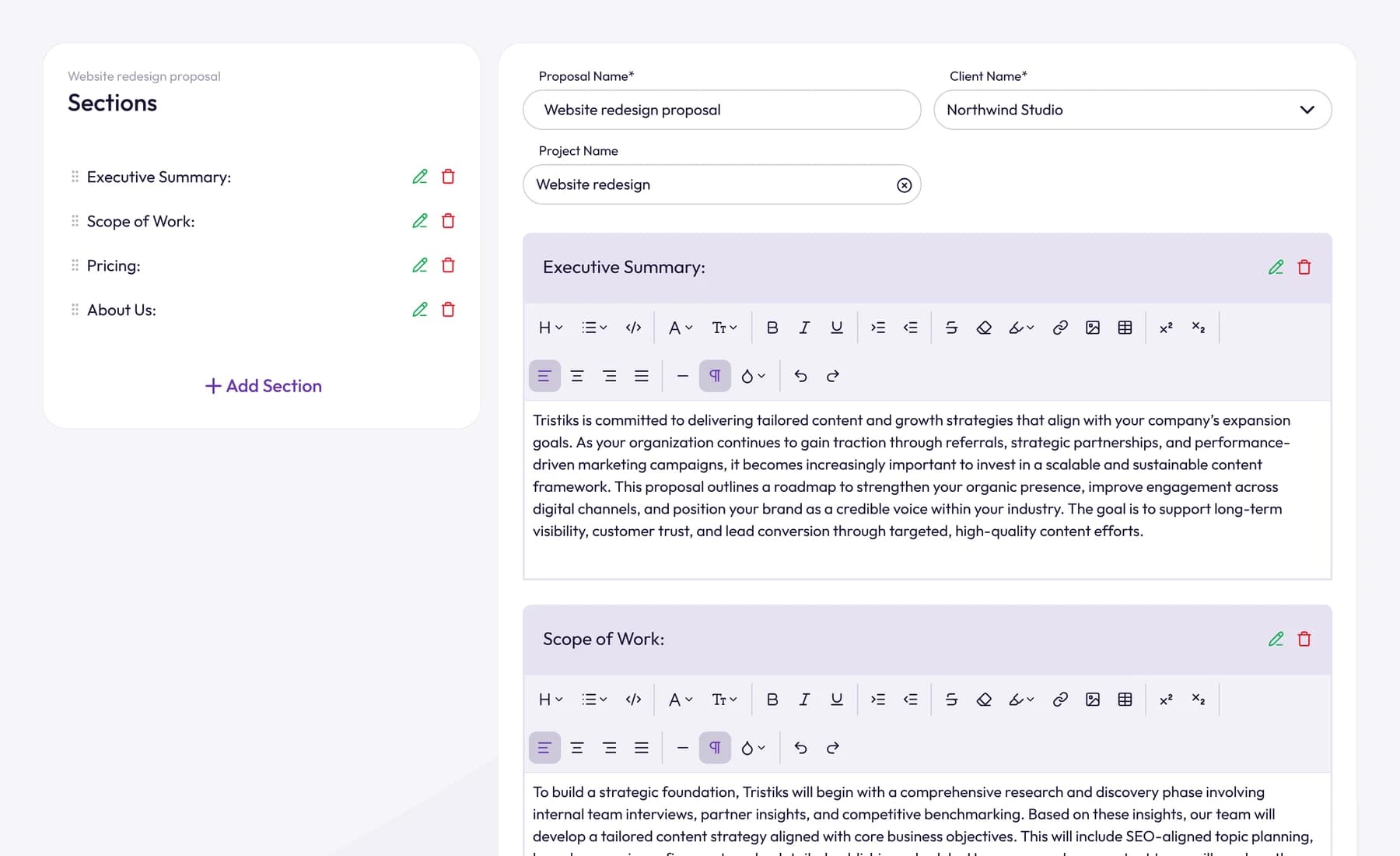
- Proposals and contracts from templates, with a pricing table in the client's currency. The client signs online by typing their name, and a draft invoice can be created automatically on signing, ready for the deposit.
- Invoicing: branded invoices in multiple currencies, built from tracked hours at the client's rate, with payment terms and your payment instructions. Split one job into instalments for deposits and milestones, or set up recurring invoices for retainers.
- Payment reminders: automatic reminders 3 days before an invoice is due, on the due date and 7, 14 and 30 days late.
- Proof of hours: the OneTrack desktop app for macOS, Windows and Linux, with optional screenshots and activity levels. It never records the keys you press or the sites you visit. Attach a PDF time and activity report to the invoice email.
Plans start at $12 a month with a 14-day free trial, no credit card needed. See pricing for details.
Frequently asked questions
Can I move a client off Upwork after two years?
Yes. Upwork's help center says that once a contract began more than two years ago, only a small fee applies, shown during the conversion. The client still goes through the conversion, so it's on record.
Can I give a Fiverr client my email address?
Not to do business off the platform. Fiverr's rules ban sharing contact details for that purpose, and we found no conversion option for Fiverr clients.
What if my Upwork client asks to work outside Upwork?
Explain the rule and suggest the conversion option. Clients are bound by the same terms.
Wrap up
You can move a long-term client off Upwork through the conversion fee, after two years, or if they were your client before Upwork. Fiverr offers no way out. Check the fee pays for itself, then rebuild what the platform gave you: a signed contract, deposits and milestones, clear payment terms, proper invoices and your own time records.
To send a contract your client signs online and turn it straight into a draft invoice, try Tristiks Grow's proposal and contract software free for 14 days.
Category: Freelancing
Suraj Rao
Suraj Rao is the founder of Tristiks, the team behind Tristiks Grow and its desktop time tracker OneTrack. He writes about time tracking, client work and getting paid, and about DevOps, cloud and AI from years of building software.